
MCP server for Cursor
Winning ads Cursor can search for you
Bring real ads into the files you are writing copy in. 37,361+ real Facebook and Instagram ads, searchable from Cursor.
Add to ~/.cursor/mcp.json (or your client's MCP config):
{
  "mcpServers": {
    "adswipefile": {
      "url": "https://adswipefile.com/api/mcp"
    }
  }
}Then sign in when Cursor prompts you.
Free: 50 MCP/API calls a day and the first 20 ads of every list. No card.
Your AI agent
adswipefile connected
Show me 3 ads from AdSwipeFile I can swipe for my launch.
adswipefile · list_ads · 3 results
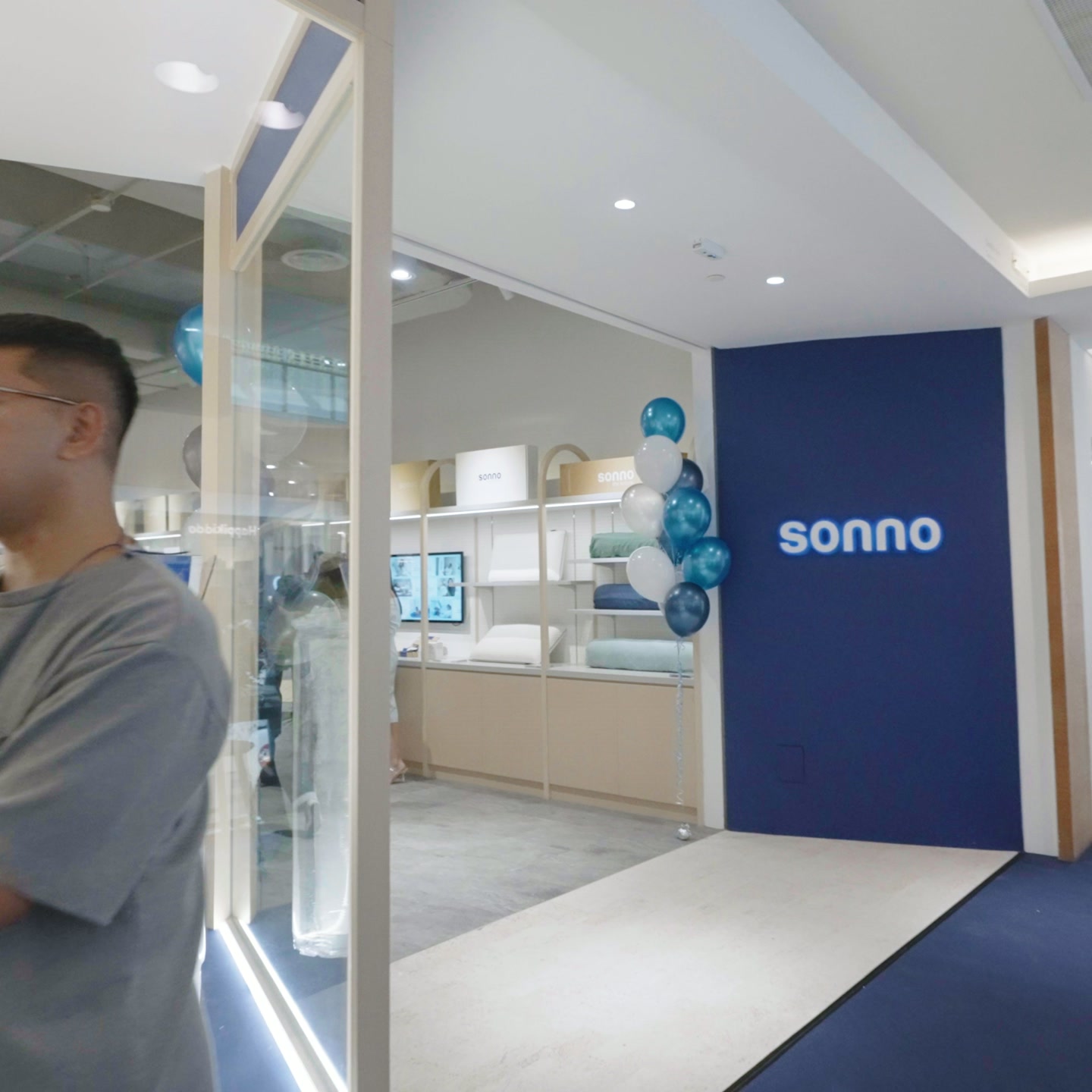 SonnoRetail / Marketplace · Lifestyle Integration
 SonnoRetail / Marketplace · Product Demo
 SonnoRetail / Marketplace · Lifestyle Integration
Here are 3 ads from the library, each linked to the full ad.
How it works
1
Add the server
Add https://adswipefile.com/api/mcp with the steps above. Agents that run commands can do it themselves from the setup prompt.
2
Sign in once
Your agent opens AdSwipeFile in the browser. Sign in with a free account and approve read access. There is no API key.
3
Ask in plain words
Name a product, a niche, a format or a brand. Your agent searches the library and links every ad it cites.
Try these prompts
Find 5 recent Testimonial ads on AdSwipeFile and use their structure to write the copy for the pricing section in this repo.Search AdSwipeFile for Limited-Time Offer ads in Food / Beverage and draft a promo banner component's copy from the three clearest ones.List the ads I saved on AdSwipeFile and add their links and hooks to docs/inspiration.md.On Free your agent reads each ad's brand, niche, format and a description of its visual. The ad's copy, and the hook in it, comes with Starter and Growth.
What your agent can do
Search the library
search_libraryFind real Meta (Facebook and Instagram) ads for ad inspiration, hooks, angles, competitor research or a swipe file. Keyword search across ads, brands, niches and formats. Matches whole words in each ad's copy and in a description of its visual (so "screenshot" or "before after" work); only ads holding every word come back when there are any, else ads holding some (`match` says "all", "partial" or "none", with a `hint`). When no ad holds every word as written, a last word of 4+ letters is also read as a word start ("cust" finds customer; the `hint` says so). When nothing matches at all, misspelt words are corrected to the closest words the library's names and ads use and searched once more; `corrected_query` then says what was searched. Use 1–3 English product or format words; long phrases match little. Returns each hit's type, slug or id, and page URL. Start here when you have a product, brand or idea rather than an exact slug; when `match` is "none", follow the `hint`: it names a matching niche or format, or says the library has nothing on it.
List ads
list_adsBrowse real ads, newest first, optionally filtered by brand (a competitor's ads), niche and format slug, or by the standard tags: `visual_format` (list_visual_formats), `hook` (the hook tactic, list_hooks), `season` and `offer_type`, or by `status` (`running` or `ended` on Meta), or by `type` (`static`, `video` or `carousel`). Ads the library has not tagged yet never match a tag filter. Without a brand filter a page keeps a few ads per brand so one advertiser cannot fill it; filter by brand for all of one brand's ads. Filtered by brand, the first page also carries `brand_patterns`: per kind the brand has ads of (static, carousel, video), how many are read, the share of read ads with each trait, the most common structure, the top visual format and hook tactic (and for videos the median second the product is first seen and the commonest setting); below 5 read ads of a kind, only the counts and a note. When the account's plan does not include brand patterns, each kind has its counts, its brand page `url` and a `note` saying so. Ads tracked on Meta carry `run` (started, last_seen, running, days_running, landing_page; `running` holds as of `last_seen`, the last day a pull saw it); `sort: "longest_running"` lists those by the longest run, the usual proxy for an ad worth studying (it is not performance data). Paginate with the returned `nextCursor`; when the account's plan does not include every ad of a list, it stops at its first 20 ads, with no `nextCursor` and a `note` saying so. On a plan with every ad of a list, a page counts one call per 10 ads asked for against the allowance (`limit`: 50 counts 5), so ask for the page you need.
Get an ad
get_adOne ad in full: copy, audiences, brand, niche, formats, its standard tags (visual formats, hook tactic, hook line, asset type, offer type, season, talent; null when not tagged yet), image URL, page URL, `run` (Meta start date, last day seen, running, days running, landing page) when the ad is tracked on Meta, `meta` beside it (platforms, button text, Meta format, variants, and `brand_median_run_days`, the median run of the brand's tracked ads, when it has at least 5; each only when the ad has it), and `why_it_works`: a short note on how the ad is built, the mechanism of its hook, format, offer and talent from its tags, plus its run when its brand kept it going a month or more (null when it has neither), never a claim about its results; and `breakdown` once the ad has been read (null before): `kind` (static, carousel or video), `units` (each layer, card or scene with its visual format, the first with the hook tactic, what it shows and the words on the creative, plus what is said in the first 3 seconds), `message` (problem, promise, ask, feel, tone), `traits`, `structure` and `structure_line`, `remix` (a fill-in script from the structure) and `provenance`. When the account's plan does not include ad breakdowns, the breakdown has `kind`, `message`, `traits` and `provenance`, with `units_omitted` (how many units) and a `note` naming the ad's page in place of the units, structure and remix. Lines said after the first 3 seconds come as `locked_lines` only on plans with transcripts; otherwise `locked_lines_omitted` says how many were left out. A breakdown says how the ad is built, never that it worked.
Get several ads
get_adsUp to 10 ads in full in one call, each in the shape get_ad returns (copy, audiences, brand, niche, formats, standard tags, image URL, page URL, `run`, `meta`, `why_it_works`, `breakdown`). Use it instead of repeated get_ad calls when reading the ads a search or list returned: one round trip, though each ad counts as one call against the allowance. Ids the library lacks come back under `missing` (`malformed` for an item that is not an ad id at all), and the rest still return.
List brands
list_brandsEvery brand in the library, optionally only one niche's. Each brand comes with updated: the day (YYYY-MM-DD) its Meta ads were last checked for new ones, or null when they have not been.
List niches
list_nichesEvery niche (industry) ads are filed under.
List formats
list_formatsEvery ad format (UGC, before/after, testimonial, …) ads are tagged with: the values of list_ads `format`. The standard visual formats are in list_visual_formats.
List visual formats
list_visual_formatsEvery standard visual format (testimonial, screen recording, us vs them, …) that ads in the library carry, with a one-line description. An ad has up to three. Pass a slug to list_ads as `visual_format`.
List hook tactics
list_hooksEvery hook tactic (curiosity, social proof, myth busting, …) that ads in the library carry, with a one-line description: the device the first frame or the headline uses to earn attention. Pass a slug to list_ads as `hook`.
List my saved ads
list_saved_adsThe ads you saved on the site, newest first, then the competitor ads saved from brands you follow (`tracked_ads`). Each comes with your team's note on it and the boards it is on, with each board's note: the reader's own reasons for keeping it.
List new ads from brands I follow
list_followed_adsThe brands and Facebook pages you follow on the site, and their newest Meta ads, newest launch first: competitor ads as they go live. Each followed brand comes with its library slug when it has one (use it with list_ads for its filed ads) and its tracking page URL. Empty when the account follows nothing; the result then says where following is set up.
For AI agents
Setup steps written for the agent itself. Agents can also read llms.txt and skill.md.
If you are an AI agent setting up AdSwipeFile for your user:

1. Add the MCP server https://adswipefile.com/api/mcp (streamable HTTP, OAuth).
   Add to ~/.cursor/mcp.json (or your client's MCP config):
     {
       "mcpServers": {
         "adswipefile": {
           "url": "https://adswipefile.com/api/mcp"
         }
       }
     }
   Then sign in when Cursor prompts you.
2. When the browser opens, ask your user to sign in with a free AdSwipeFile account and approve.
3. Check the connection: call list_niches.
4. For an idea or a product, start with search_library. For a niche, brand or format, use list_ads with its slug. Read one ad with get_ad, or several with get_ads (one round trip).
5. Link each ad's page URL when you cite it. The library holds no spend or results data: never state an ad's results.FAQ
- How do I add AdSwipeFile to Cursor?
- Add to ~/.cursor/mcp.json (or your client's MCP config): `{ "mcpServers": { "adswipefile": { "url": "https://adswipefile.com/api/mcp" } } }`. Then sign in when Cursor prompts you. Or paste the setup prompt into Cursor and it adds the server itself.
- Is it free?
- Yes, to start. A free AdSwipeFile account includes the MCP server with 50 MCP/API calls a day and the first 20 ads of every list. Paid plans add every ad, its copy and more calls.
- Can my agent change anything?
- No. Every tool is read-only: it searches and reads the library and lists the ads you saved. It cannot post, buy or save on your behalf.
- Where do the ads come from?
- AdSwipeFile is a curated collection of 37,361+ real Facebook and Instagram ads, filed by brand, niche and format. It is not a live feed of Meta's Ad Library, and it holds no spend or performance data.