
AdSwipeFile: Winning Facebook and Instagram ads, saved for good
The Meta Ad Library can't keep an ad once it's taken down. Here every ad keeps its creative, filed by brand, niche and format. Search them yourself, or ask Claude or ChatGPT to pull them for you.
7-day free trial. Cancel anytime.
The library
Winning ad examples
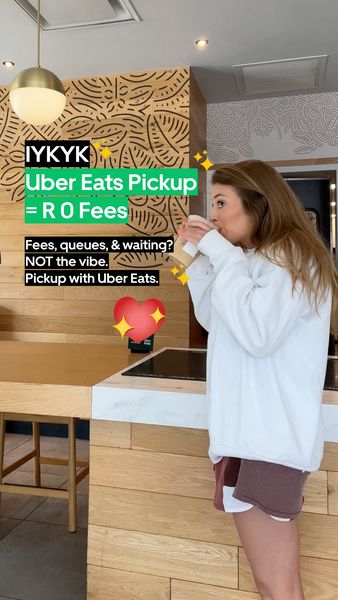
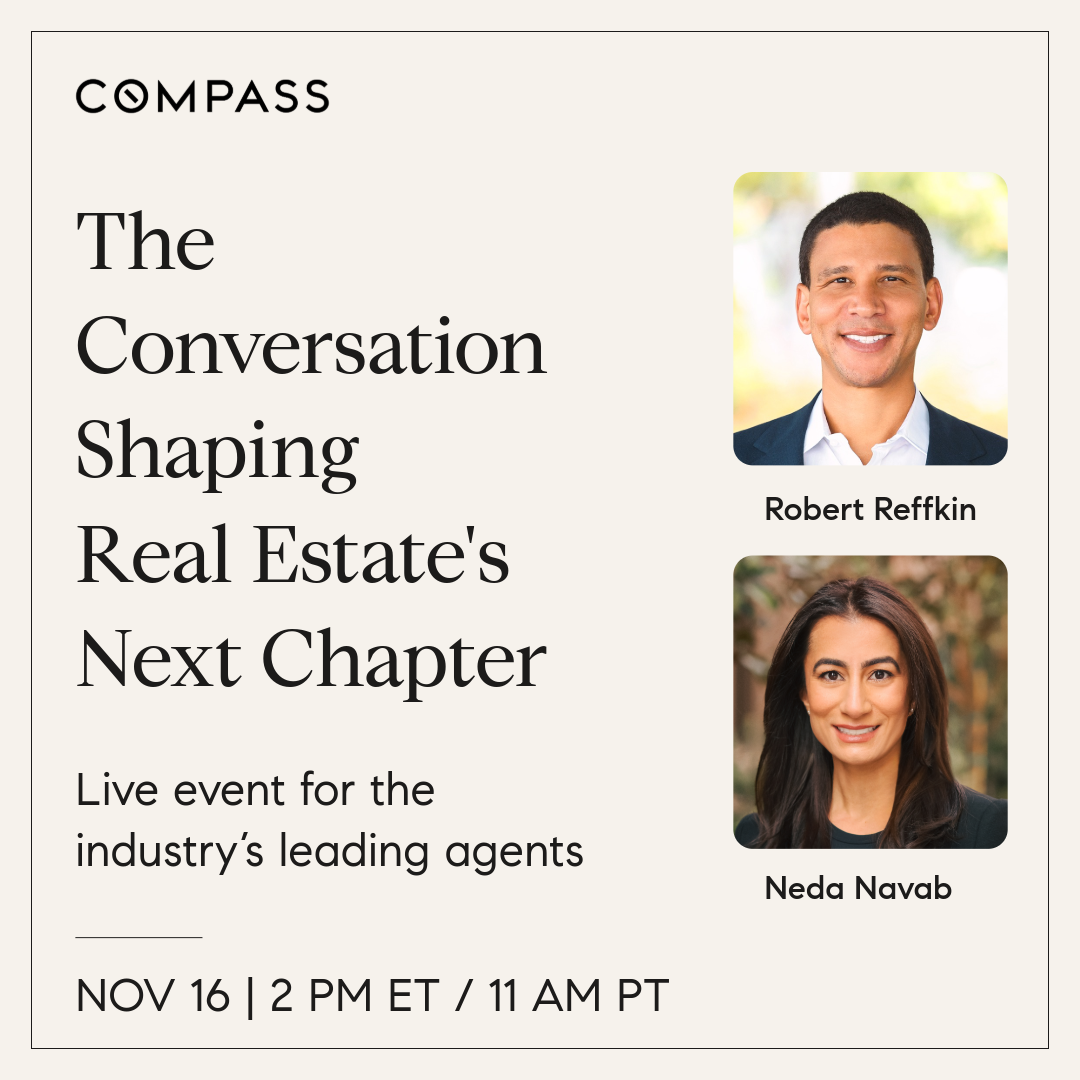
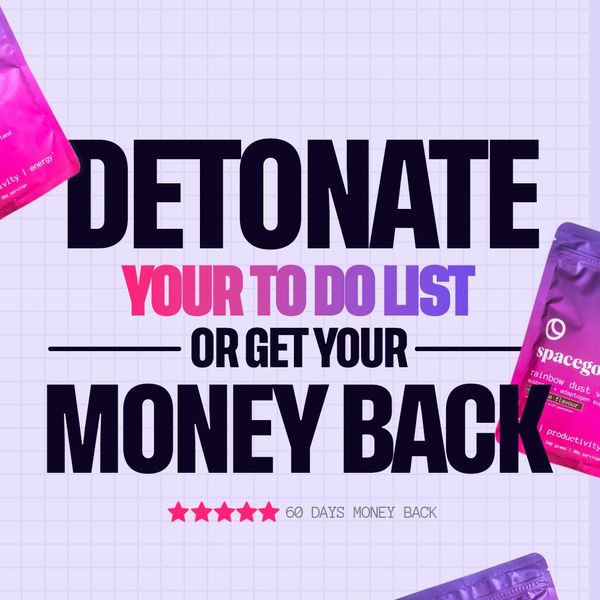
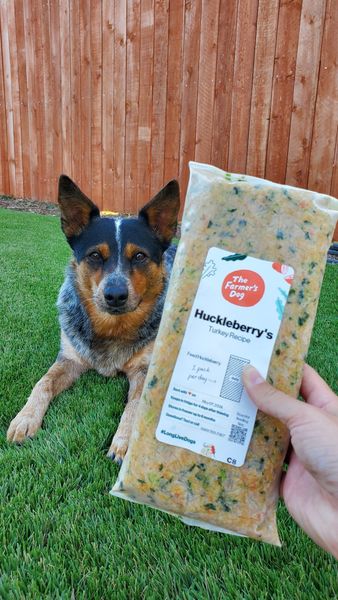
Real Facebook and Instagram ads, filed by brand, niche and format. A new mix every day.
Niche
Hook
Brand
Status
SortShuffled
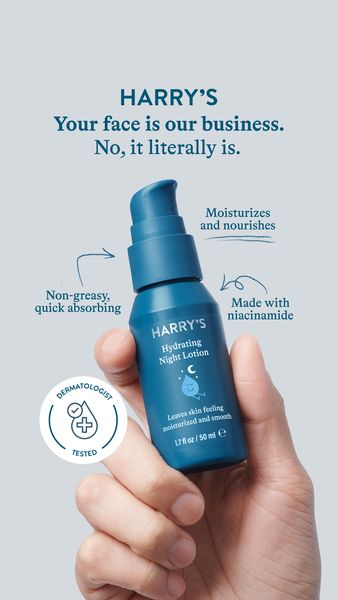
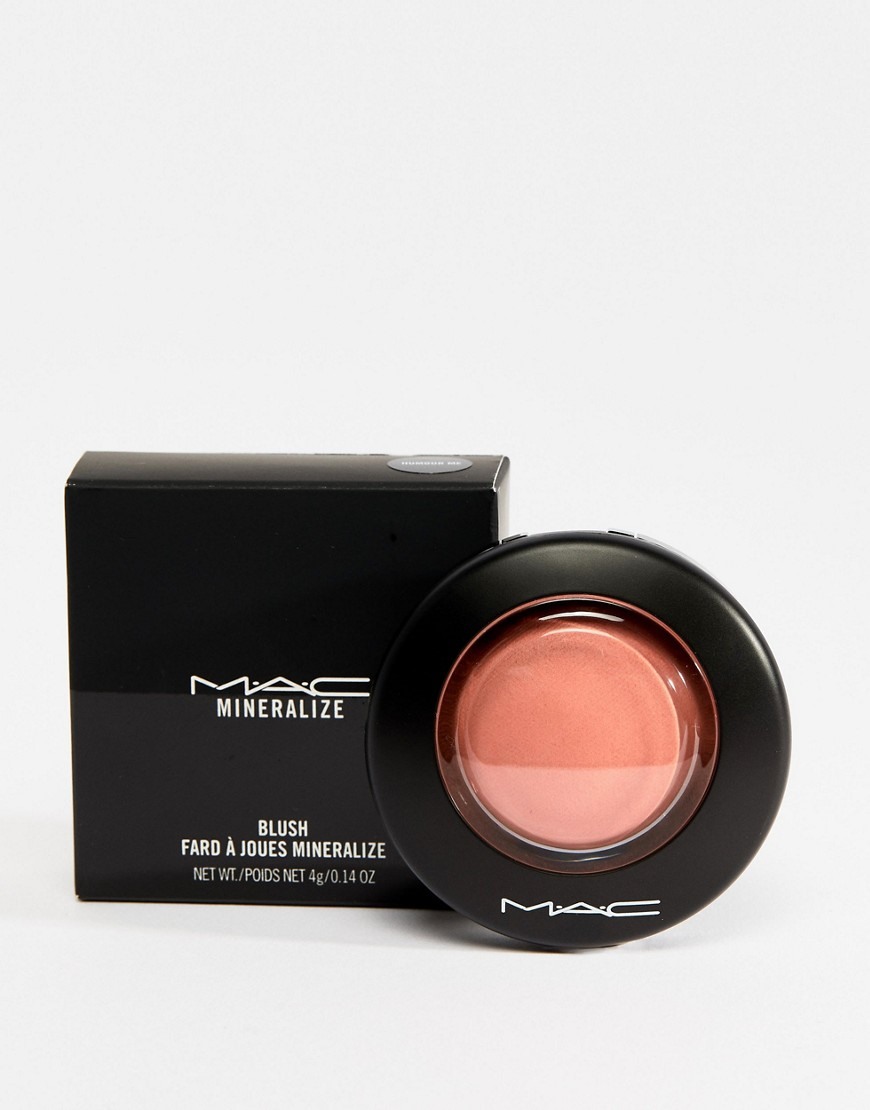
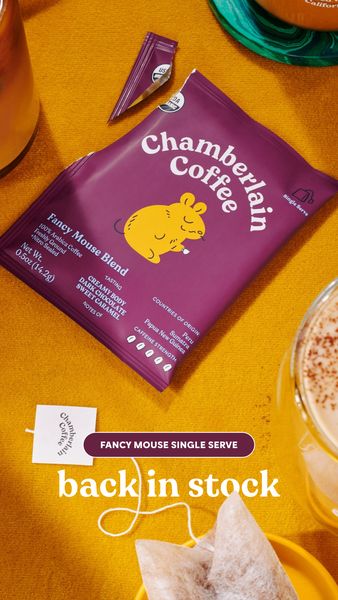
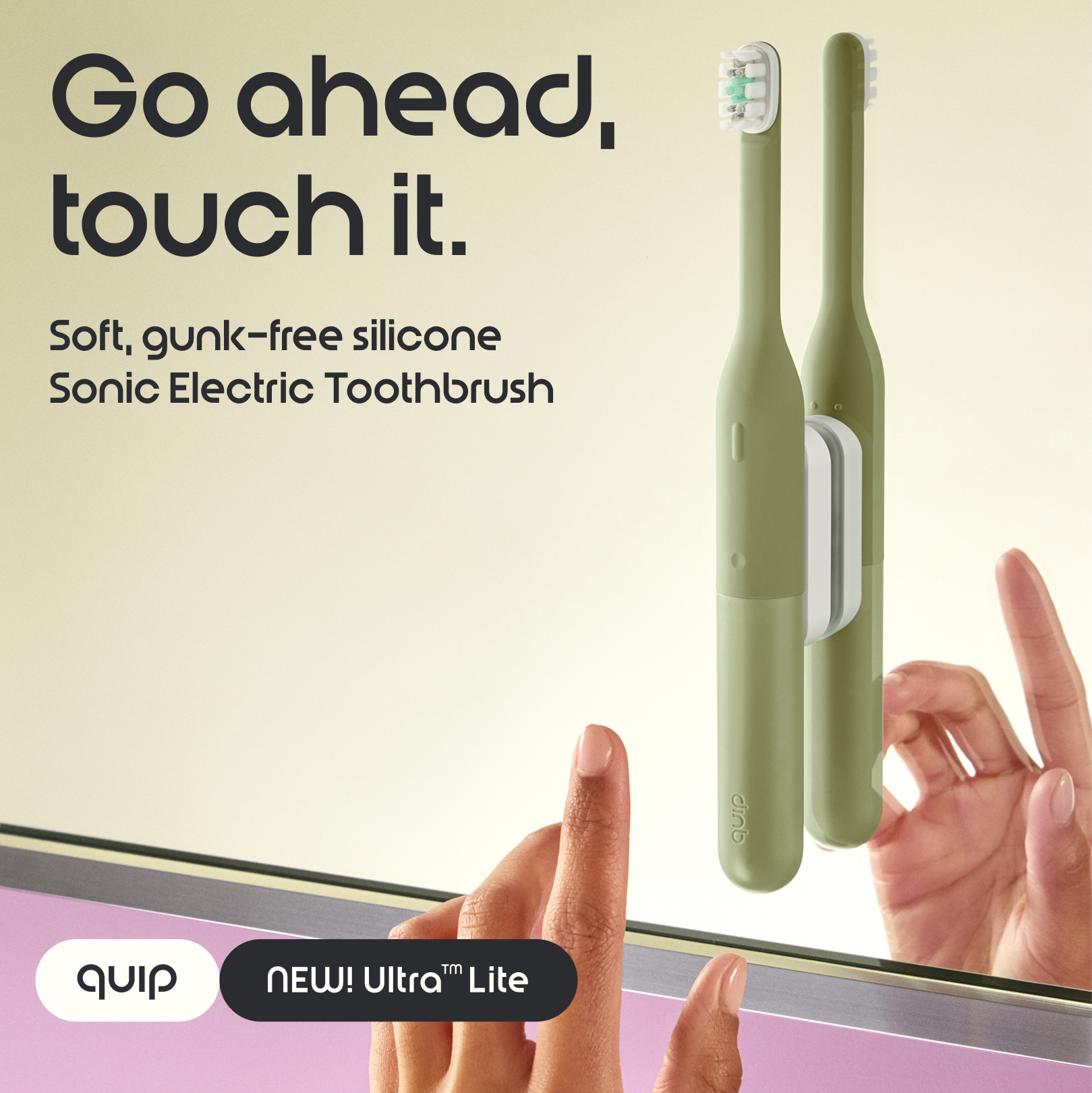


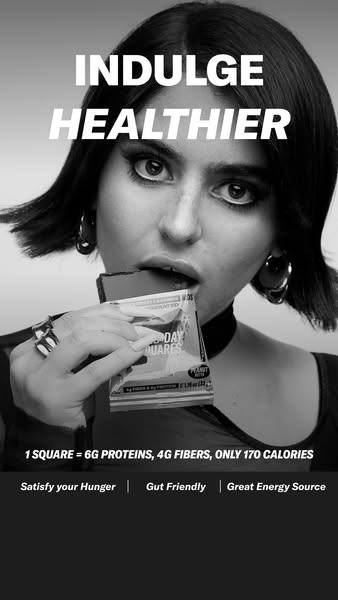
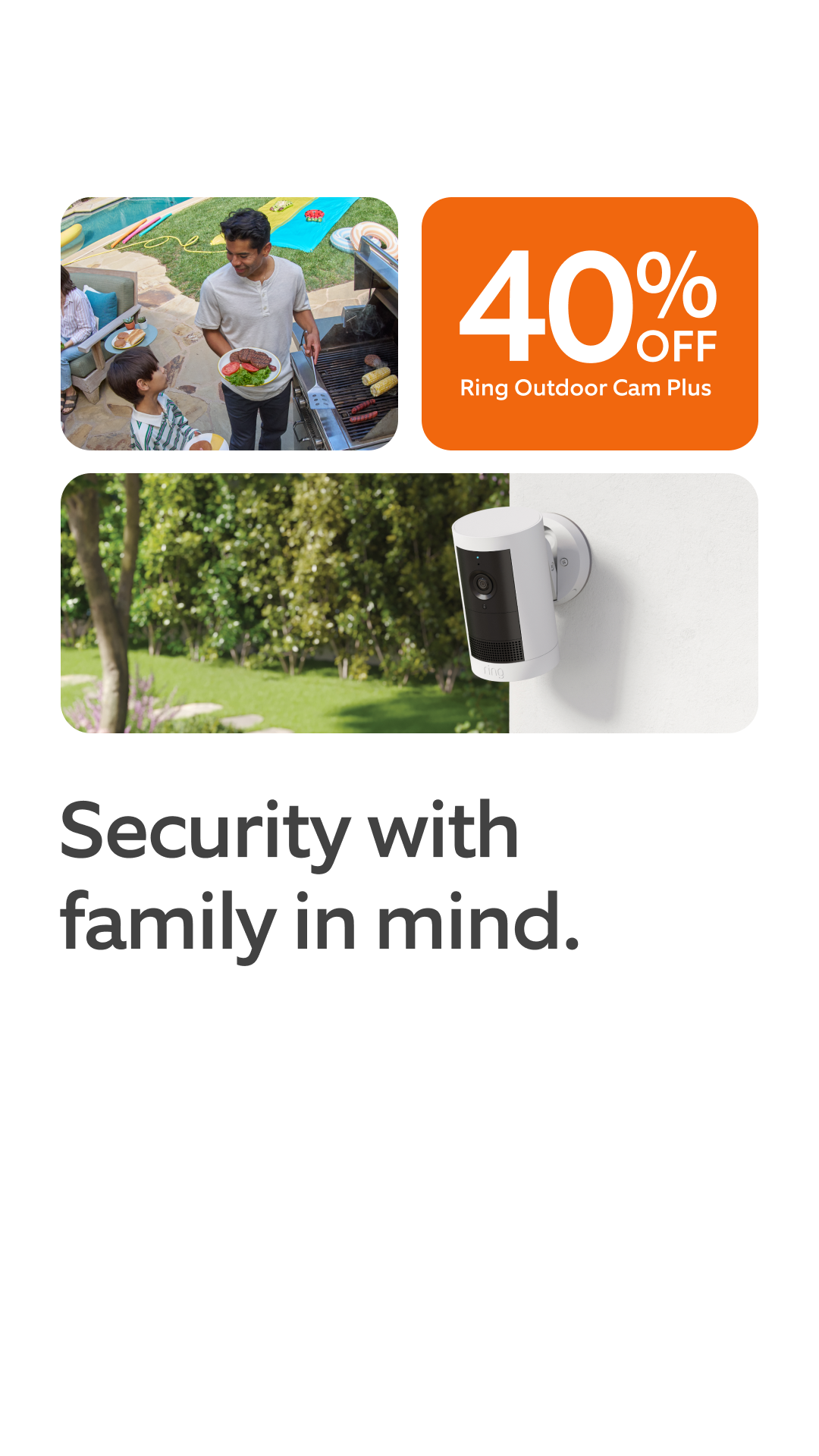
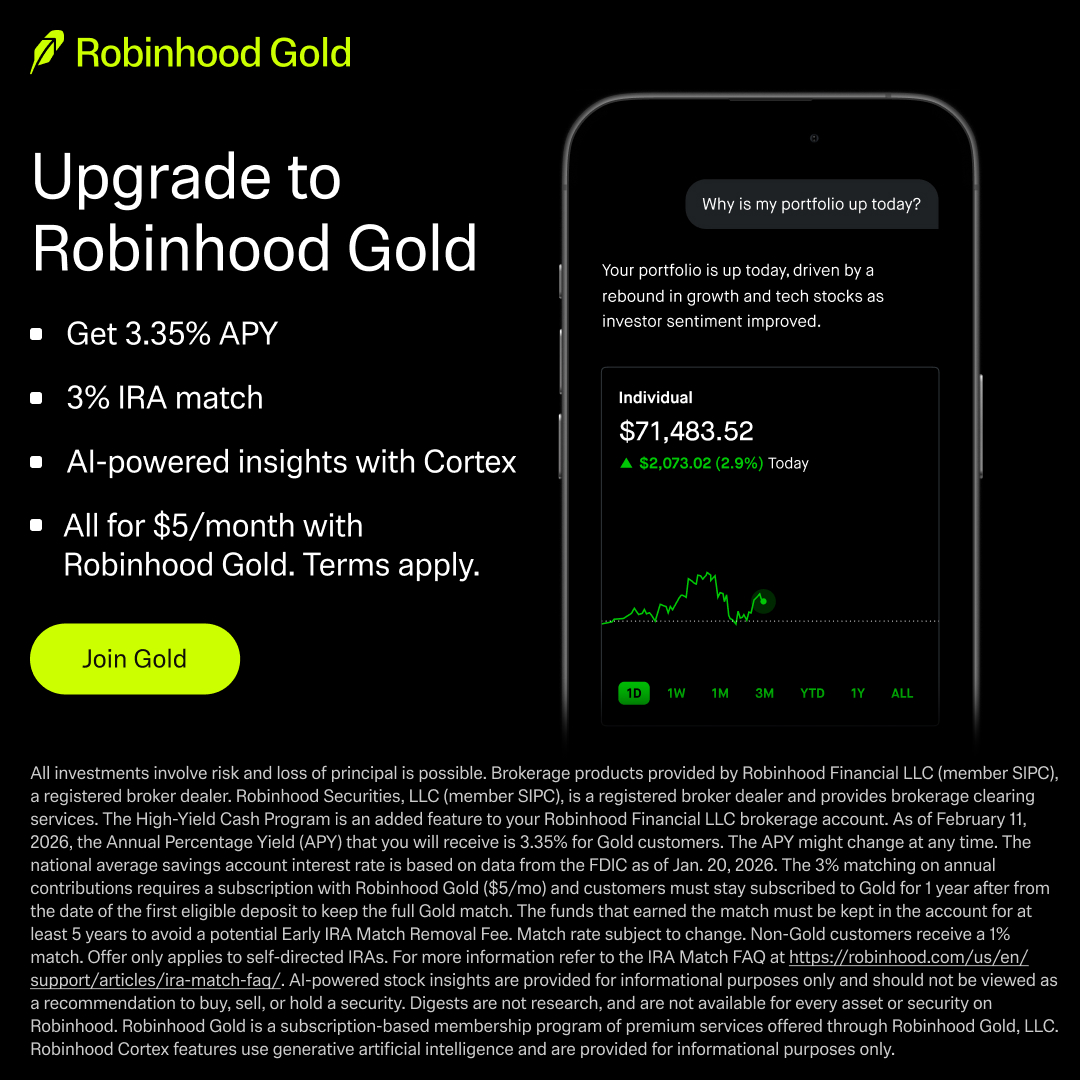
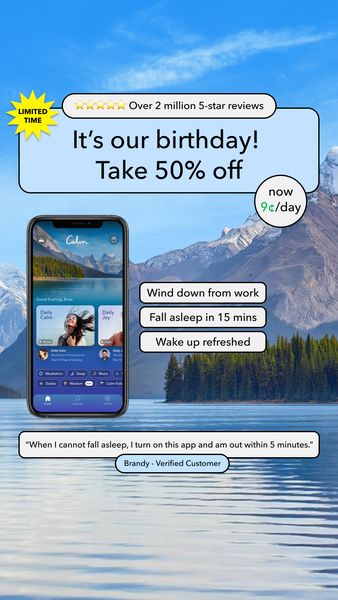


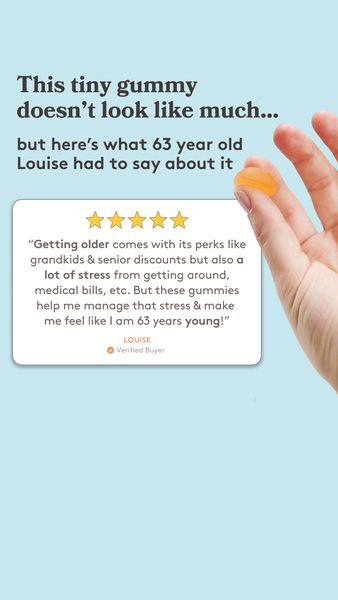
For you and your team
Search it, ask your agent, or call the API
One library behind all three. Your team shares one plan, its MCP and API calls, saved ads and boards, with no seat limit.
01 · On the site
Search the library
Press ⌘K on any page and type a brand, a product or an idea. Search reads each ad's name, copy and a description of its creative, then groups brands, niches, formats and ads.
02 · In your AI agent, over MCP
Ask your agent
Connect Claude, ChatGPT or Cursor once, free on every plan. Ask in plain words: your agent searches the library and links every ad it cites.
Example: an AI assistant asks AdSwipeFile for recent ads over MCP and gets real ads back. Your AI agent
adswipefile connected
Show me 3 ads from AdSwipeFile I can swipe for my launch.
adswipefile · list_ads · 3 results
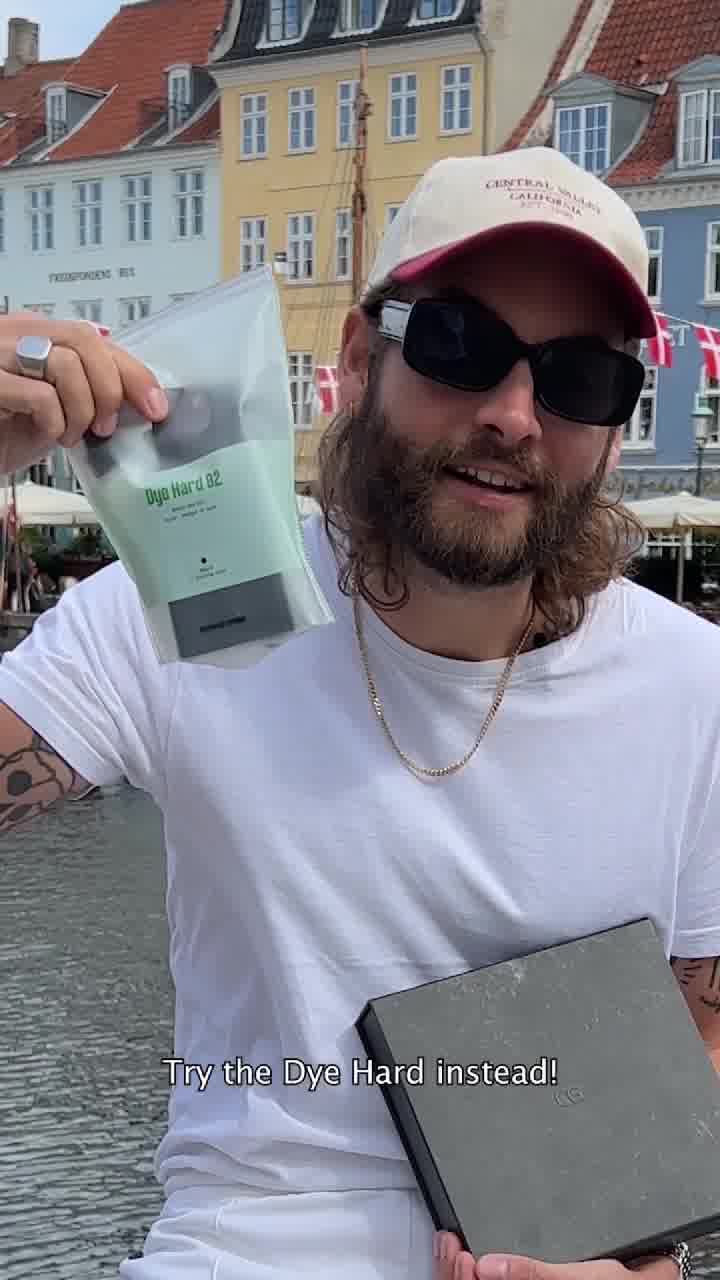 Copenhagen GroomingBeauty / Personal Care · Lifestyle Integration
 VoluspaHome / Garden · Lifestyle Integration
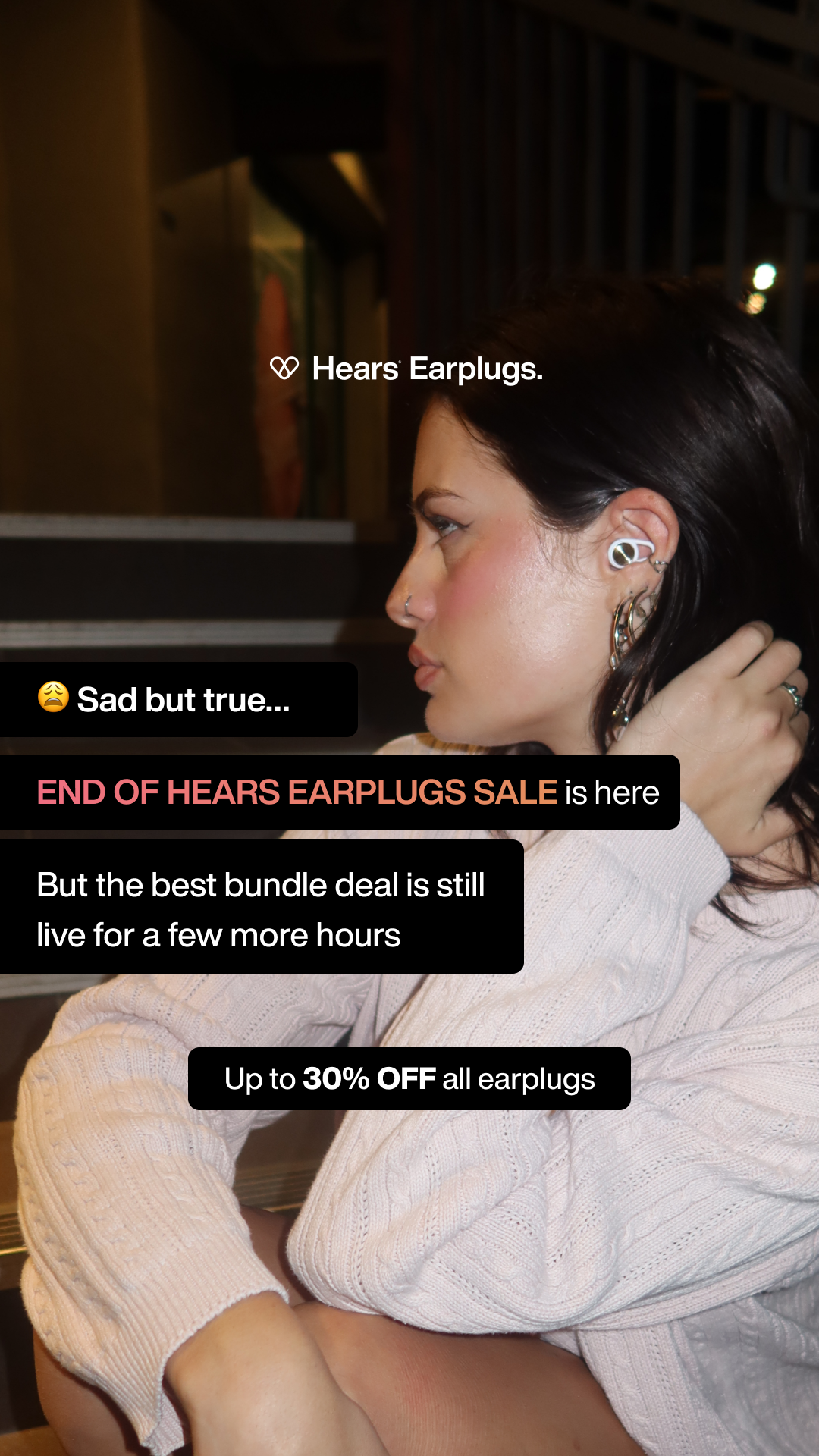 HearsHealthcare · Pain Point
Here are 3 ads from the library, each linked to the full ad.
03 · In your own tools
Call the JSON API
The same sign-in opens /api/v1: search, the newest ads of a list and one ad's card, 60 requests a minute. Calls share your plan's MCP/API allowance.
GET /api/v1/ads?brand=copenhagen-grooming&limit=2
Authorization: Bearer <the token your agent uses>
200 · application/json
{ "ads": [{ "name": "Advertisement by Copenhagen Grooming", "brand": { "slug": "copenhagen-grooming", … }, "niche": { "name": "Beauty / Personal Care", … }, "url": "https://adswipefile.com/ads/c583973b…" }, …], "count": 2, "moreAvailable": true }- Free
- 50 a day
- Starter
- 10,000 a month
- Growth
- 50,000 a month
24 niches
Browse by niche
- Beauty / Personal Care8,225
- Food / Beverage3,635
- Fashion3,591
- Healthcare3,348
- Fitness / Wellness2,868
- Footwear1,636
- Home / Garden1,513
- App / Software1,240
- Consumer Goods1,146
- Pets1,045
- Kids / Baby966
- Jewelry / Watches938
- Retail / Marketplace931
- Travel / Travel Accessories837
- Electronics / Tech799
- Services498
- Education486
- Other464
- Sports / Outdoor384
- Games / Toys376
- Finance / Fintech316
- Automotive285
- Real Estate225
- Local Services196
What is an ad swipe file?
An ad swipe file is an organized collection of ads worth learning from: the hooks, headlines, offers and layouts that other brands have run, saved so you can study them before writing or briefing your own. Marketers have kept swipe files for as long as there has been direct response copywriting. AdSwipeFile is a free, searchable one for paid social, with ad creatives from Meta (Facebook and Instagram), filed by brand, niche and format.
What makes an ad a winning ad?
A winning ad is one its brand kept running on Meta. Brands rarely keep paying for ads that lose, so a long run is the clearest public signal we have, and the ads readers save most add a second one. Nobody outside the brand sees its spend or sales, so a winning ad is a signal worth studying, not proof of results.
How to use this ad swipe file
- Start with your niche. Open the niche closest to your product and read a few dozen ads in a row to see which promises, offers and visuals repeat.
- Switch to formats when you know the message but not the shape. Compare the same idea as a testimonial, a before and after, a comparison or a UGC clip.
- Follow the competitors you watch (Starter and Growth) to see their new ads every week, and how each one varies its creative over time instead of judging one ad on its own.
- Save the ads that stop your scroll, then write down why: the hook, the angle, the proof, the call to action. Saved ads keep their creative here after Meta takes them down, so the reference is still there when you write the brief.
- Adapt the structure, never the words. Borrow the angle and the layout, and rewrite the copy for your own product and customers.
Browse the swipe file
Browse by ad format
- Product Image18,326
- Text Overlay9,566
- Lifestyle Image8,870
- Graphic Overlay1,396
- Model Shot880
- Studio Shot795
- Split Screen692
- Illustration673
- Before and After539
- Collage475
- Feature Benefit Pointout436
- App Mockup427
- Branded Asset381
- Editorial330
- Unconventional Text Placement296
- Headline269
- Flatlay257
- UGC Selfie199
- Certification Badge194
- Text Message153
- Unboxing152
- Infographic134
- Celebrity123
- Cinematic B-Roll102
- Alarm App Mockup96
- Review87
- Statistic84
- Notes App83
- Post It77
- POV76
- Testimonial74
- Us Vs Them73
- UI Mockup72
- Offer-First Banner71
- Social Media Mockup63
- Listicle57
- Billboard54
- Advent Calendar50
- Frame47
- Phone Call Mockup45
- Native Search42
- Website Mockup42
- AirDrop Mockup39
- Demo38
- Hand-Drawn36
- Founder35
- Screen Recording34
- Comment Response33
- Behind The Scenes29
- Press29
- Sign28
- Calendar App Mockup23
- Event Announcement22
- Whiteboard22
- UGC Overlay20
- Warning Screen19
- Cartoon16
- ChatGPT16
- How To16
- Social Comments15
- Street Interview14
- Meme13
- Checkout Mockup12
- Comic Strip12
- Expert Explainer12
- Nostalgia9
- Gamification5
- Case Study2
Browse by hook tactic
- Relatability5,572
- Bold claim4,994
- Direct address4,329
- Offer only4,314
- Question2,398
- Aspirational2,191
- Explainer1,750
- Contrast1,357
- Statistic929
- Curiosity881
- Urgency823
- Social proof638
- Authority325
- Price anchor310
- Listicle275
- Storytelling255
- Exclusivity234
- Demographic callout227
- Risk reversal204
- Contrarian179
- Directive164
- Confession145
- Shocking statement138
- How to122
- Fomo112
- Myth busting70
- Belief67
- Warning64
- Call to action first43
- If then29
- Challenge28
- Reverse psychology28
- Reasons why15
Ad swipe file FAQ
What is an ad swipe file?
An ad swipe file is a personal or shared collection of ads kept for reference and inspiration. Copywriters, media buyers and designers use it to study hooks, offers and layouts that already run in the market before they write something new.
Is AdSwipeFile free?
Yes. Browsing is free: signed out, each list shows its newest ads, and a free account (no credit card) opens the first 100 ads of every list, lets you save ads and lets your AI agent search the library. Paid plans, Starter and Growth, each with a 7-day free trial, open every ad and add ads' copy and more AI agent (MCP) calls.
How is this different from the Meta Ad Library?
The Meta Ad Library is free and shows what runs today. It can't keep an ad after it's taken down, follow a brand for you or hand ads to your AI agent. AdSwipeFile keeps each ad's creative, files it by brand, niche and format, and lets Claude or ChatGPT search it for you.
Where do the ads come from?
The library is a fixed collection of ads from brands running on Meta (Facebook and Instagram). It is updated by periodic imports rather than as a live feed of any ad platform's own library.
How do I find ads for my industry?
Open the niches page and pick the closest industry, such as beauty, fitness, fashion or software. Each niche page lists its ads with a short guide to the patterns in that market, and links to the top brands.
Can I see which ads performed best?
No. The library carries no spend or performance figures, so it cannot say which ad converted. It collects ads that brands kept running, which is a useful signal, but you should test any idea against your own audience.
Can I copy these ads?
Use them for inspiration and analysis. The creative belongs to the brands that made it, so borrow the structure, the angle and the format, and write original copy and visuals for your own product.