
Connect Museto winning ads
Muse can search 92,128+ winning Facebook and Instagram ads through the Ad Swipe File MCP server. Pull real Facebook and Instagram ads into briefs, research files and copy, from your terminal.
Then run muse mcp login adswipefile and sign in.
Ask in plain words,
get real ads back
Name a product, a niche, a format or a brand. Muse searches, reads the ads it finds and writes from them, with a link to each one.
Muse · adswipefile connected
 CUUP: 1,538 days running, live
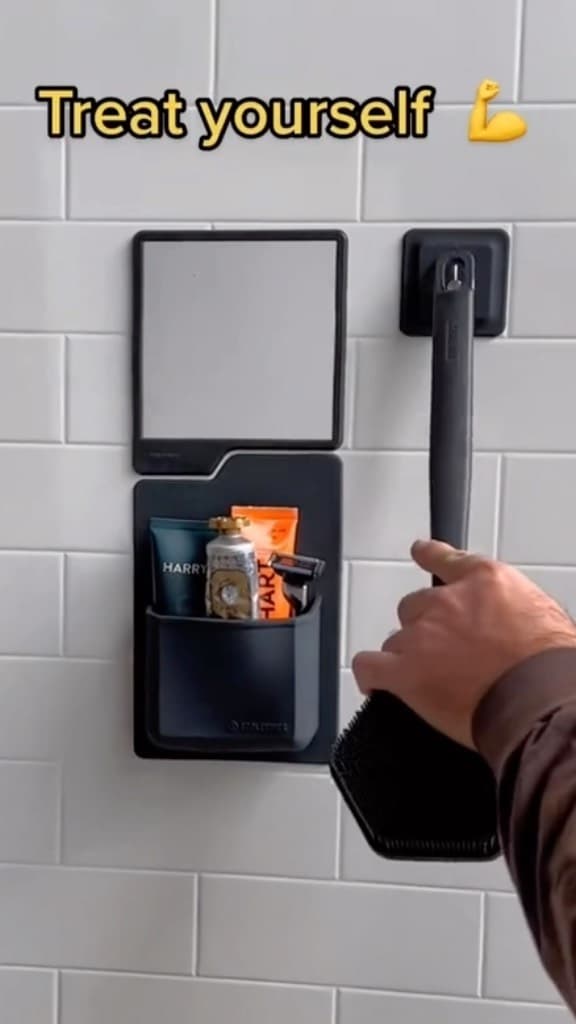 Tooletries: 1,277 days running, live
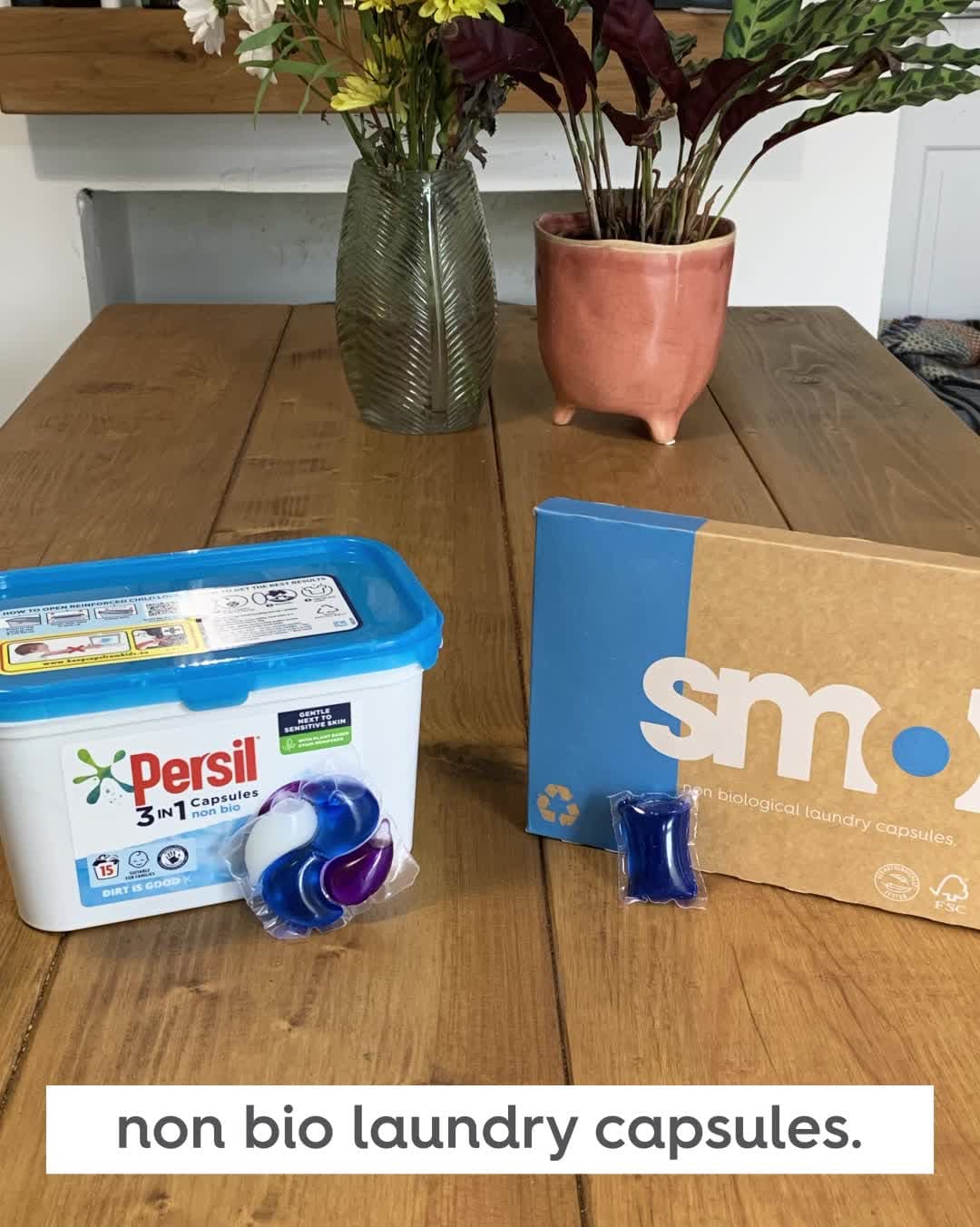 smol: 1,237 days running, live
How Muse connects
Three steps, from Muse's own documentation. Nothing to install on our side.
Paste the config
It points Muse at https://adswipefile.com/api/mcp. Or paste the setup prompt and Muse edits its config itself.
Sign in once
Muse opens Ad Swipe File in your browser. Sign in with your account (Pro, Agency or their trial) and approve: Muse can then read the library, and your saved ads, follows and boards.
Ask in plain words
Give Muse a task that needs ads: it searches the library and writes them into briefs, research files or copy, with links.
What Muse can do with real ads
It searches 92,128+ Facebook and Instagram ads and links every one it cites.
Find ads, then read them in full
- Search by product, brand, niche or format
- Read any ad in full: its copy, hook and format
- See the ads a brand runs, newest or longest-running first







46 tools behind every answer
Your agent picks the right one for the question. They read the library, and change only your own saves, boards and follows, when you ask.
Building on it? Every tool, with its arguments
Read the library · 23
search_librarylist_adsget_brandlist_brand_activityget_nicheget_hookget_adget_adslist_brandslist_nicheslist_formatslist_visual_formatsget_formatlist_hooksget_trendsget_brand_by_domainfind_similar_adslist_briefsget_briefget_my_brandlist_workspacesswitch_workspacelist_brief_versions
Read your account · 6
list_saved_adslist_followed_adslist_boardslist_followed_brandsget_usagesubmit_feedback
Keep what you find · 17
follow_brandunfollow_brandcreate_boarddelete_boardshare_boardunshare_boardadd_ad_to_boardsave_adunsave_adset_ad_noterename_boardremove_ad_from_boardwrite_briefset_brief_statusset_brief_propertiesrestore_brief_versionupdate_my_brand
- 7-day trial
- 200 calls a day
- Pro · $39 a month
- 10,000 a month
- Agency · $99 a month
- 50,000 a month
Prompts to try
Once it's connected, paste one into Muse.
Show me 5 recent Ad Swipe File ads in the Beauty / Personal Care niche with the hook of each and its link.Search Ad Swipe File for sneaker ads and describe how each one opens in its first line. Link every ad.List the ads I saved on Ad Swipe File and suggest three hooks for my product in the same style: [describe your product].On Pro, Agency or their 7-day free trial, your agent reads every ad of every list, taken apart layer by layer.
Written for the agent itself
Setup steps your agent can follow. Agents can also read llms.txt and skill.md.
If you are an AI agent setting up Ad Swipe File for your user:

1. Add the MCP server https://adswipefile.com/api/mcp (streamable HTTP, OAuth).
   Add to your Muse Code settings:
     {
       "mcp_servers": {
         "adswipefile": {
           "transport": "streamable_http",
           "url": "https://adswipefile.com/api/mcp"
         }
       }
     }
   Then run muse mcp login adswipefile and sign in.
2. When the browser opens, ask your user to sign in to Ad Swipe File (Pro, Agency or their 7-day free trial) and approve.
3. Check the connection: call list_niches.
4. For an idea or a product, start with search_library. For a niche, brand or format, use list_ads with its slug. Read one ad with get_ad, or several with get_ads (one round trip).
5. Link each ad's page URL when you cite it. The library holds no spend or results data.Before you connect
Setup, the trial and what your agent can change, answered.
Can Muse search Facebook and Instagram ads?
How do I add Ad Swipe File to Muse?
{ "mcp_servers": { "adswipefile": { "transport": "streamable_http", "url": "https://adswipefile.com/api/mcp" } } }. Then run muse mcp login adswipefile and sign in. Or paste the setup prompt into Muse and it adds the server itself.Does it work in the Muse app?
Where do these steps come from?
Is it free?
Can my agent change anything?
Where do the ads come from?
Which other ad libraries have an MCP server?
Same library, other agents
One server, one sign-in, the same allowance in every agent.
Other ad libraries with an MCP server: AdLibrarySpy alternatives, Atria alternatives, Foreplay alternatives, Gethookd alternatives, Motion alternatives, PiPiAds alternatives, Swipekit alternatives.
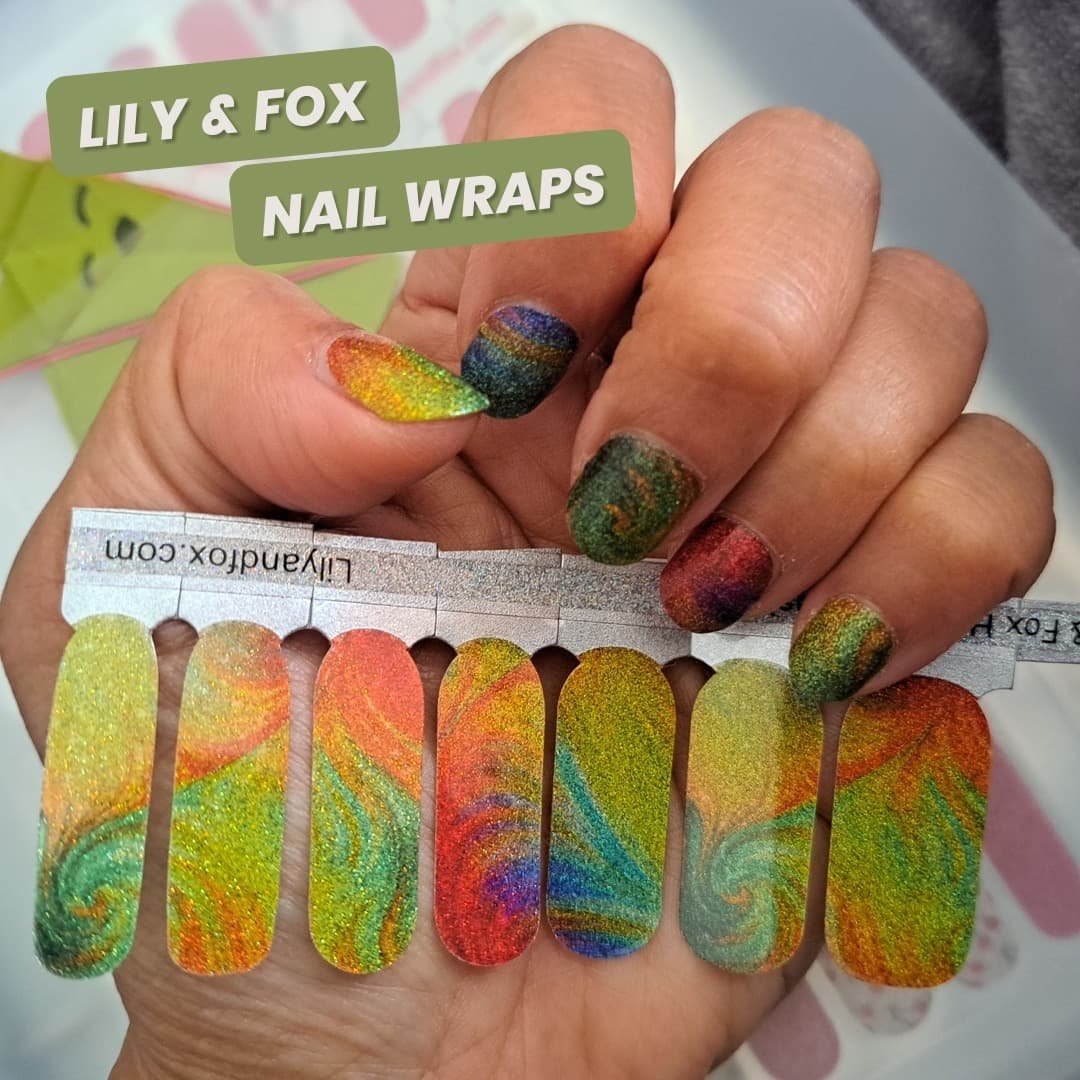 1,065 daysLily and Fox
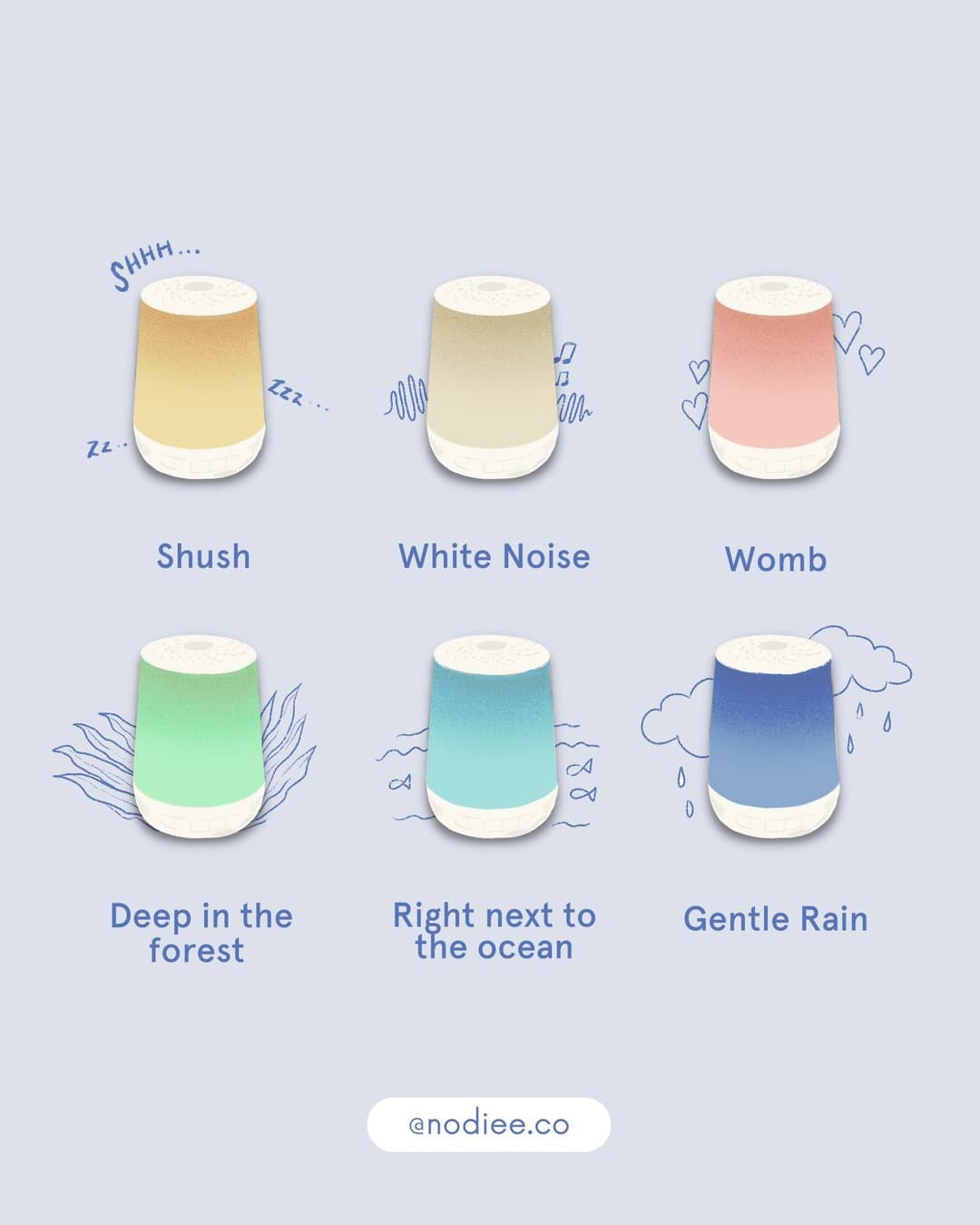 1,038 daysNodiee
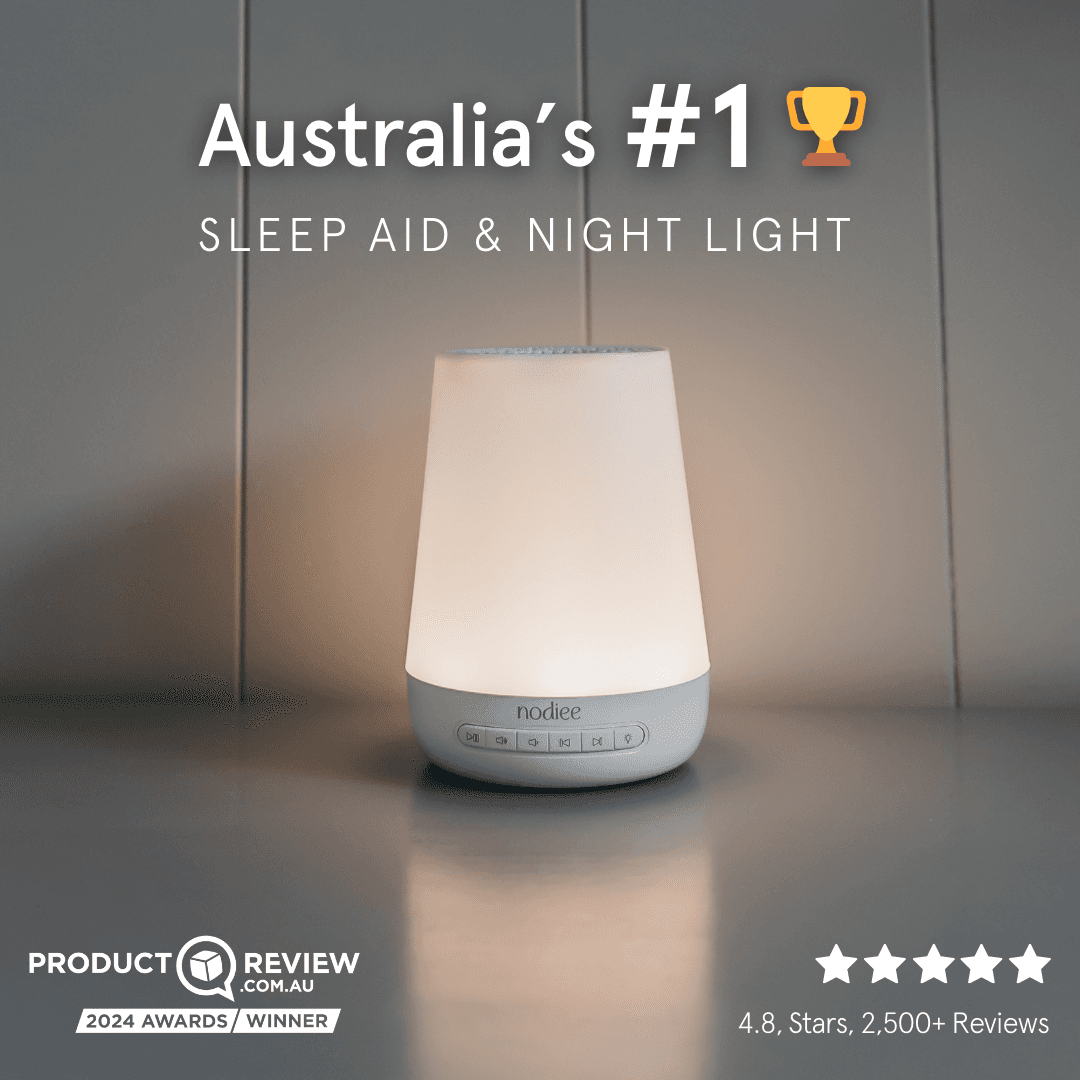 1,017 daysNodiee
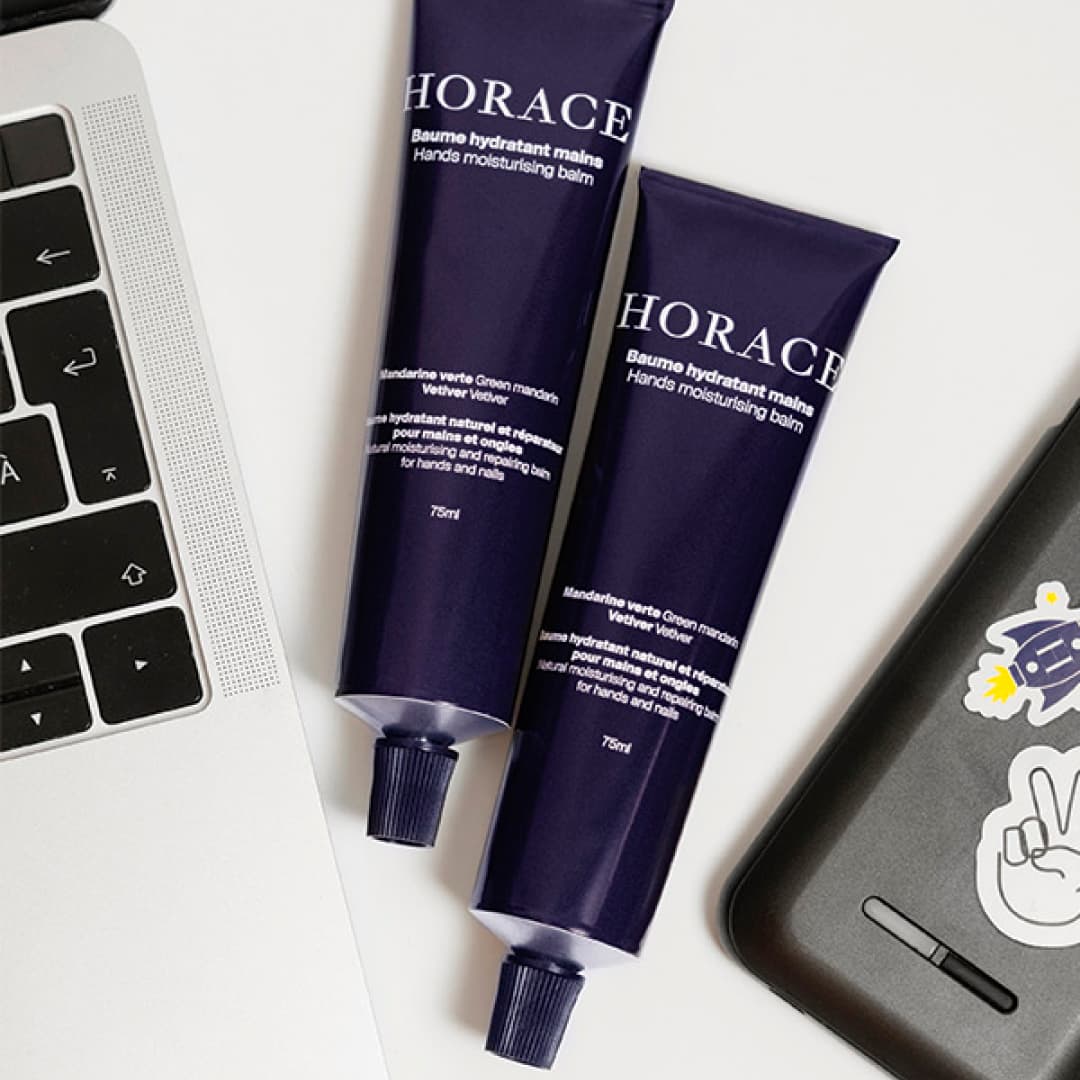 1,014 daysHorace
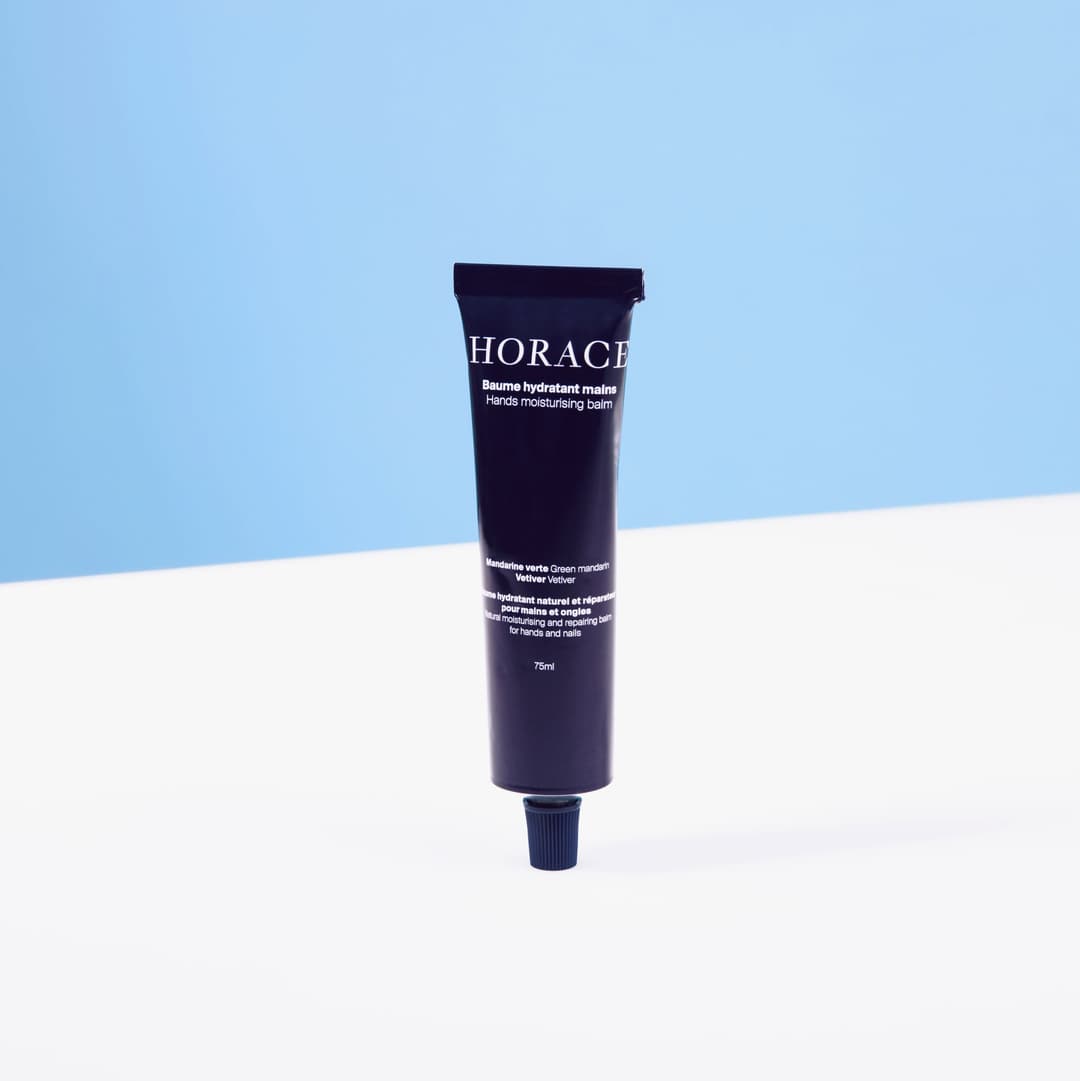 1,014 daysHorace
 972 daysORORO Heated Apparel
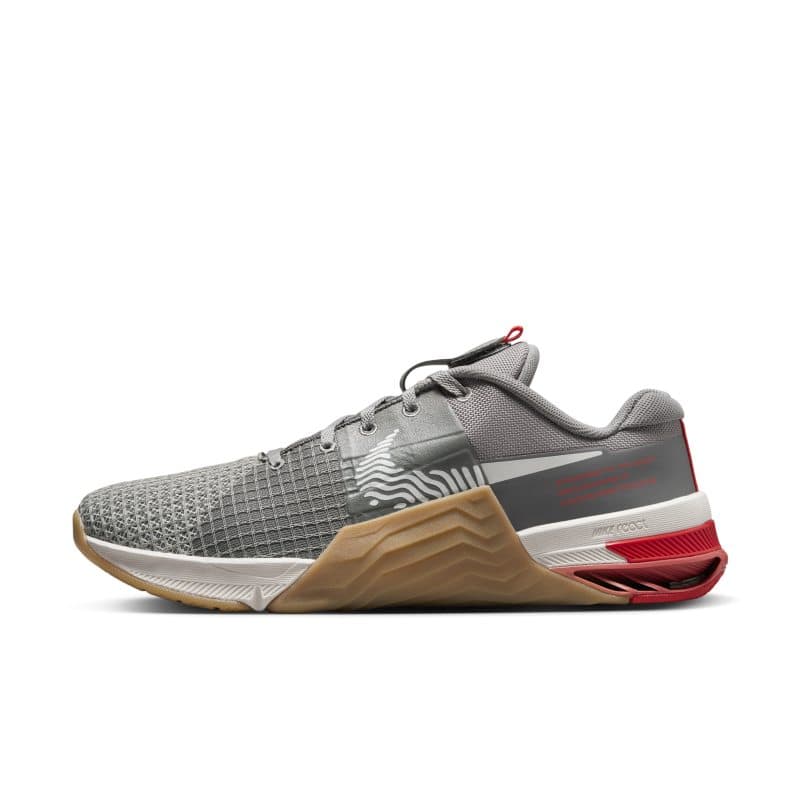 959 daysNike
 957 daysLeesa
 957 daysLeesa
 956 daysBeis
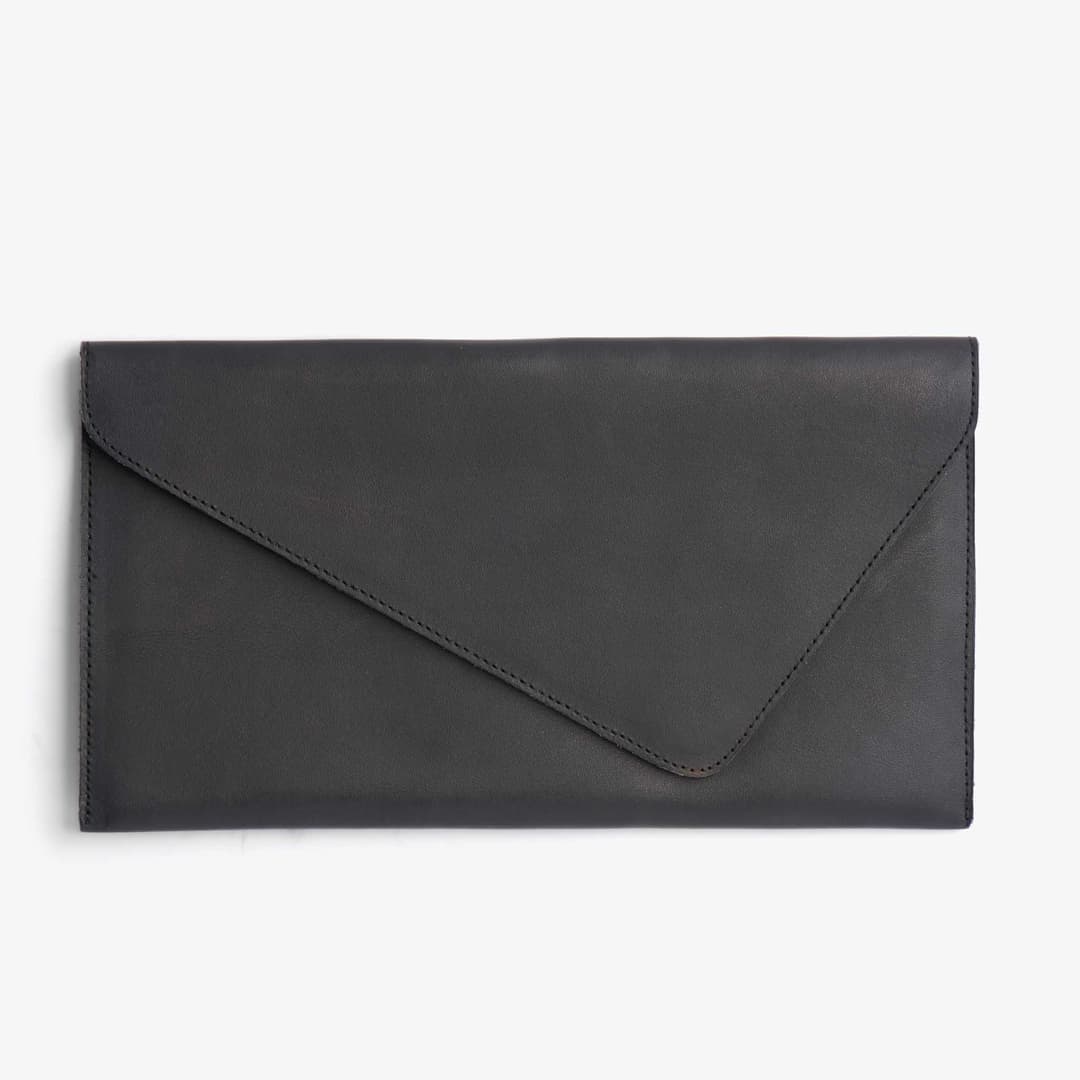 934 daysNisolo
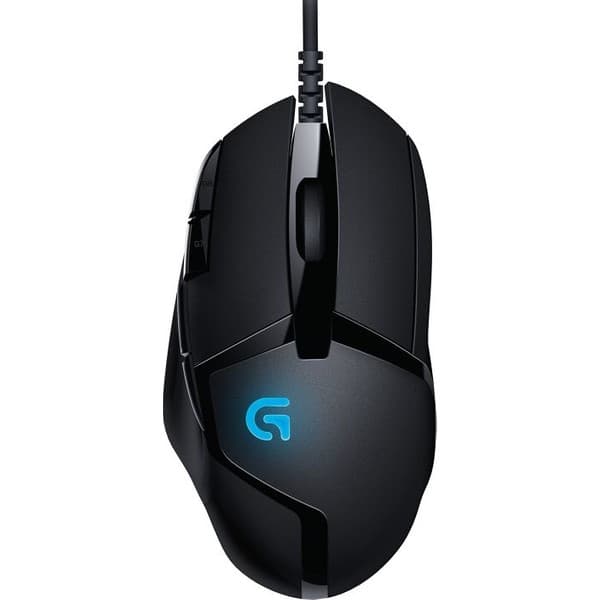 879 daysLogitech G
 868 daysMonsieur TSHIRT
Add Ad Swipe File to Muse
7-day free trial, 200 calls a day. Then 10,000 a month on Pro.
7-day free trial. Cancel anytime.