Refreshed Nov 7, 2026

The hooks, angles and offers behind Figma’s Facebook and Instagram ads, filed by format and niche.

Live on Meta nowOn Figma’s Meta page
519
Median runHow long its ads stay up
177 days
Against App / SoftwareNiche median 60 days
3.0×

The messages Figma keeps paying for

Same idea, new creatives

  • “What do you want to make?”

    2 ads
    Figma ad: “What do you want to make?”Figma ad: “What do you want to make?”

    Running since Apr 2026.

  • “Electronic music doesn't have the same feels, bro”

    2 ads

    Figma ad: “Electronic music doesn't have the same feels, bro”Figma ad: “Electronic music doesn't have the same feels, bro”

    Running since May 2026.

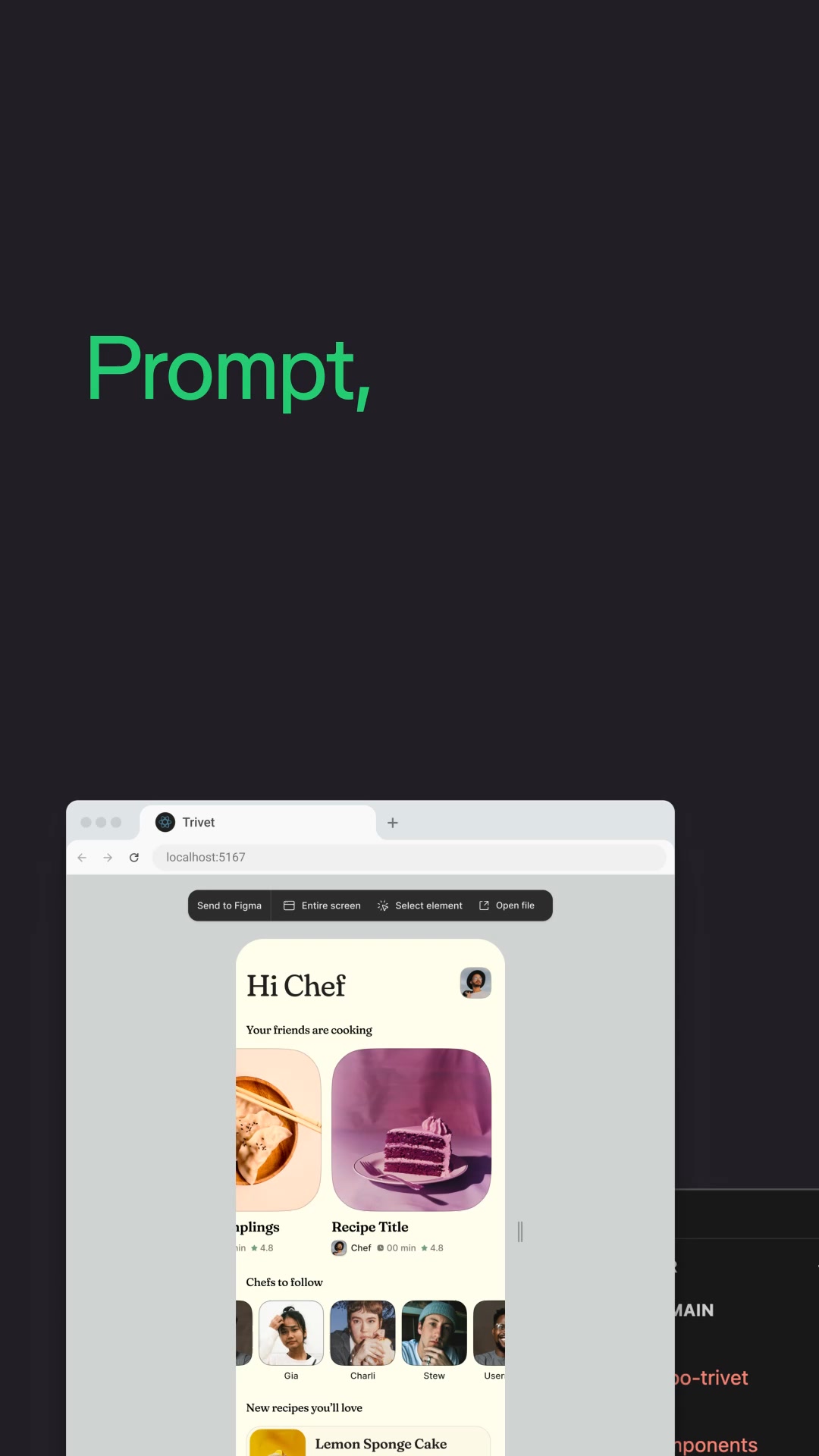
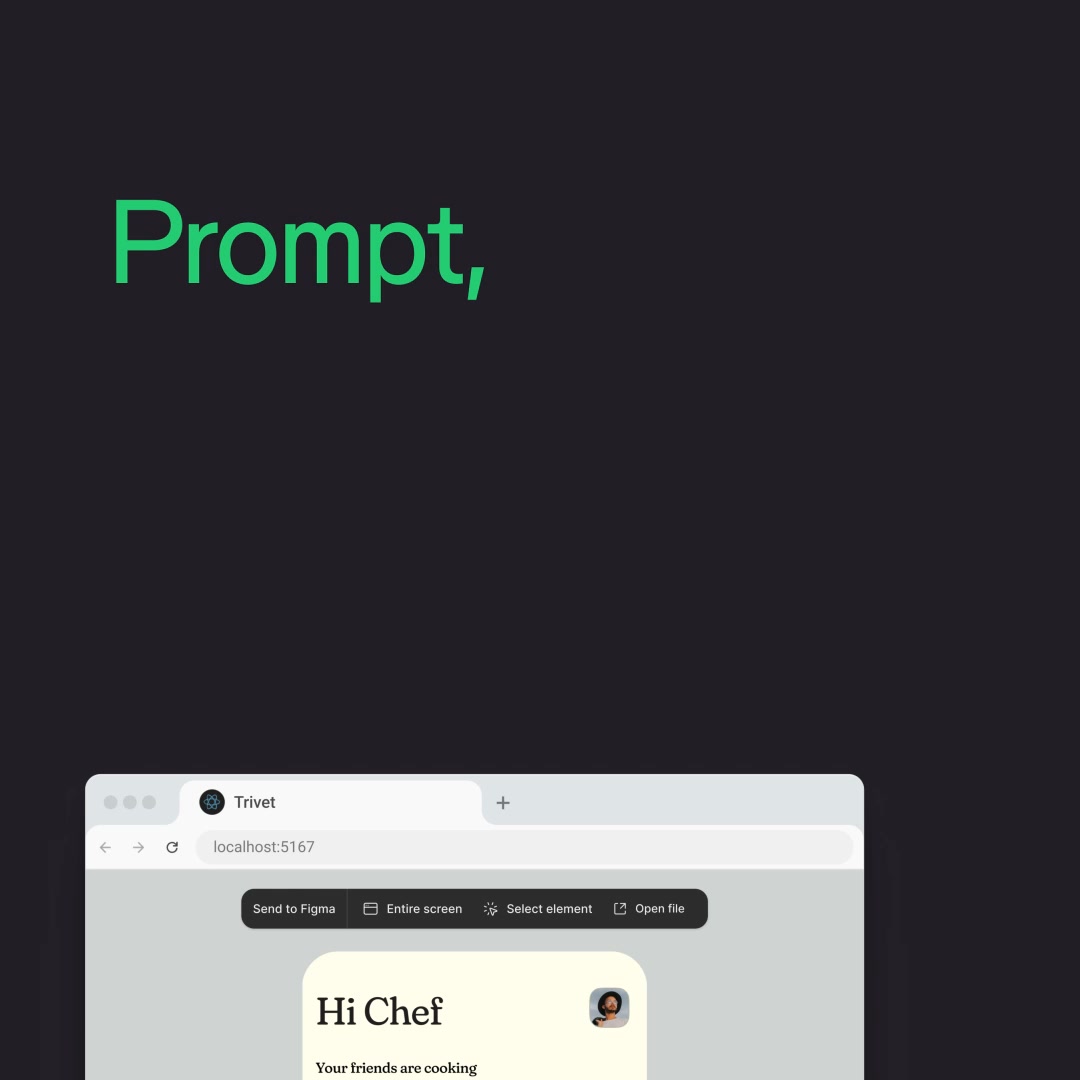
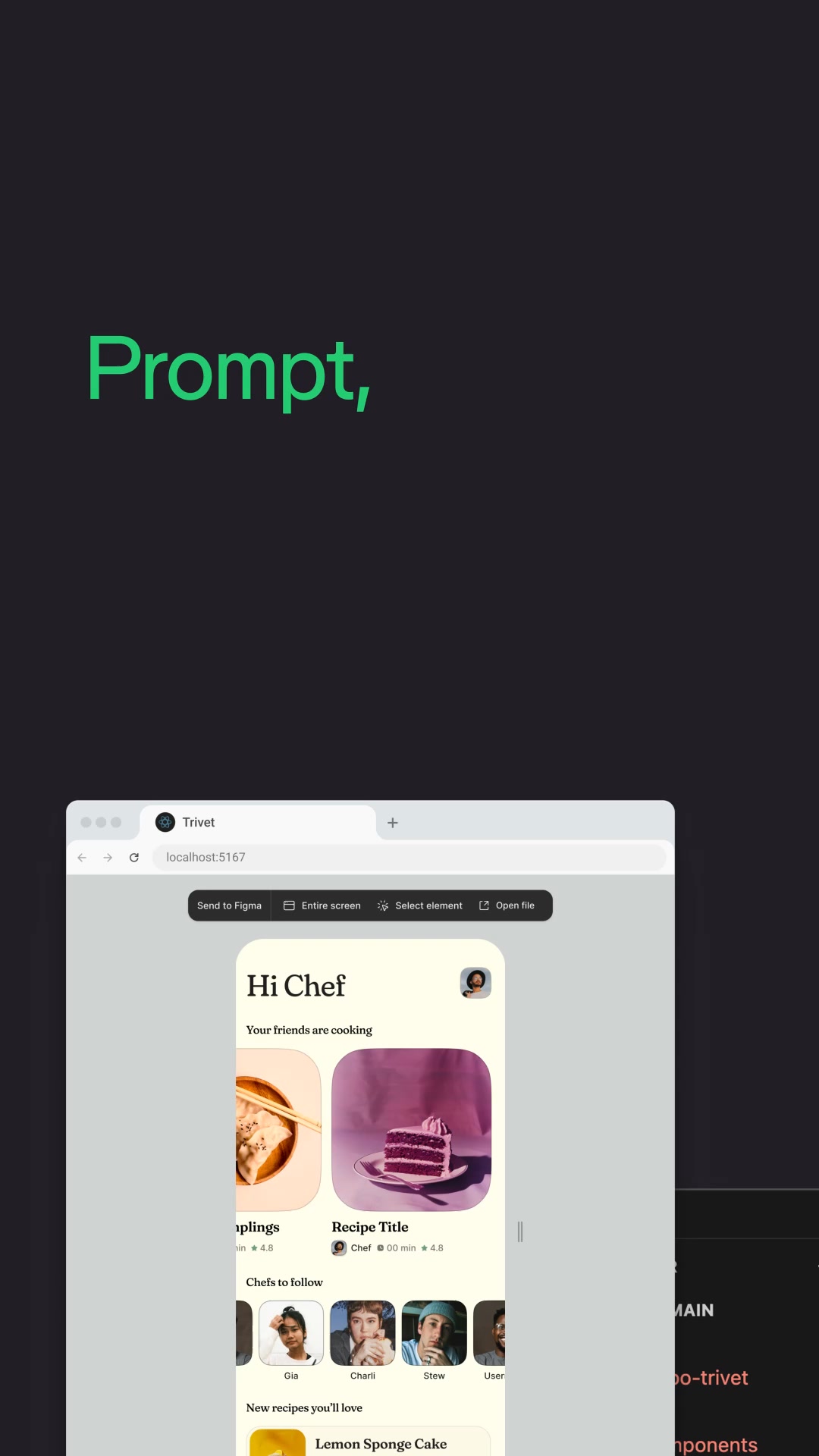
  • “Prompt, riff, align, and ship”

    2 ads
    Figma ad: “Prompt, riff, align, and ship”Figma ad: “Prompt, riff, align, and ship”

    Running since May 2026.

How Figma builds them

20 ads

What Figma's ads are made of, row by row.

Free with an account.

Longest running

All 20

The Figma ads that ran longest.

Free with an account.

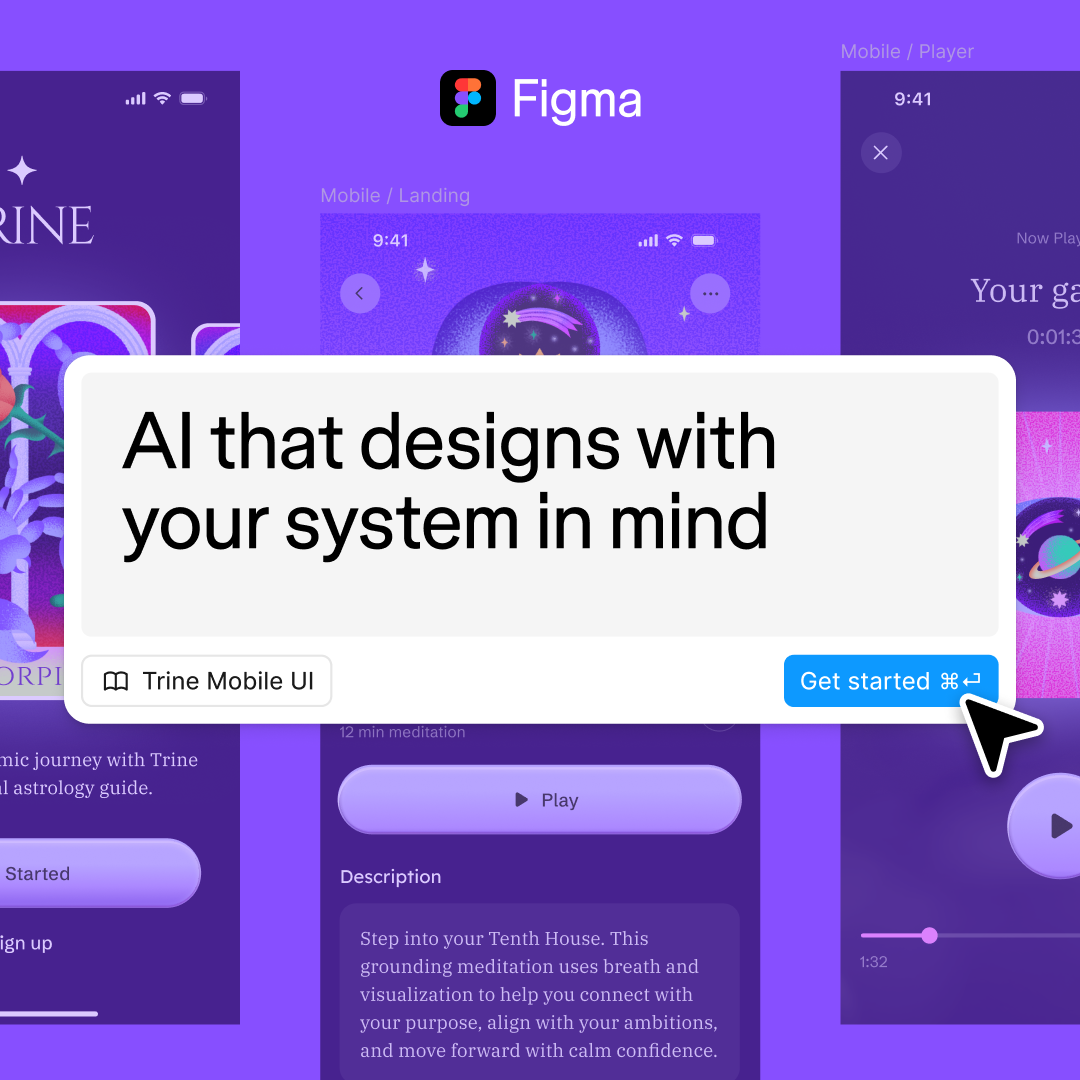
The creative displays a central white modal window featuring the headline text over a purple background. Behind the modal, three blurred mobile app interface screens are visible, showcasing various design layouts. A cursor icon is positioned near the bottom right of the modal, pointing at a button labeled Get started.
Ended · 210 days
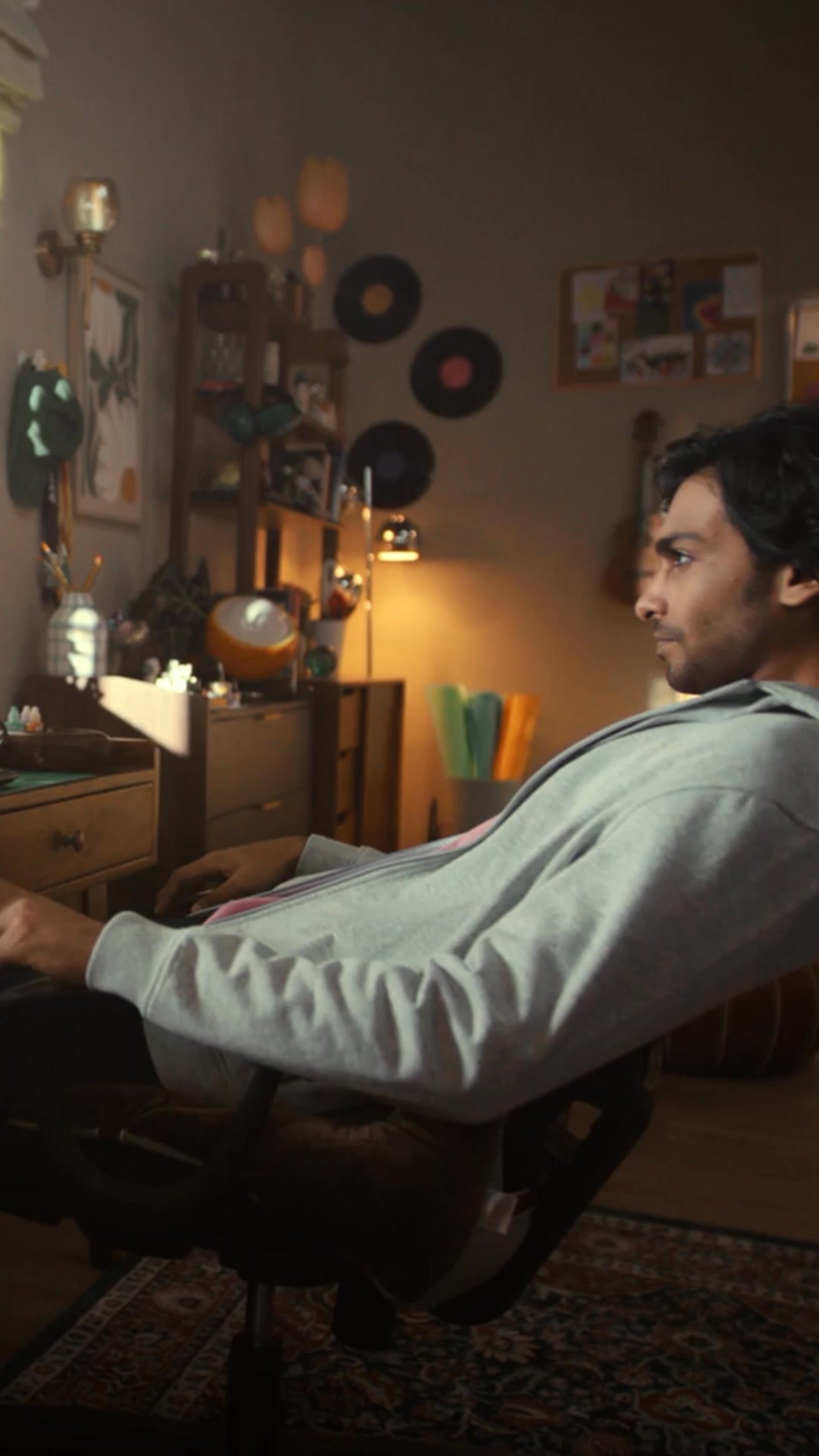
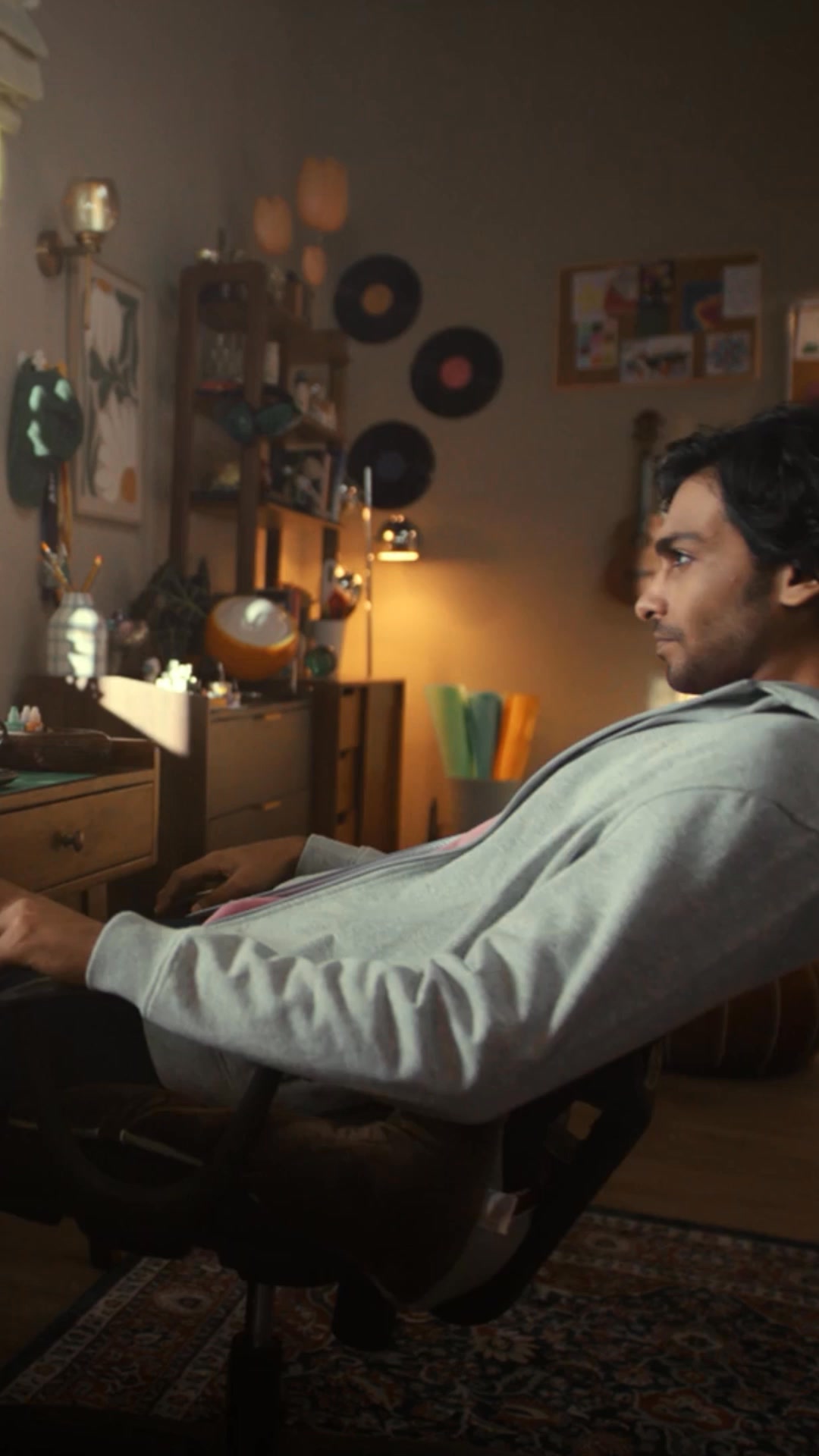
A man sits at a desk trying to work on his laptop while chaotic, distracting characters dance around him. The scene cuts to a screen recording of the Figma interface as he types a prompt to design a music app. The ad concludes with the man looking focused and productive in a quiet room, with the brand's tagline on screen.
Live · 202 days
A man sits at a computer, looking at a screen where he types a prompt into a design tool. The screen shows the interface generating a music app with various features like dark mode and 3D visuals. The video ends with a logo on a black background.
Live · 202 days
A man sits at a laptop in a dimly lit room, looking focused as he types. The screen shows a design interface where he types a prompt into a text box. The video then transitions to show the interface generating a music app design based on his input. The final shot displays the brand name on a black background.
Live · 201 daysVideo
A man sits at a desk working on a laptop while two people in costumes dance behind him, representing distractions. The scene cuts to a screen recording of the Figma interface as he types a prompt to design a music app. The video ends with the man looking satisfied at his screen while the text appears on screen.
Live · 201 daysVideo
A young man sits at a laptop in a dimly lit room, surrounded by people in eccentric costumes who are distracting him. He types a request into a browser-based design tool, and the interface quickly generates a complex, multi-functional music app. The scene shifts to show the app's features, and the ad concludes with the brand logo.
Live · 201 daysVideo
A man sits at a laptop in a dimly lit room, looking overwhelmed while colorful, eccentric characters dance around him. He then starts typing on his computer, and the screen shows a design interface where he quickly generates a music app. The video ends with the text 'From idea to interface to code' appearing on the screen.
Live · 199 daysVideo
A young man sits at a desk in a dimly lit room, struggling to design a music app on his laptop. He types a prompt into a generative AI interface, and the screen transforms his idea into a functional design and code. The video follows his journey from a simple text prompt to a fully realized interface.
Live · 185 days
A creator types a request into a design app to create a music app. The video cuts between the creator in a studio setting, acting out different musical personas, and screen recordings of the app interface being built. The ad concludes with the creator successfully using the app to create music.
Live · 185 days
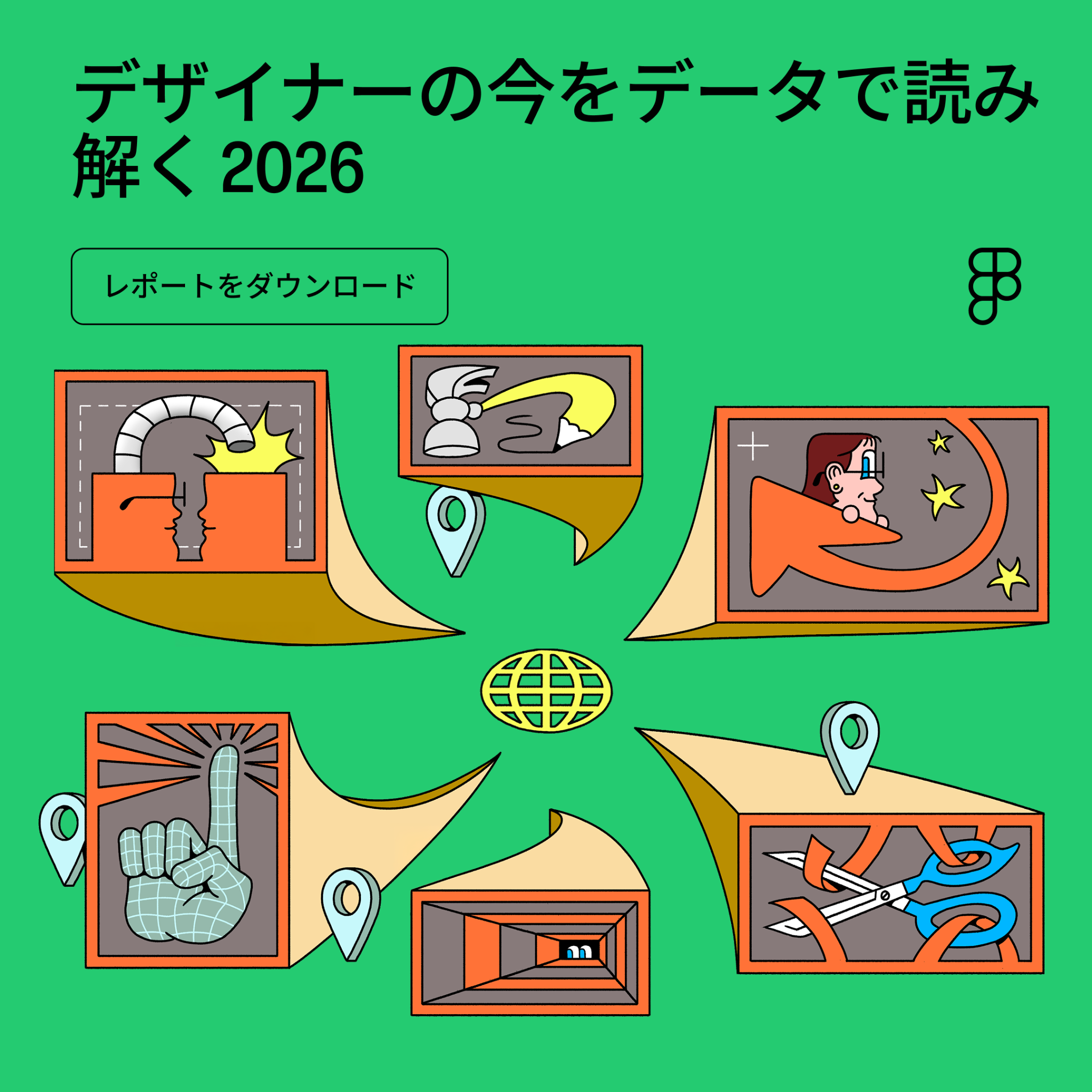
A vibrant green graphic illustration featuring a central globe icon surrounded by six orange-framed panels. Each panel contains a different icon representing design concepts: a lock, a pencil, a person, a hand, a tunnel, and scissors. The main headline is at the top, and a button-like element below it invites the user to download a report.
Live · 180 days
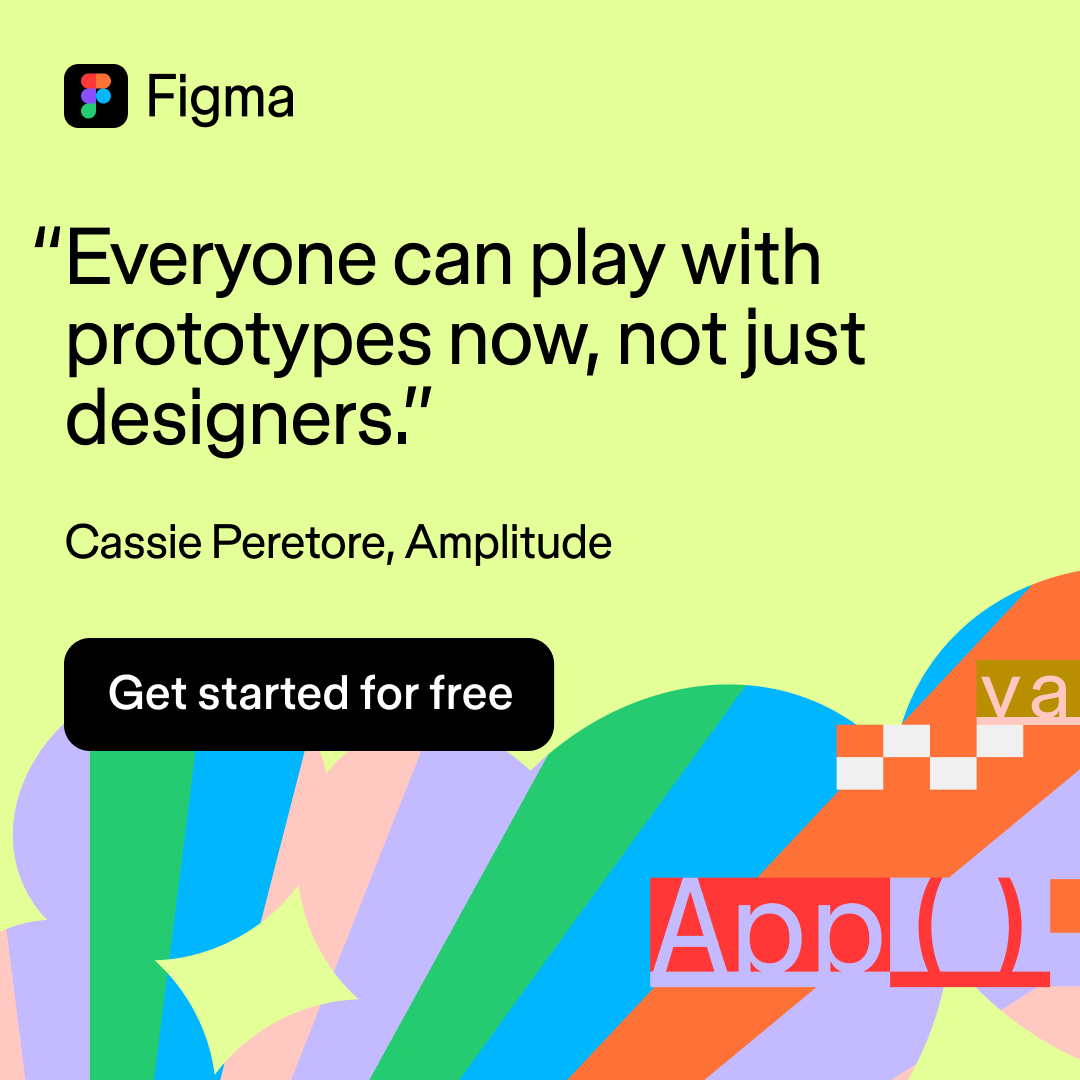
A bright yellow graphic features a testimonial quote from a user at Amplitude about prototyping accessibility. The text is centered in black, with the Figma logo at the top left. The bottom right corner contains colorful, abstract geometric shapes and partial code snippets in a playful, illustrative style. A black button at the bottom left invites the viewer to get started for free.
Live · 173 days
This screen recording demonstrates how to use Figma AI features to iterate on app designs. It shows a cursor interacting with a browser-based design tool, selecting elements, and using AI tools to remove backgrounds and vectorize images. The video concludes with a prompt to try the latest AI features in Figma.
Live · 173 days
A man sits at a computer, typing a prompt into a design app. The video cuts between him and various versions of himself in different outfits and settings, illustrating the idea of creating different moods. The final scene shows him using the app to build a music app interface.
Live · 165 daysVideo
A young man sits at his desk in a dimly lit room, struggling to come up with an idea for a music app. He types a prompt into a design tool, and the interface automatically generates a functional, 3D-visualized app design. The video shows the transition from his initial idea to the final, coded interface.
Live · 138 daysVideo
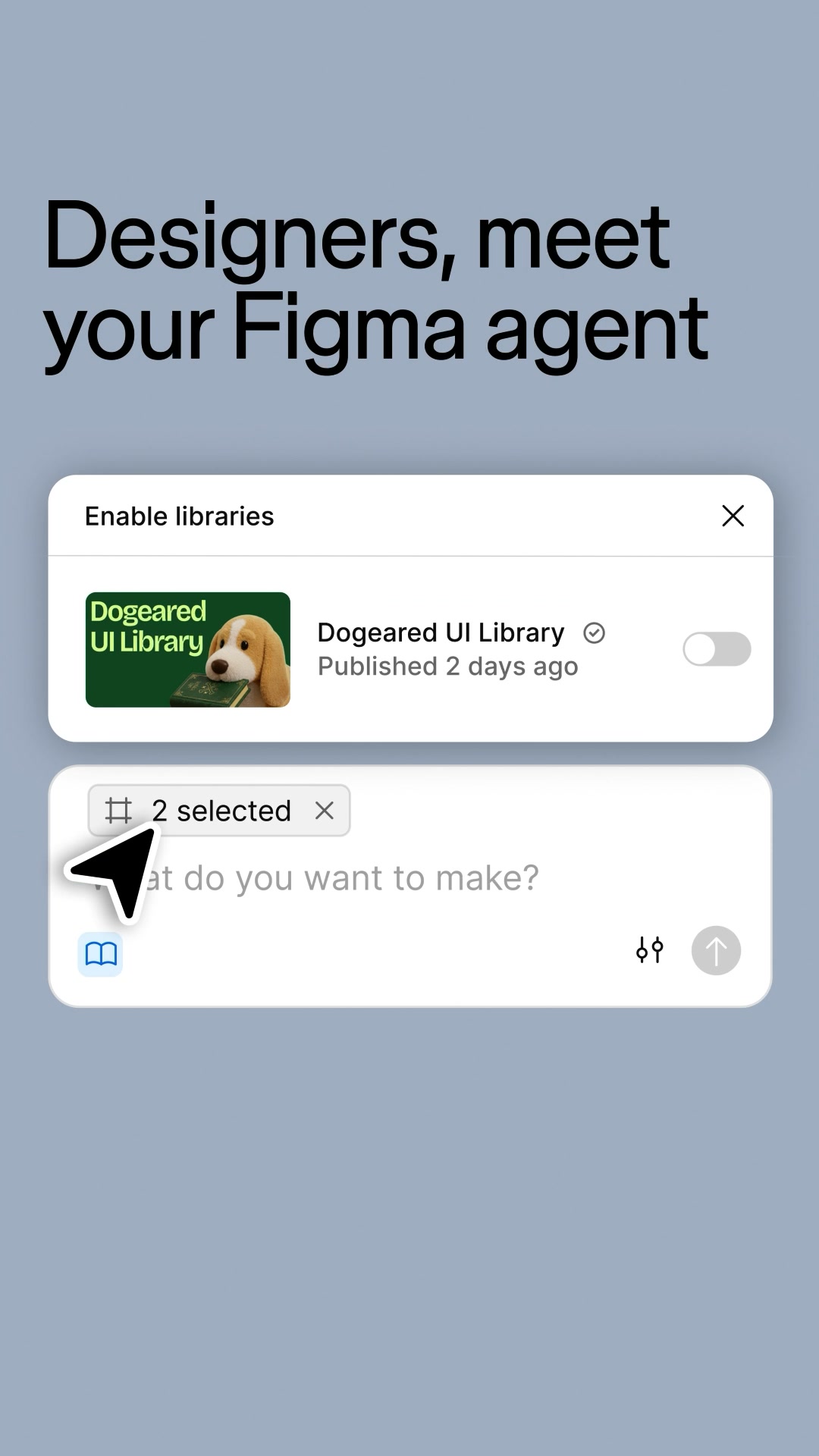
This video demonstrates the capabilities of an AI agent within the Figma interface. It shows a user interacting with a chat-like interface to enable libraries, generate a sign-up flow, and change the color scheme and mode of a design project. The video uses screen recordings to showcase the product's features in action.
Live · 5 daysVideo
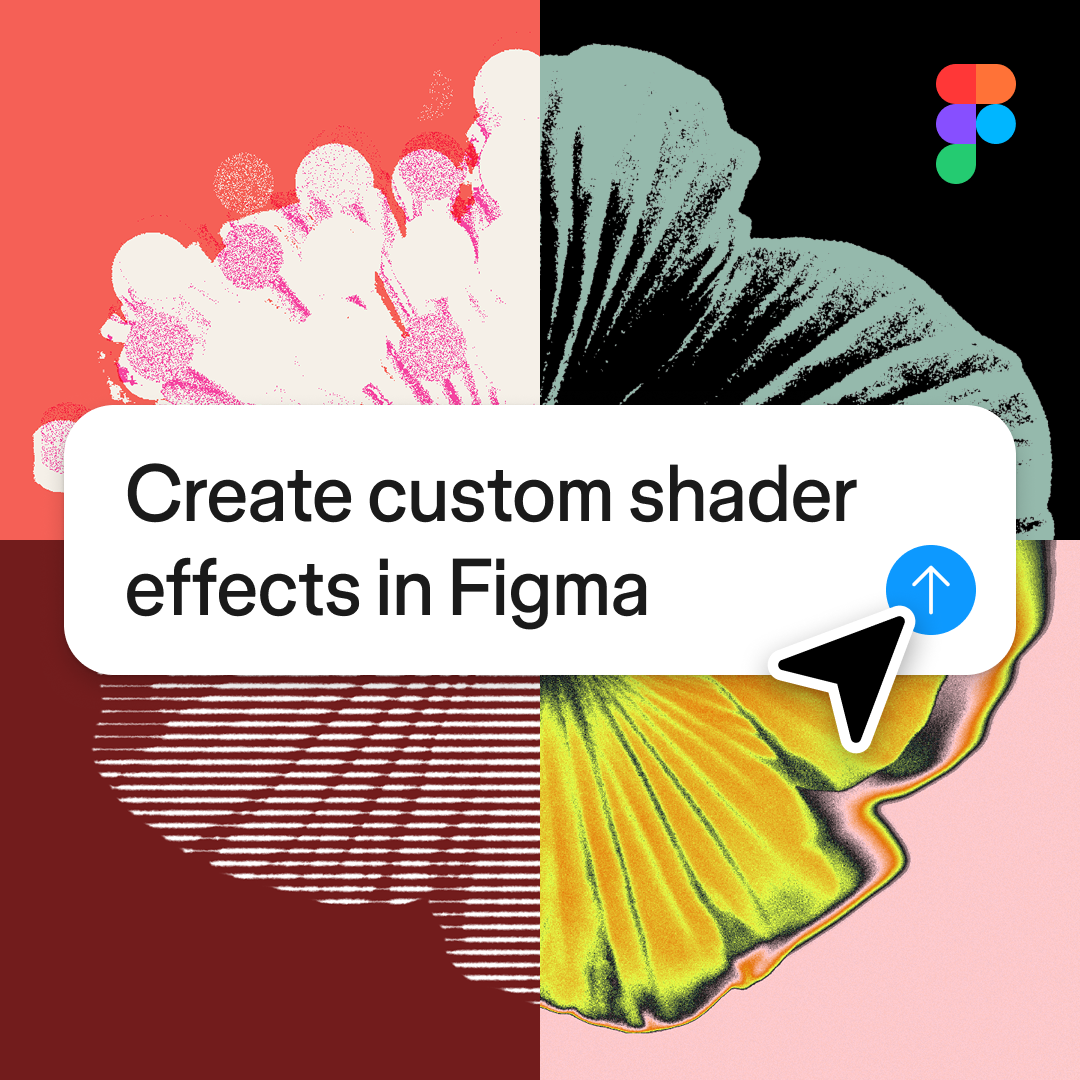
A square graphic featuring a four-quadrant background with abstract, textured, and colorful floral-like illustrations in each section. In the center, a white rounded rectangle contains the text 'Create custom shader effects in Figma'. A black cursor arrow points toward a blue circular button with an upward-pointing arrow icon, positioned at the bottom right of the text box.
Live · 5 days
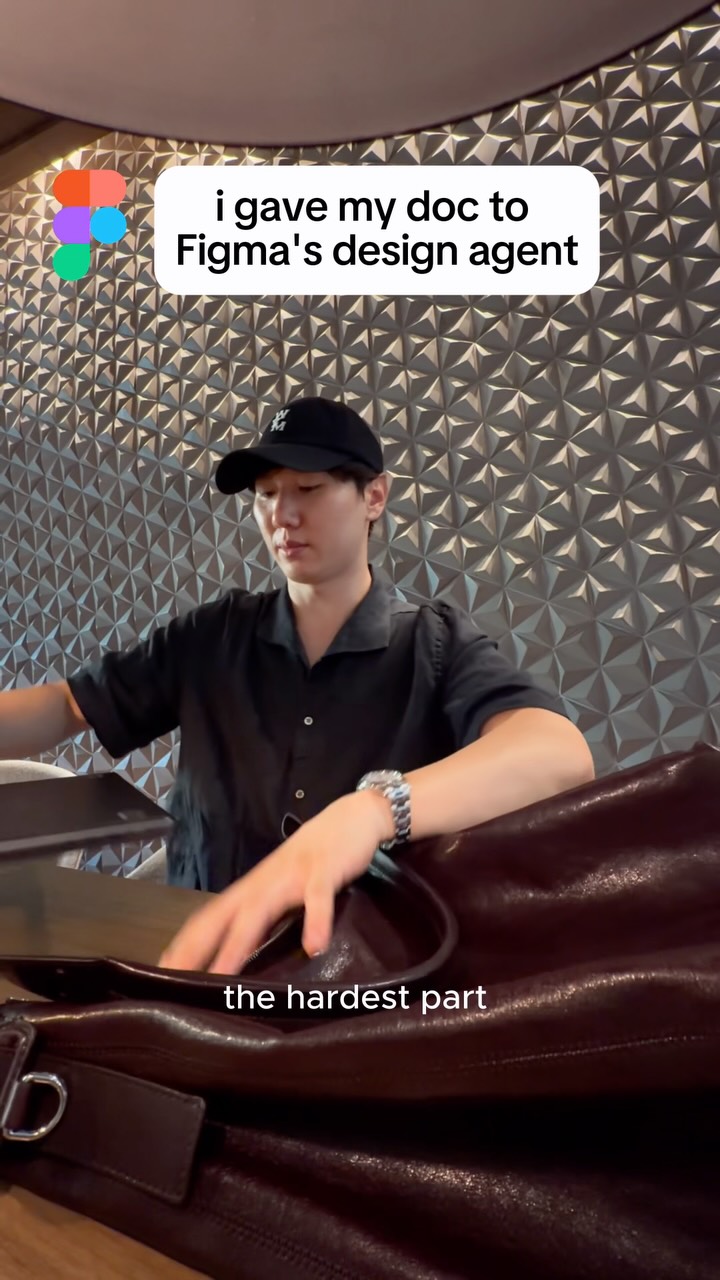
A creator sits at a table in a modern office setting, working on a laptop. The video shows a screen recording of a product requirements document being turned into an interactive prototype using an AI design agent. The creator explains how this process helps align teams and iterate faster.
Live · 3 daysVideo
A screen recording shows a user interacting with a design interface. The video demonstrates how to select elements, remove backgrounds, and vectorize images within the app. The screen shows various design options being tested and finalized.
Live · 3 daysVideo
This video shows a digital interface for a design tool. It demonstrates how an AI agent can perform tasks like enabling libraries, creating a sign-up flow, and changing color schemes. The video uses a cursor to show the user interacting with the interface.
Live · 2 daysVideo
This video shows a screen recording of the Figma interface demonstrating new AI-powered design features. A cursor interacts with various app design elements, showing how to generate and refine UI components directly within the platform. The video highlights the workflow from initial prompt to final design alignment.
Live · 2 daysVideo

How Figma makes its ads

What its ads are built from, by type, counted over the ads we have read.

What Figma's ads are built from: who is in frame, the words, the structure, the top format and hook.

On Starter, free for 7 days if you haven't tried it yet.