

1,191 Screen Recording Ad Examples
Screen recording ads show a real phone or computer screen as someone uses it. Browse real examples below, then see how brands trim the capture and point the viewer at what matters.
Screen Recording ads
1,191 ads · longest-running first
Niche, opens with the trial
- App and Software634
- Finance and Fintech129
- Games and Toys80
- Education63
- Entertainment and Media49
- Retail and Marketplace36
- Health and Fitness30
- Travel and Travel Accessories25
- Services22
- Consumer Goods21
- Real Estate14
- Healthcare10
- Automotive
- Beauty and Personal Care
- Electronics and Tech
- Fashion
- Food and Beverage
- Footwear
- Home and Garden
- Jewelry and Watches
- Kids and Baby
- Local Services
- Other
- Pets
- Sports and Outdoor
- Supplements
Hook, opens with the trial
Brand, opens with the trial
SortLongest running, opens with the trial
Winning means kept running: brands rarely keep paying for ads that lose.
1,191 ads

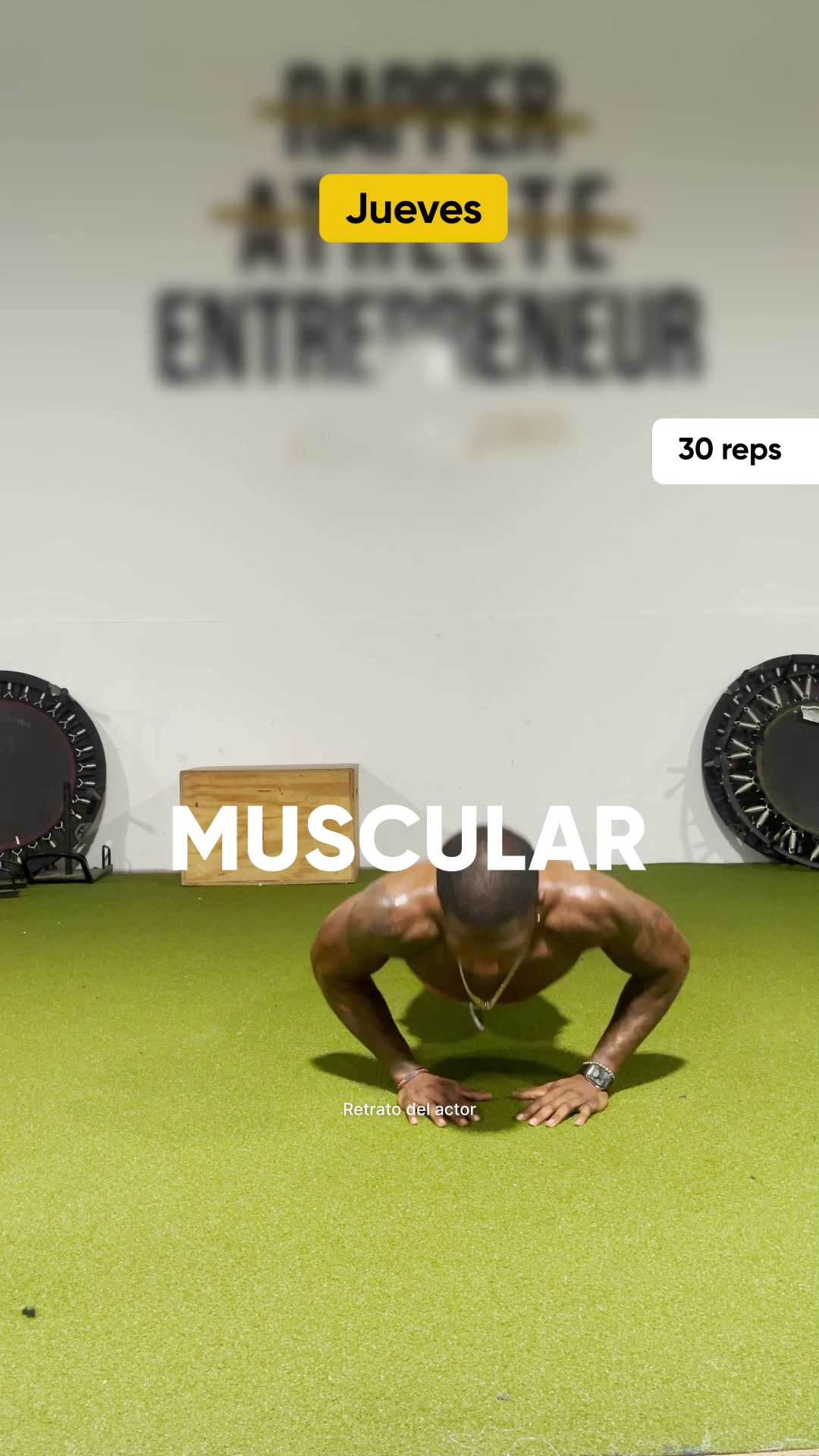
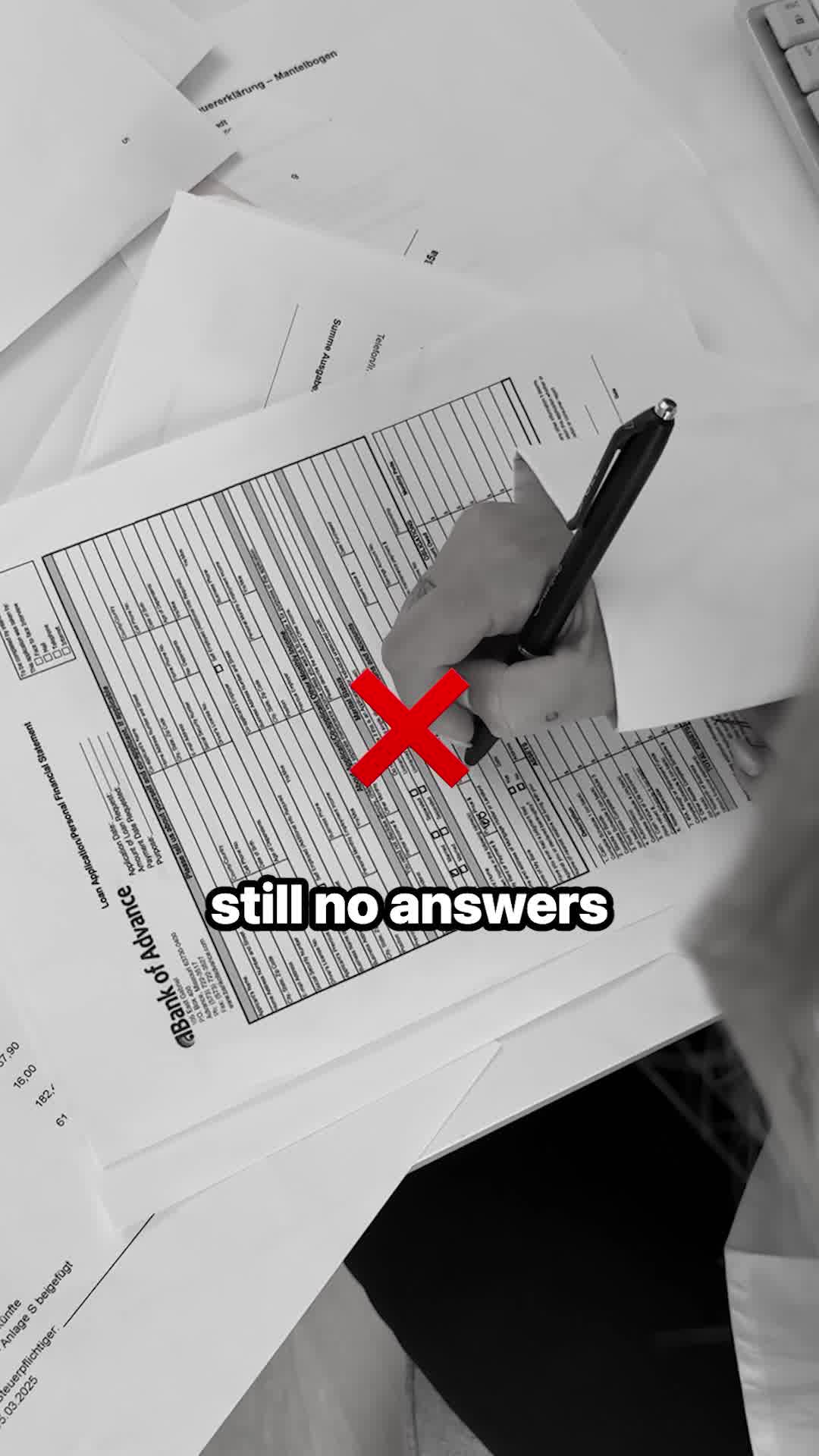

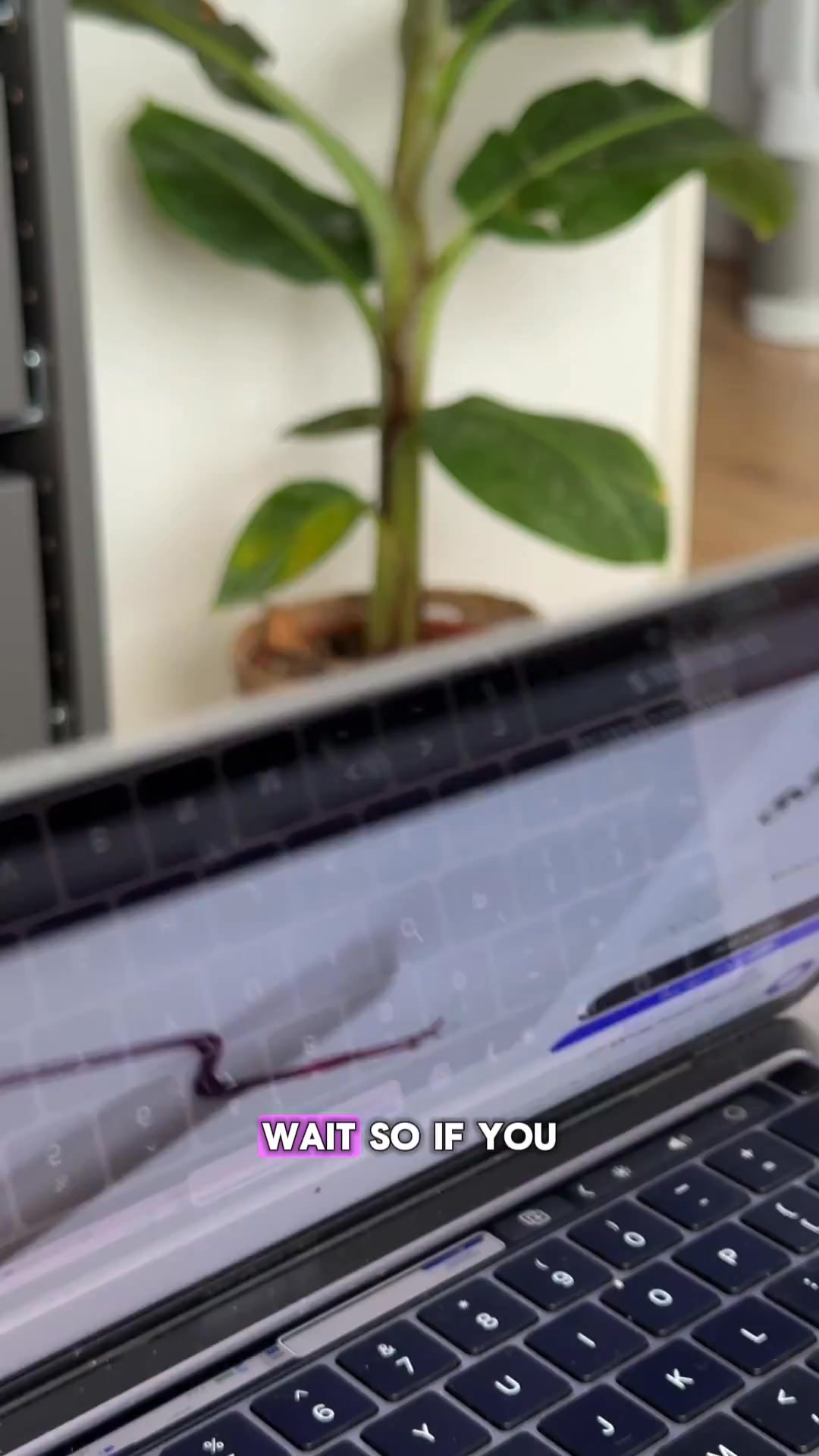

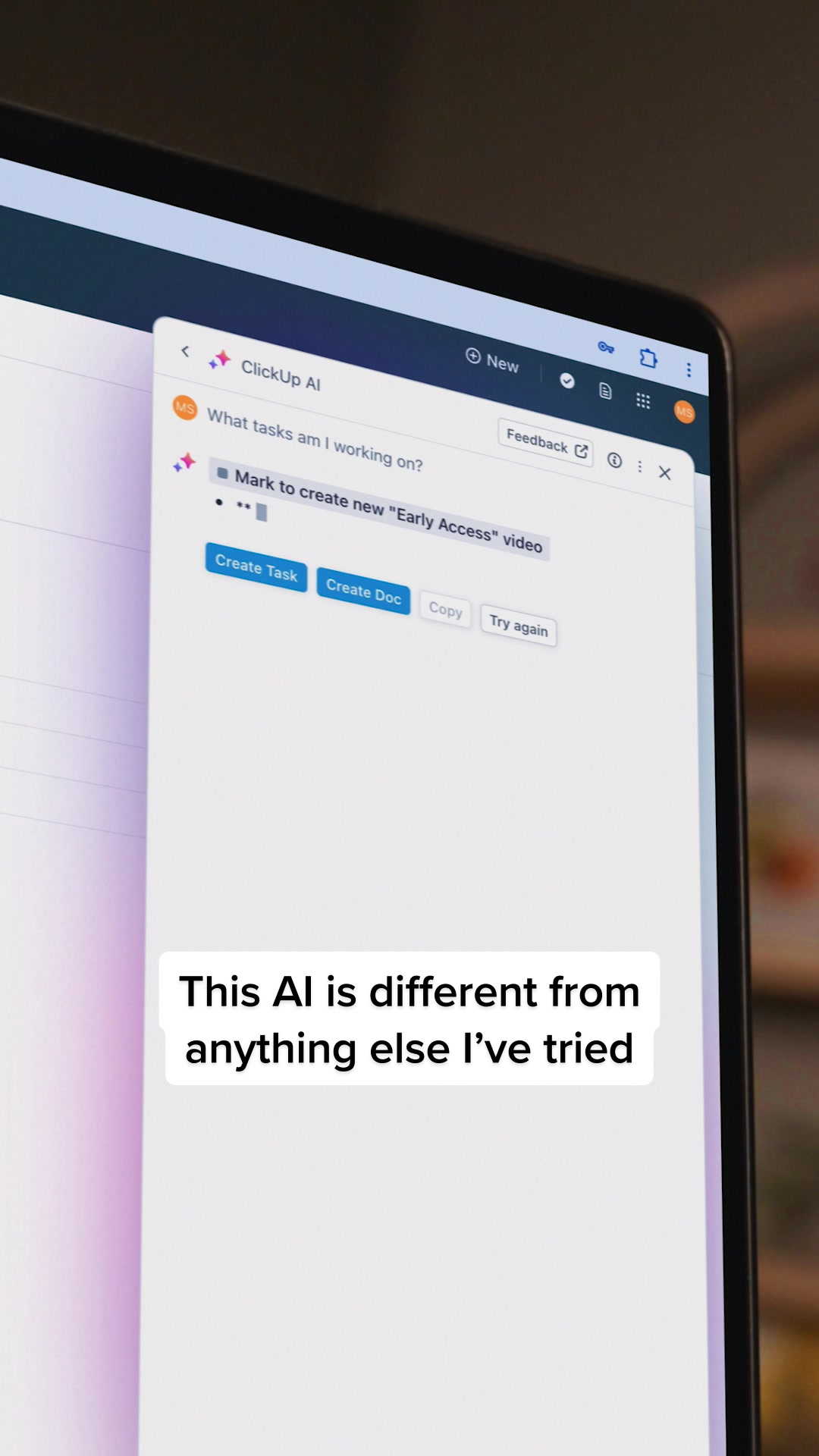
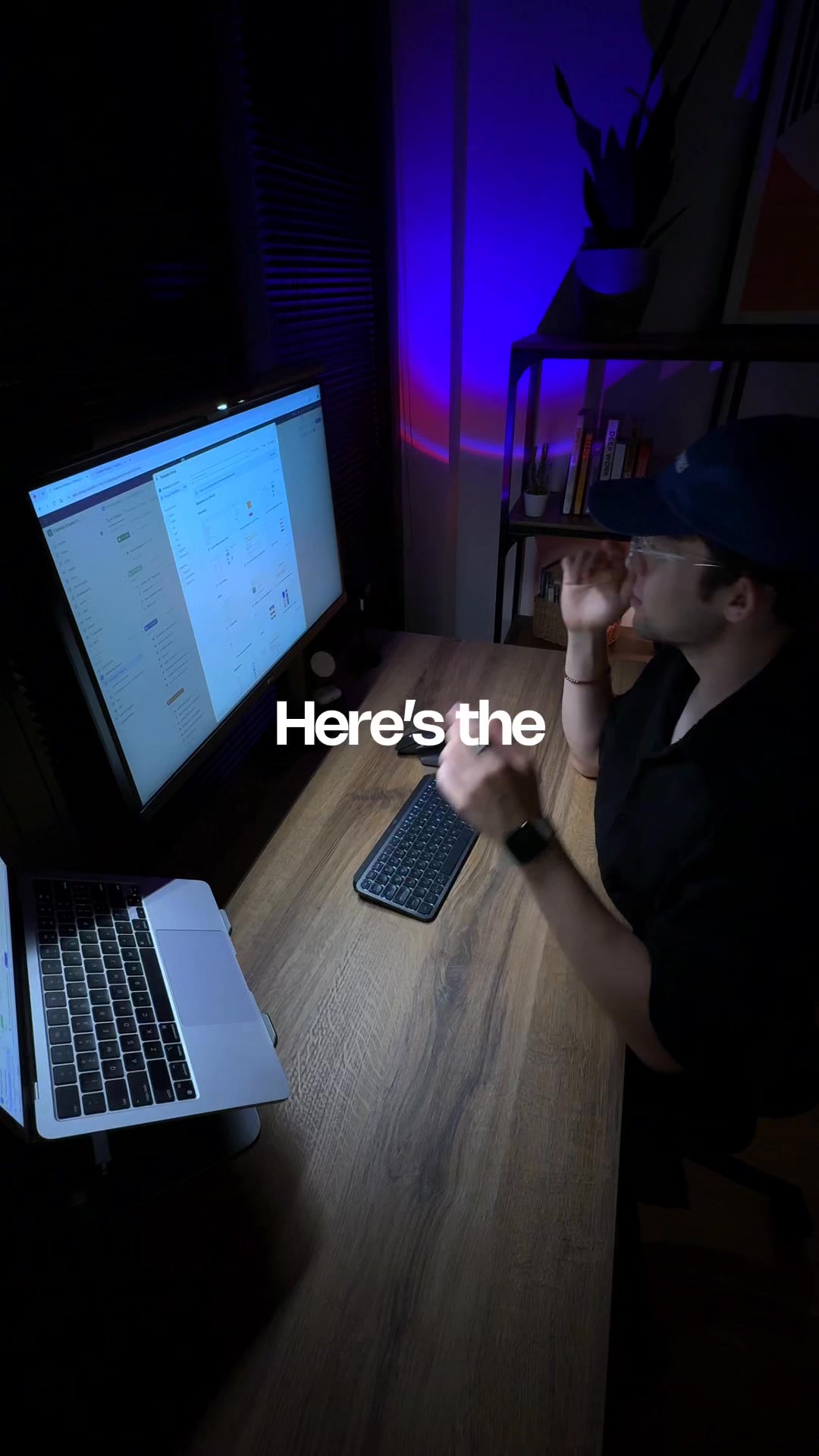


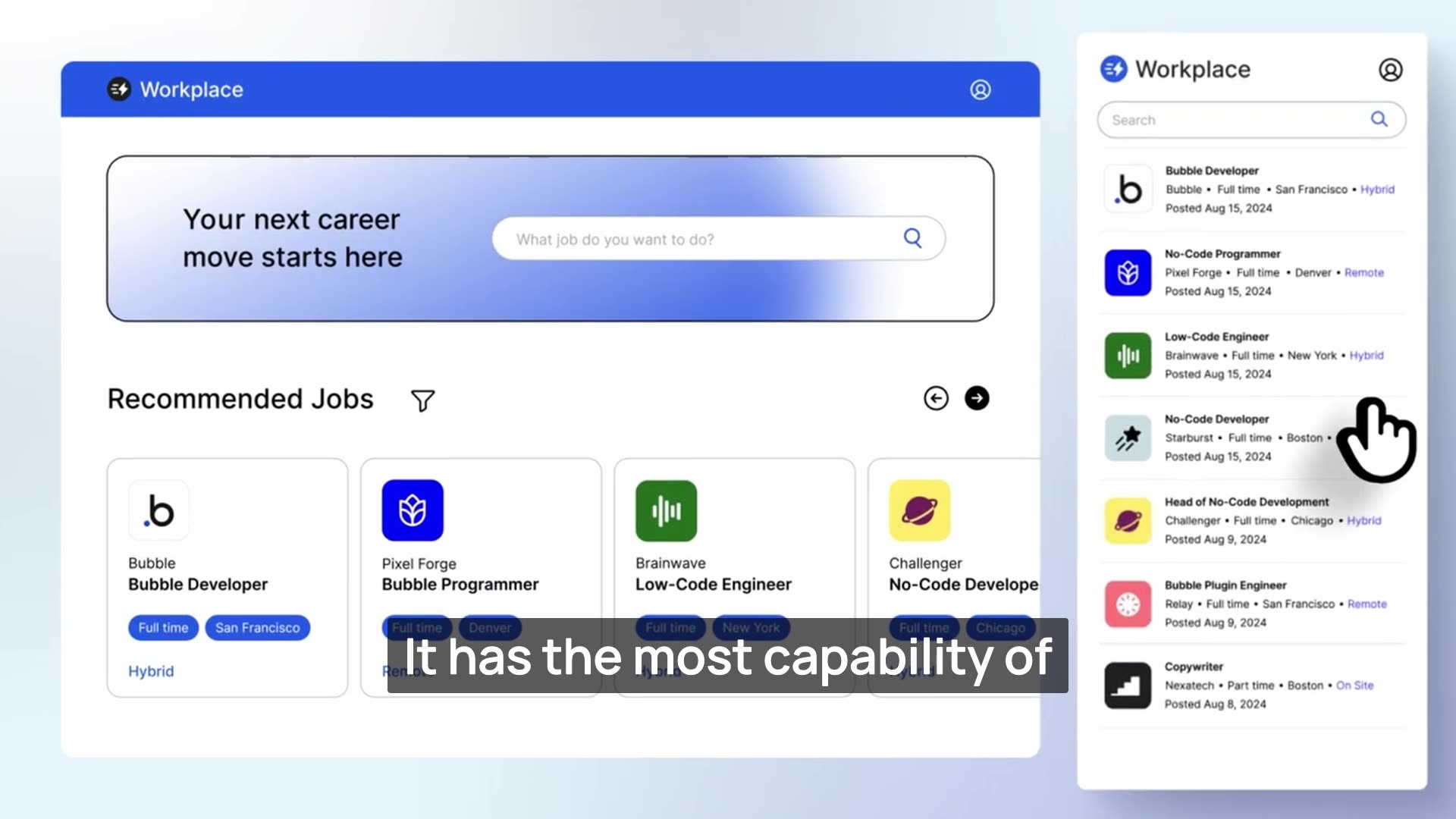
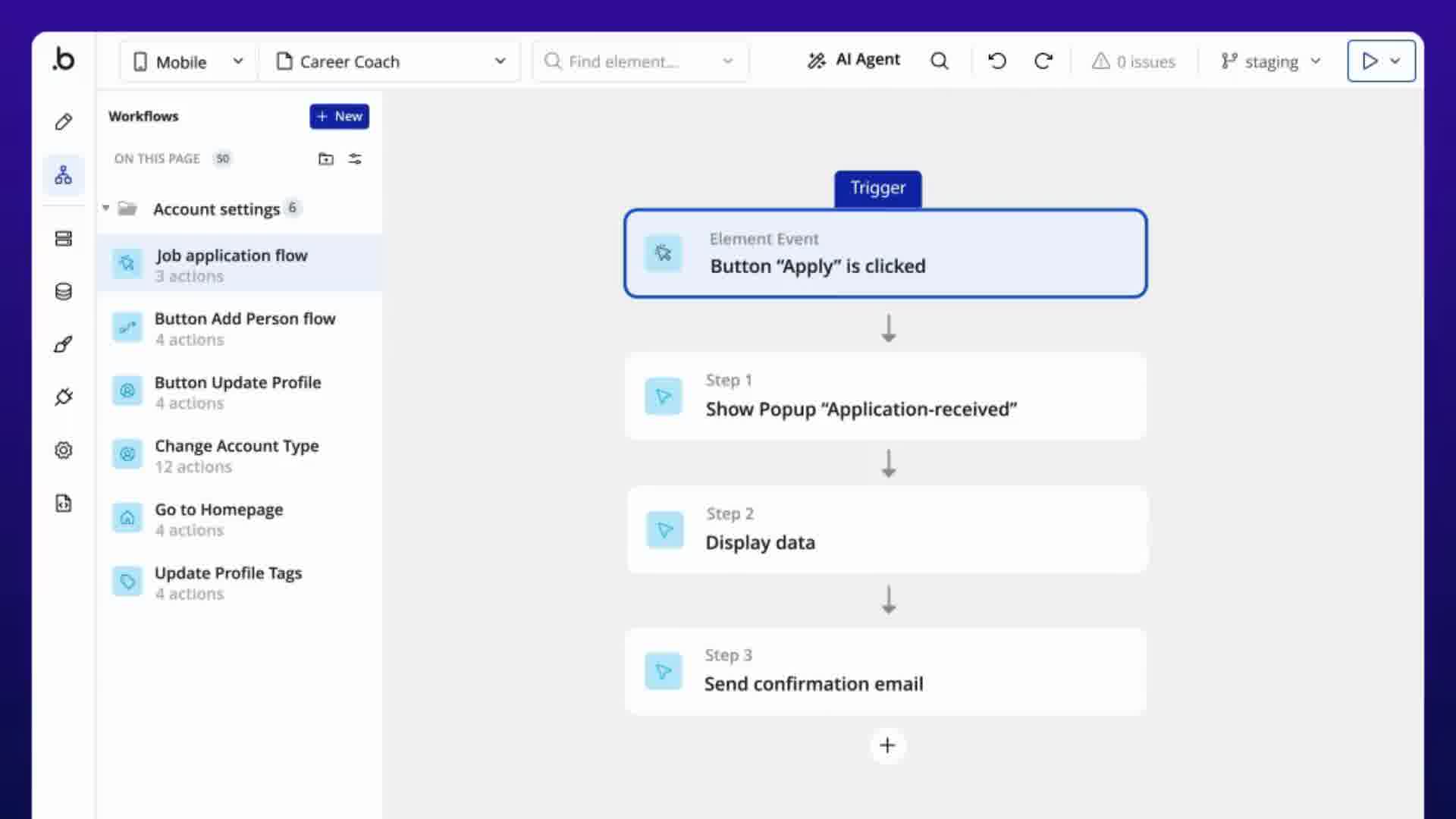
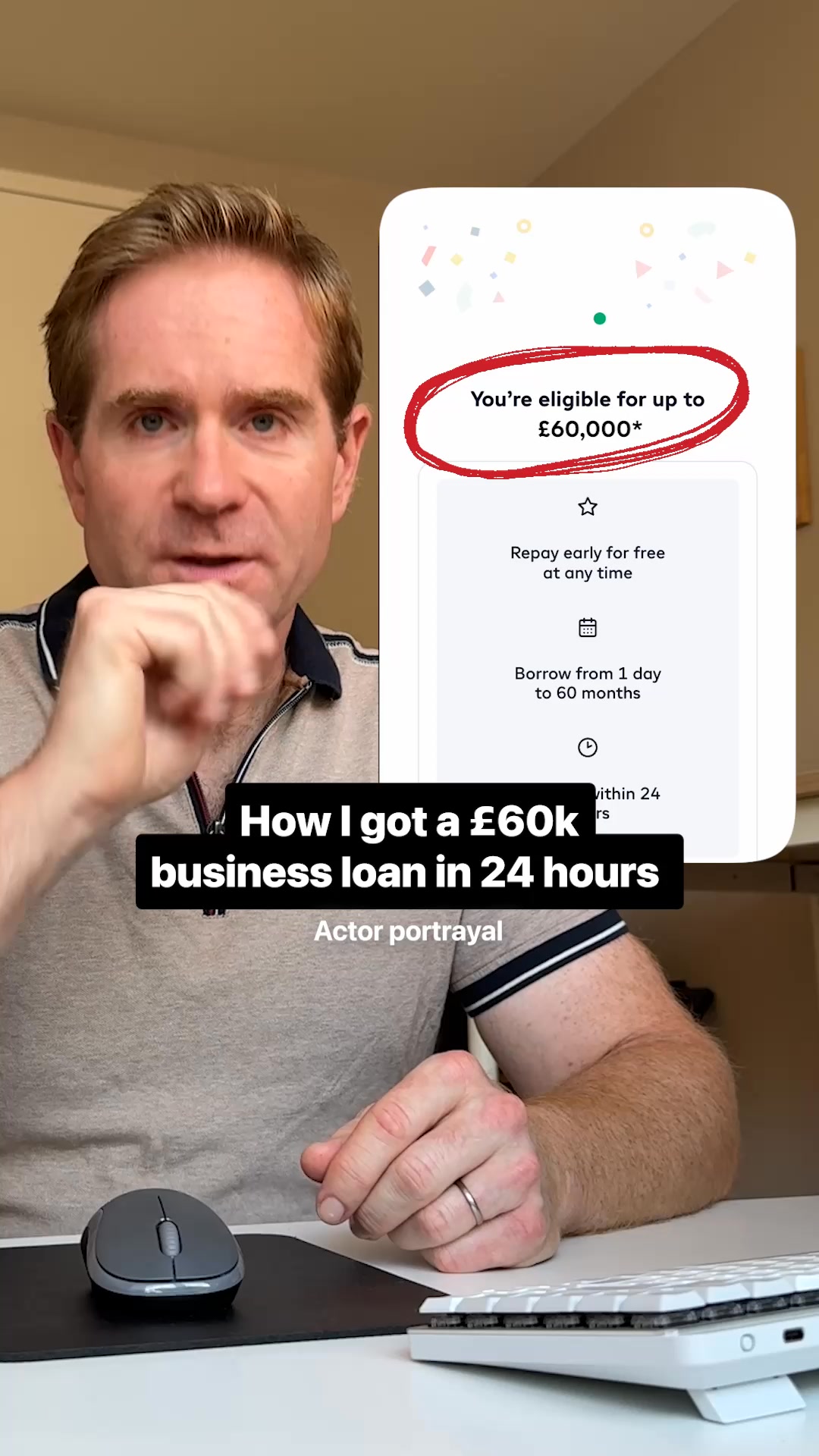
- Ads
- 1,191
- Top niche
- App and Software
- Top hook tactic
- Relatability
- Most ads from
- Manus
- Longest run
- 704 days
How this format is built
Anatomy of a Screen Recording ad

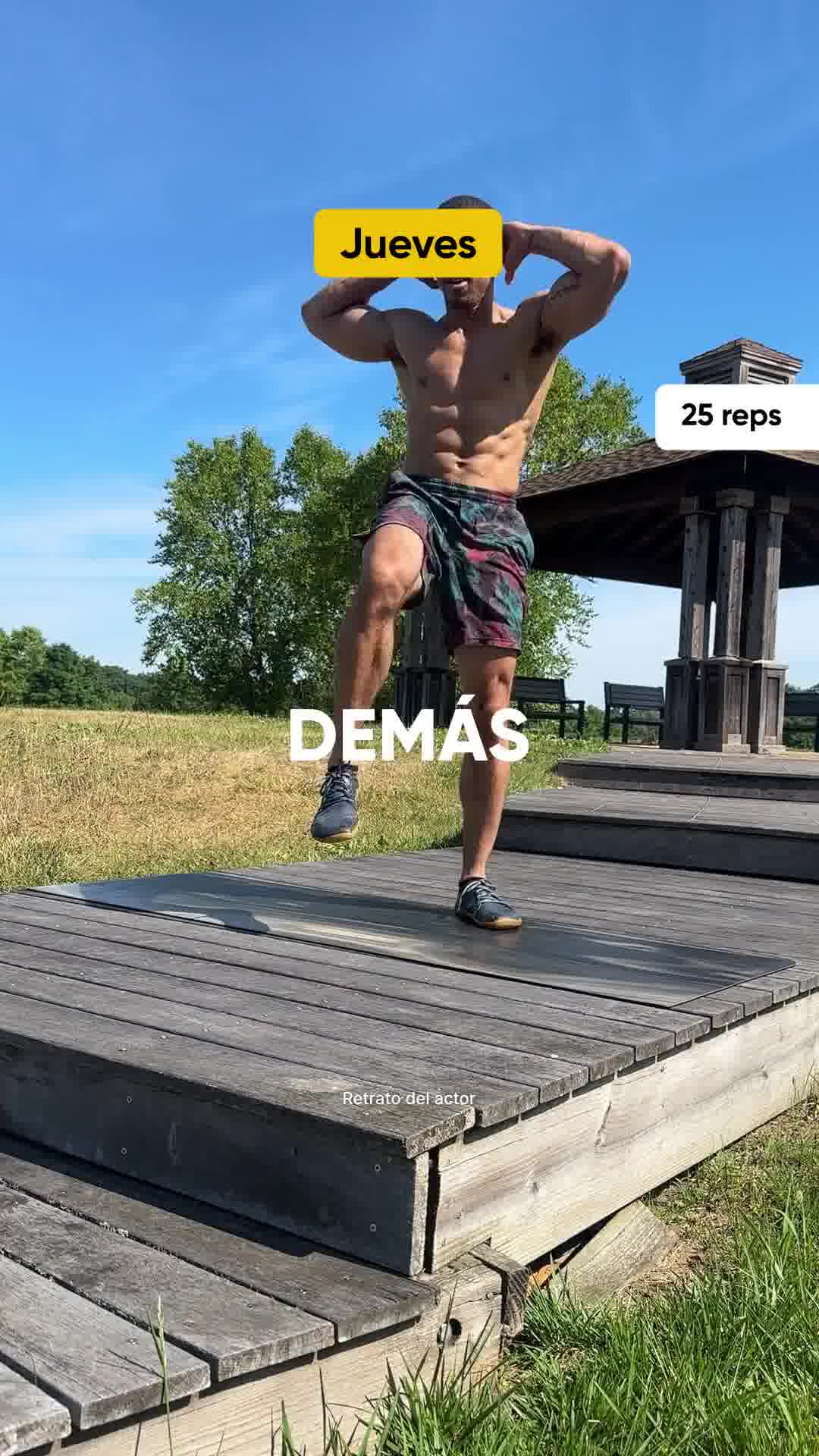
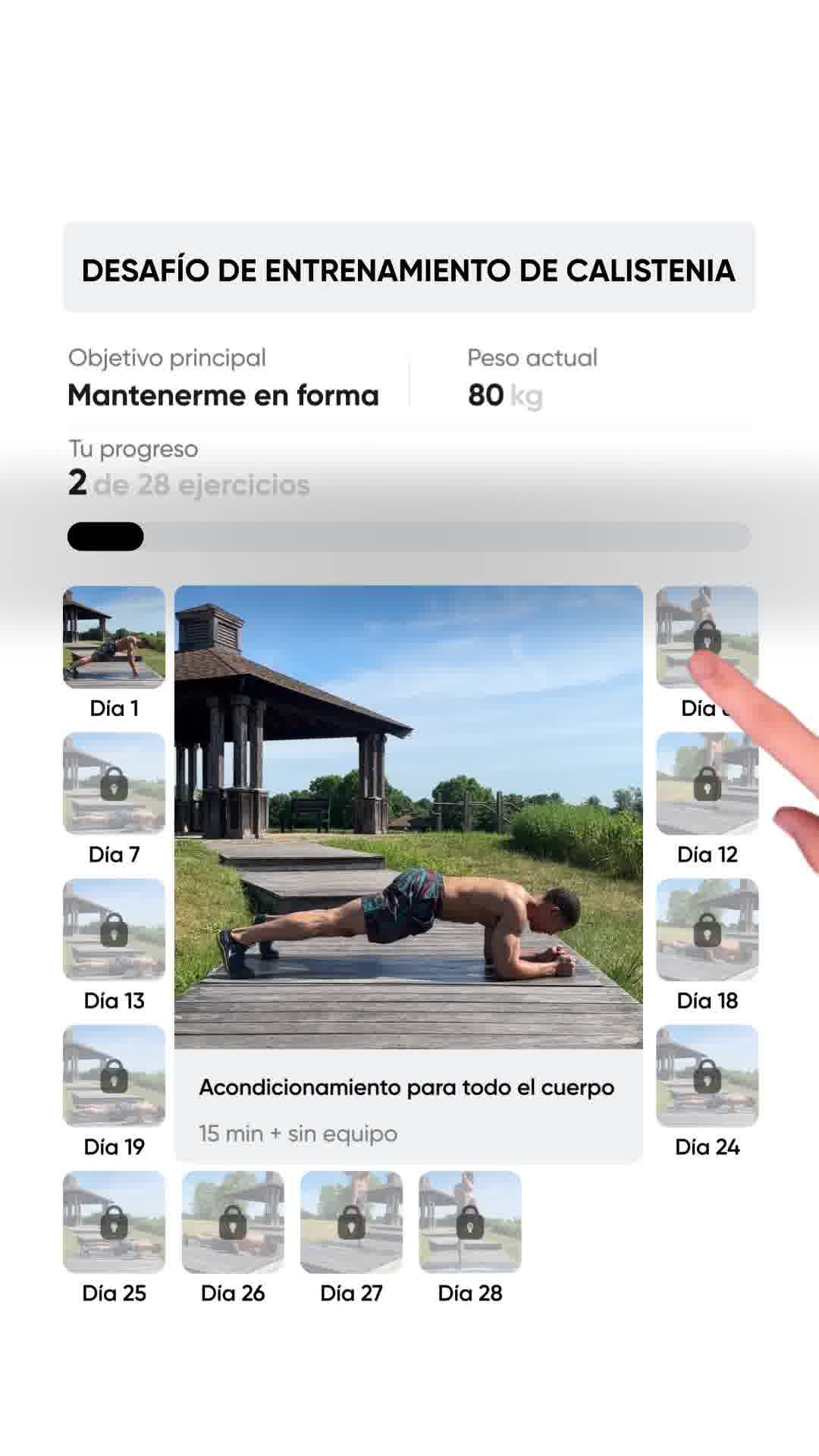
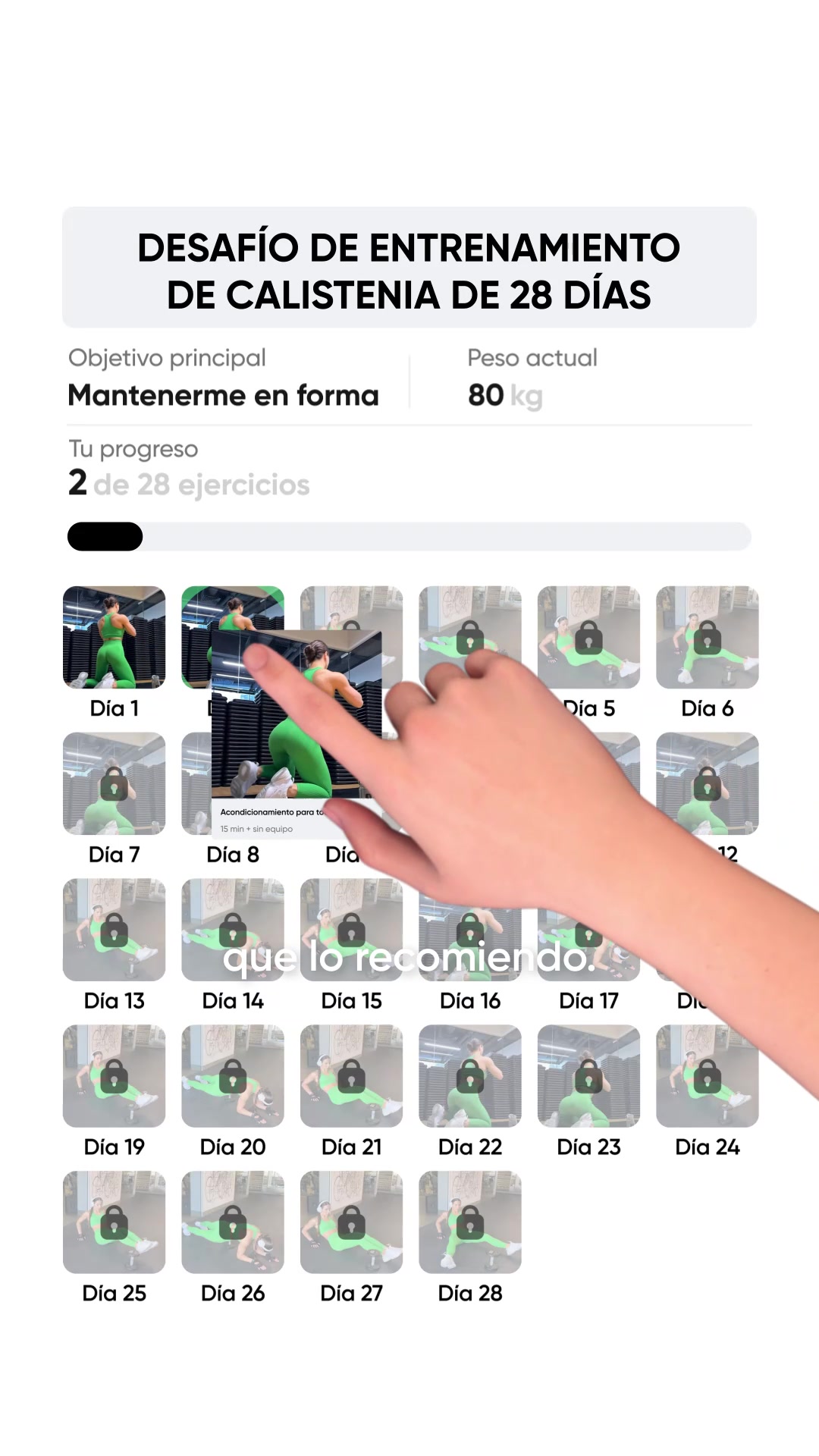
A screen recording ad is a video captured from a phone or computer screen as someone uses an app, a website or a piece of software. The viewer sees the real interface: taps, scrolls, typing and the result appearing on screen. It is common for apps and software, where the product lives on a screen, and for shops that show the checkout or a feature of their site. A voiceover, captions or a creator's face in a corner often explain what is happening. Unlike a designed mockup, the recording shows the product as it really behaves, which is why it reads as a demonstration rather than an illustration.
Start on the result, then show how
Open on the finished output, the clean inbox or the edited photo, before the steps. The viewer knows what they are watching for, and the rest of the recording becomes the how.
Trim the waiting
Cut loading screens, typing pauses and menus that do not matter. A recording that feels real time but skips the dead air holds attention for longer.
Zoom on the key tap
On a phone feed the full screen is small. Crop or zoom in on the part of the interface that changes, so the moment the product does its job is easy to see.
Caption each step
A short line for each action tells the viewer what just happened, even with the sound off. Keep captions clear of the area where the interaction takes place.
Clean the screen before recording
Hide notifications, personal details and cluttered tabs. Use realistic sample content so the capture looks like real use without showing anyone's private data.
It is a Screen Recording ad when
- The video is captured from a phone or computer screen while someone uses an app, a website or software.
- The real interface moves on screen: taps, scrolls, typing and results appearing.
Near misses
- Designed, still app screens placed in a phone frame are an app mockup.
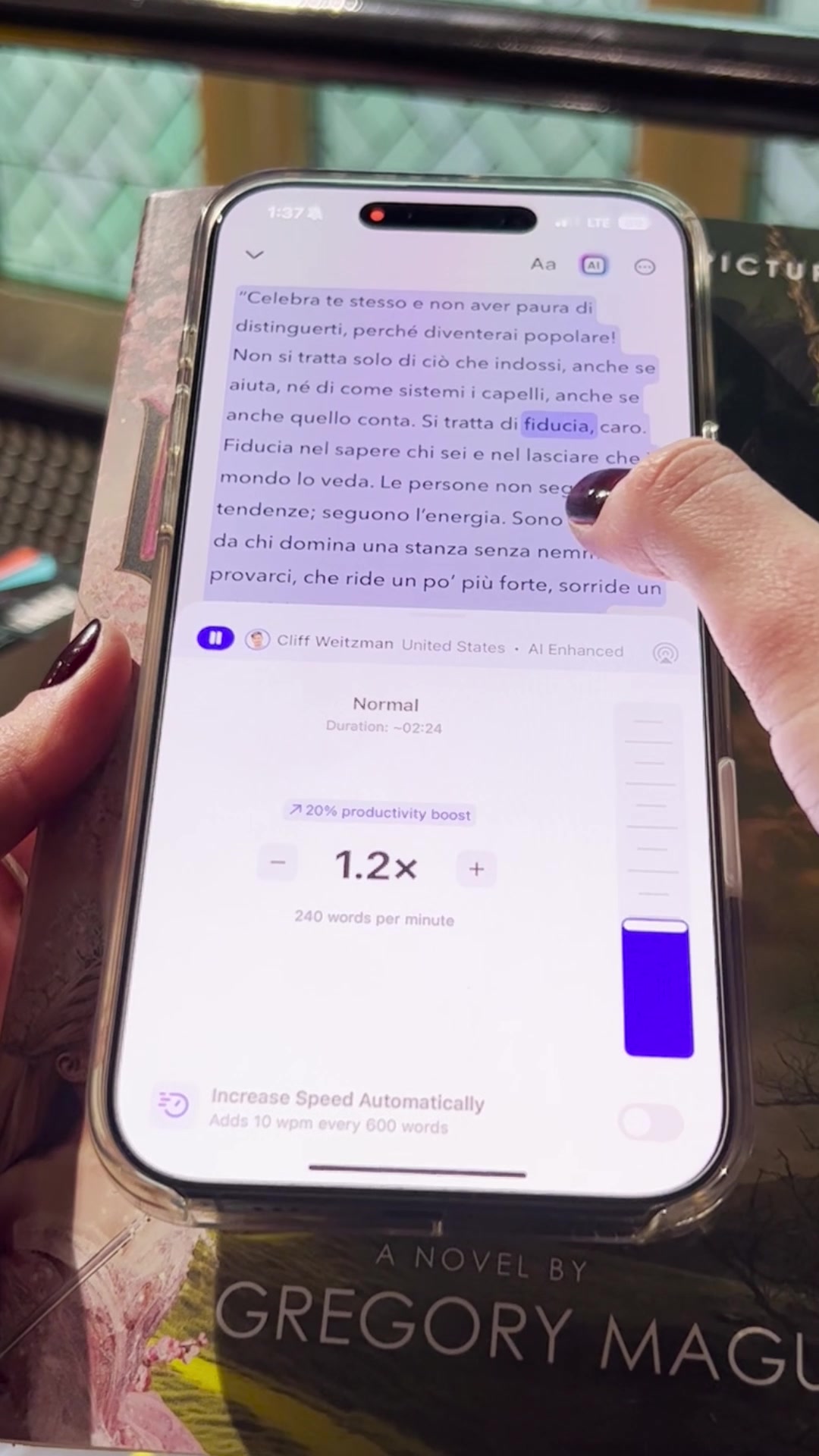
- A phone filming a real screen while a hand points at it is point to screen.
- A designed interface or dashboard shown outside a phone, not recorded, is a UI mockup.
Quick test
Is the footage a capture of a screen as it is being used?
Related formats and niches
Ask your AI agent about Screen Recording ads
Claude or ChatGPT searches the 1,191 Screen Recording ads here and answers with real ads: the hooks, the niches and the brands that kept them running.
Pull the longest-running Screen Recording ads and their hooks
Ranked by how long the brand kept them running on Meta
Write five hooks for my product from these Screen Recording ads
Each with the real ad it learned from
How does Manus build its Meta ads?
Formats, hooks and offers across its 54 ads here
Questions about Screen Recording ads
- What is a screen recording ad?
- A screen recording ad is a video captured from a phone or computer screen while someone uses an app, a site or software. It shows the real interface in action, often with captions or a voiceover explaining each step.
- How is a screen recording ad different from an app mockup ad?
- An app mockup ad shows a designed version of an app screen, usually inside a phone frame and often static. A screen recording ad captures the real screen in motion as it is used. A mockup tidies the interface for the ad, while a recording shows it as the user will see it.
- Can a screen recording ad include a person?
- Yes. Many place the creator's face in a corner or film them in front of the recording, talking through what they do. The screen stays the main subject, and the person adds a voice and a reaction.
- What tools do brands use to record the screen?
- Phones and computers have built-in screen recorders, which are enough for most ads. Editing then adds the zooms, cuts and captions that make the recording readable in the feed.
- How do I find screen recording ads to study?
- Browse the gallery above for screen recording ads from Facebook and Instagram, newest first. Ask your AI agent to search the ad library for screen recordings in your niche and describe which feature each one shows.
- What is the difference between Screen Recording ads and App Mockup ads?
- An app mockup shows designed screens of the app, posed inside a phone frame. A screen recording captures the app or site as it is used, with real taps, scrolls and results on screen.
- What is the difference between Screen Recording ads and Point To Screen ads?
- Point to screen films a real screen with a second camera while a hand points at it. A screen recording is captured from the device itself, so the viewer sees the interface edge to edge.
- What is the difference between Screen Recording ads and Demo ads?
- A demo shows any product in use, physical ones included. A screen recording is a demo of a screen: the footage is captured straight from the phone or computer.