96 Alarm App Mockup Ad Examples

Alarm app mockup ads copy a phone alarm or clock screen, with the message written as the alarm label. Browse the examples below, then read how brands turn a wake-up time into a hook.

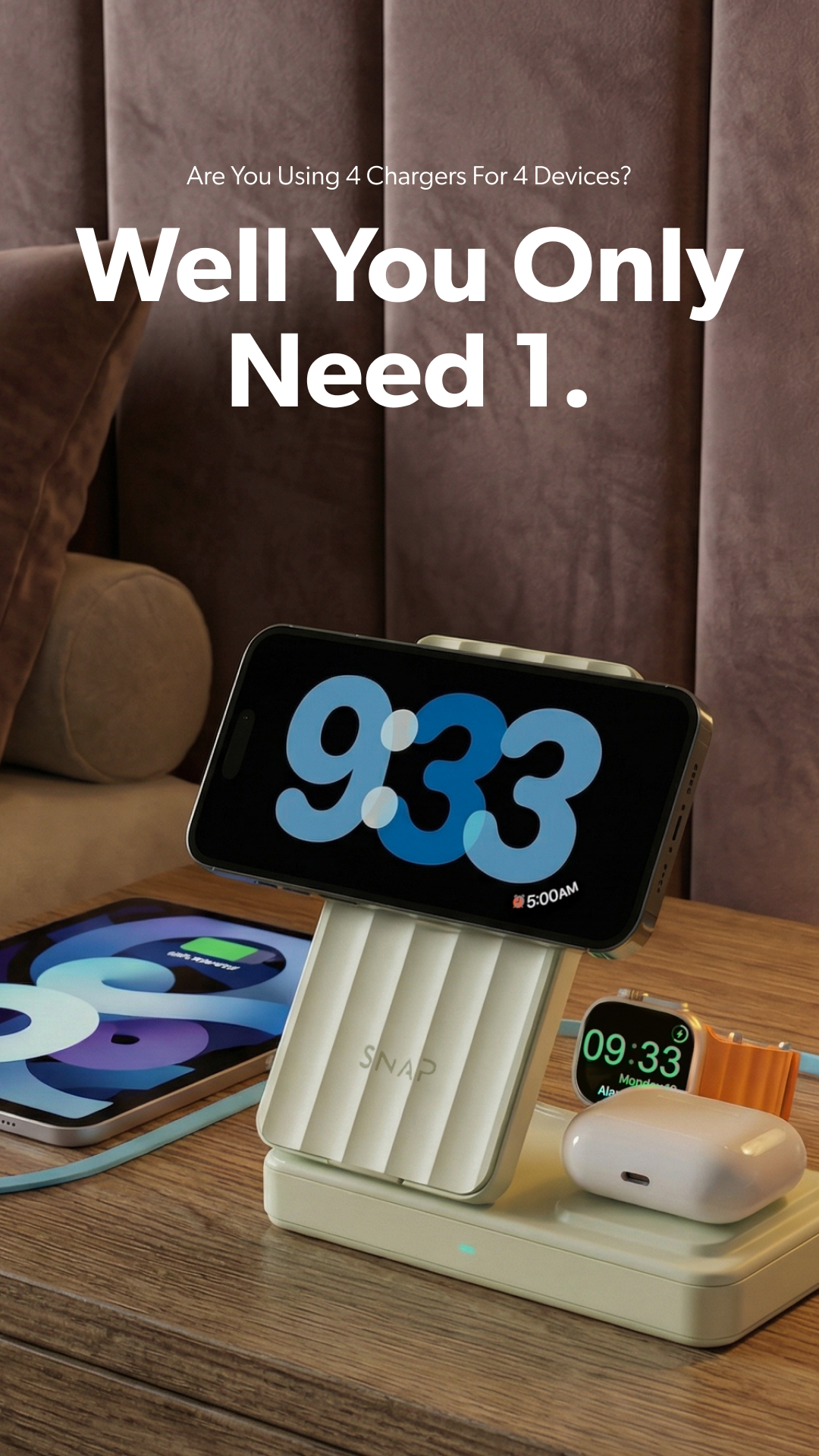
A multi-device charging station is shown on a wooden table, with a smartphone displaying the time, an Apple Watch, and AirPods placed on it. The phone screen shows a large digital clock reading 9:33. Text overlays ask "Are You Using 4 Chargers For 4 Devices?" and "Well You Only Need 1.", highlighting the product's ability to charge multiple devices simultaneously and reduce cable clutter.
Live · 201 days
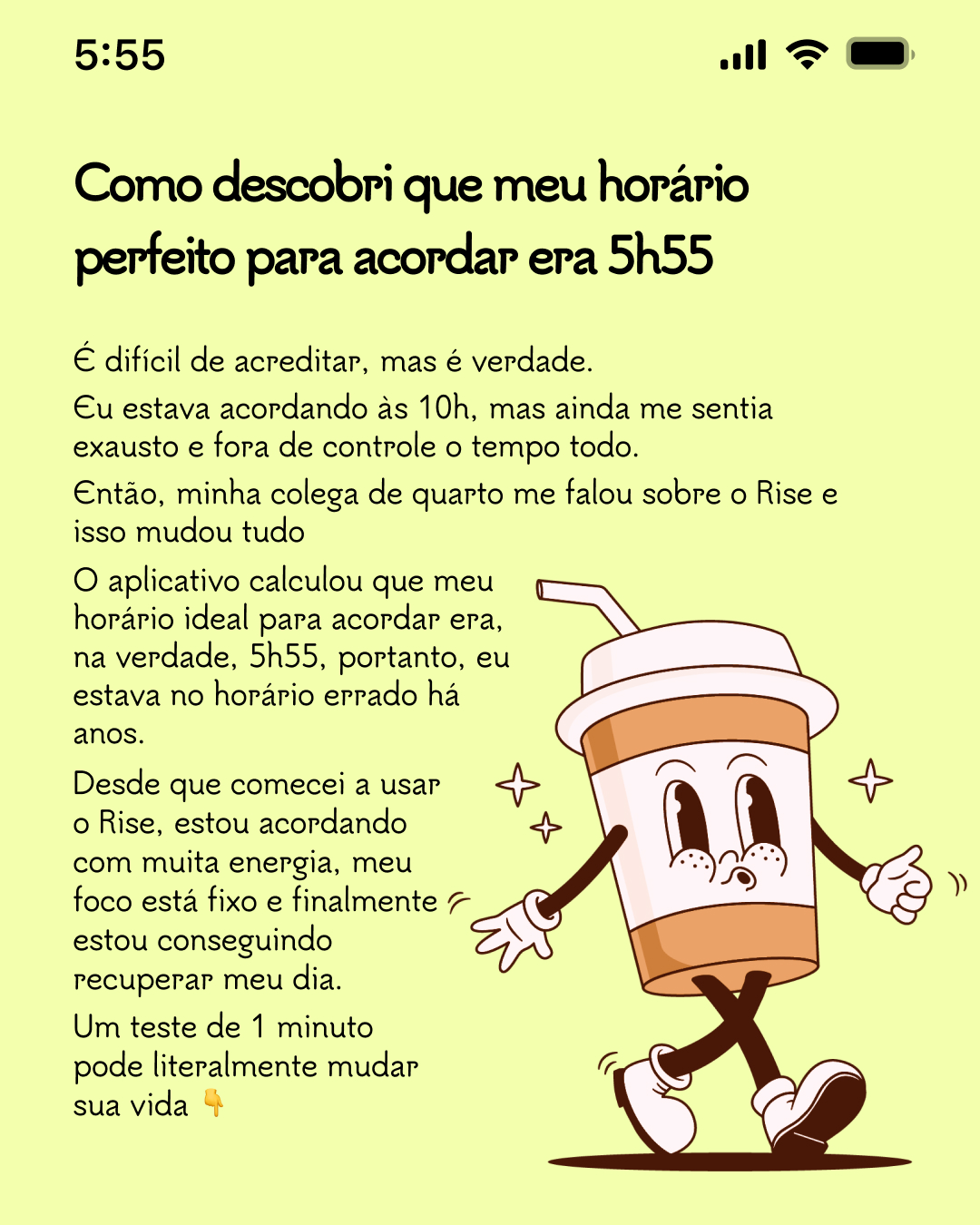
The creative features a light yellow background with a large, bold headline in Portuguese that reads "How I discovered my perfect wake-up time was 5:55 AM." Below the headline, a cartoon illustration depicts a walking coffee cup with arms and legs, looking surprised. The text explains that it's hard to believe but true, as the author used to wake up at 10 AM feeling exhausted. A roommate told them about the Rise app, which calculated their ideal wake-up time as 5:55 AM, revealing they had been waking up at the wrong time for years. Since using Rise, they wake up with energy, have better focus, and are finally reclaiming their day, suggesting a 1-minute test can change one's life.
Ended · 40 days
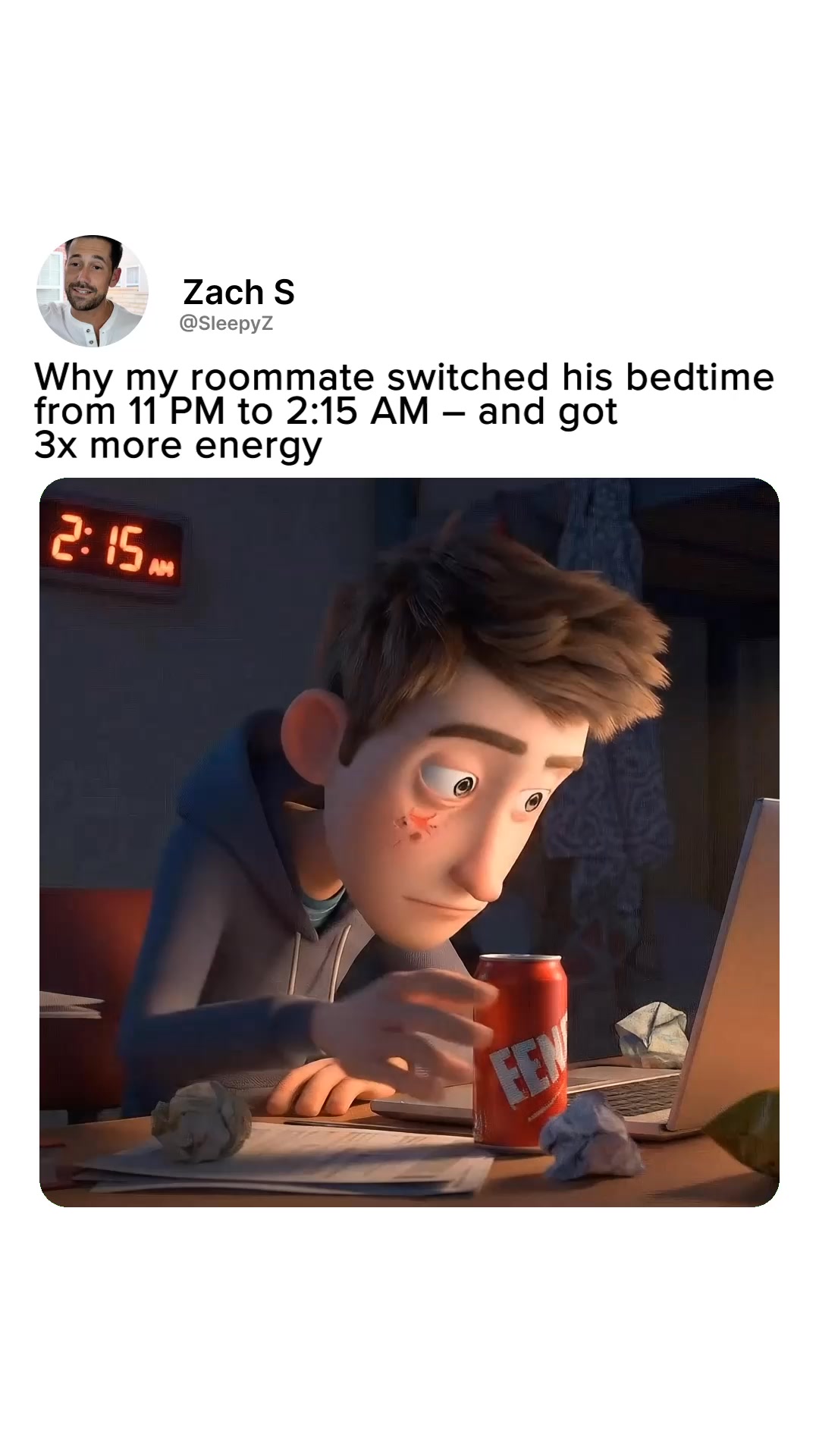
A 3D animated character is shown looking tired and disheveled, with a can of 'FEW' energy drink in his hand. A digital clock in the background displays "2:15 AM". The text overlay reads, "Why my roommate switched his bedtime from 11 PM to 2:15 AM - and got 3x more energy". The image depicts a relatable scenario of someone struggling with sleep and energy levels, possibly implying the energy drink as a solution.
Ended · 181 days
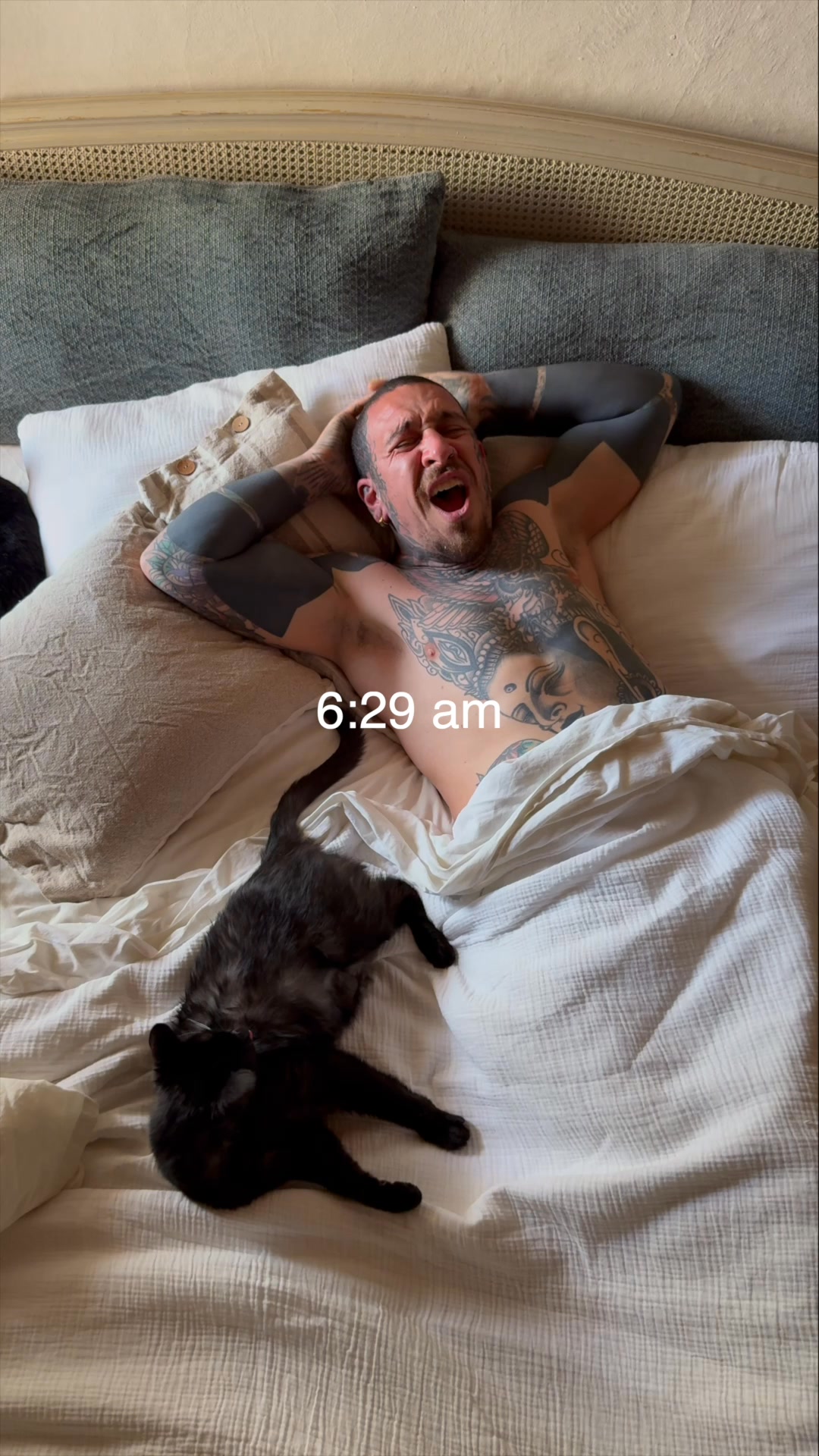
A man is lying in bed, yawning widely with his hands on his head. A black cat is lying on the bed next to him. The time "6:29 am" is displayed in the bottom left corner of the image. The man is heavily tattooed and appears to be waking up.
Live · 40 daysVideo
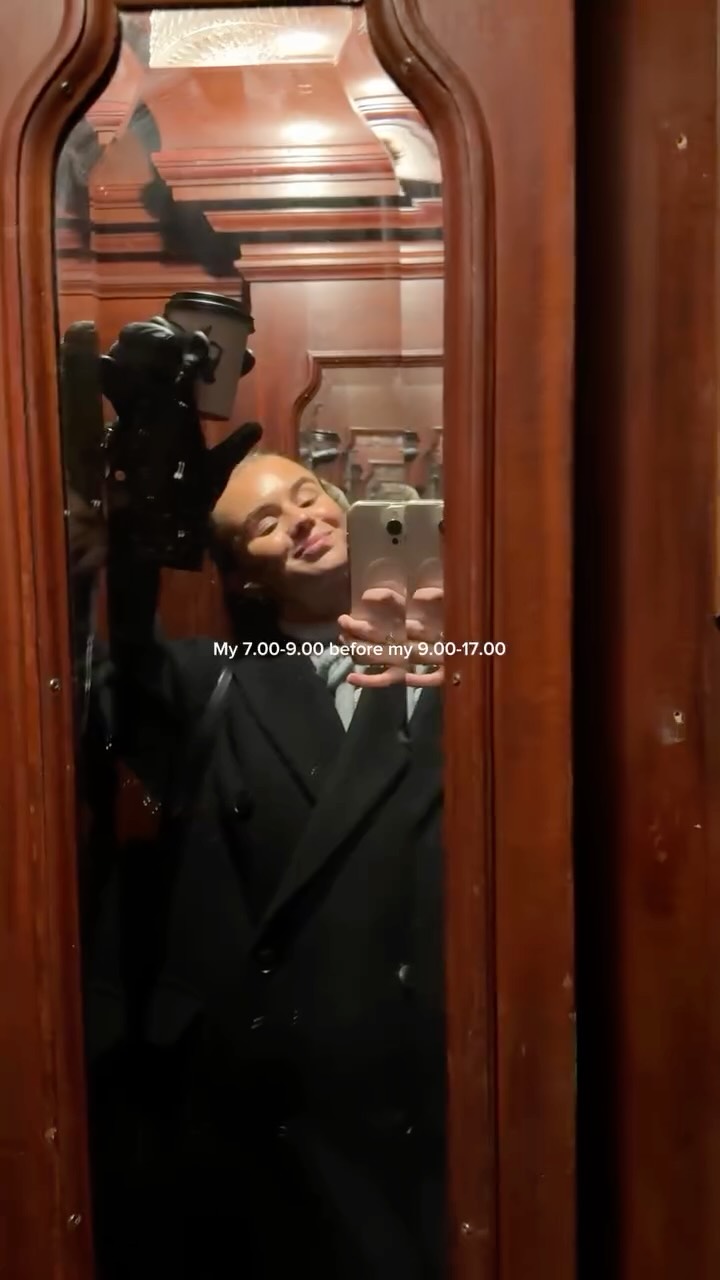
A woman takes a selfie in a mirror, holding a coffee cup in her gloved hand. She is wearing a black coat and a grey scarf. On the mirror, text reads "My 7.00-9.00 before my 9.00-17.00". The background shows a reflection of a room with wooden furniture and decorative elements. The overall impression is a glimpse into her morning routine before starting her workday.
Ended · 16 daysVideo
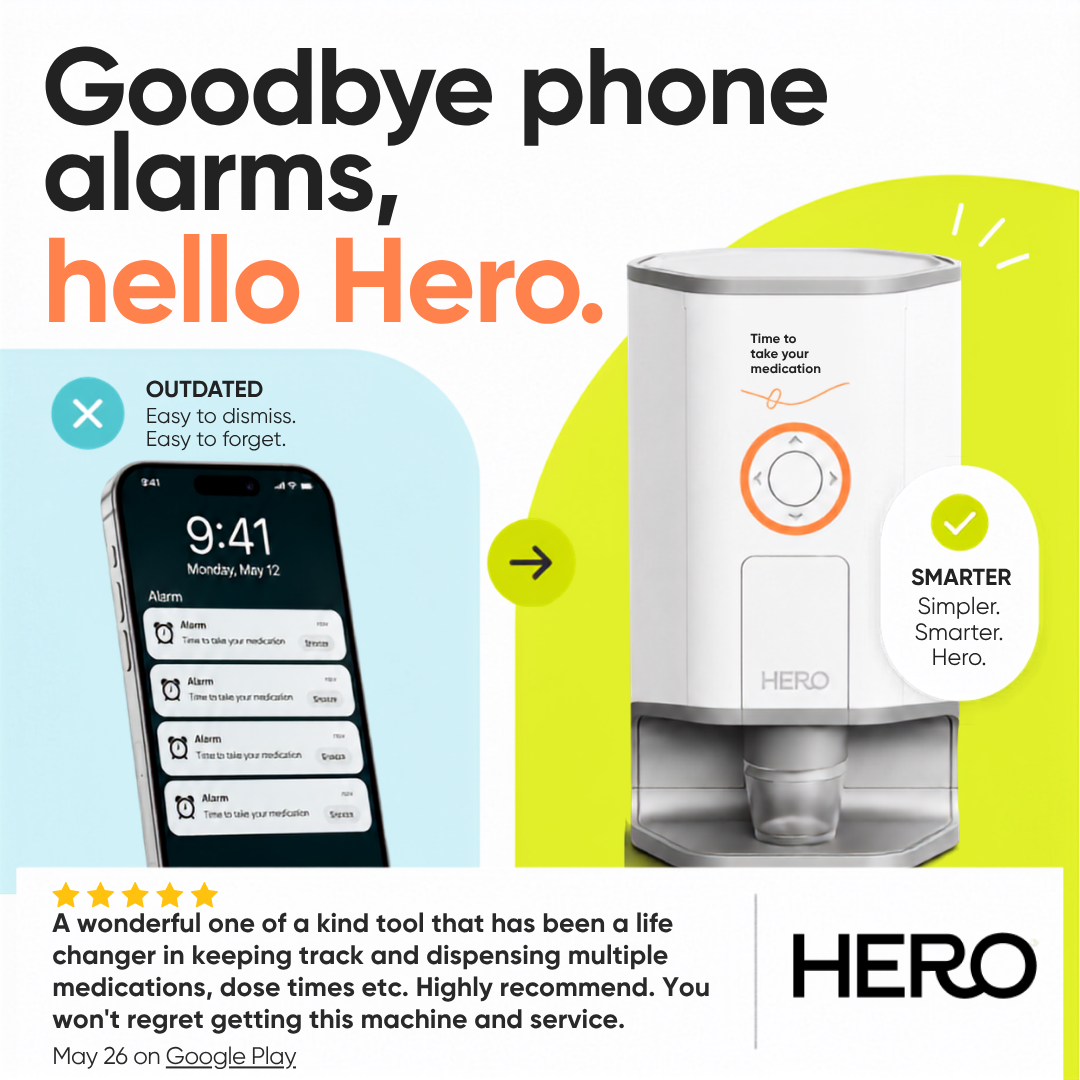
The creative shows a split screen comparing an outdated phone alarm interface on the left with a modern medication dispenser called Hero on the right. The left side displays multiple alarm notifications on a smartphone screen, labeled "OUTDATED" and "Easy to dismiss. Easy to forget." The right side features the sleek Hero dispenser with the text "SMARTER. Simpler. Smarter. Hero." and a checkmark icon. The headline "Goodbye phone alarms, hello Hero." is prominently displayed at the top. Below the images, a customer review praises the tool as a "life changer" for managing medications.
Live · 5 days
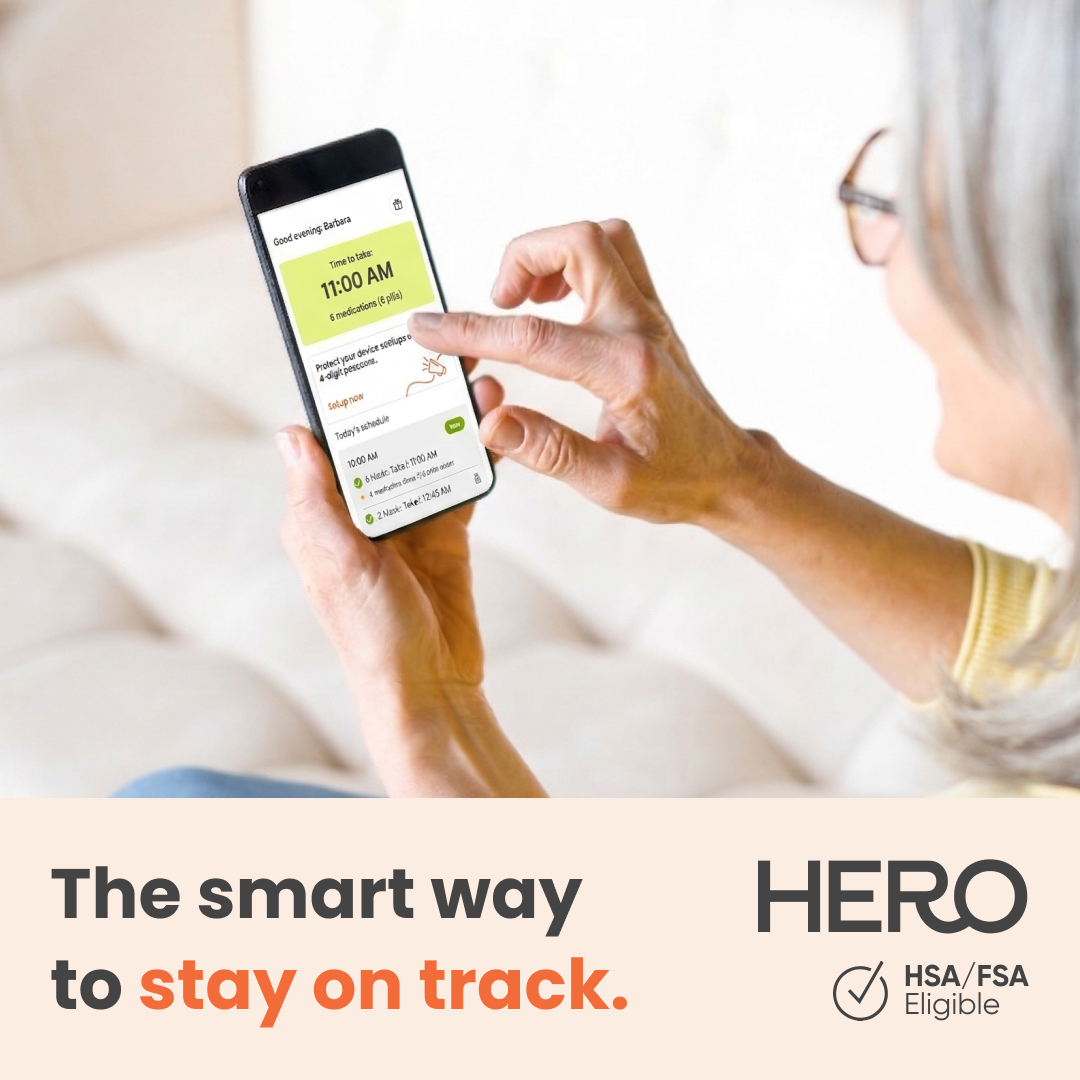
An older woman with glasses is looking at her smartphone, which displays a medication reminder app. The app shows a schedule for taking medications, including specific times and dosages. The text overlay on the image reads "The smart way to stay on track." Below this, the HERO logo is displayed with "HSA/FSA Eligible" underneath. The scene is set in a comfortable living room with a couch in the background.
Live · 55 days
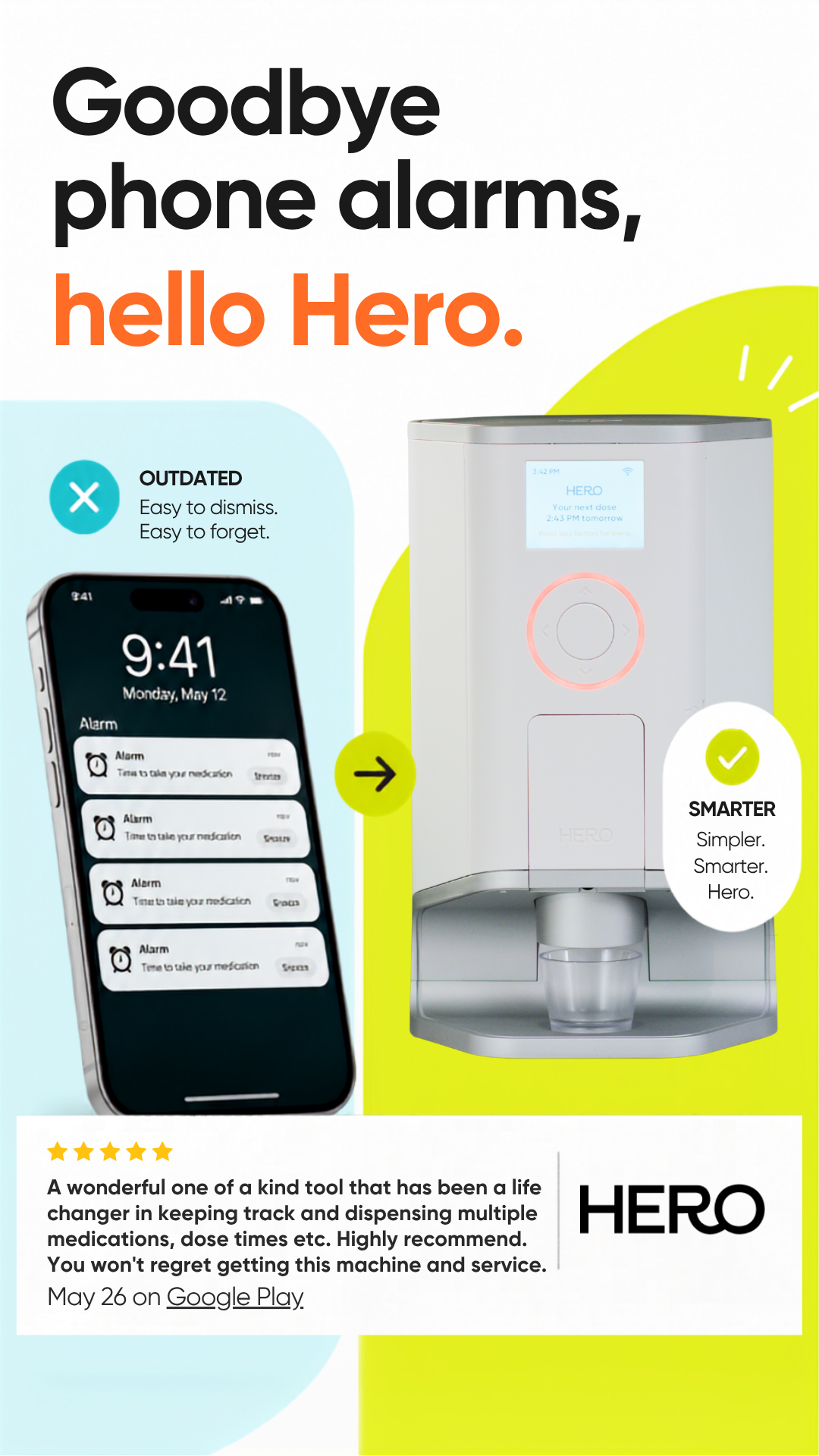
The creative contrasts an outdated phone alarm screen with a modern Hero smart dispenser. The phone screen shows multiple alarms for medication, labeled 'OUTDATED' and 'Easy to dismiss. Easy to forget.' An arrow points to the Hero device, which is labeled 'SMARTER. Simpler. Smarter. Hero.' Below the product image, a customer review praises the Hero device as a life-changer for managing medications. The overall message highlights the Hero device as a superior alternative to phone alarms for medication management.
Live · 63 days
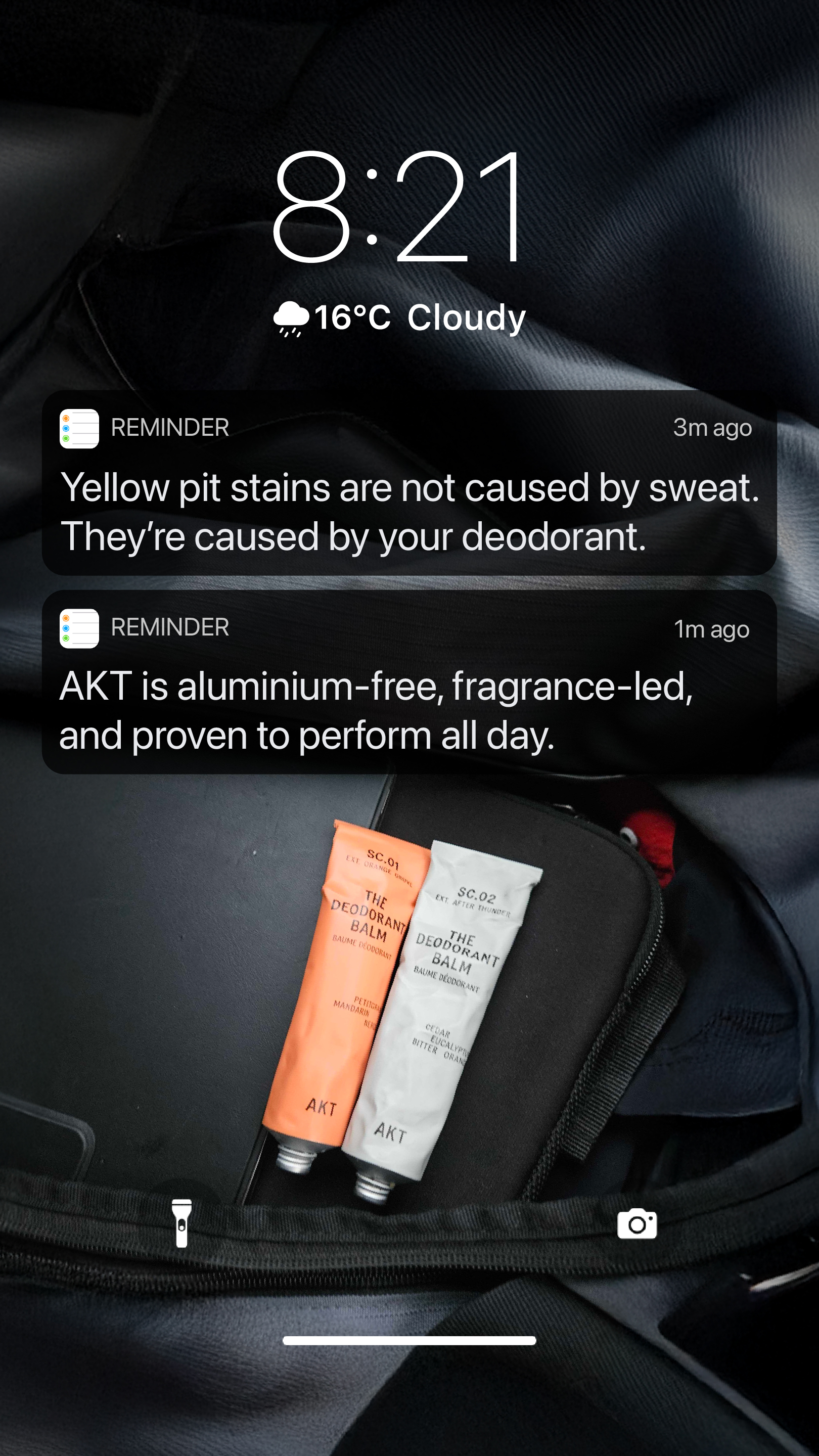
This creative is a phone lock screen mockup. The time is 8:21 AM, and the weather is 16°C and cloudy. Two notification reminders are displayed. The first reminder states, "Yellow pit stains are not caused by sweat. They're caused by your deodorant." The second reminder says, "AKT is aluminium-free, fragrance-led, and proven to perform all day." Below the notifications, two tubes of deodorant are visible, one orange and one white, placed inside a black bag.
Ended · 101 days
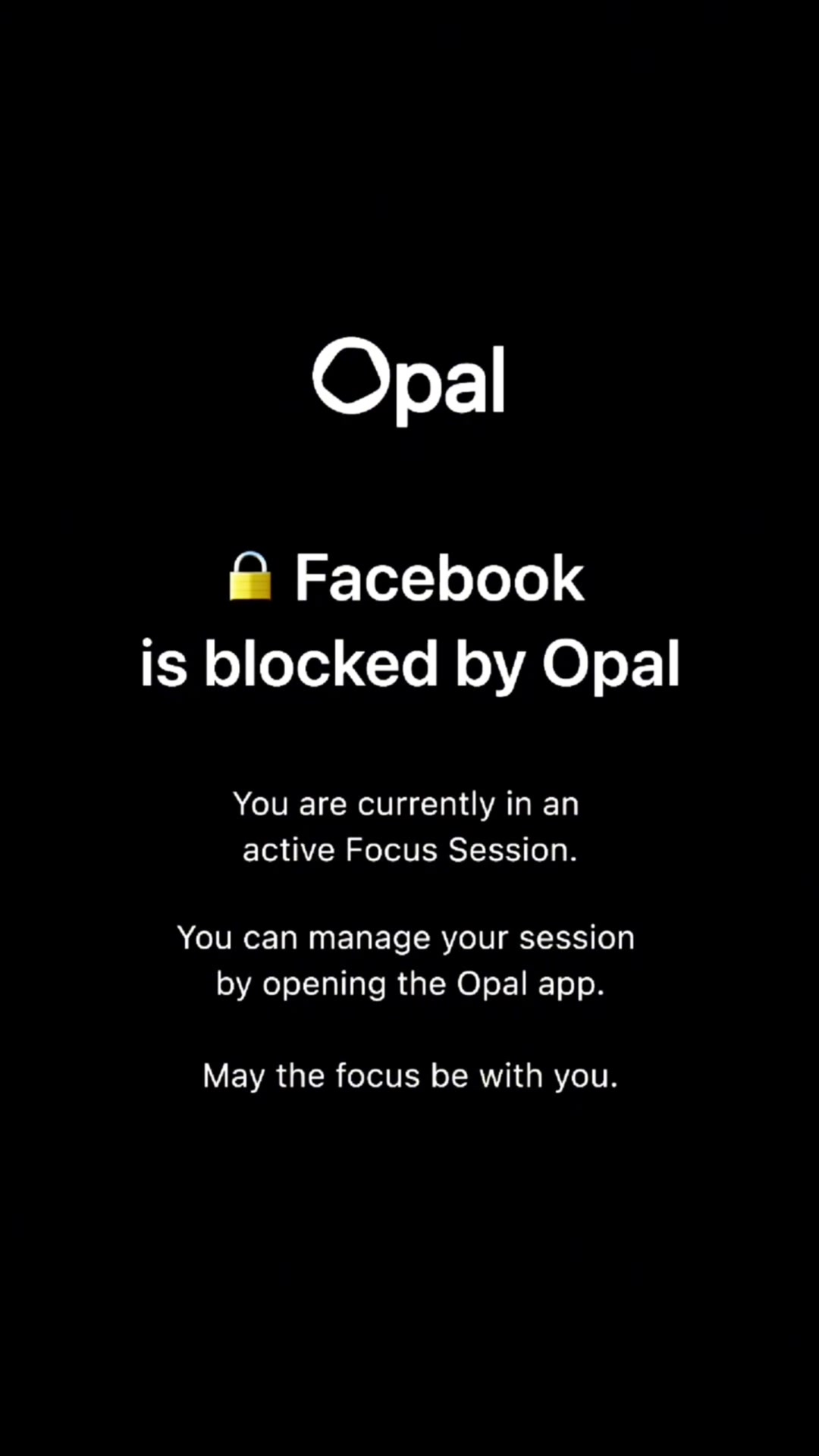
The screen displays the Opal logo at the top, followed by a padlock icon and the text "Facebook is blocked by Opal." Below this, it states, "You are currently in an active Focus Session." Further text explains, "You can manage your session by opening the Opal app." The creative concludes with the phrase, "May the focus be with you."
Ended · 153 daysVideo
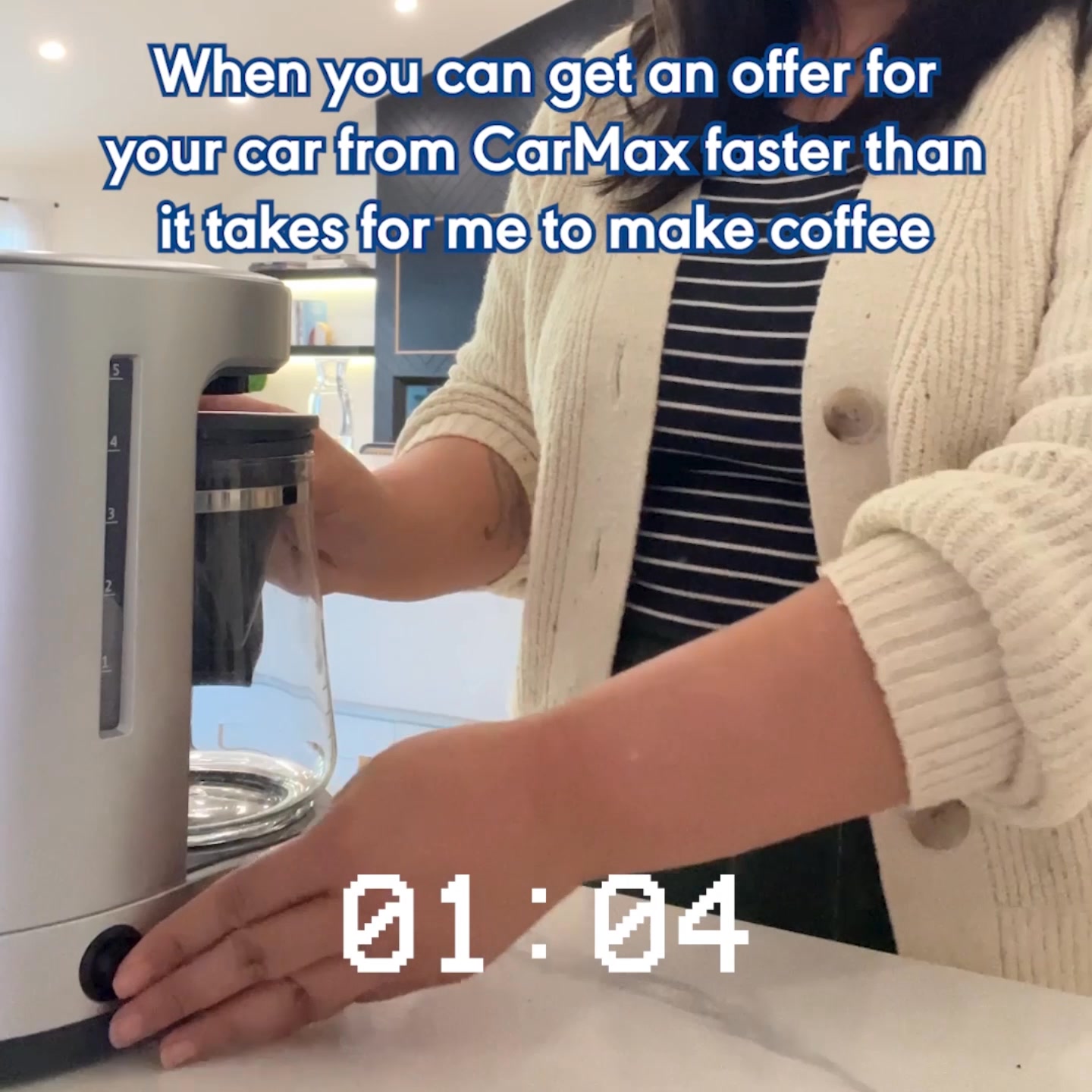
A person is shown in a kitchen, about to start making coffee. The text overlay reads "When you can get an offer for your car from CarMax faster than it takes for me to make coffee." A digital timer in the bottom right corner displays "01:04". The creative highlights the speed of CarMax's car offer process by comparing it to the time it takes to make coffee.
Ended · 60 days
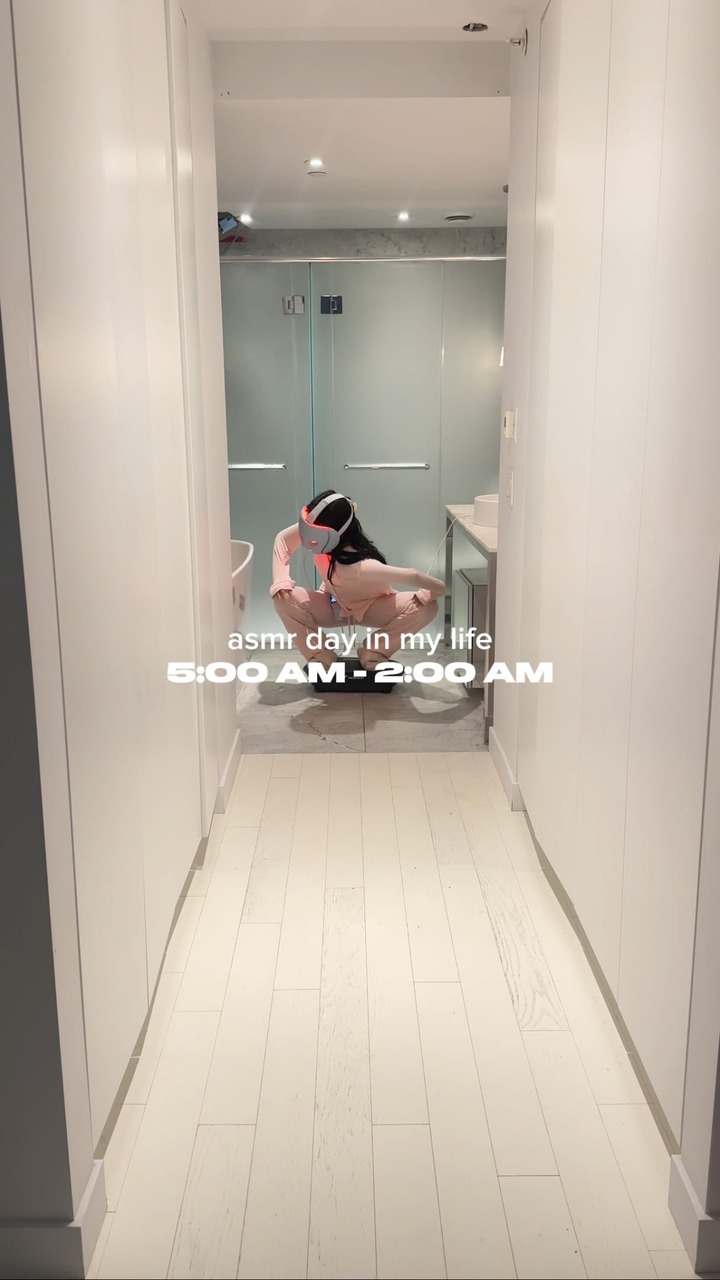
A person is shown squatting in a hallway wearing a pink loungewear set and a facial toning device. On-screen text reads "asmr day in my life" and "5:00 AM - 2:00 AM". The background shows a modern bathroom with a glass-enclosed shower. The overall aesthetic is that of a personal vlog or day-in-the-life content.
Live · 13 daysVideo
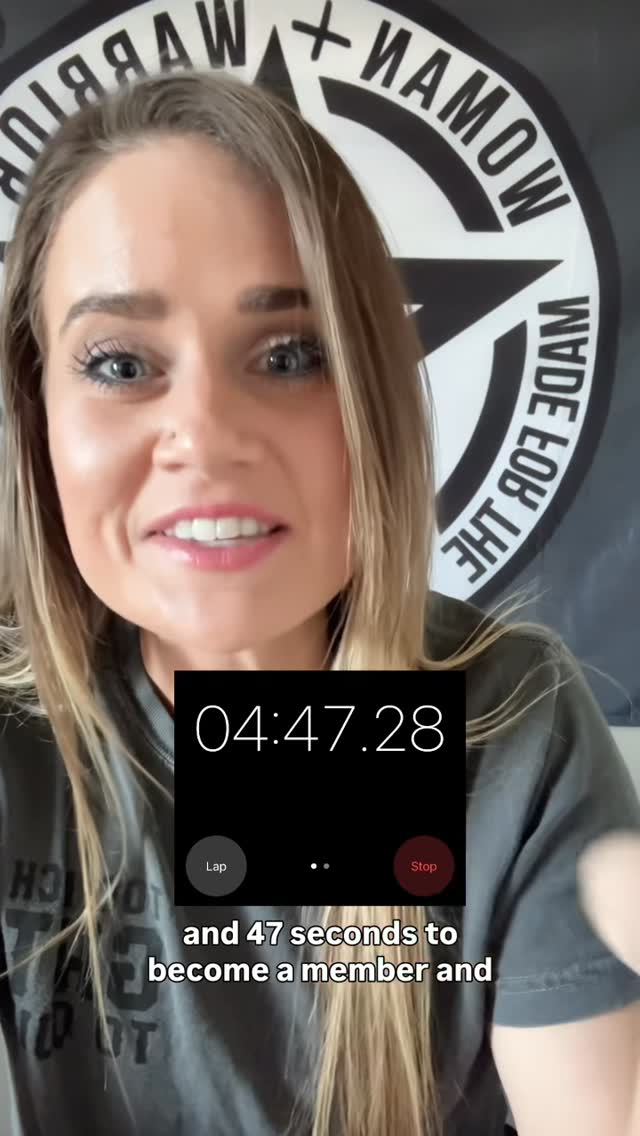
A woman with blonde hair is looking at the camera and smiling. A black timer overlay shows 04:47.28 with 'Lap' and 'Stop' buttons. Below the timer, text reads 'and 47 seconds to become a member and'. The background features a circular logo with text. The overall impression is a personal message from a creator about a service.
Live · 185 daysVideo
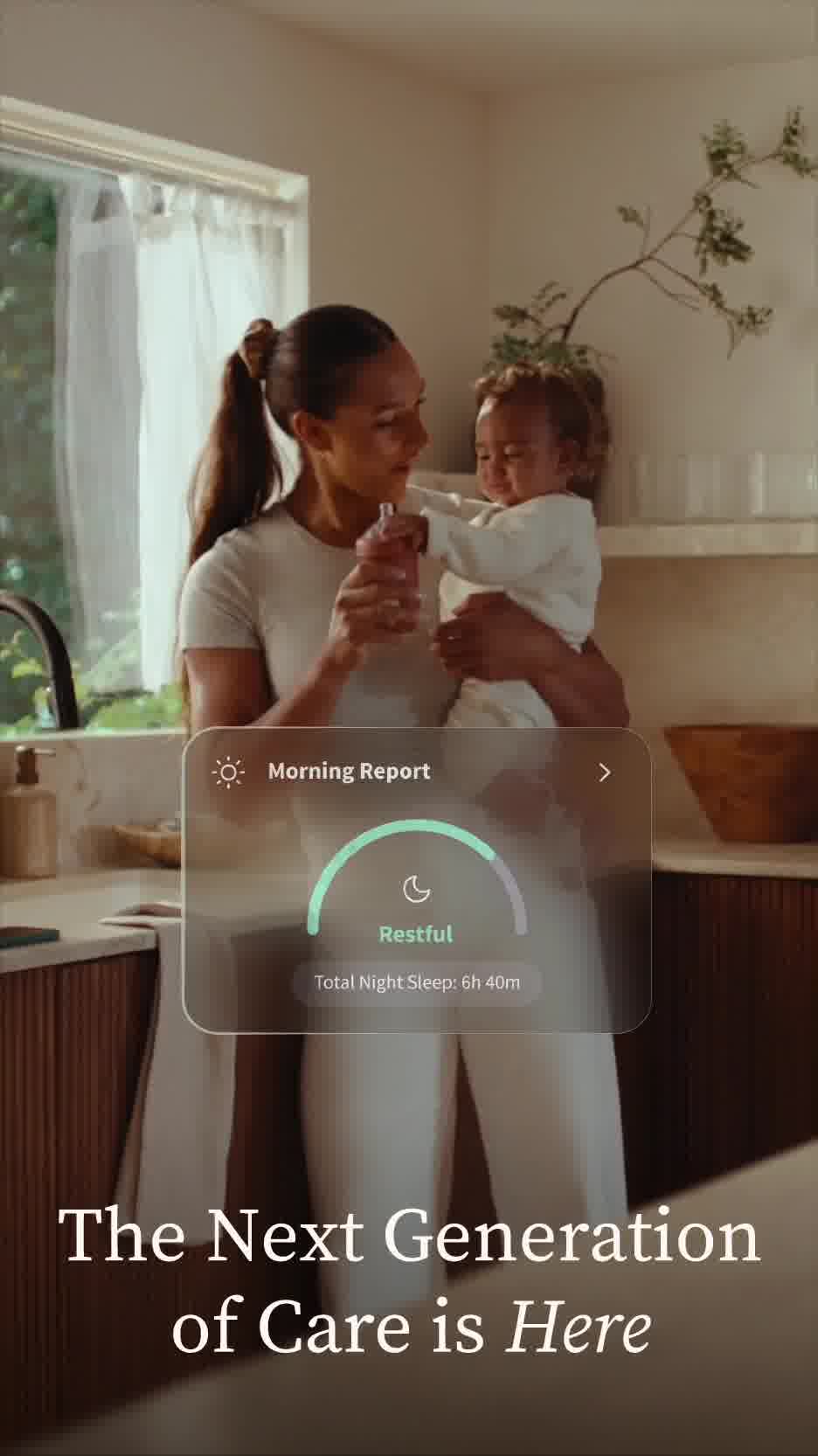
A woman with her baby is shown in a home setting. A transparent overlay displays a "Morning Report" with a "Restful" sleep score and "Total Night Sleep: 6h 40m". The text "The Next Generation of Care is Here" is overlaid at the bottom of the image.
Live · 265 days
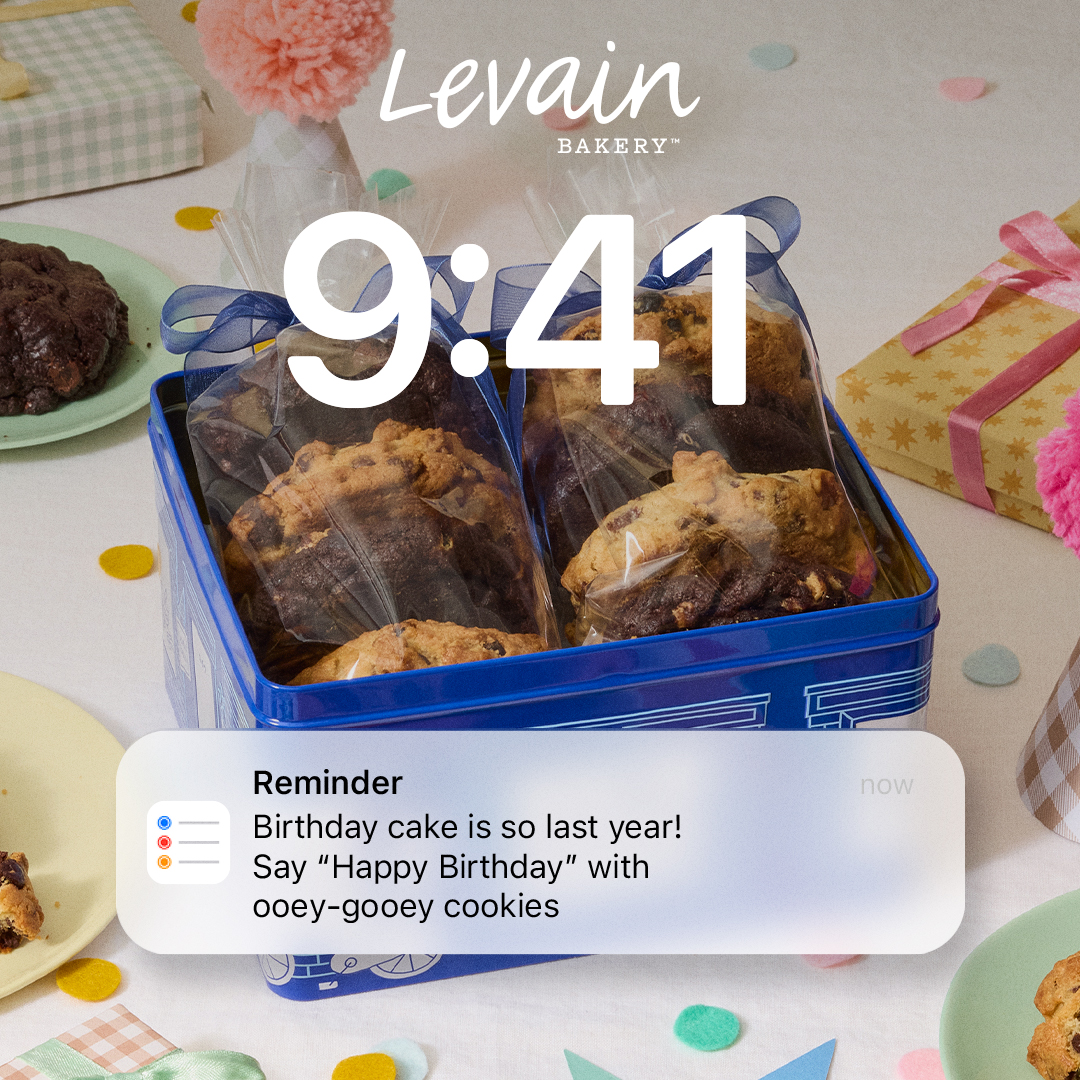
A digital alarm clock displays 9:41 over an image of Levain Bakery cookies in a blue tin. A notification bubble appears, stating 'Reminder: Birthday cake is so last year! Say "Happy Birthday" with ooey-gooey cookies'. The background is festive with gift boxes and confetti, suggesting a celebration.
Live · 108 days
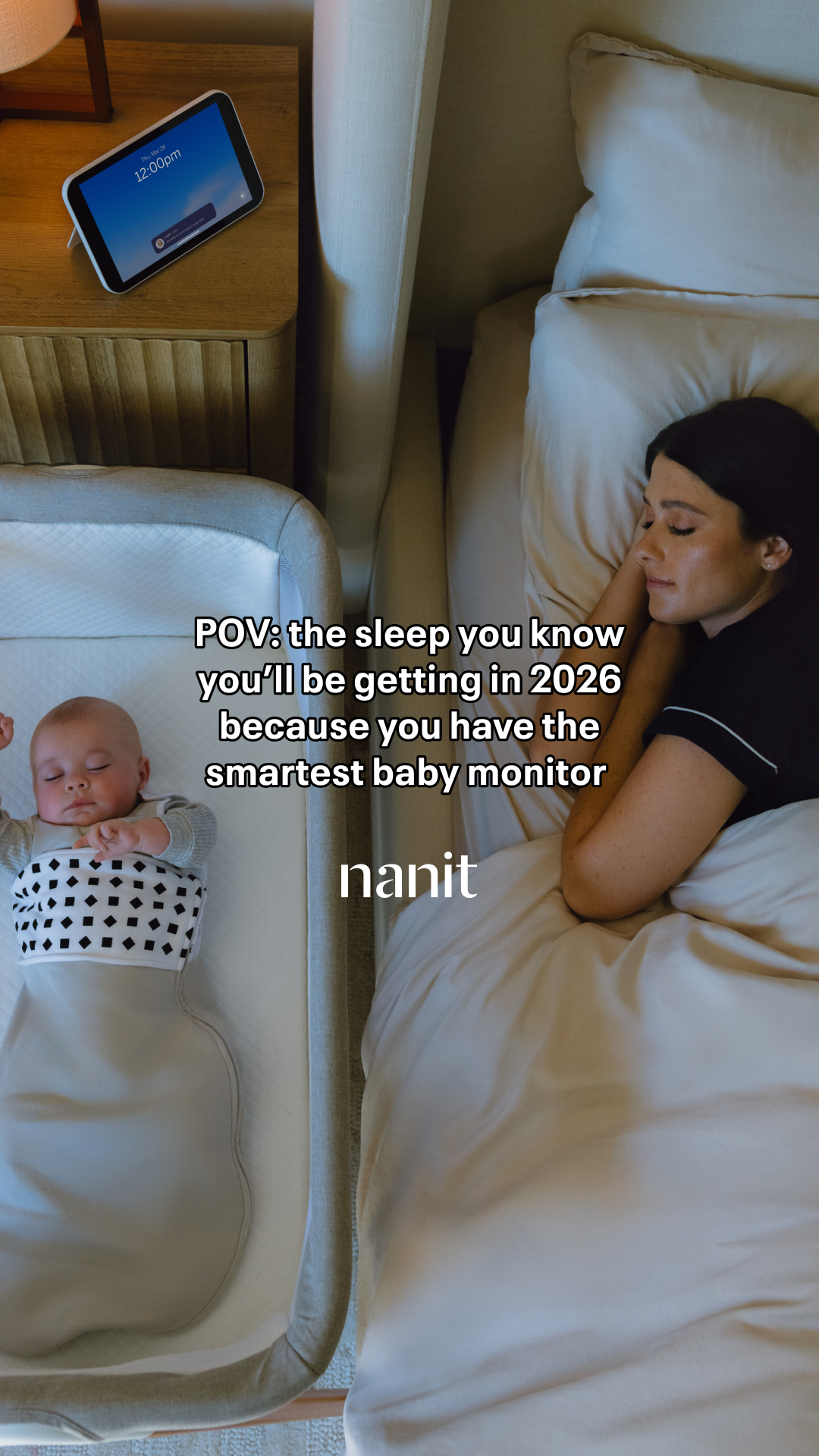
A woman is sleeping peacefully in bed next to her baby, who is also asleep in a bassinet. The scene is dimly lit, suggesting nighttime. Overlay text reads "POV: the sleep you know you'll be getting in 2026 because you have the smartest baby monitor." The Nanit logo is visible at the bottom right of the image.
Ended · 105 days
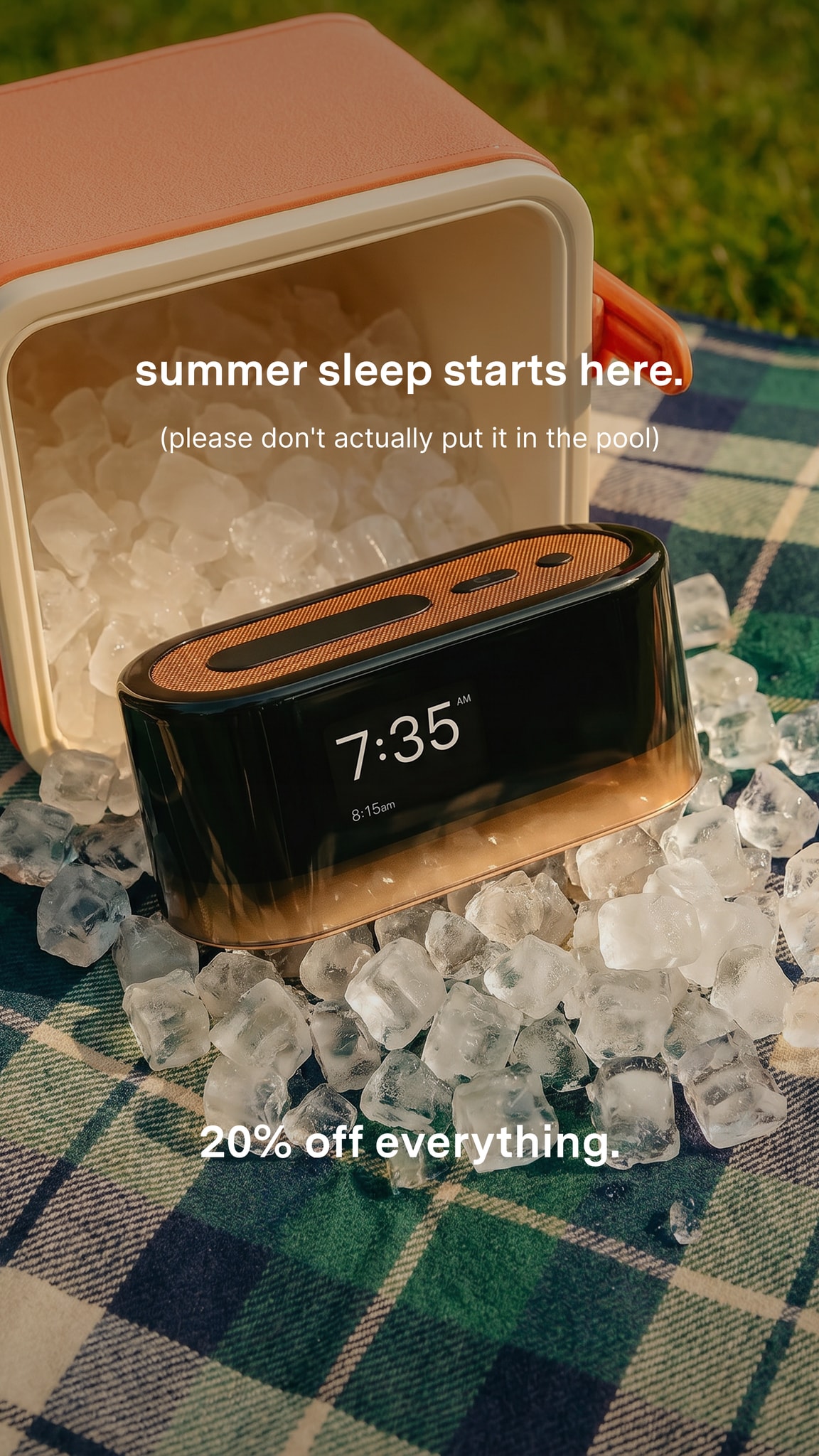
A Loftie alarm clock is placed inside a cooler filled with ice cubes, sitting on a picnic blanket. The clock displays the time 7:35 AM. White text overlays the image, reading "summer sleep starts here." followed by a parenthetical note, "(please don't actually put it in the pool)". Below the clock, more text announces "20% off everything."
Ended · 42 days
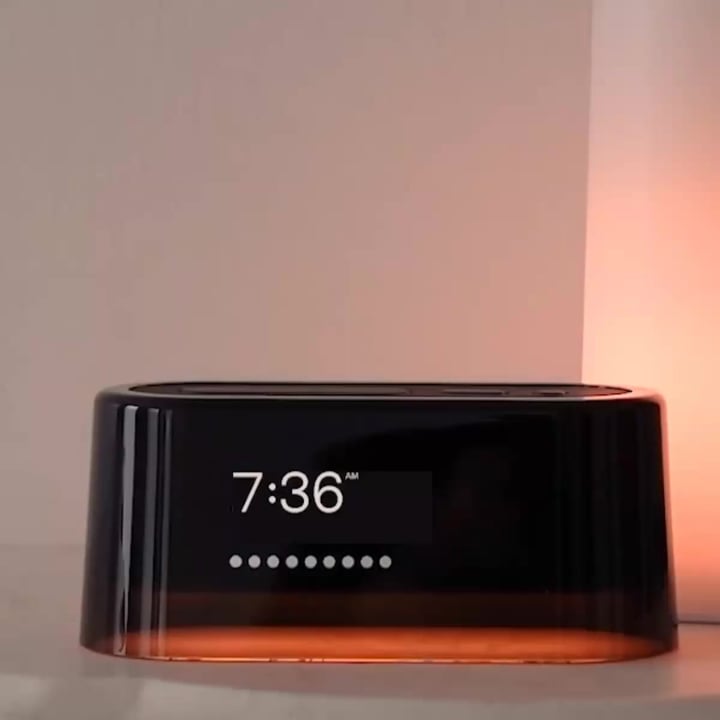
A close-up shot of a black Loftie alarm clock displaying the time "7:36 AM" with a row of white dots below it. The clock has an orange glowing base. The text "Get your best sleep yet" is overlaid on the image, followed by a sentence about the product's benefits and a phone emoji.
Ended · 95 days
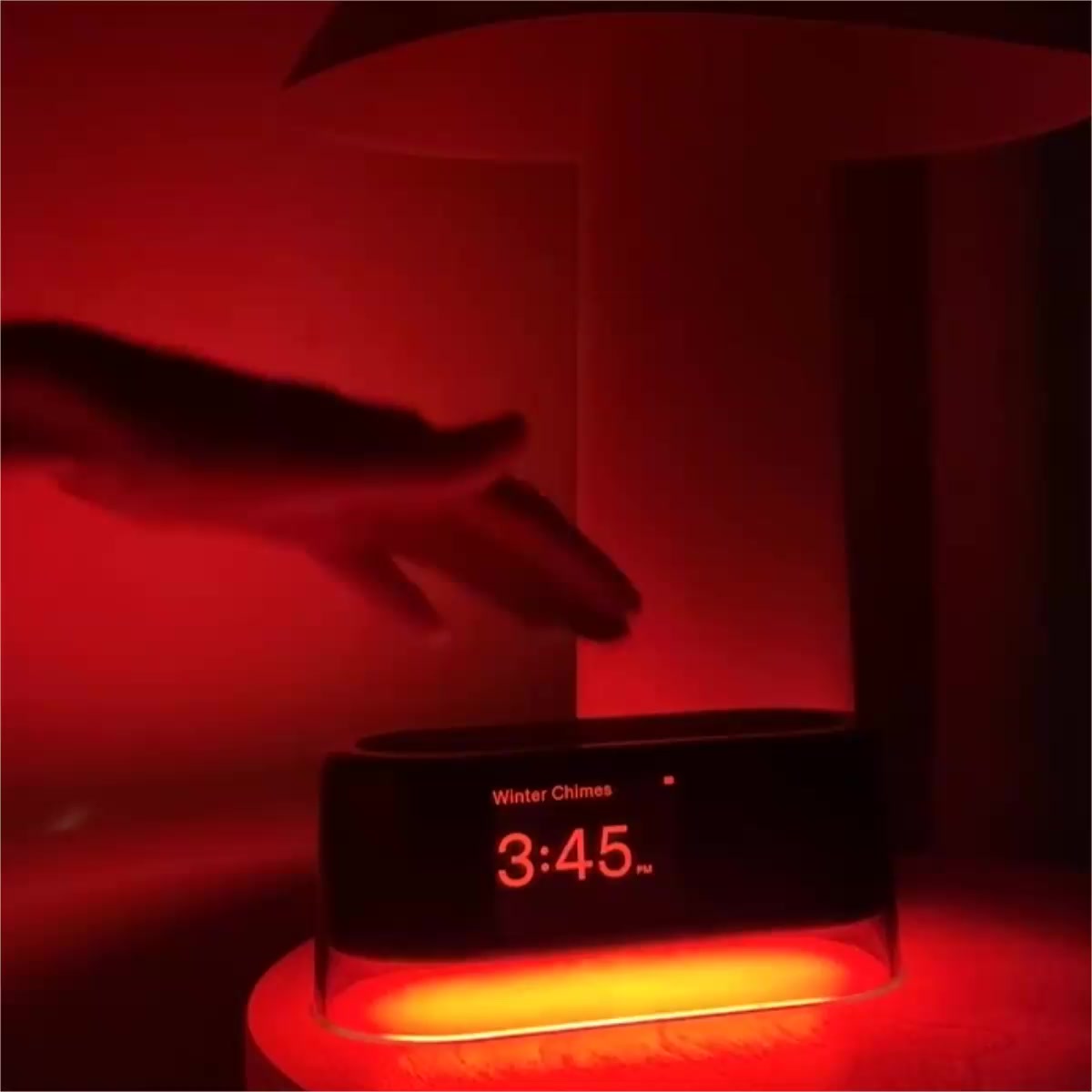
A hand reaches out towards a digital alarm clock that displays the time as 3:45 PM. The clock has "Winter Chimes" written above the time and a warm, orange light emanates from its base, while the surrounding room is bathed in a red glow. The creative uses the copy to highlight the benefits of good sleep for reducing anxiety and suggests the New Year as an opportune time for a reset, promoting the Loftie Clock as a tool to achieve better sleep routines.
Ended · 118 days
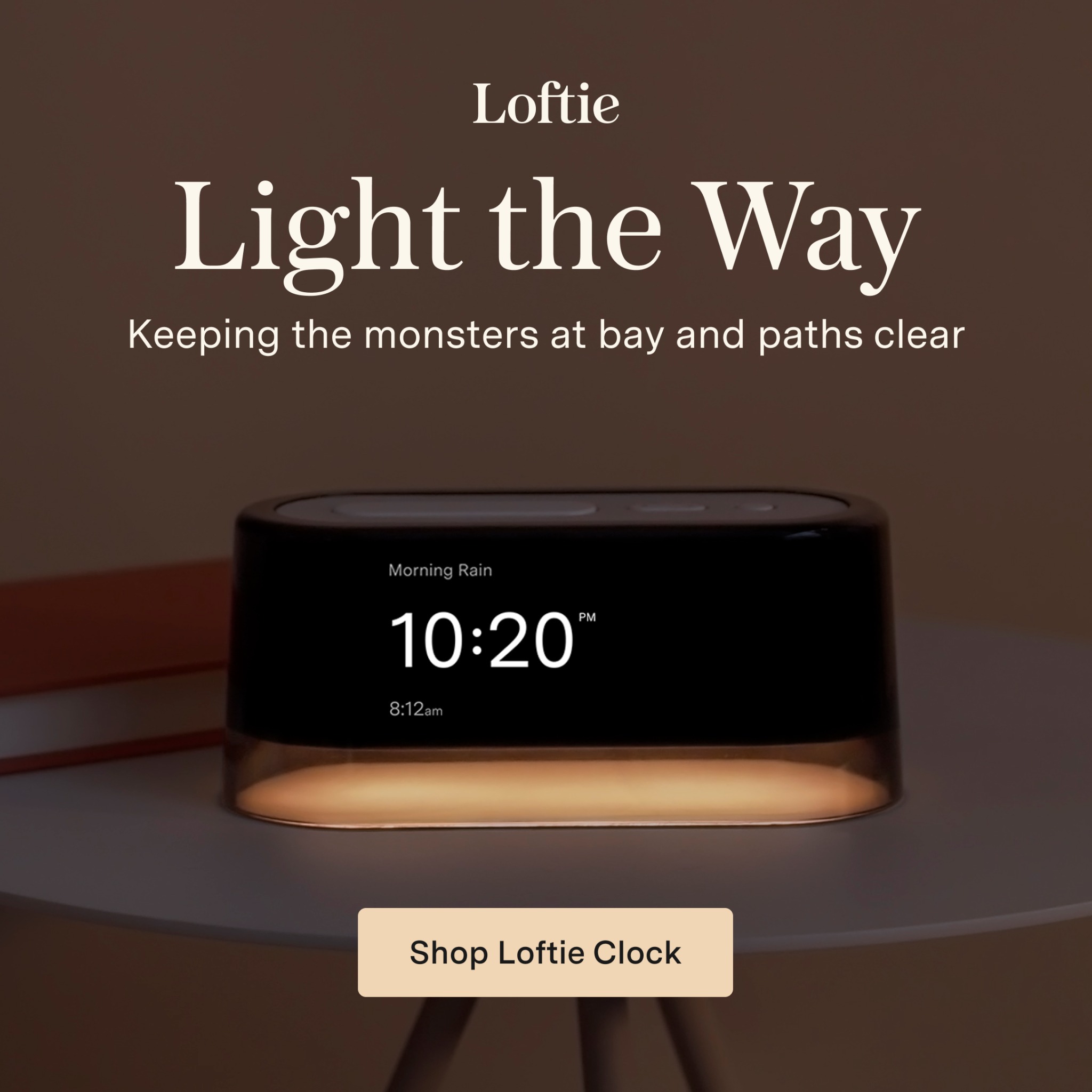
A Loftie clock is shown on a table with a book next to it. The clock displays "Morning Rain" and the time "10:20 PM" with "8:12 AM" below it. The text "Loftie" is at the top, followed by the headline "Light the Way" and the sub-headline "Keeping the monsters at bay and paths clear". A button at the bottom reads "Shop Loftie Clock".
Ended · 286 days

What are Alarm App Mockup ads?

An alarm app mockup ad recreates a phone's alarm or clock screen: a time in large digits, a label under it, a toggle and a snooze button. The brand's message sits where the alarm label would be, or in the time itself. Because everyone has seen the screen thousands of times, the creative looks native in the feed and the format works as a pattern interrupt with almost no production.

When to use Alarm App Mockup ads

  • Your message links to a time of day, such as a morning routine, a bedtime habit or a deadline.
  • You are selling a product that fits a routine, like coffee, supplements, skincare, a fitness plan or a sleep aid.
  • You want a fast, low-cost static that stops the scroll because it looks like a system screen and not an ad.
  • You have a reminder-style hook, for example a label that tells the viewer to do something right now.
  • You are looking at competitor ads for creative inspiration beyond photos and video.

Alarm App Mockup ad best practices

  1. Put the hook in the alarm label

    The small text under the time is the headline. Write it as a short instruction, a reminder or a question, since that is where the eye lands first.

  2. Choose a time that tells the story

    A very early time says discipline, a late one says self-care, and an odd one raises a question. The digits do part of the hook, so pick them on purpose.

  3. Copy the screen faithfully

    Use the correct layout, toggle colours and fonts for the phone you are imitating. Small mistakes in the interface make the creative look like a graphic, not a screen.

  4. Use a plain backdrop

    Keep the background dark and simple, as a lock screen would be. Clutter around the mockup takes away the system-screen feel.

  5. Carry the product somewhere else

    The alarm screen has little room, so put the product and the offer in the headline, caption or ad copy. The mockup grabs attention and the rest closes it.

Brands running Alarm App Mockup ads

Niches with the most Alarm App Mockup ads

Alarm App Mockup ads: frequently asked questions

What is an alarm app mockup ad?

An alarm app mockup ad is a creative made to look like a phone's alarm or clock screen, with the brand's message in place of the alarm label. It borrows a familiar interface to catch attention.

Why do alarm screens work as ad creative?

People see the layout every day and read it without thinking, so it blends into the feed. The label gives you a single line of copy that is read as a personal reminder.

What should the alarm label say?

Keep it short and specific: an instruction, a question or a reminder tied to the product. Avoid long sentences, since the label area is small and gets cropped on some placements.

Can I use this format for any product?

It suits products tied to routine or timing. For a product with no time link, the format can feel forced, and another mockup, such as a text message or a notes screen, may fit better.

Where can I see alarm app mockup ads?

The gallery above lists alarm app mockup ads filed from real brands. Sign in for free to open the first 100 ads of every list, or ask your AI agent to find them and list the labels they use.

Other formats