Refreshed Nov 12, 2026

The hooks, angles and offers behind FamilyWall’s Facebook and Instagram ads, filed by format and niche.

Live on Meta nowOn FamilyWall’s Meta page
59
Median runHow long its ads stay up
3 days
Against App / SoftwareNiche median 19 days
0.2×

How FamilyWall builds them

27 ads

What FamilyWall's ads are made of, row by row.

Free with an account.

Longest running

All 27

The FamilyWall ads that ran longest.

Free with an account.

A man films himself in a series of everyday moments, starting with him holding a small object and a whiteboard that says "STOP asking WIFEY questions". He then shows himself asking "what's for dinner?" and then looking at his phone, which displays the FamilyWall app. The app is shown to manage calendars, to-do lists, and meal plans. The video ends with the man saying "Happy wife, happy life."
Active · 53 daysVideo
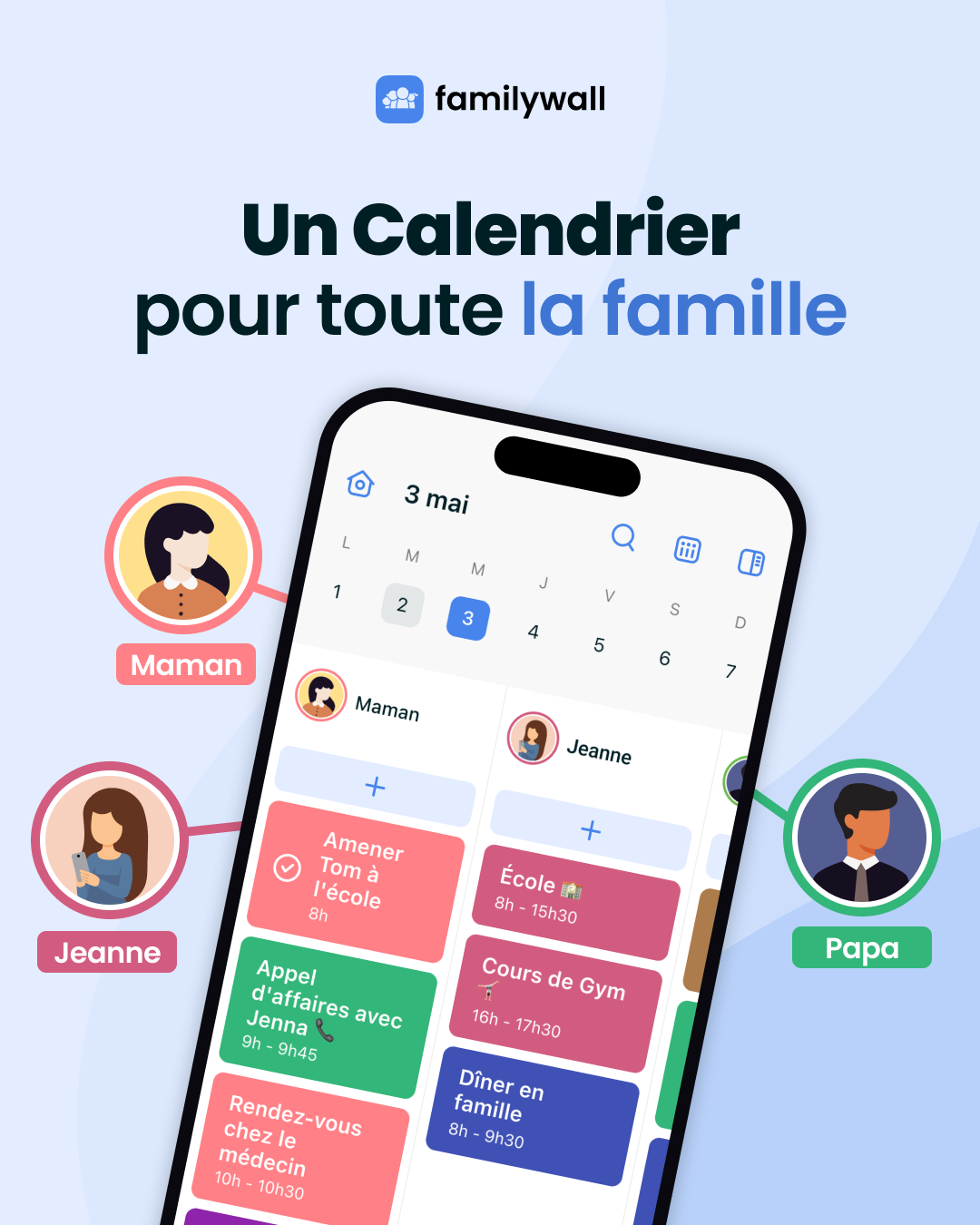
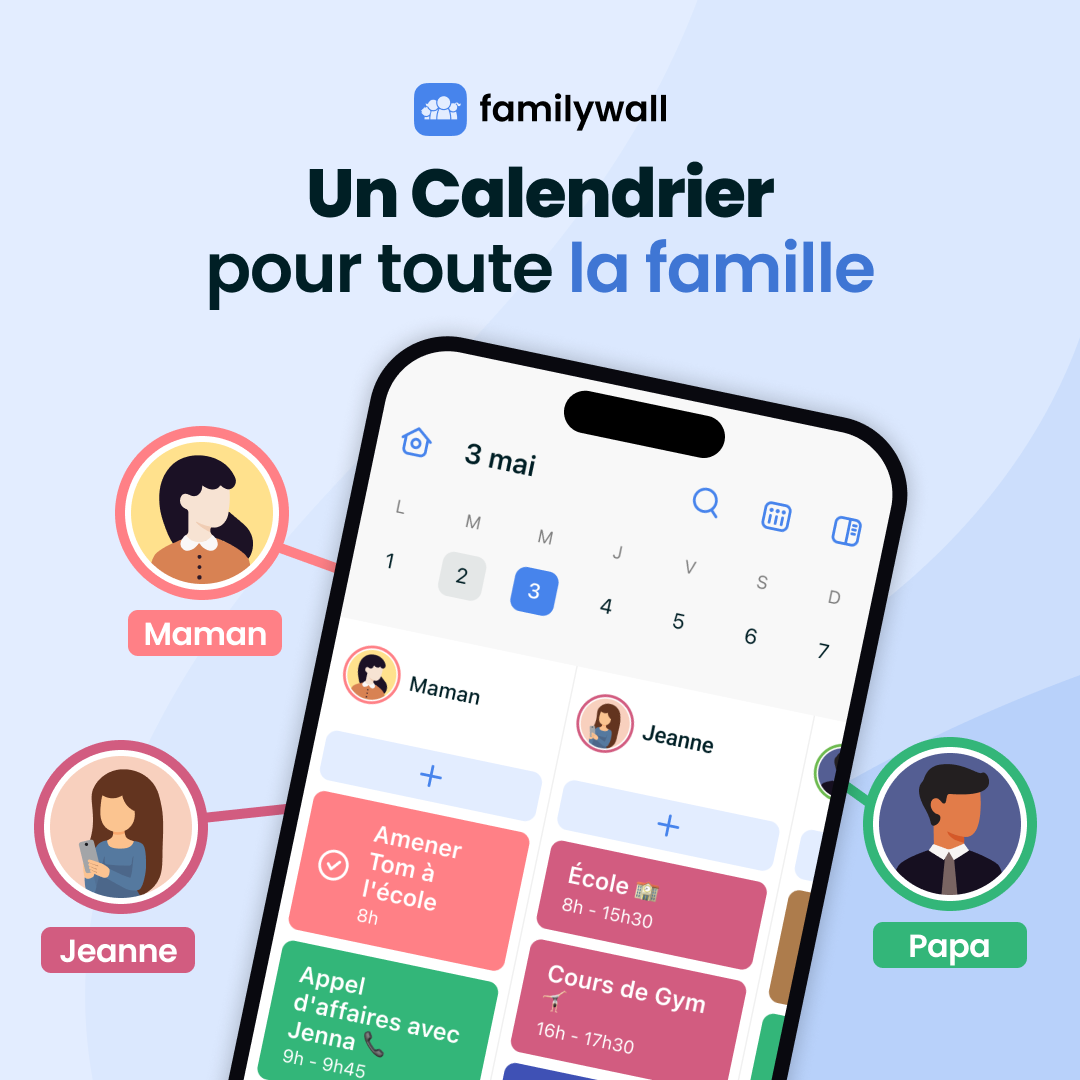
The creative features a large smartphone screen displaying a family calendar app interface with various scheduled activities. Surrounding the phone are three circular profile icons representing family members: Maman, Jeanne, and Papa. The background is a soft, light blue gradient with the brand name at the top and a headline in bold, dark text.
Active · 53 days
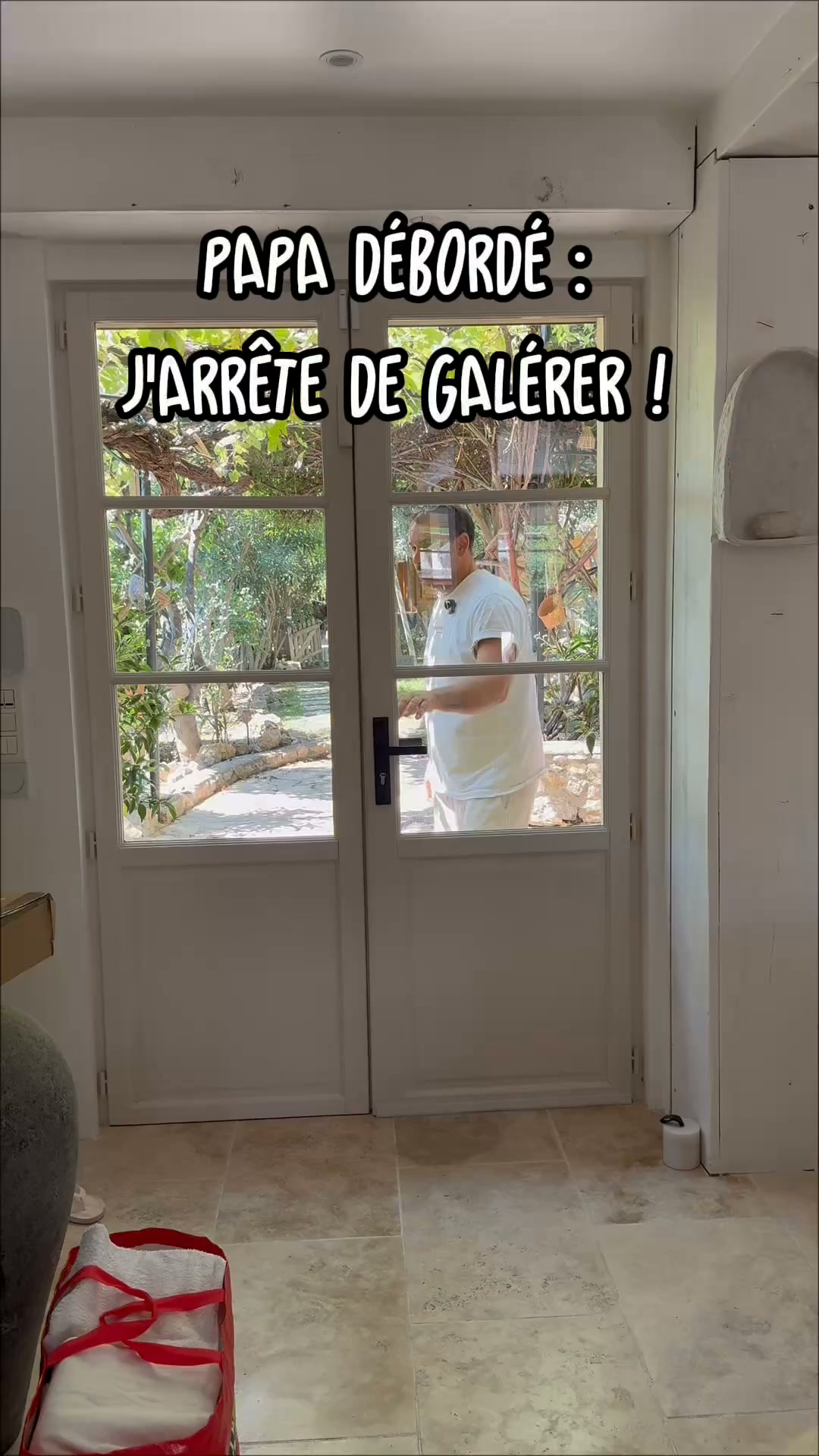
A man is shown rushing out of a door with a bag, then sitting on a couch looking overwhelmed. He explains how he used to struggle with managing his family's schedule. The video then shows him using a phone app to organize his family's activities and ends with him walking outside, looking relaxed. The text overlays describe his initial struggles and the solution he found.
Active · 53 daysVideo
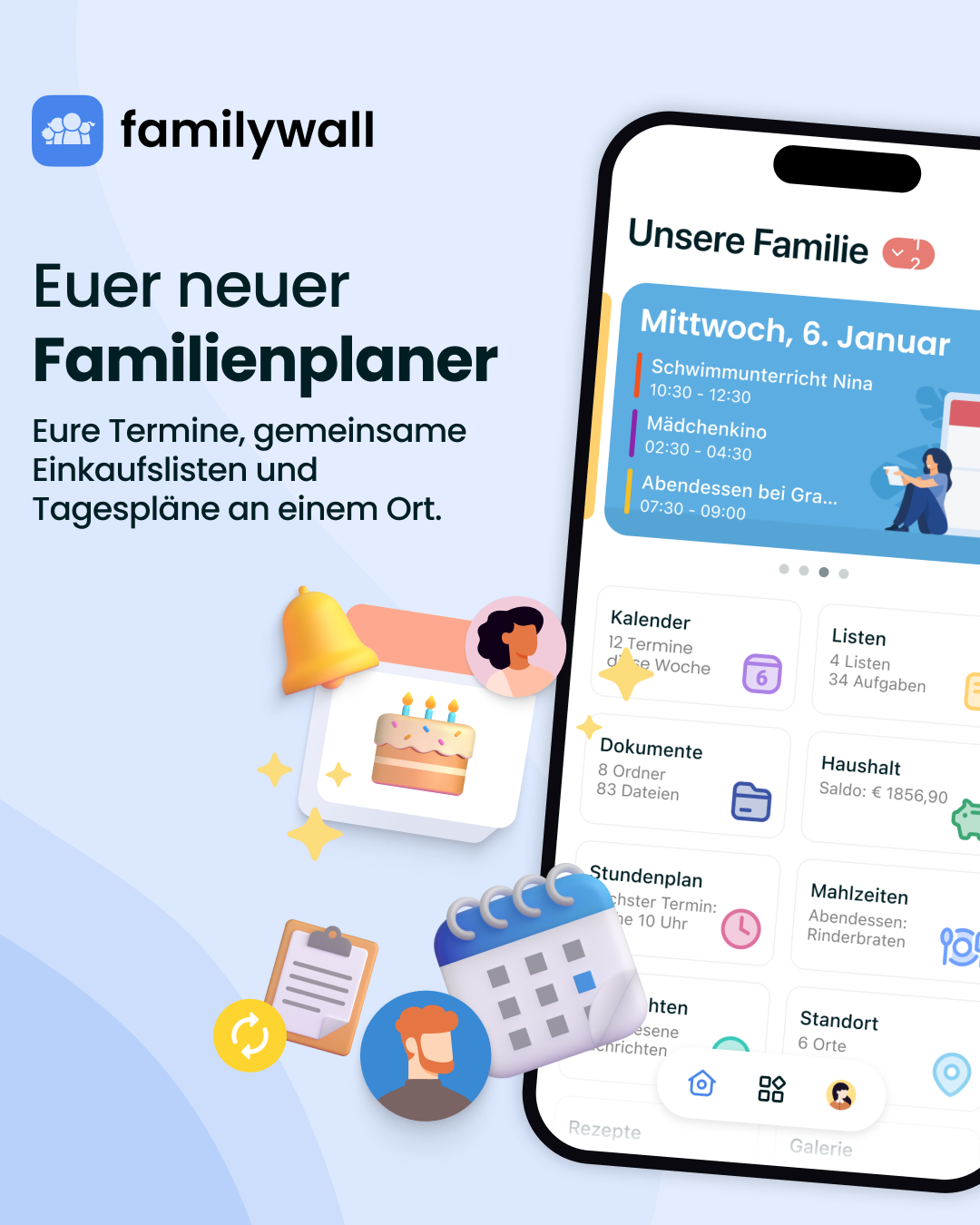
This ad features a digital illustration of a smartphone displaying the FamilyWall app interface, surrounded by floating 3D icons like a calendar, a bell, and a birthday cake. The background is a soft blue gradient with the brand name at the top left. Large text on the left side introduces the app as a new family planner, highlighting its ability to organize appointments, shopping lists, and daily schedules in one place.
Active · 53 days
This graphic features a central smartphone displaying a shared family calendar app. Surrounding the phone are three circular avatars representing family members labeled Maman, Jeanne, and Papa, with lines connecting them to the app interface. The background is a soft blue gradient, and the text at the top introduces the concept of a unified family calendar.
Active · 53 days
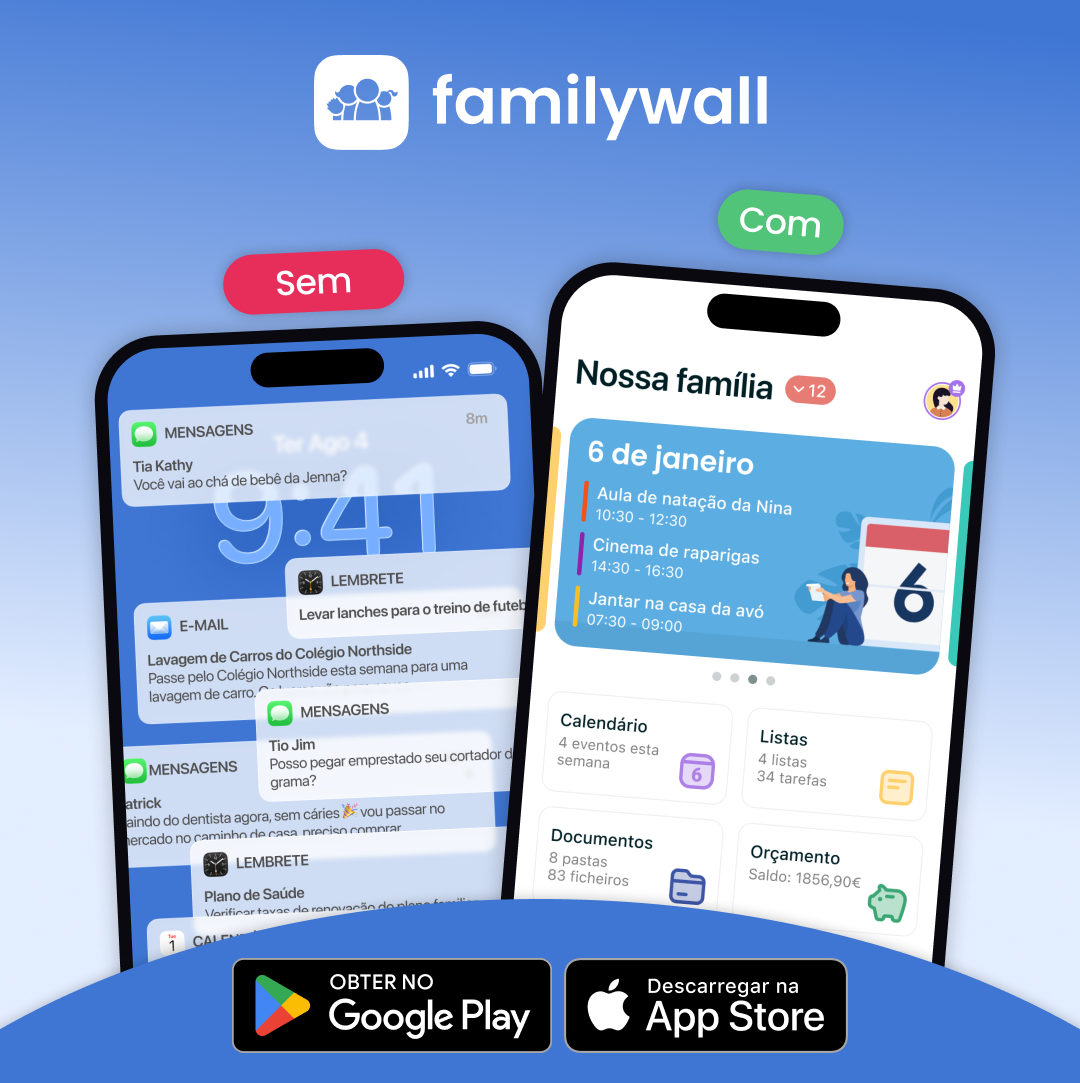
A split-screen comparison shows a cluttered phone notification center on the left labeled 'Sem' and an organized FamilyWall app dashboard on the right labeled 'Com'. The app interface displays a family calendar with events, lists, and budget information. The background is a soft blue gradient, and the bottom of the image features app store download buttons.
Active · 53 days
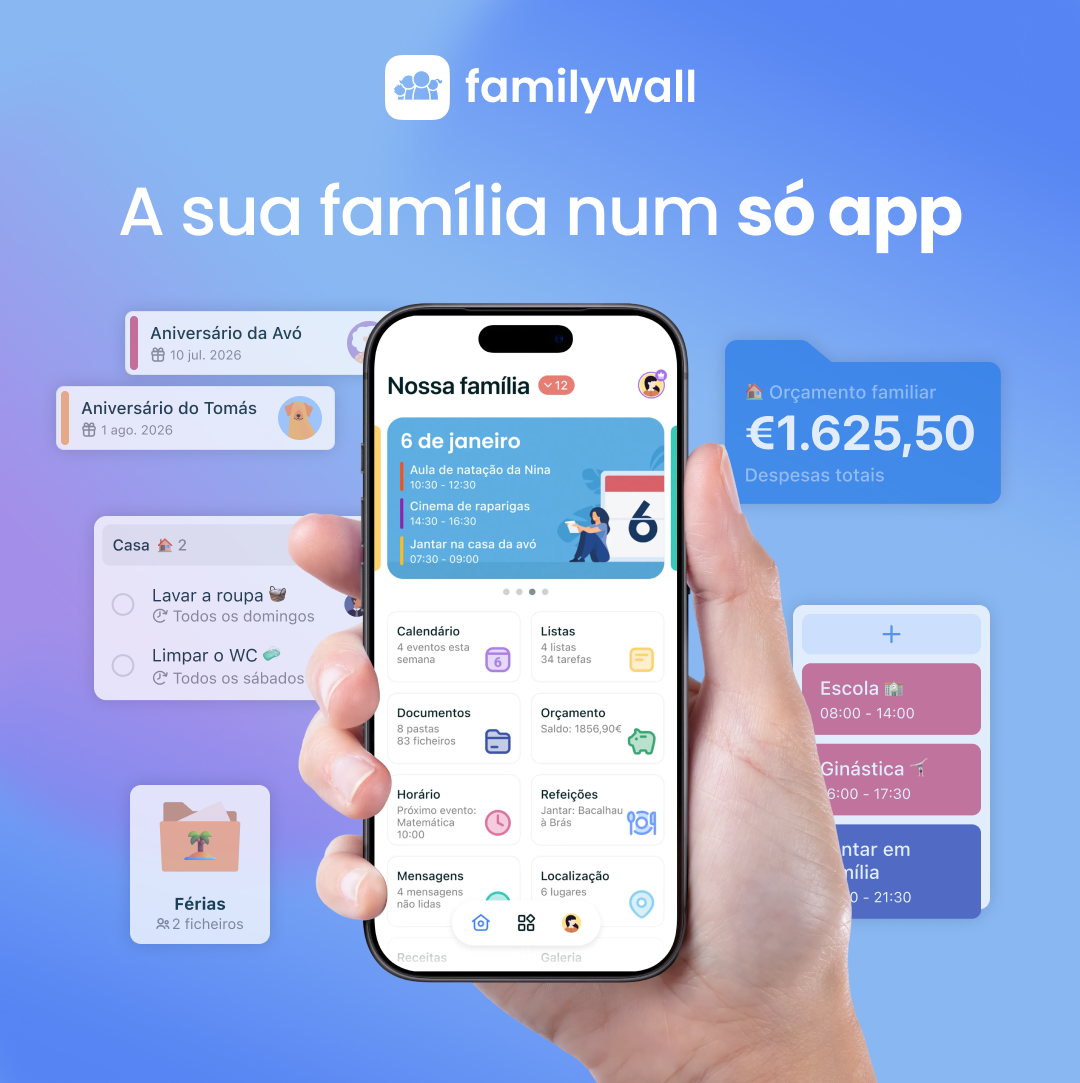
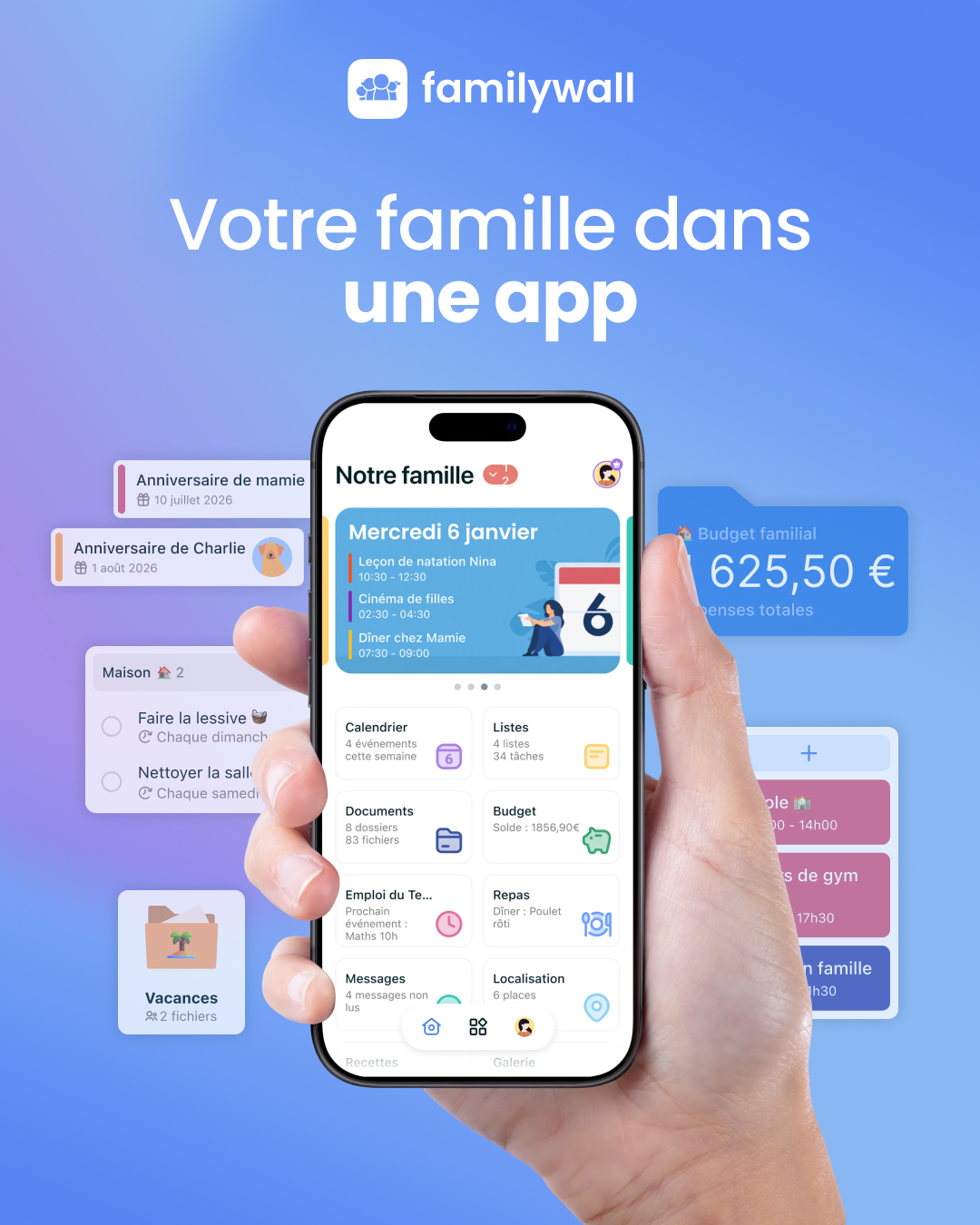
A hand holds a smartphone displaying the FamilyWall app interface, which shows a family calendar and various organizational tools. Floating around the phone are graphic elements representing different app features like event reminders, a household budget, and task lists. The background is a soft blue gradient, and the text at the top introduces the app's purpose.
Active · 53 days
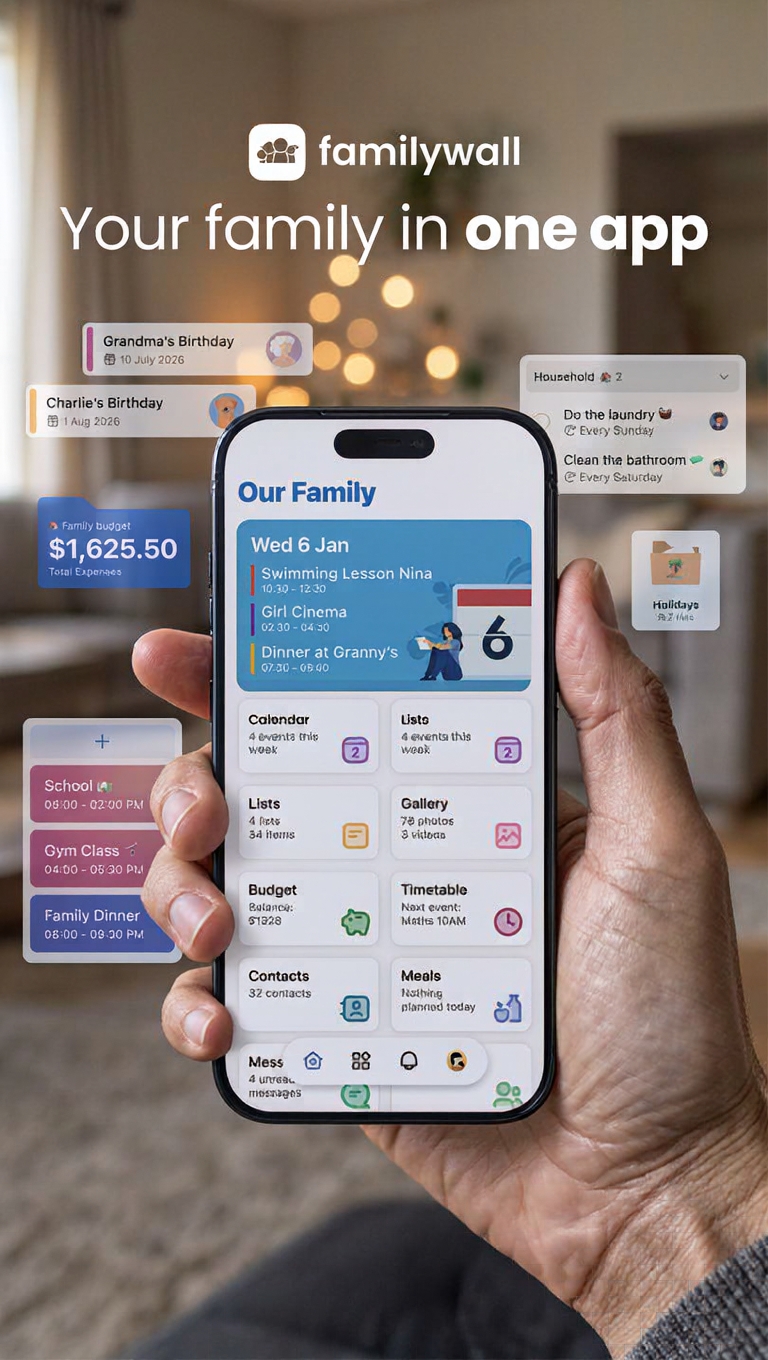
A hand holds a smartphone displaying the FamilyWall app interface, which shows a calendar, budget, and family events. Floating around the phone are various app widgets like birthday reminders, household chores, and budget summaries. The background is a blurred, warm-toned living room setting.
Active · 52 days
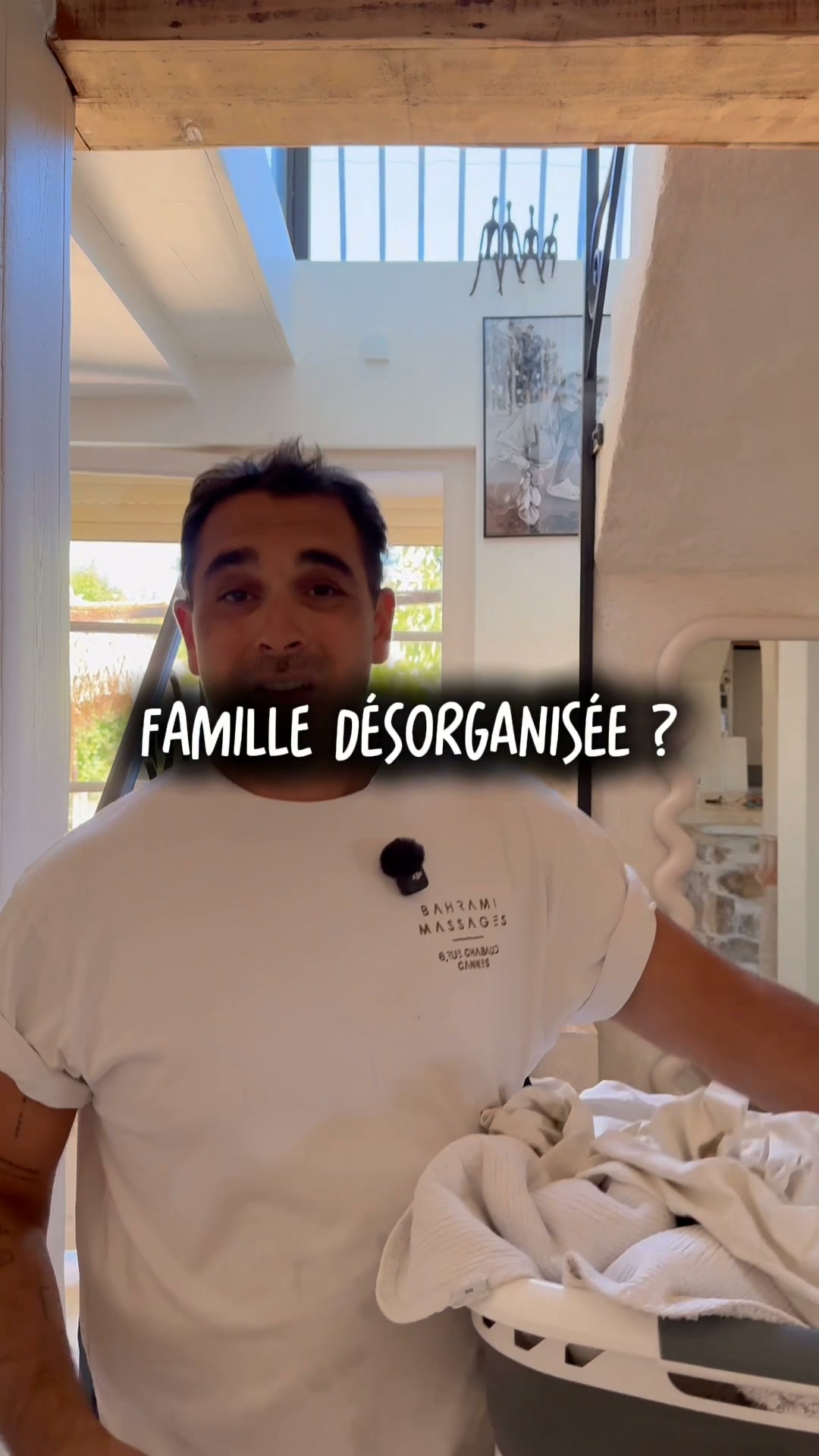
A man stands in a bright, modern living room holding a laundry basket. He is wearing a white t-shirt with a small logo on the chest. The text 'FAMILLE DÉSORGANISÉE ?' is overlaid in the center of the image in a bold, hand-written style font with a dark shadow effect.
Active · 51 days
The video uses a split-screen format. On the left, a man stands outside a house, gesturing with his hands. On the right, another man is in a car, holding papers and a phone. The video contrasts the frustration of managing lists on paper with the ease of using a digital app to organize family schedules, shopping lists, and appointments. The app is presented as a solution to keep everything in one place.
Active · 49 daysVideo
A hand holds a smartphone displaying a family organization app interface against a soft blue gradient background. Floating around the phone are various UI elements representing calendar events, budget tracking, and household tasks. The brand name FamilyWall is centered at the top with the headline below it.
Active · 43 days
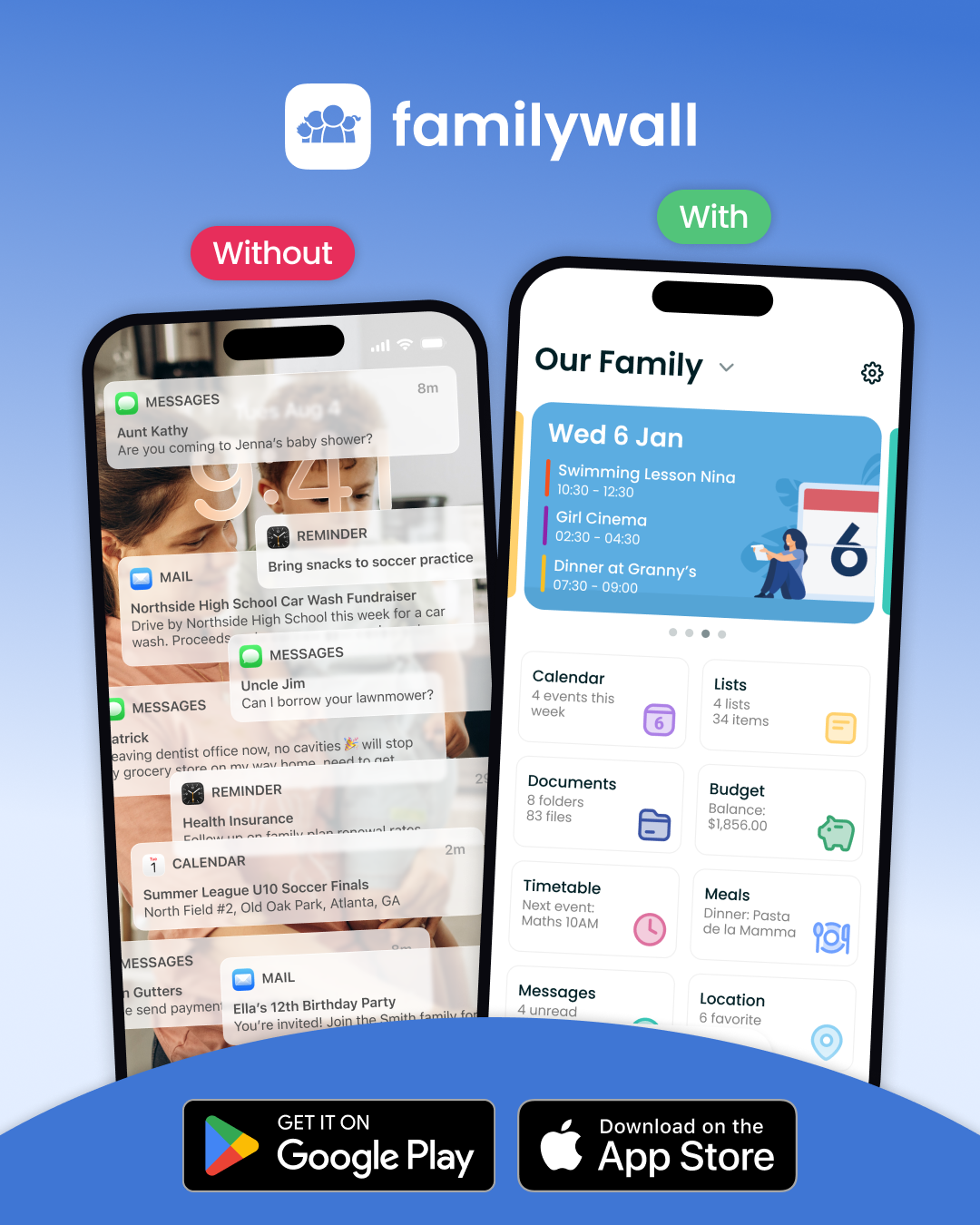
The ad features a side-by-side comparison of two smartphone screens. The left screen, labeled 'Without', shows a cluttered notification center filled with various messages, reminders, and emails. The right screen, labeled 'With', displays the FamilyWall app interface, which is organized into clean categories like Calendar, Lists, Documents, and Budget. The background is a soft blue gradient, and the bottom of the image includes buttons for the Google Play and Apple App Store.
Active · 37 days
A woman lies on the floor, looking exhausted, stating she struggles to decide on dinner every night. Another woman appears, holding a phone, and suggests using the FamilyWall app. The app's features, like a recipe box and meal planner, are shown. The first woman agrees it sounds amazing and easy to use.
Active · 35 daysVideo
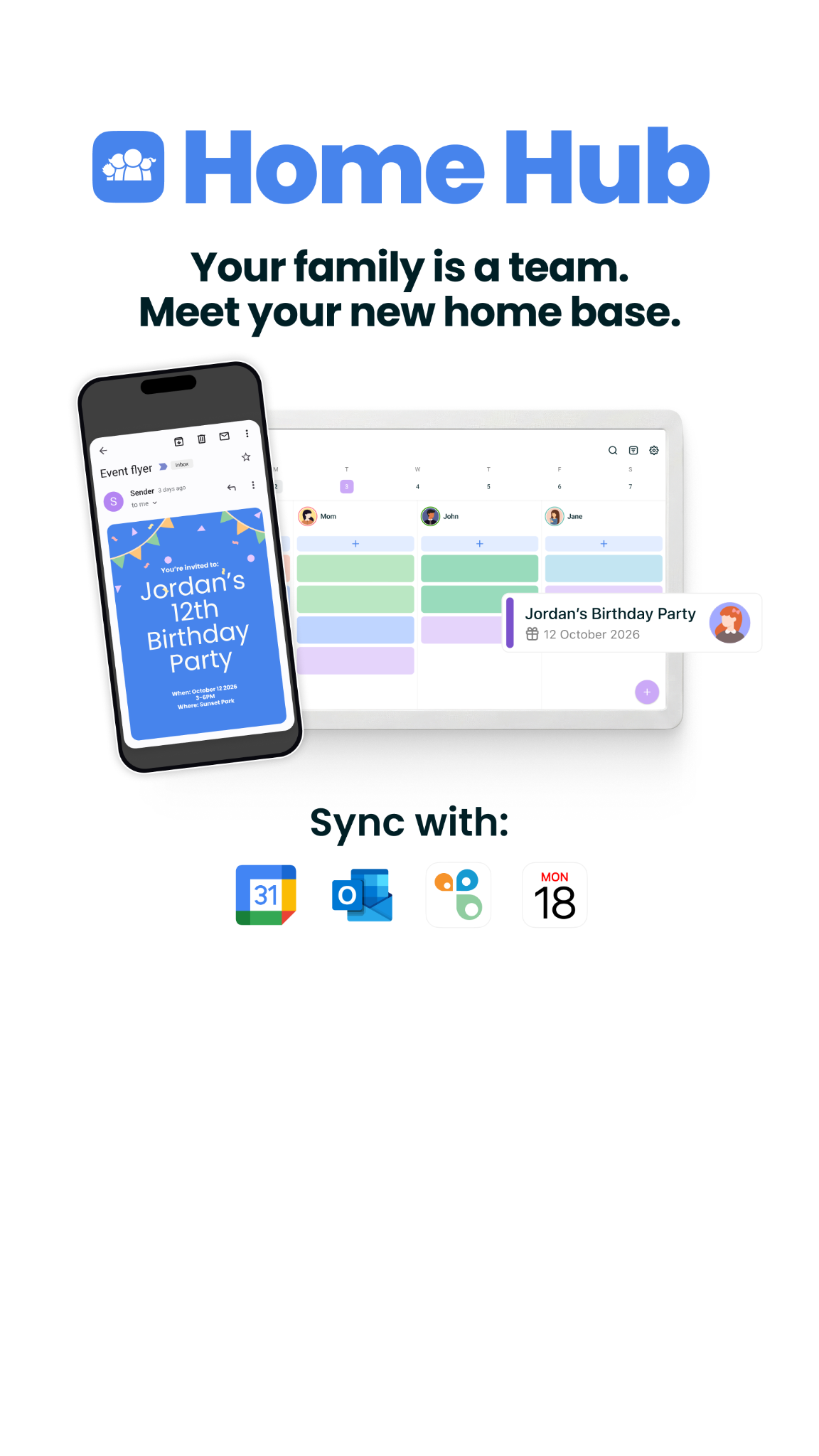
The ad displays a digital interface titled Home Hub with the tagline stating that a family is a team. Below the text, a smartphone and a tablet are shown displaying a shared calendar interface with events for different family members. At the bottom, a section titled Sync with shows icons for Google Calendar, Outlook, and other calendar services.
Active · 3 days
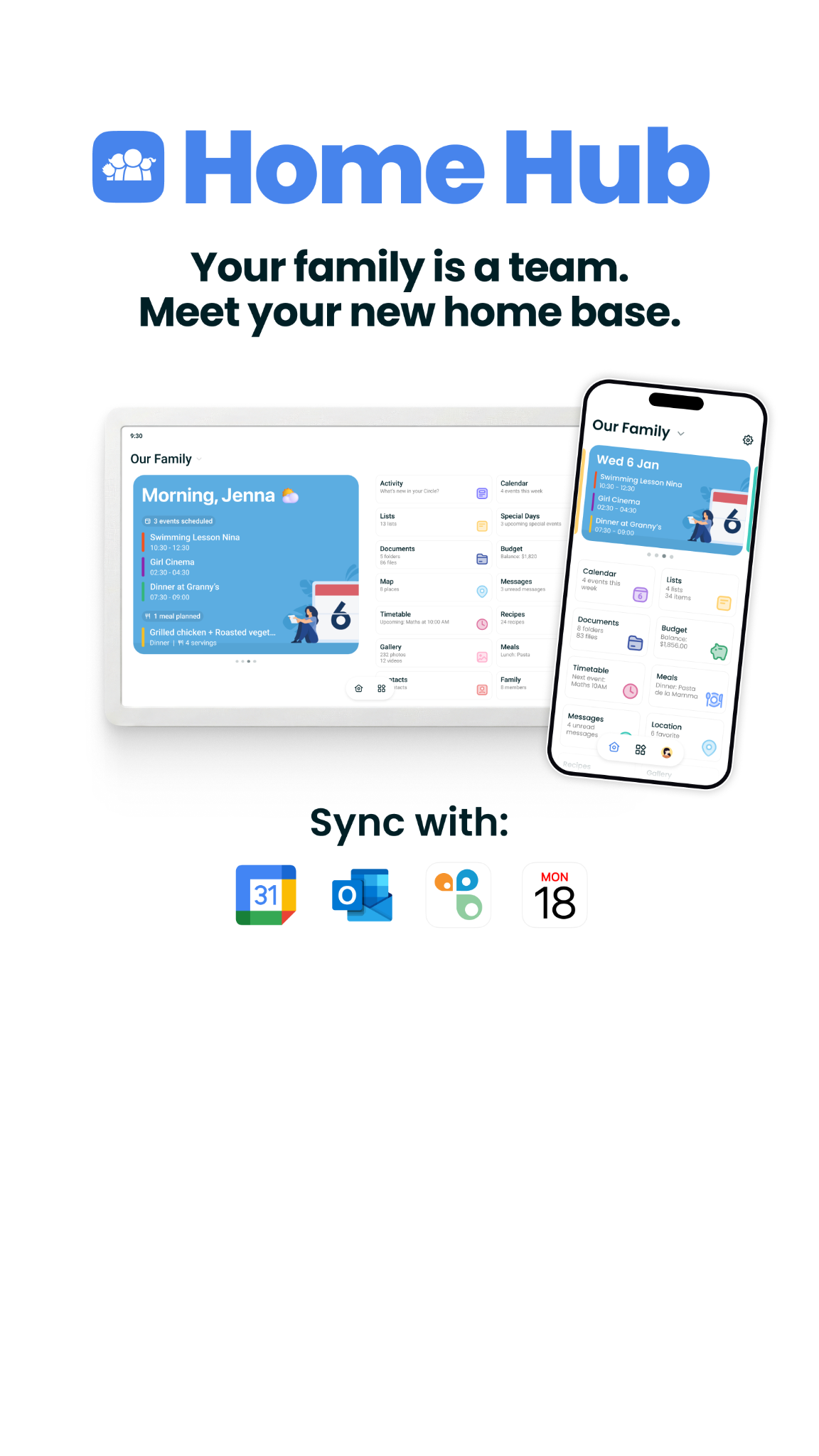
The ad features a large, clean graphic showing the FamilyWall app interface on both a tablet and a smartphone screen. The text above the devices introduces the app as a home base for families, while a line below the devices lists various calendar and productivity apps that it can sync with. The overall design is minimalist and professional, focusing on the app's utility for family organization.
Active · 3 days
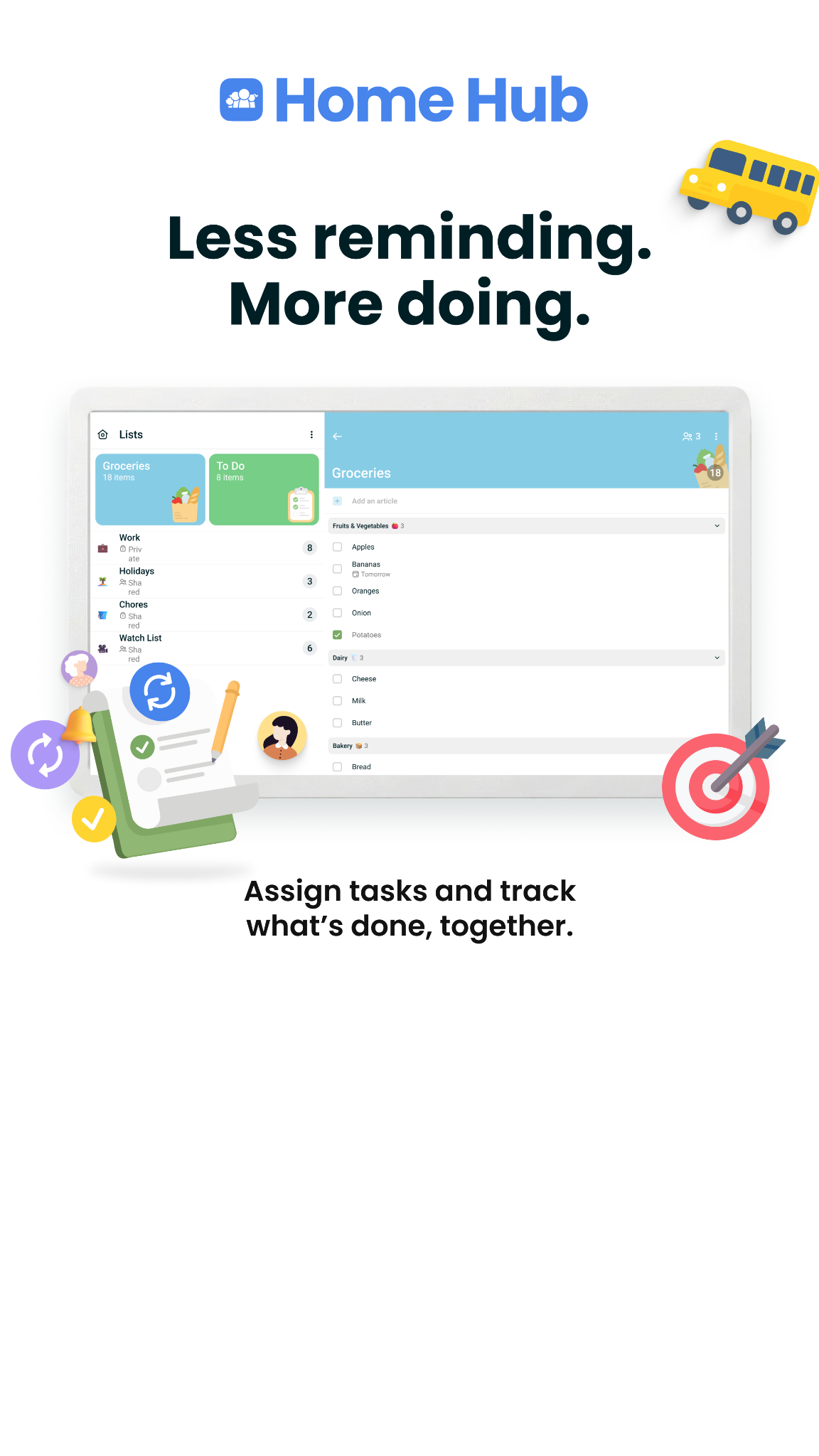
This ad features a digital illustration of a tablet displaying a task management app interface. The headline 'Less reminding. More doing.' is centered above the tablet, while the sub-headline 'Assign tasks and track what’s done, together.' sits below it. The composition includes playful icons like a school bus, a target with an arrow, and a checklist, surrounding the screen to suggest organization and productivity.
Active · 3 days
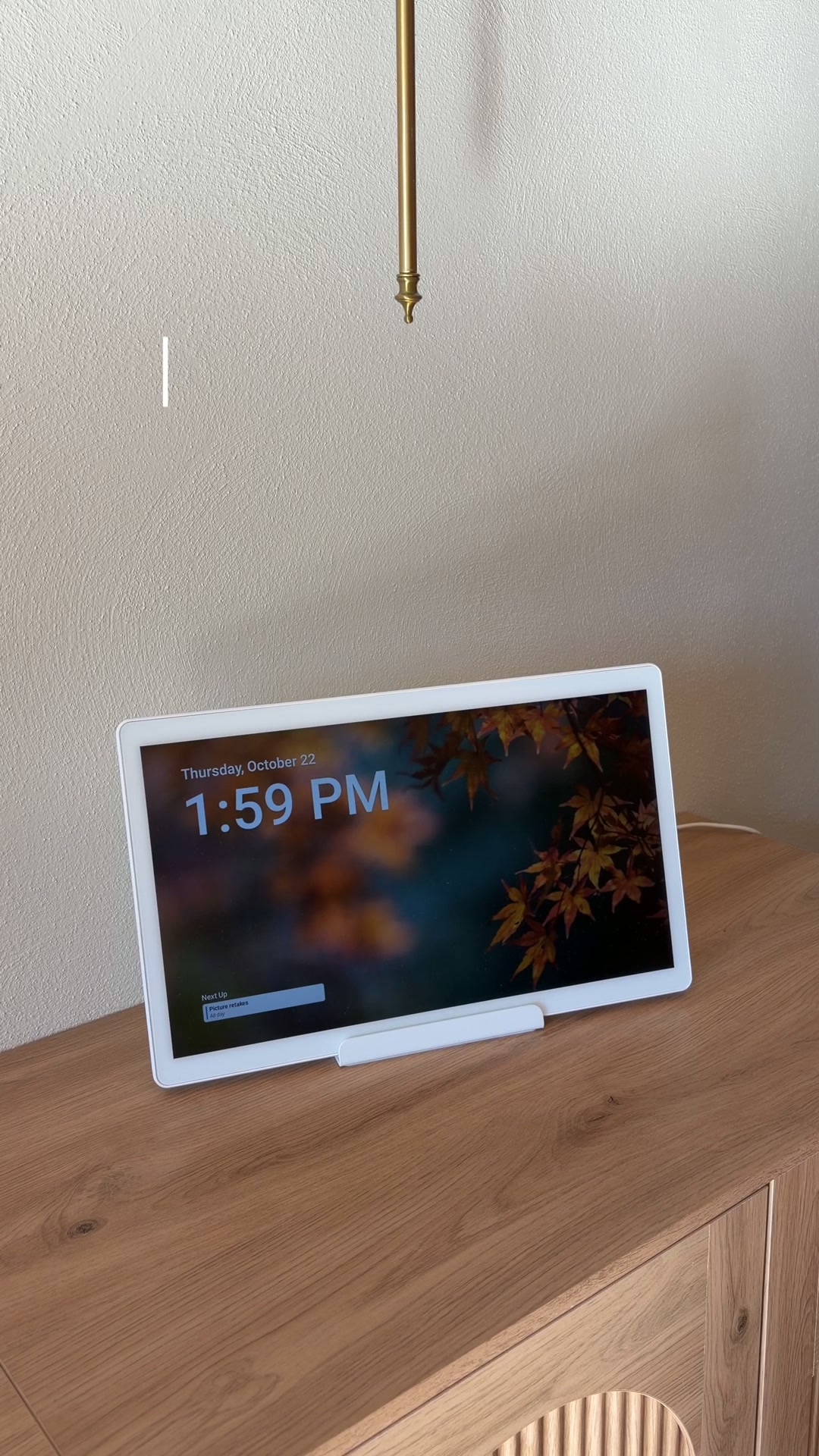
The video shows a person decorating a shelf with fall-themed items, including pumpkins and a vase of autumn leaves. A white tablet device, identified as a Home Hub, is placed on the shelf. The video demonstrates how to change the background image on the Home Hub's screen to a fall-themed image, using a phone app. The final scene shows the decorated shelf and the Home Hub with its new background, ready for fall.
Active · 3 daysVideo
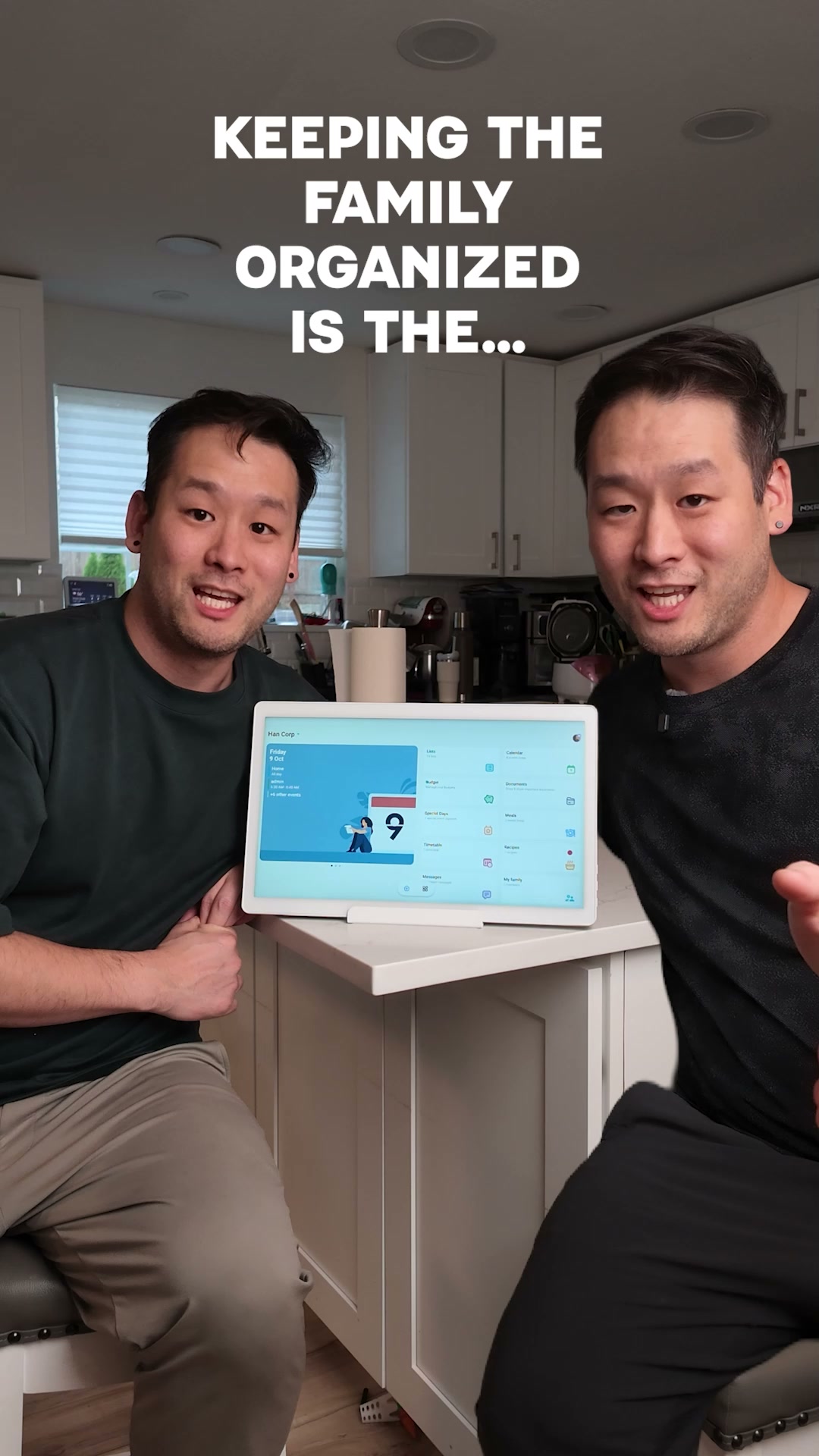
The video shows two men in a kitchen setting. The first few seconds display text overlay asking about keeping the family organized. The video then transitions to show one man asking about a soccer schedule and the other man responding by showing a family calendar on a tablet. The second man then expresses frustration about adding items to the grocery list and cleaning up toys, while the first man shows his daughter checking off chores on the tablet. The video ends with the two men discussing how easy the tablet makes things for their family.
Active · 3 daysVideo
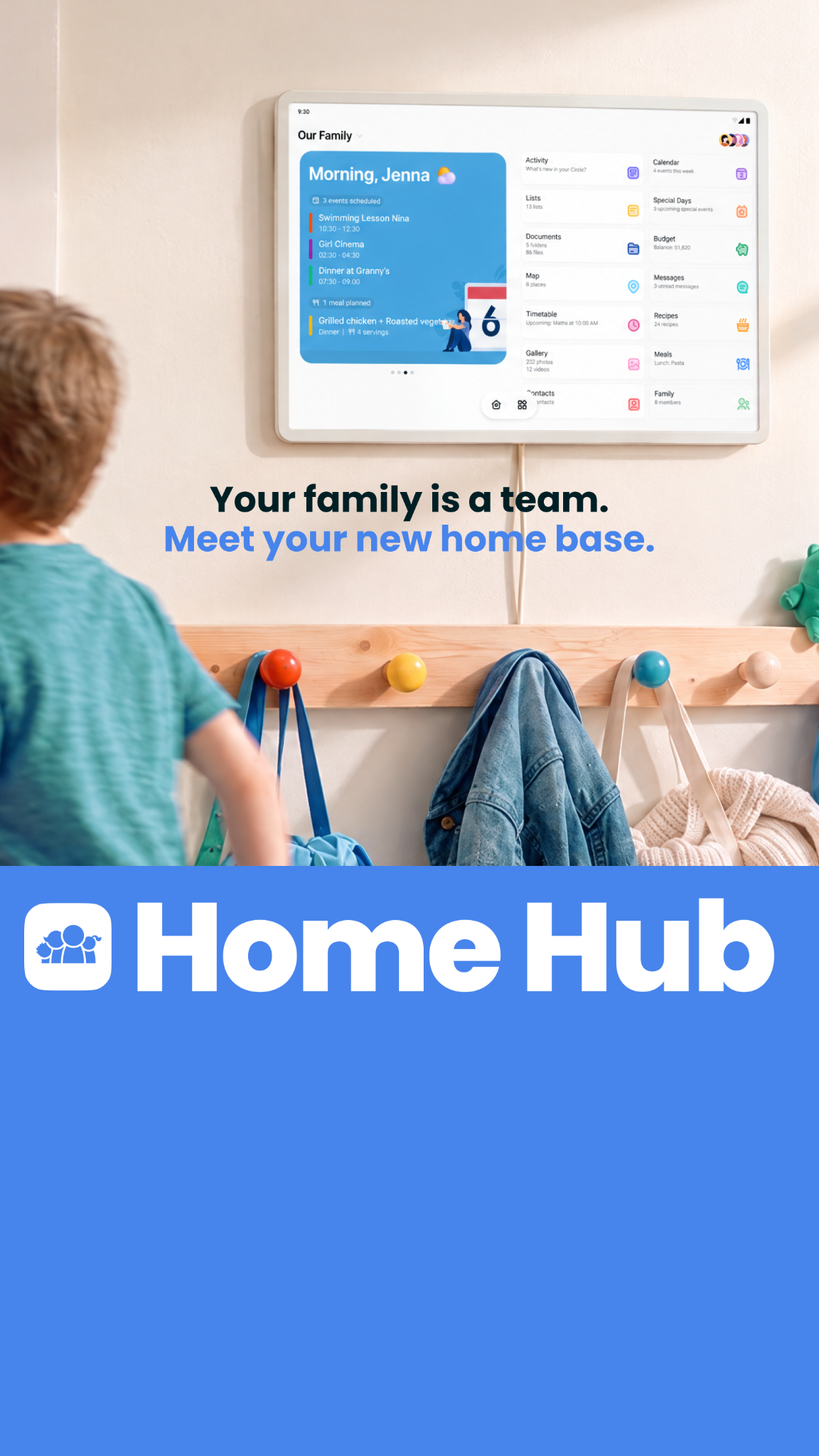
A child is seen from behind, walking toward a wall-mounted digital display in a home hallway. The screen shows a family calendar interface with various daily tasks and schedules. Below the screen, the words 'Home Hub' are printed in large, bold letters against a blue background.
Active · 3 days
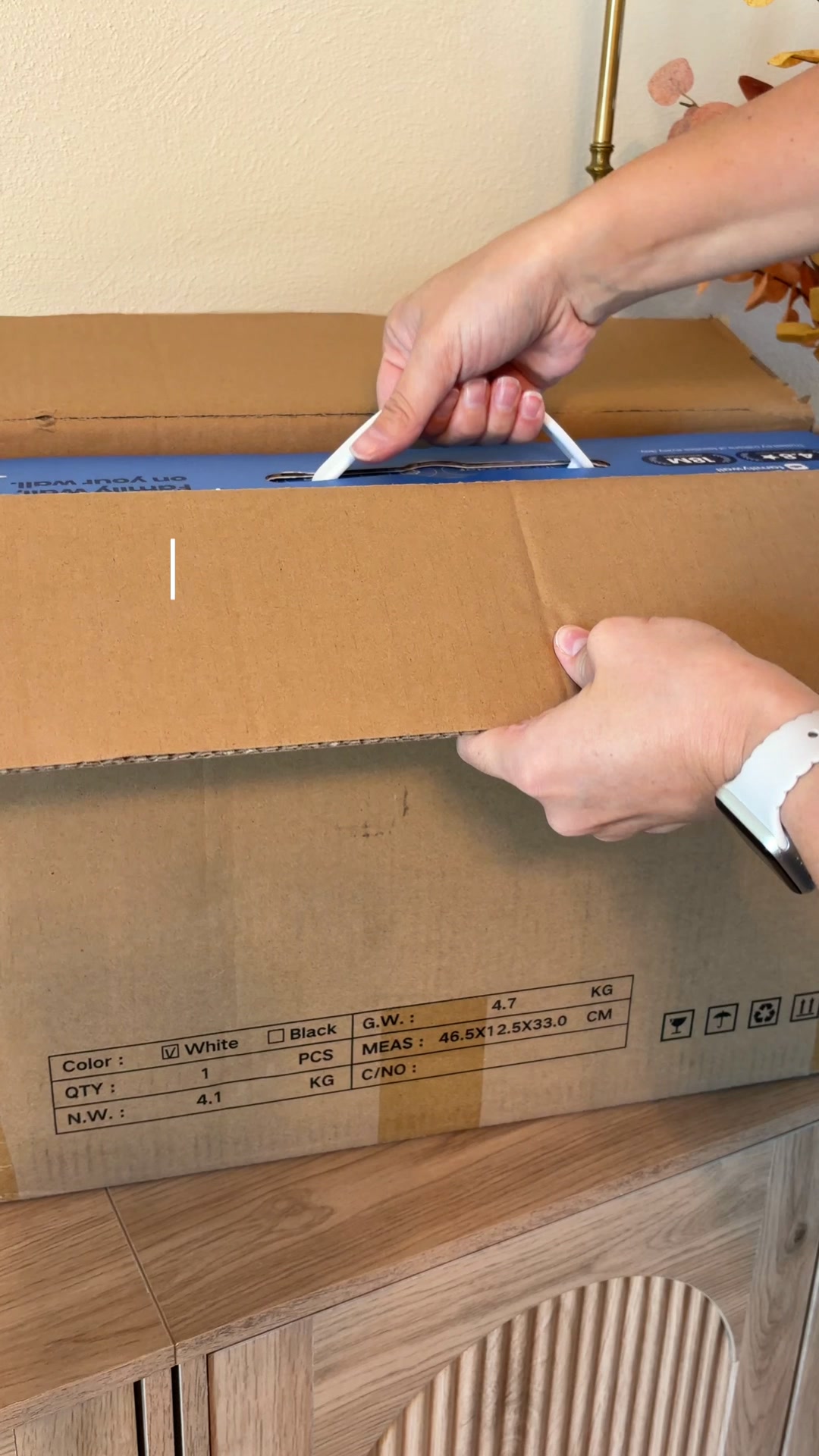
The video begins with hands opening a cardboard box. Inside, a blue box with the text "Meet your new Home Hub 16" is revealed. The video then shows the unboxing of the Home Hub device and its accessories, followed by a demonstration of the device's interface, showing a family command center. The ad ends with a call to action to get the Home Hub today.
Active · 3 daysVideo

How FamilyWall makes its ads

What its ads are built from, by type, counted over the ads we have read.

What FamilyWall's ads are built from: who is in frame, the words, the structure, the top format and hook.

Card needed, $0 today. Cancel within 7 days, pay nothing.

How FamilyWall advertises on Facebook and Instagram

The library holds 27 ads from FamilyWall in App / Software, and 59 running on its Meta pages now. Its most common visual formats are App Mockup (14 ads), Text Overlay (9) and Graphic Overlay (8). Its ads most often open on Relatability (13 ads), Aspirational (3) and Belief (2) hooks. Its ads stay up a median 3 days, 0.2× the App / Software median of 19 days.