Refreshed Nov 8, 2026

The hooks, angles and offers behind VEED’s Facebook and Instagram ads, filed by format and niche.

Live on Meta nowOn VEED’s Meta page
51
Median runHow long its ads stay up
13 days
Against App / SoftwareNiche median 26 days
0.5×

The messages VEED keeps paying for

Same idea, new creatives

  • “Websites that feel ILLEGAL to know 🤯”

    2 ads
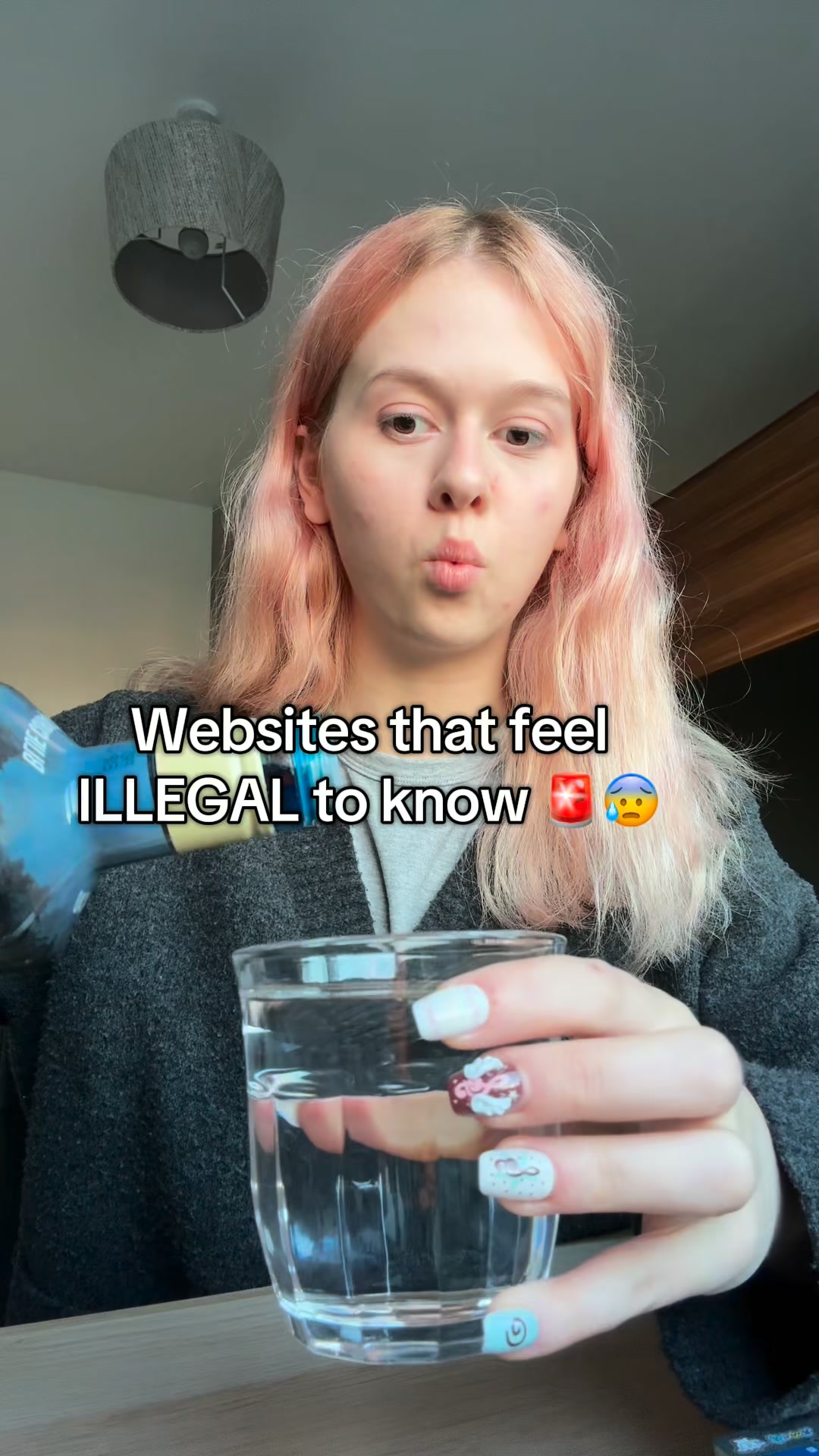
    VEED ad: “Websites that feel ILLEGAL to know 🤯”

    Running since Oct 2026.

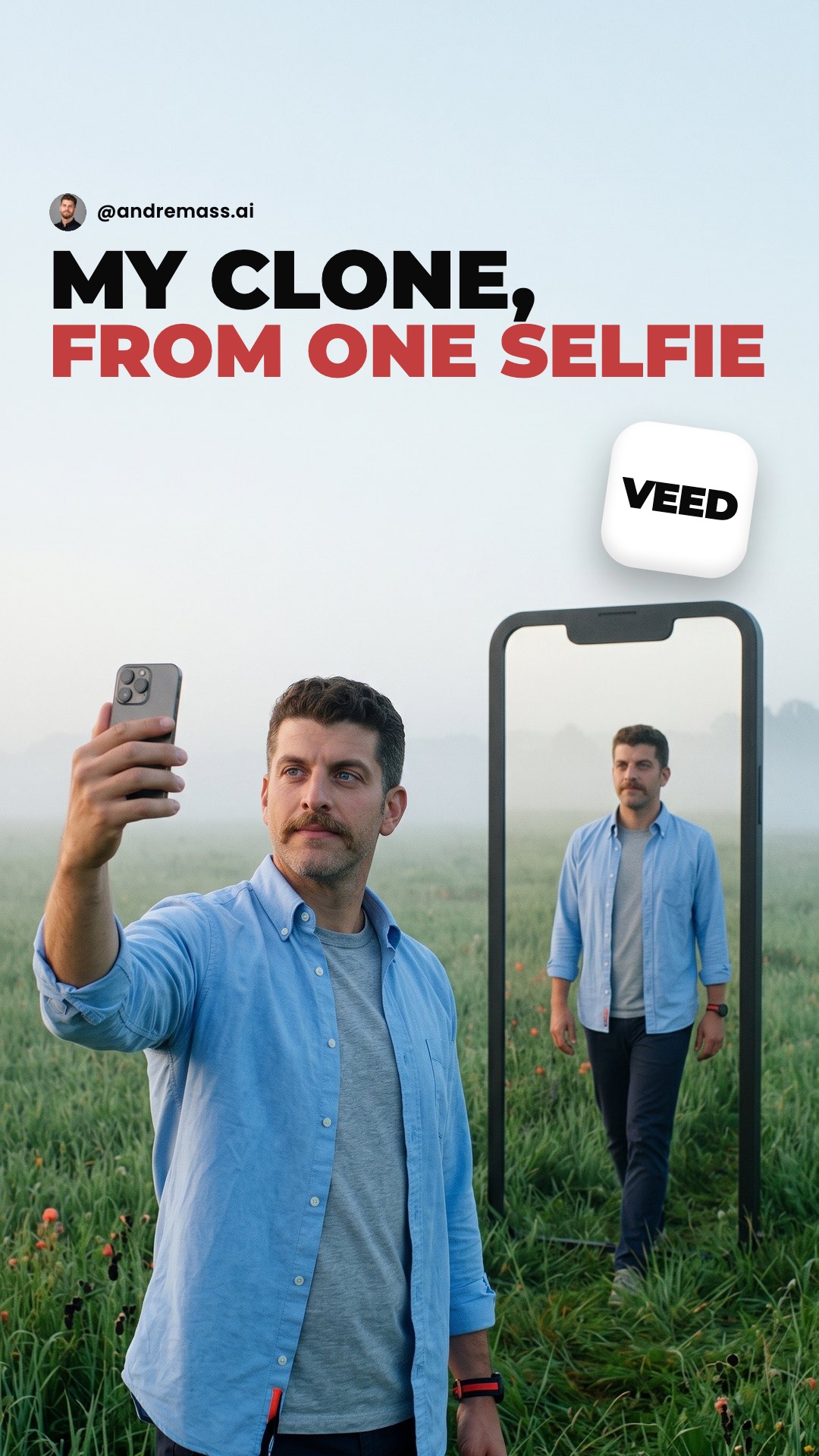
  • “Your next video, filmed cloned”

    2 ads

    Running since Nov 2026.

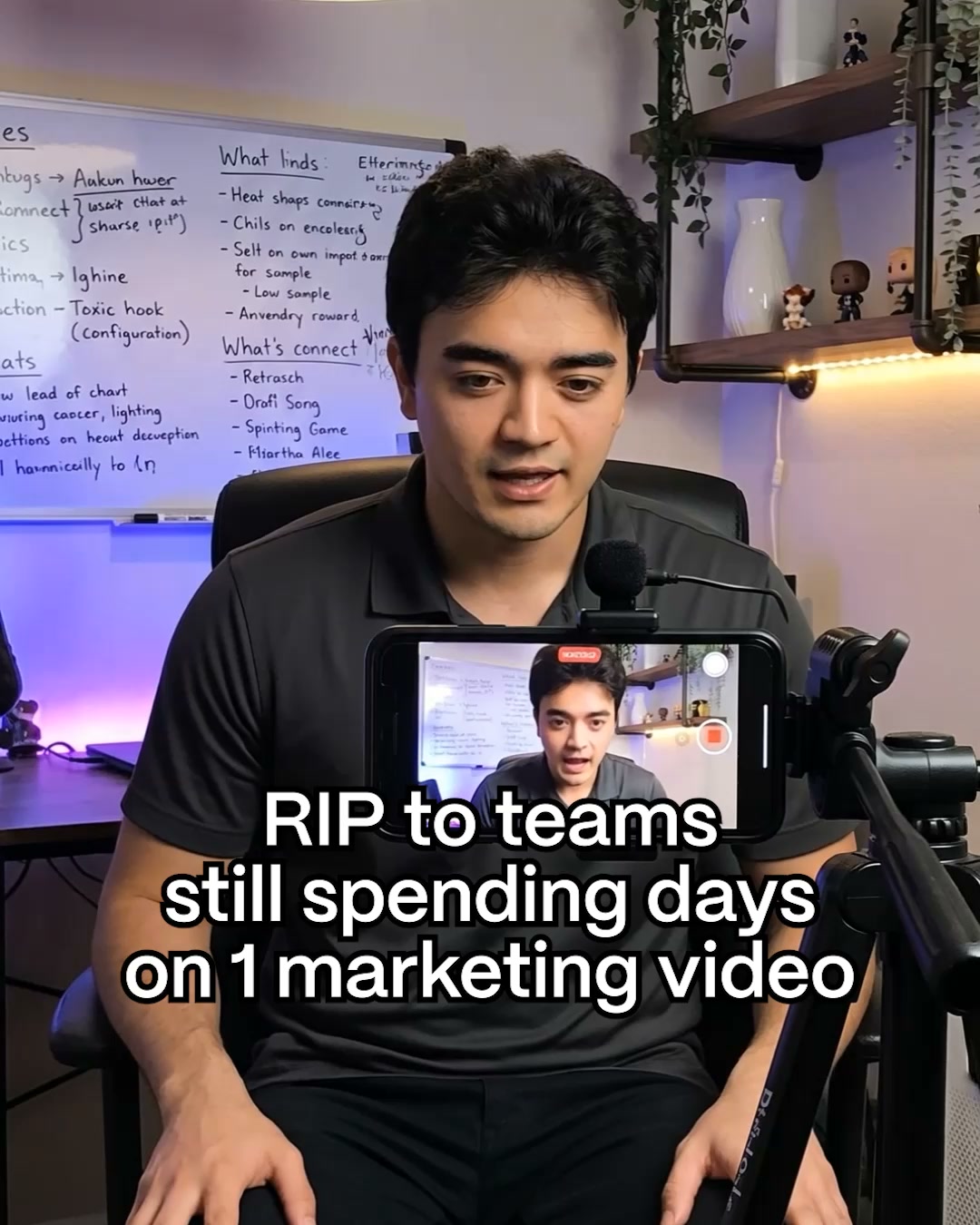
  • “Your next marketing video, filmed cloned”

    2 ads

    Running since Nov 2026.

How VEED builds them

37 ads

What VEED's ads are made of, row by row.

Free with an account.

Longest running

All 37

The VEED ads that ran longest.

Free with an account.

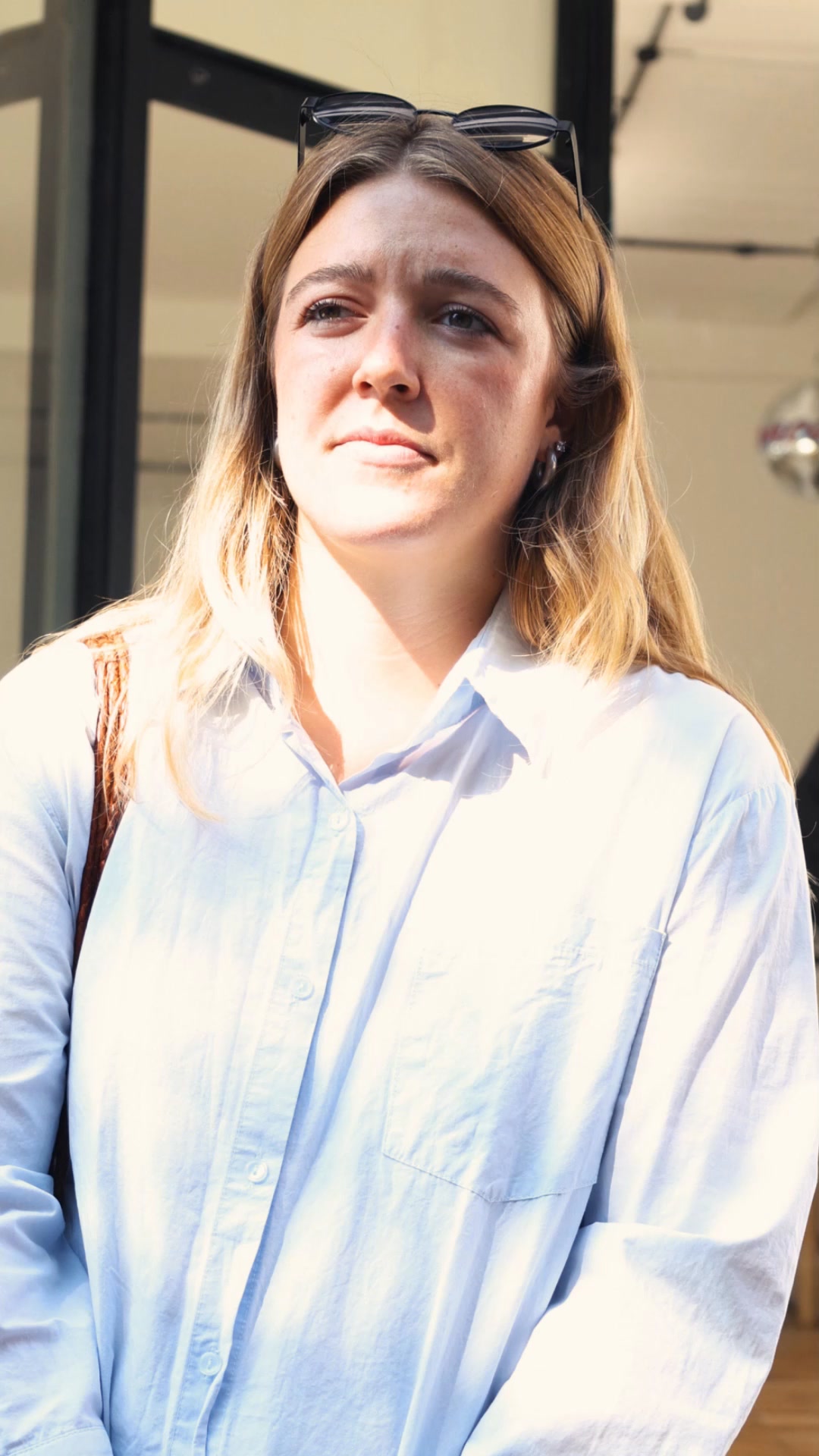
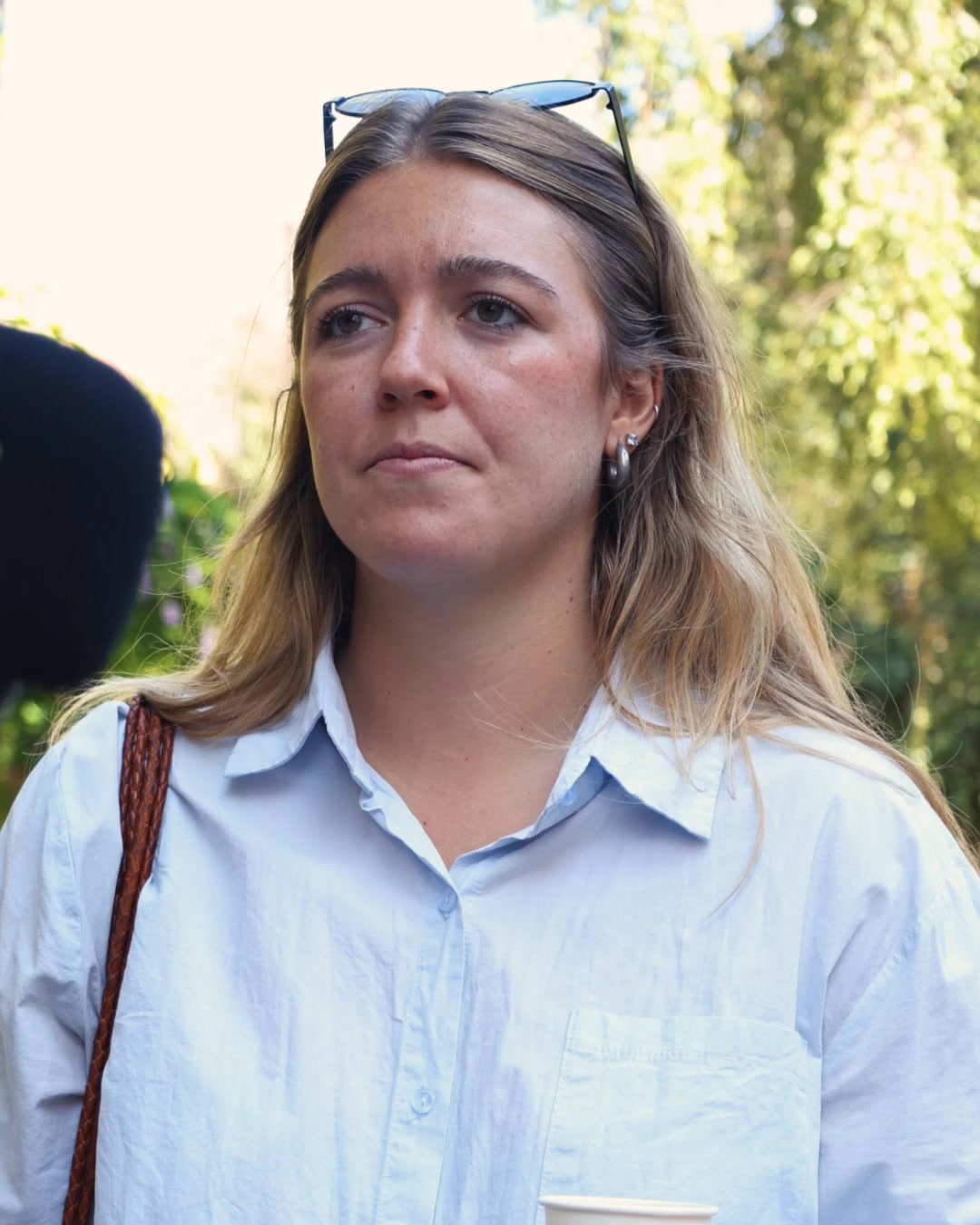
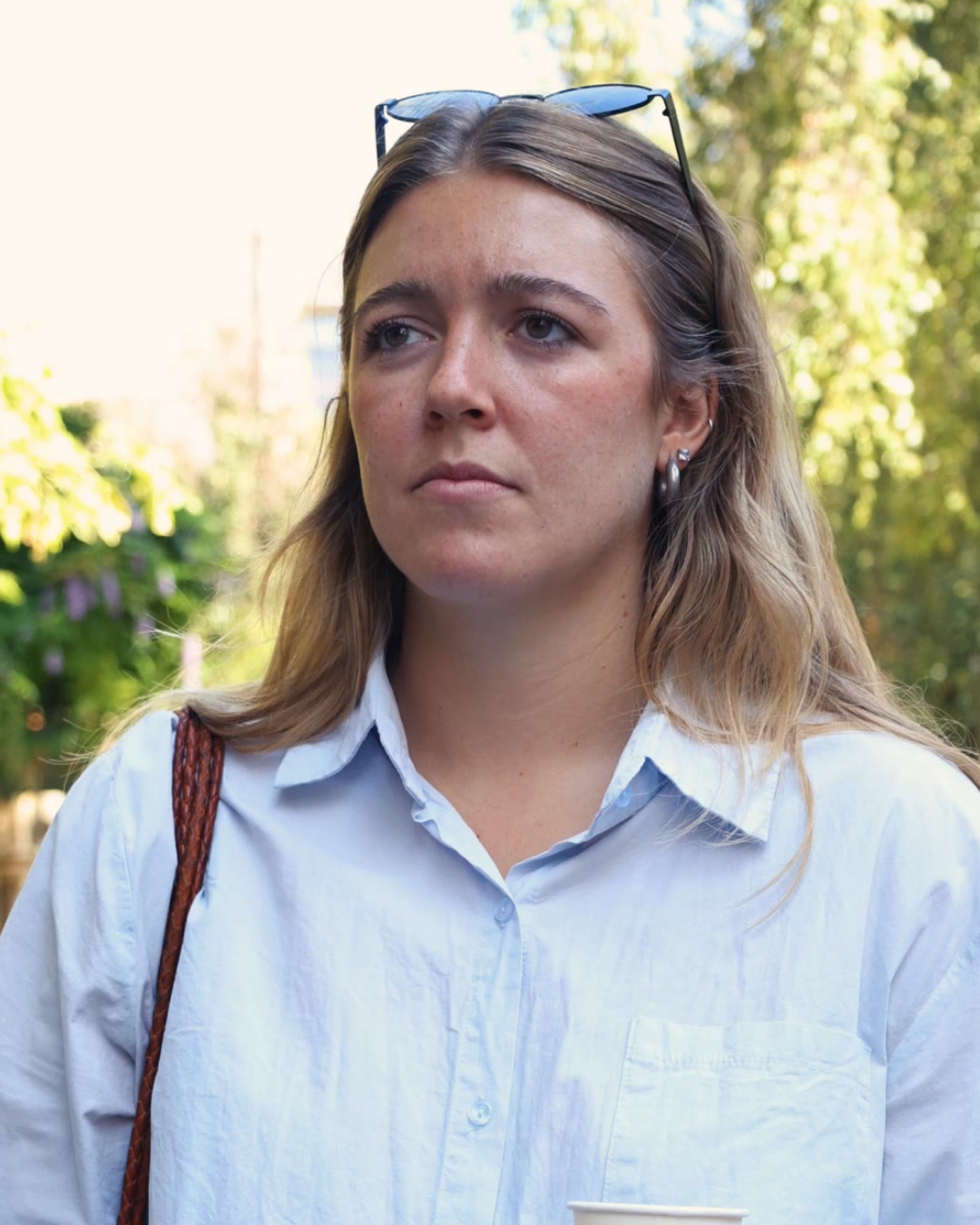
A woman is interviewed on the street, holding a coffee cup. She explains how she runs her business and creates content for it. The video then shows a screen recording of the VEED app, demonstrating its features for editing and posting videos, and ends with the VEED logo and a call to sign up for free.
Live · 56 daysVideo
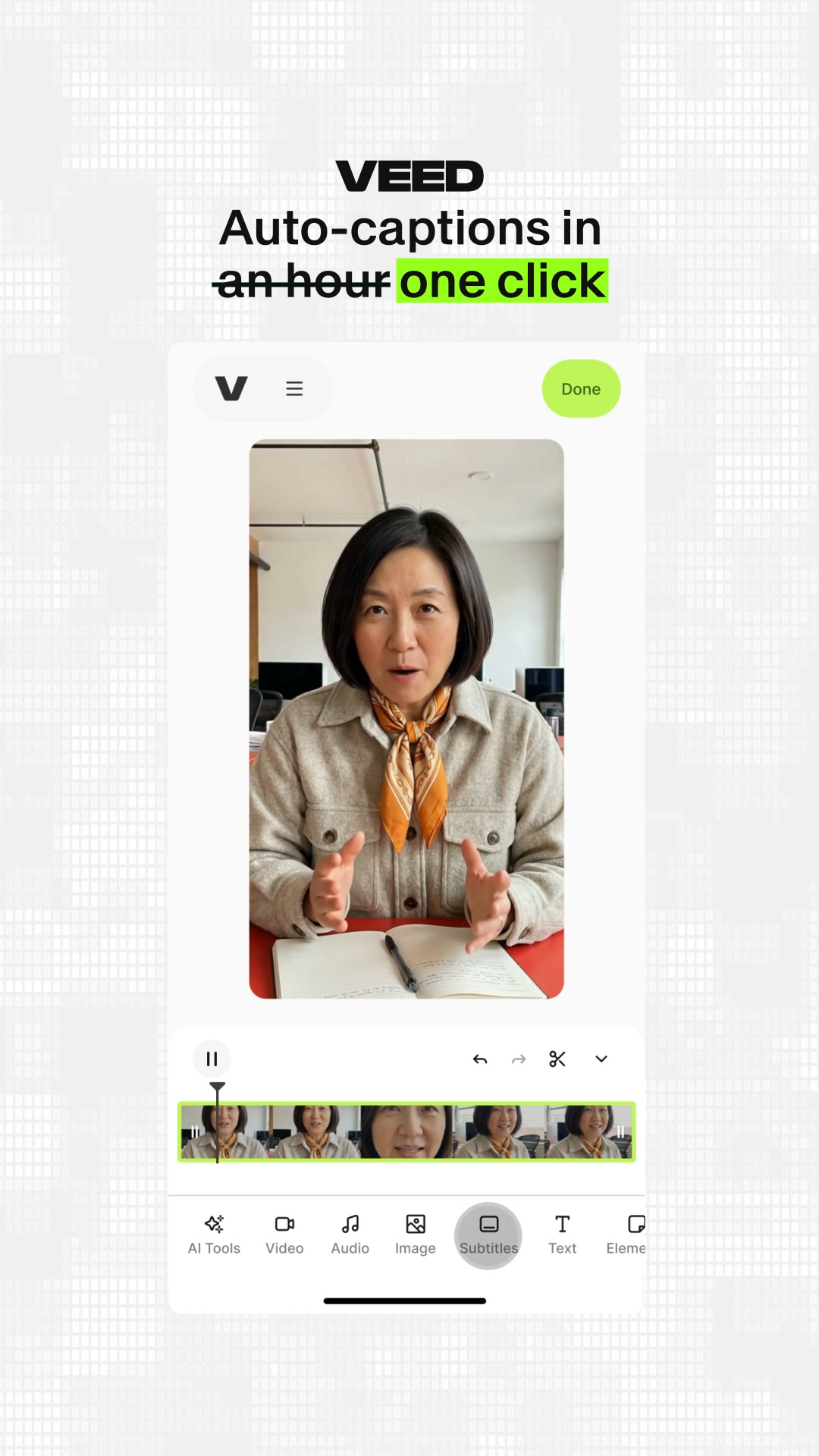
The video shows a screen recording of the VEED video editing app. A woman is speaking to the camera, and the app interface is visible below her. Text overlays highlight the features of the app, specifically auto-captions. The hook states "VEED Auto-captions in an hour one click."
Live · 49 daysVideo
The video starts with a question about content creation speed and efficiency, displayed in large white text. It then transitions to show a user interface of a video editing tool, highlighting features like AI video models and content repurposing. The ad concludes with a call to action to sign up for free, featuring the VEED logo.
Live · 49 daysVideo
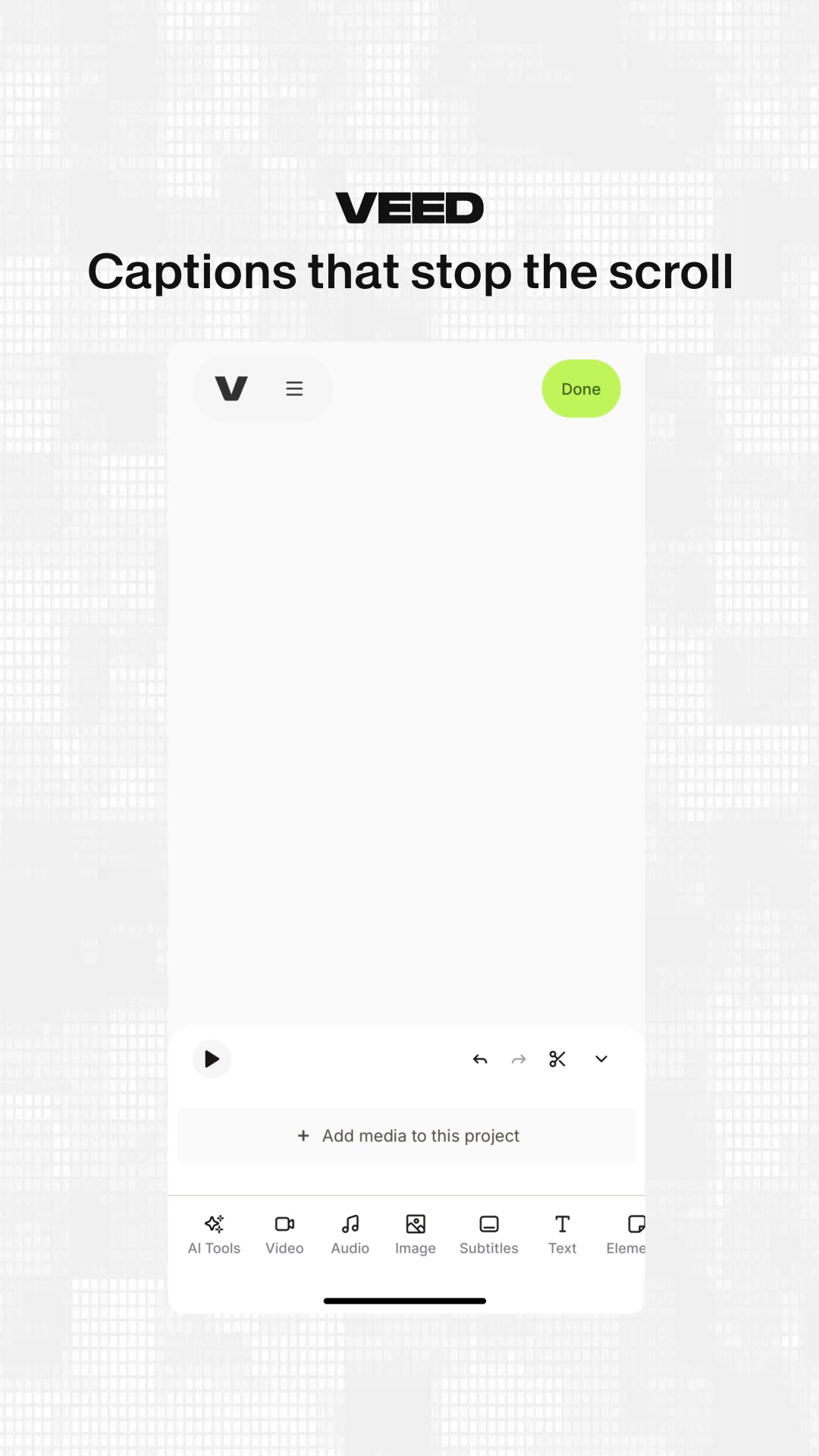
The video opens with a phone screen displaying the VEED app interface. The text "VEED Captions that stop the scroll" is prominently displayed at the top. The app shows a video editing timeline with a preview window where a woman is speaking. The interface highlights options for "AI Tools", "Video", "Audio", "Image", "Subtitles", "Text", and "Elements". The video then transitions to show the "Subtitles" menu, demonstrating how to add or auto-generate captions. Finally, it shows the captions appearing on the video preview, styled in different ways.
Live · 49 daysVideo
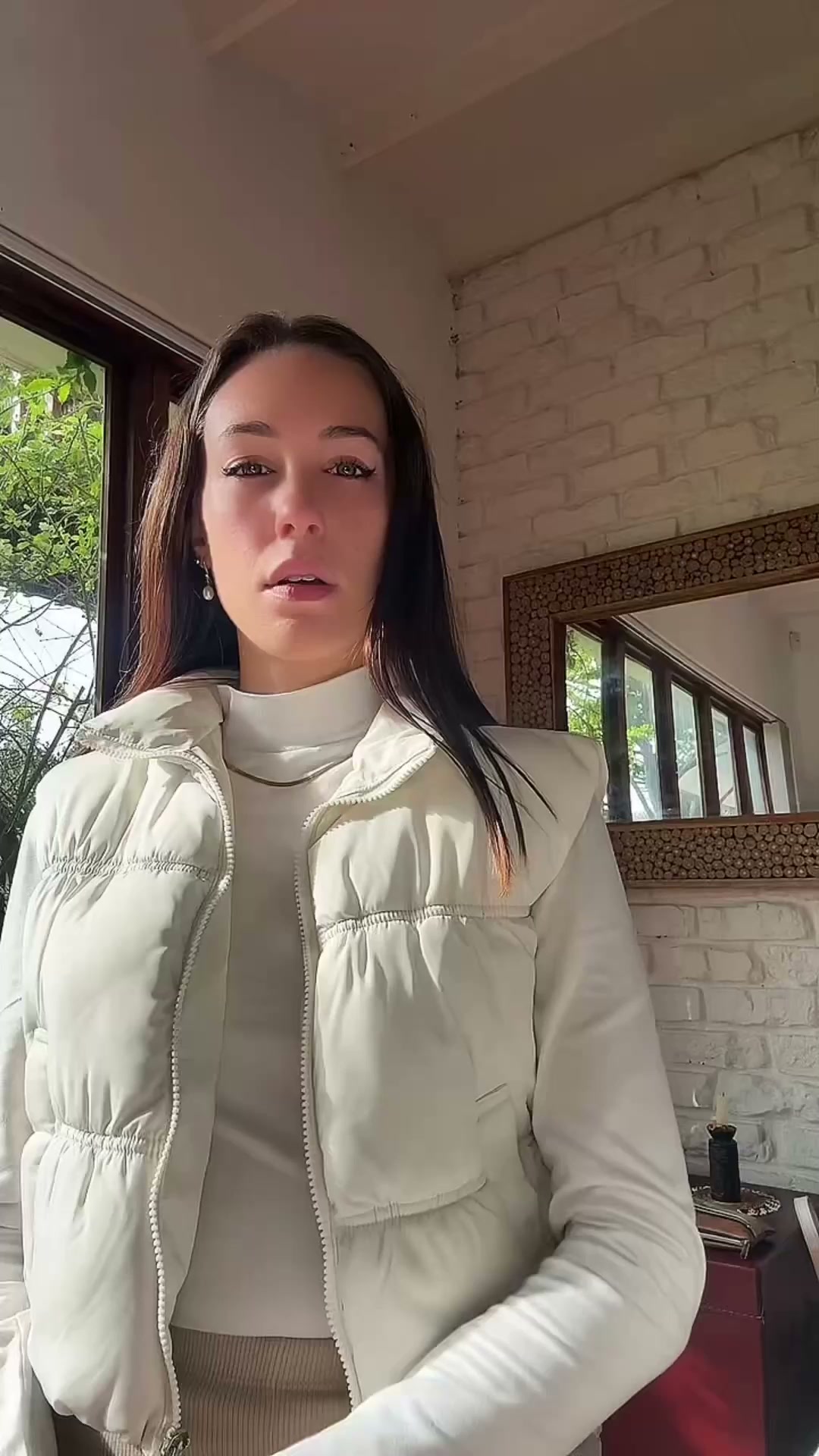
A woman explains her struggles with creating content for her e-commerce brand. She details the time and money she spent on photographers and waiting for content to be ready, only for trends to pass. She then introduces an AI tool called VEED, showing how to use its AI playground to generate video clips from a product photo and a text prompt, and how to resize and export them. The video highlights the cost savings and efficiency of using AI for content creation.
Live · 49 daysVideo
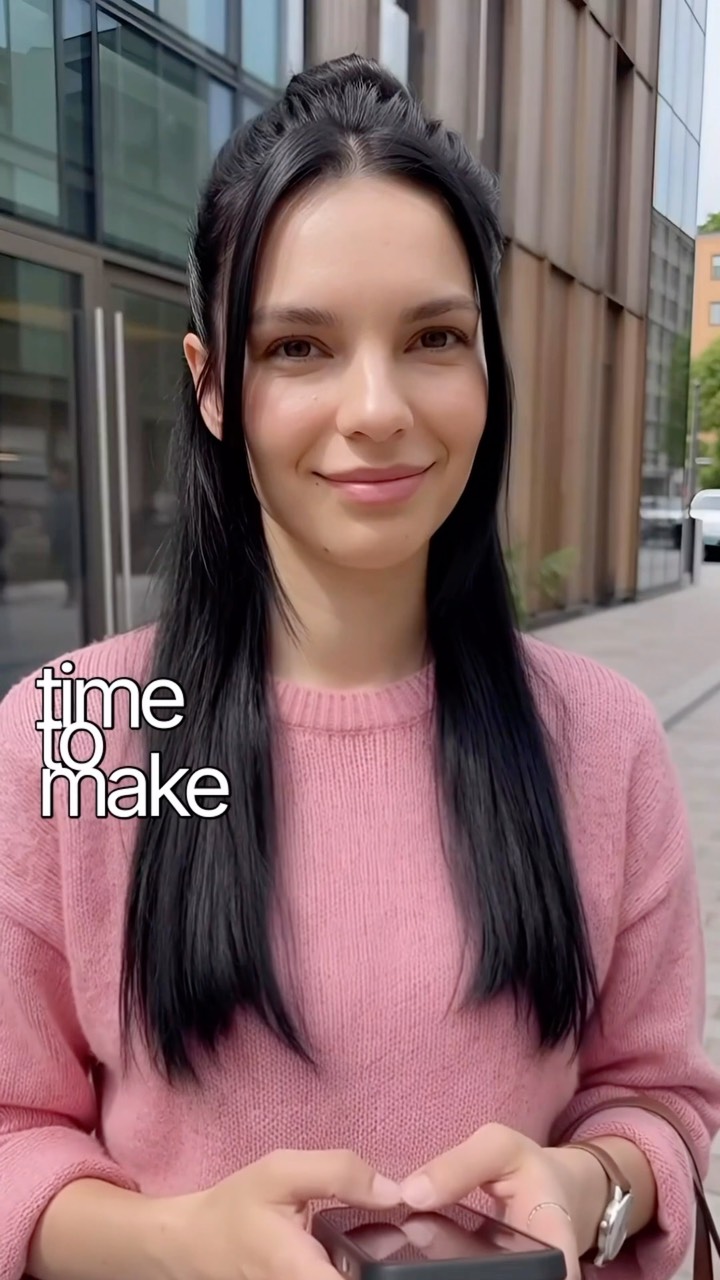
A woman stands outside a modern building, holding a phone. Text appears on screen asking about finding time to make content. She explains she uses VEED to clone herself and her voice, then drops in a selfie and hits generate. Another scene shows a split screen with the woman on the right and a different person eating toast on the left, with text asking if that's her. She confirms it is, and explains she can change things after generating the video, like swapping subtitles or music. The video demonstrates the VEED AI video creation tool.
Live · 49 daysVideo
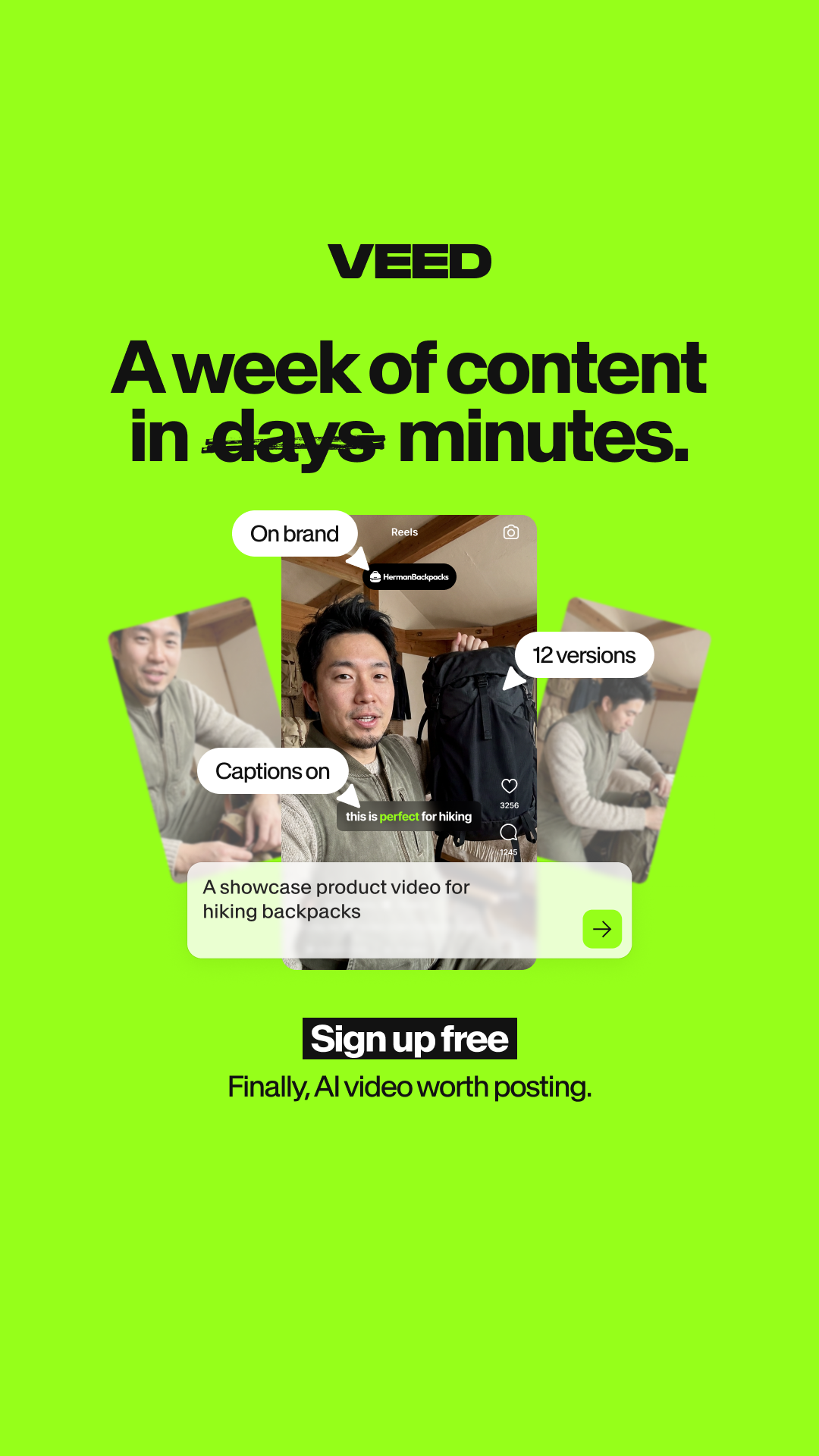
A bright green background features a central video player showing a person holding a backpack. Several callout bubbles point to the video, highlighting features like 'On brand', '12 versions', and 'Captions on'. Below the video, a text box describes the content as a showcase product video for hiking backpacks, followed by a 'Sign up free' button.
Live · 49 days
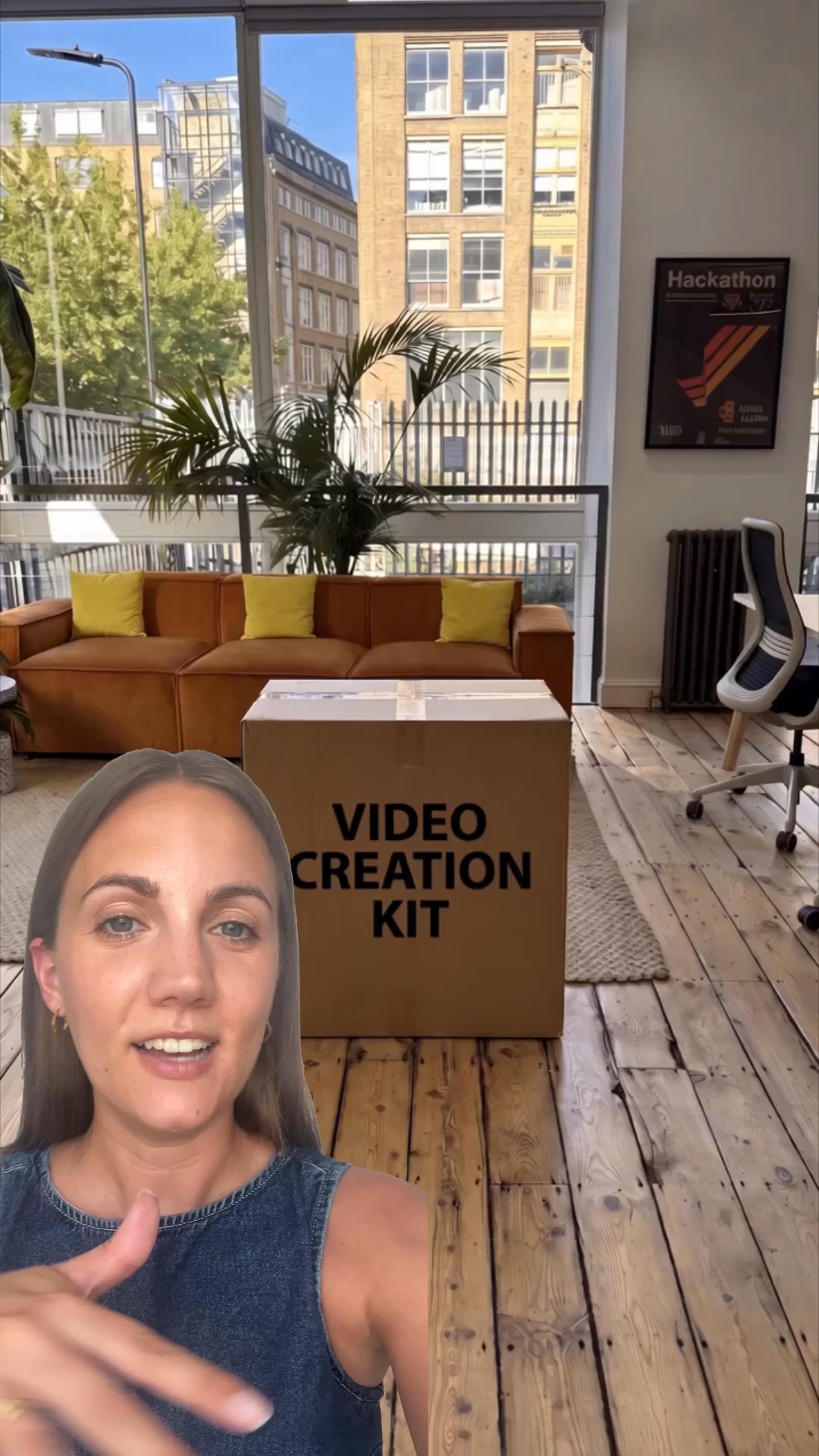
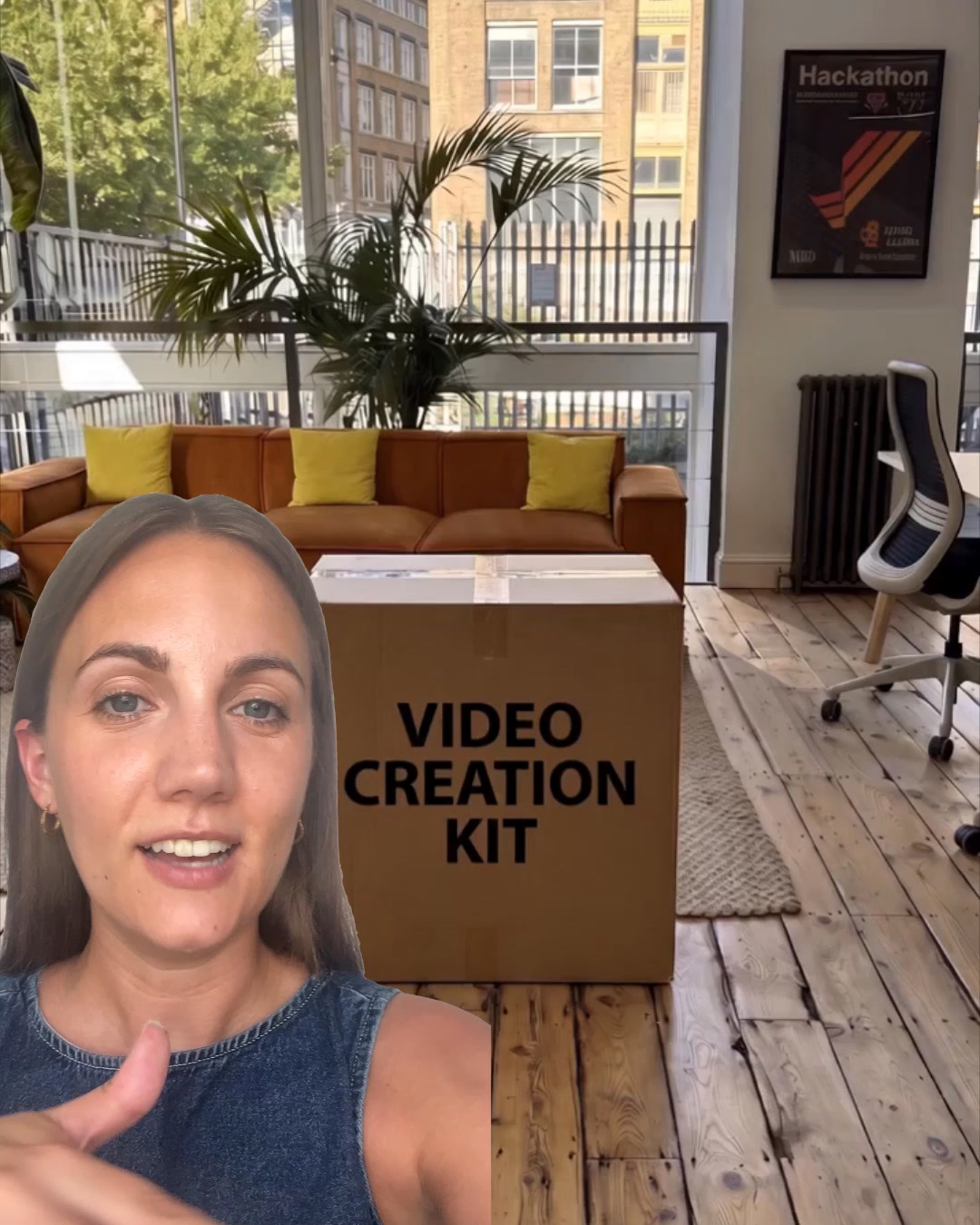
A woman appears in the foreground, speaking to the camera. Behind her, a box labeled "VIDEO CREATION KIT" is visible. The video then transitions to show a studio setup with a camera and lighting, followed by graphics and text explaining VEED's AI video creation features. It highlights the ease of use, customization options like avatars and captions, and the ability to export for any platform. The ad emphasizes that no studio or gear is needed, and promotes VEED as a solution for social media video creation.
Live · 42 days
The video shows a woman in a coffee shop, arranging pastries. Text overlays appear, suggesting that mornings and everything served are meant to help people slow down and take a breath. The ad features a woman who appears to be a shop owner or employee, interacting with her products and the storefront.
Live · 42 days
A creator is interviewed outdoors, and explains how she uses VEED to create videos without actually filming herself. She demonstrates the app's features, showing how to add text, logos, and export for different platforms. The video highlights VEED's benefits: built for social, no pro skills needed, and a G2 rating. It ends with the VEED logo and a call to sign up for free.
Live · 29 daysVideo
A woman is interviewed outdoors and asked how she grew her following. She explains she uses VEED to create videos, dropping in a selfie and typing a prompt. The video then shows the AI generating a video and the woman explaining it's not real footage, but AI-generated. The ad highlights benefits like 'Built for social' and 'No pro skills needed'.
Live · 29 daysVideo
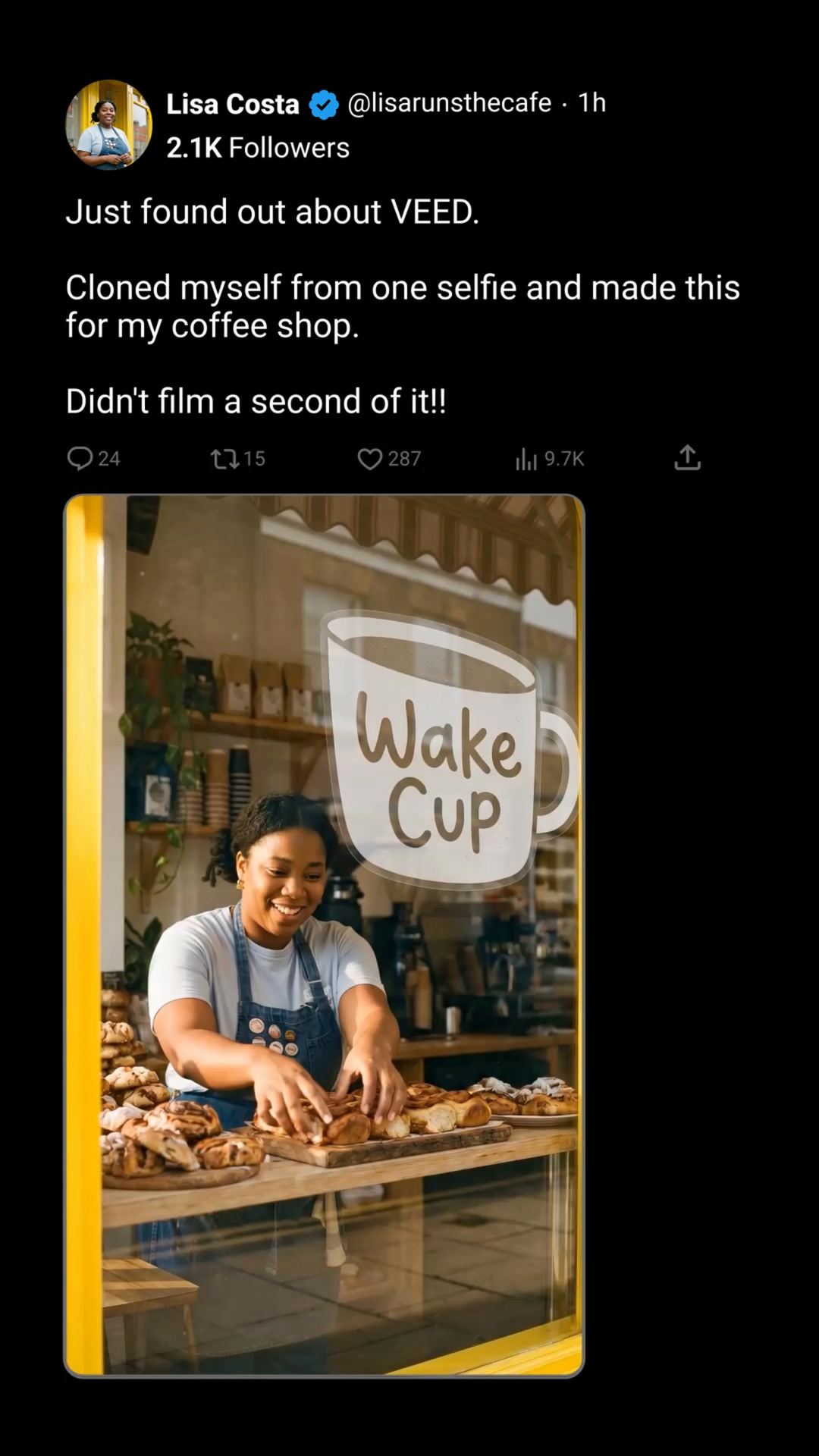
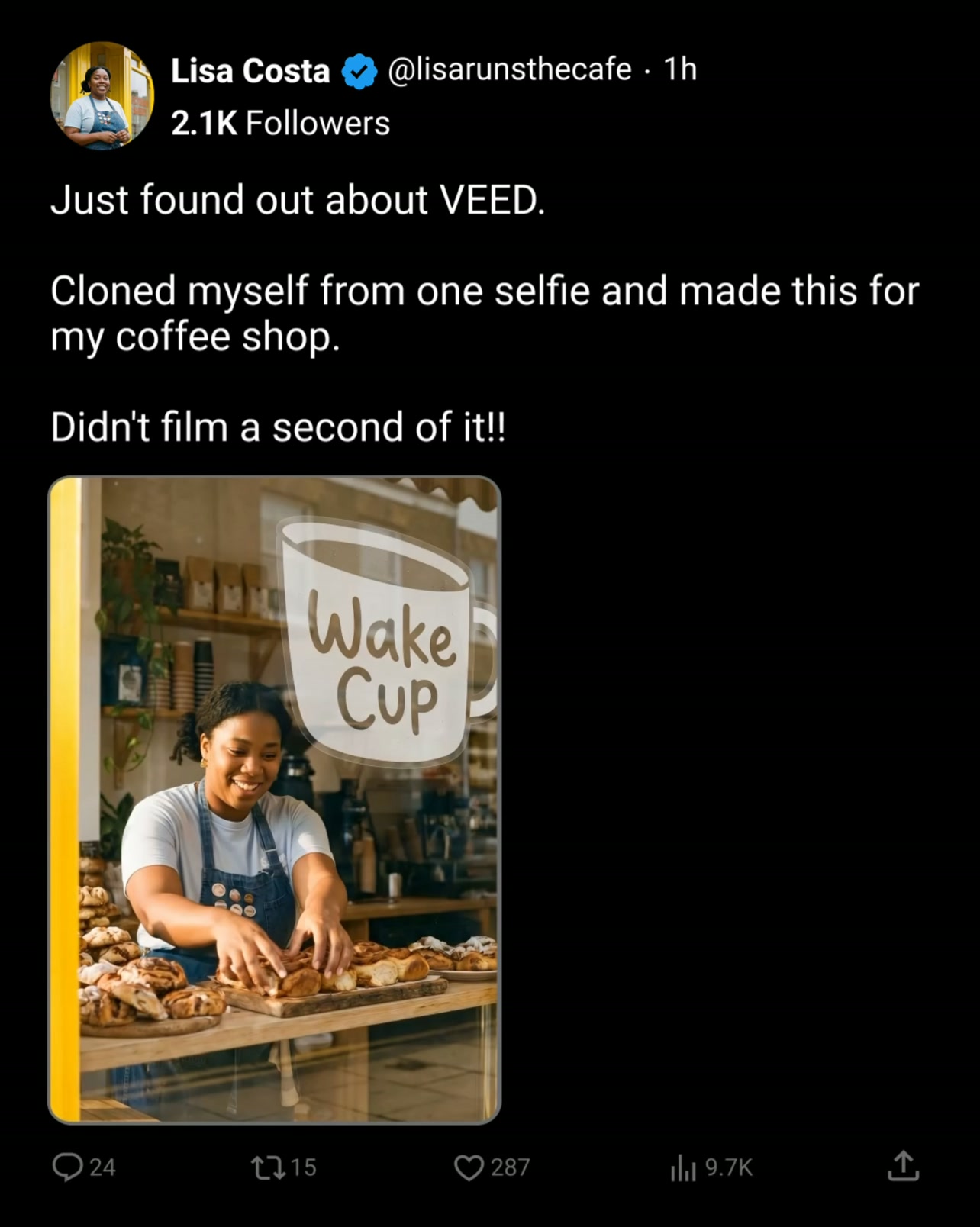
The video opens with a woman, Lisa Costa, founder of a coffee shop, sharing her discovery of VEED. She explains how she used the tool to clone herself from a single selfie to create promotional content for her business without filming. The video then transitions to show her coffee shop and products, with text overlays highlighting the experience of enjoying coffee and the shop's offerings. The overall tone is personal and informative, showcasing a practical application of the software.
Live · 25 daysVideo
A woman talks to the camera, with a large box labeled "VIDEO CREATION KIT" behind her. The video then shows a studio setup, followed by the VEED logo and interface demonstrating AI video creation. It highlights features like avatar generation, captioning, and music, showing various people and styles. The ad concludes with a summary of benefits and a call to sign up for free.
Live · 24 daysVideo
A creator sits in front of a whiteboard, then reclines in a chair looking tired. Text overlays explain a faster way to create marketing videos without filming. The video shows steps for cloning oneself with a selfie, describing the video, and refining/exporting. It concludes with a thumbs-up and the VEED logo with a call to action to sign up for free.
Live · 22 daysVideo
The video starts with a man sitting in an office chair, looking at the camera, with text overlaying the screen. It then shows him looking tired and leaning back in his chair, with new text appearing. The video transitions to screen recordings of a website interface, demonstrating steps to create a video, and ends with a man giving a thumbs up and the VEED logo with a call to action. The overall tone is practical and informative, aiming to show a faster way to create video content.
Live · 22 daysVideo
The video starts with a split screen. The top screen shows a man talking into a microphone, with text overlays. The bottom screen shows the same man talking directly to the camera. The video explains how to use VEED to create a talking video from a single selfie and a text prompt. It demonstrates the steps involved, including uploading a selfie, cloning a voice, and generating the video. The ad shows the "old way" of setting up cameras versus the "new way" with VEED. The final part shows the generated video with the user's cloned voice and likeness.
Live · 14 daysVideo
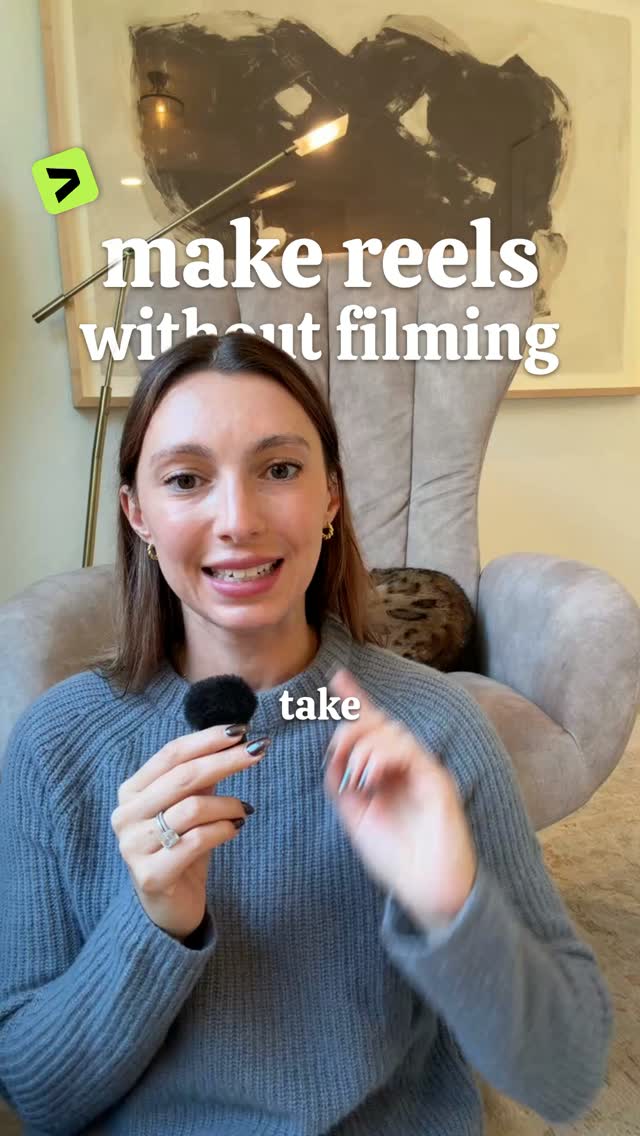
A woman sits in a chair and explains how to make Instagram reels without filming using an AI tool. She demonstrates the steps on screen, showing how to clone yourself, set up the reel, and generate the video. The video uses text overlays to highlight key steps and features of the tool.
Live · 14 daysVideo
A creator in a beanie and hoodie speaks to the camera, then shows a screen recording of the VEED AI video generator. The creator demonstrates how to use the tool to create videos by typing prompts, cloning themselves from a selfie, and picking characters. The video showcases examples of generated videos for different prompts, like a recipe video and an explanation of black holes. The creator ends by asking viewers to comment 'VEED' to get a link.
Live · 13 daysVideo
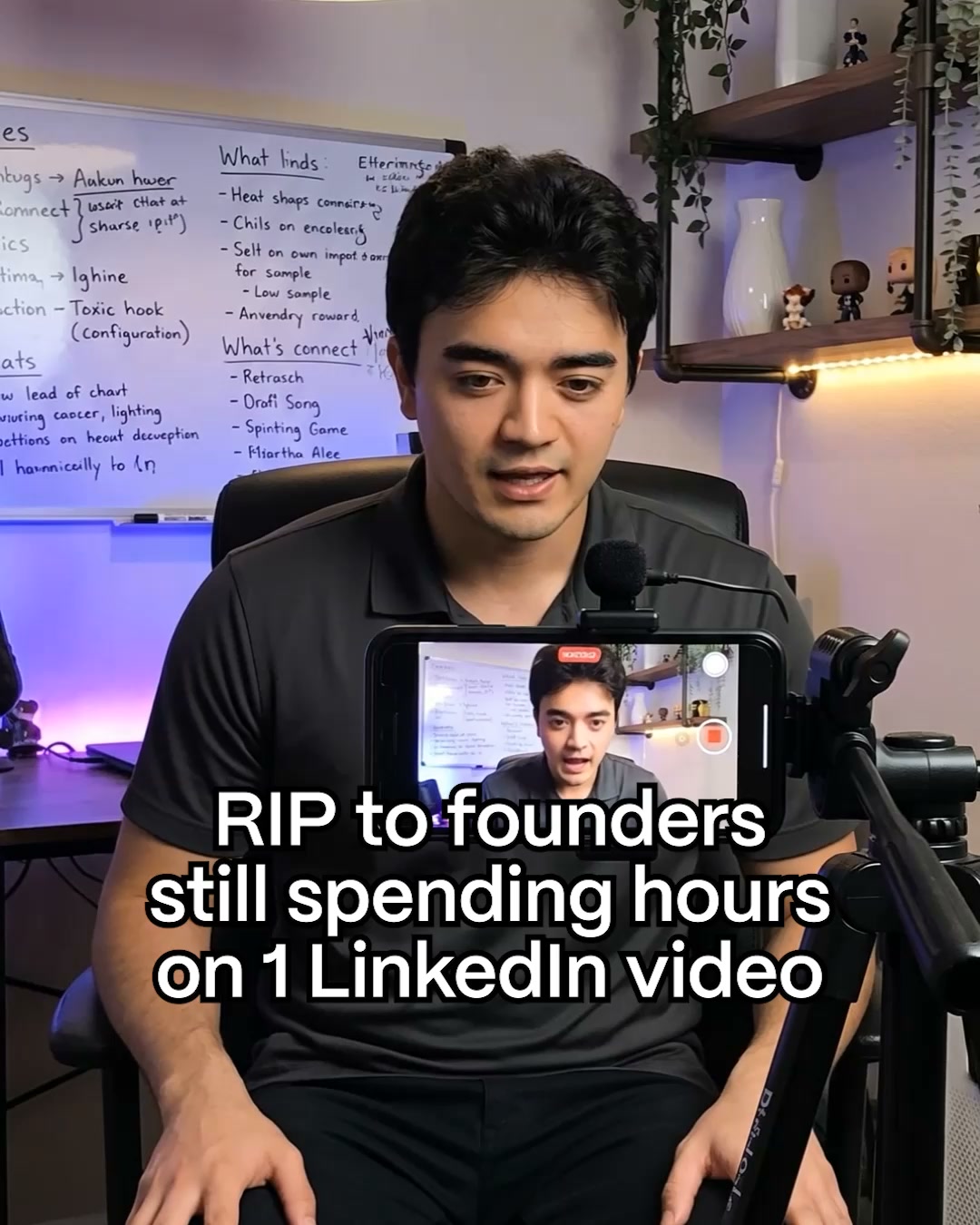
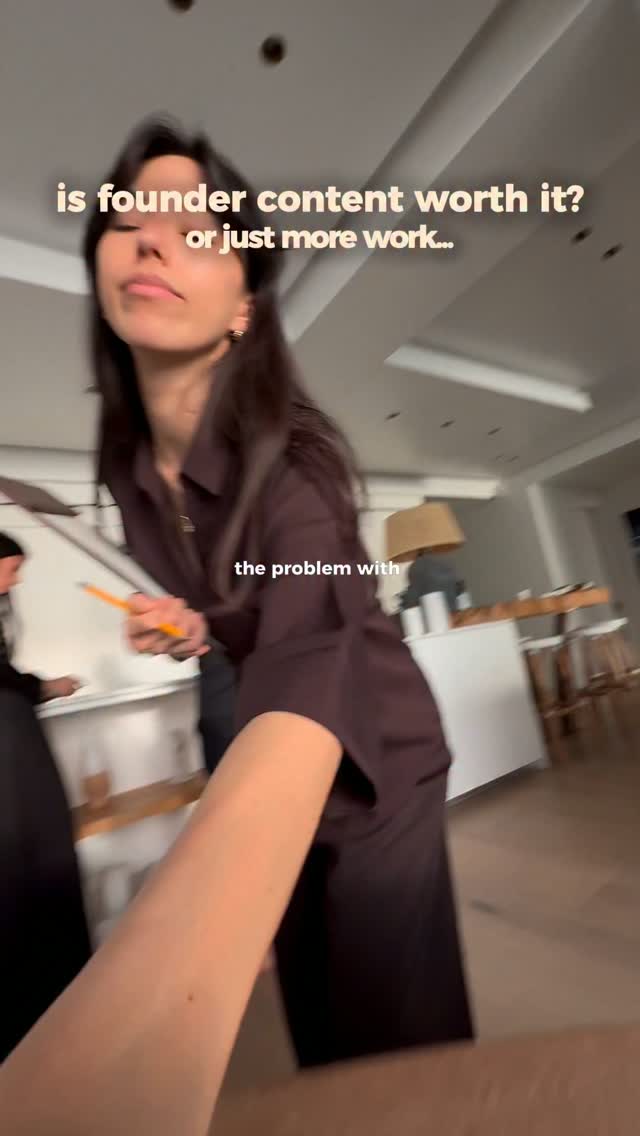
The video starts with a question about founder content. It shows a person working, then using a video editing platform on a laptop, and then a phone. The text explains how to use a new prompt-to-video feature to save time. The tone is practical and candid.
Live · 13 daysVideo
The video starts with a person pouring blue liquid into a glass, with text overlay that reads "Websites that feel ILLEGAL to know". It then transitions to a screen recording of the VEED website, showing how to clone a voice and a face to create a talking video. The final scene shows an AI-generated talking avatar speaking, with text overlay explaining the process. The video ends with a call to action to comment "VEED" for a link and playbook.
Live · 13 daysVideo

How VEED makes its ads

What its ads are built from, by type, counted over the ads we have read.

What VEED's ads are built from: who is in frame, the words, the structure, the top format and hook.

On Starter, free for 7 days if you haven't tried it yet.