Skip to content

CaptionsApp / Software

Captions ads: 42 winning Facebook and Instagram ads

Every Captions ad we filed, the longest-running first, with its hook, format and how long Meta kept it live. Or ask Claude or ChatGPT to pull them for you.

Longest run

Longest run: 82 days

Still running when last seen Nov 15. Brands rarely keep paying for ads that lose.

Ads live on Meta now
140
Median run
13 days
Against App / Software’s 18-day median
0.7×
In the library: 42 videos
42 ads

Longest run

Longest run: 82 days

Still running when last seen Nov 15. Brands rarely keep paying for ads that lose.

Captions ads, longest running first

Filters and sort open with the 7-day trial

Format, asks you to sign in
Scroll for every format
Hook, asks you to sign in
Scroll for every hook
Status, asks you to sign in
Type, asks you to sign in
SortLongest running, asks you to sign in

Winning means kept running: brands rarely keep paying for ads that lose.

42 ads
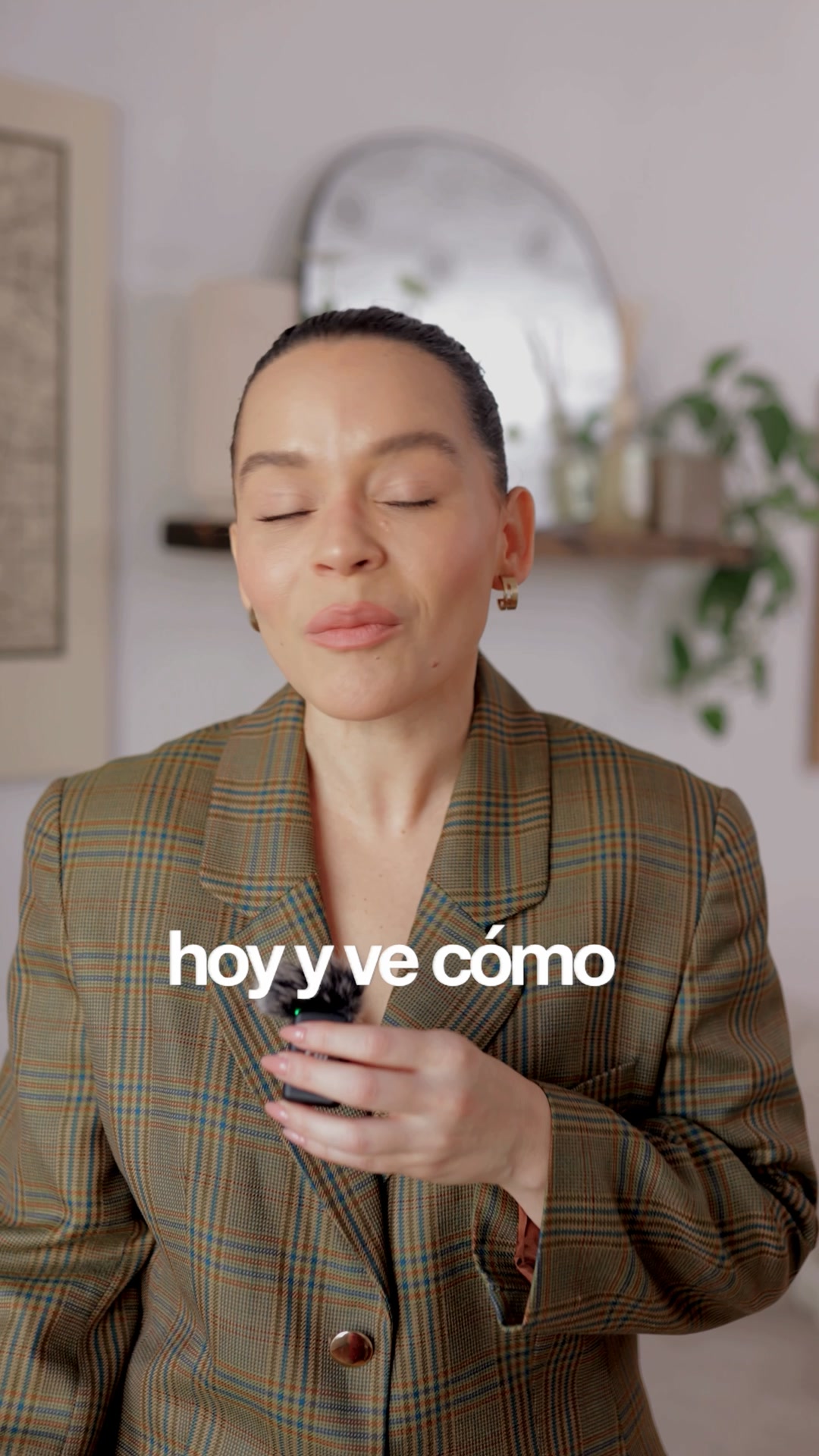
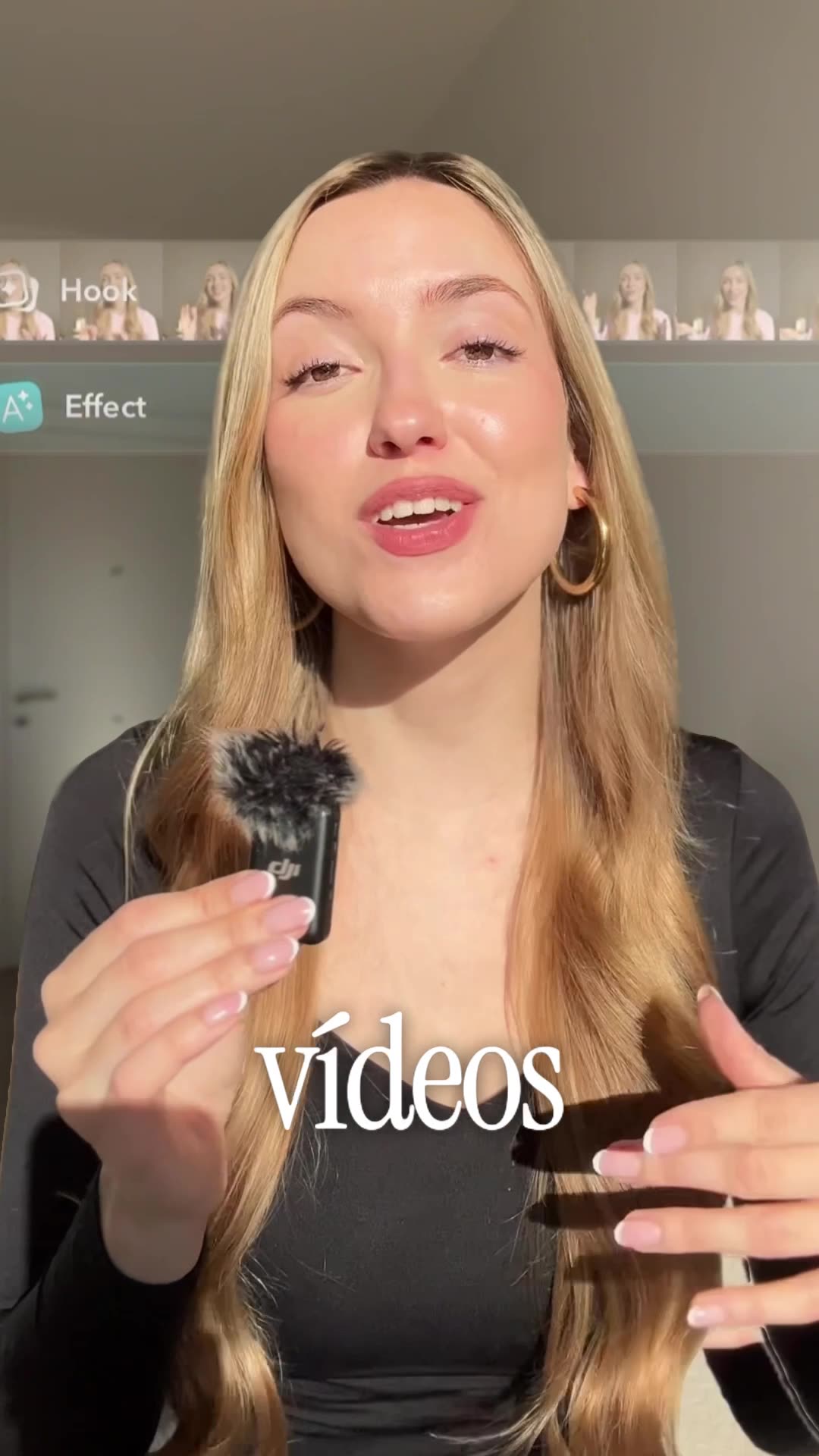
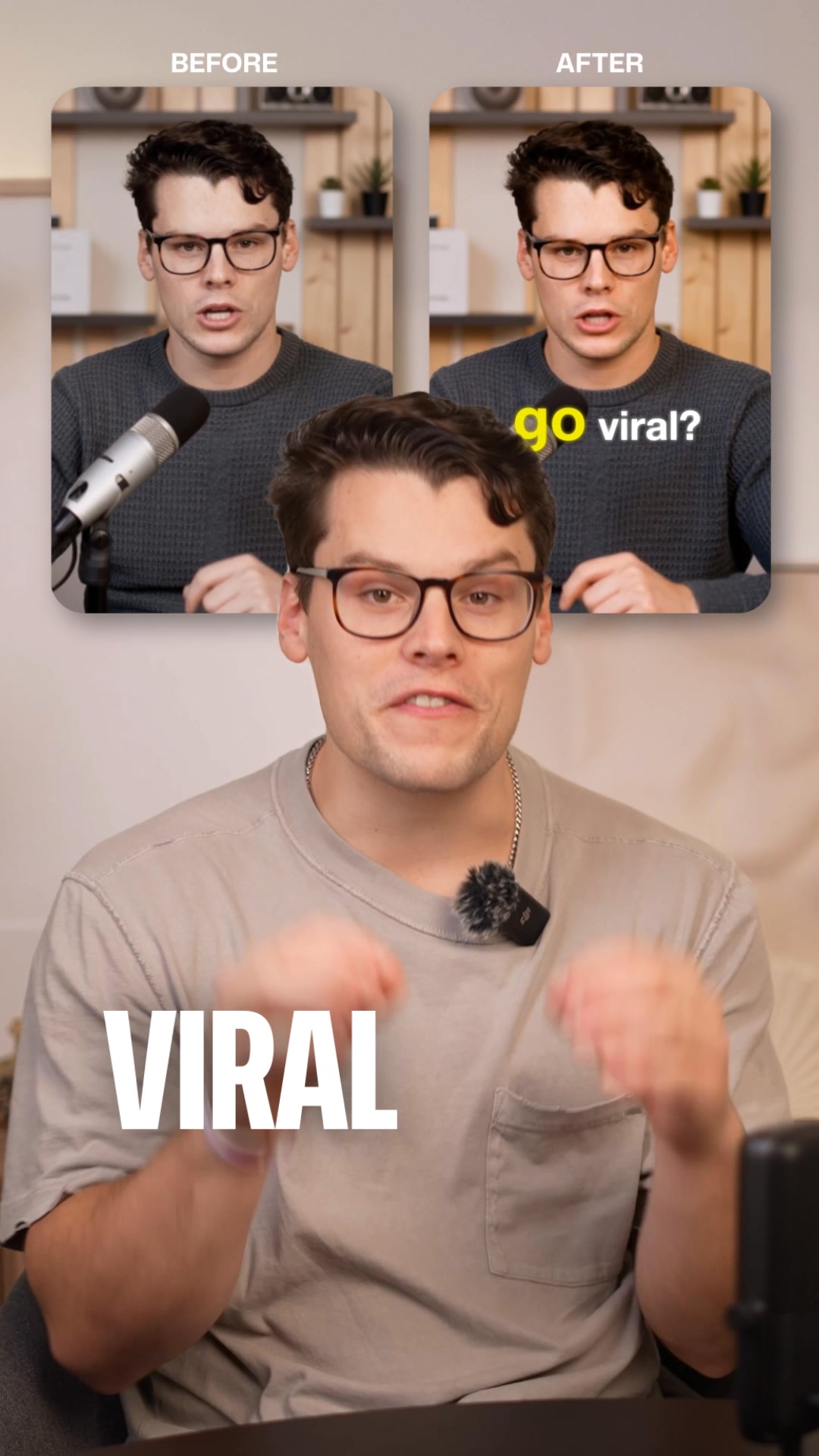
A woman in a blazer speaks to the camera, holding a small microphone, while demonstrating an app on her phone. The video features a split-screen effect where the top half shows the app's AI editing process in action, while the bottom half shows the woman explaining the benefits. The creative highlights how the app can automatically transform boring videos with custom edits, transitions, and effects.
Live82 days
Captions
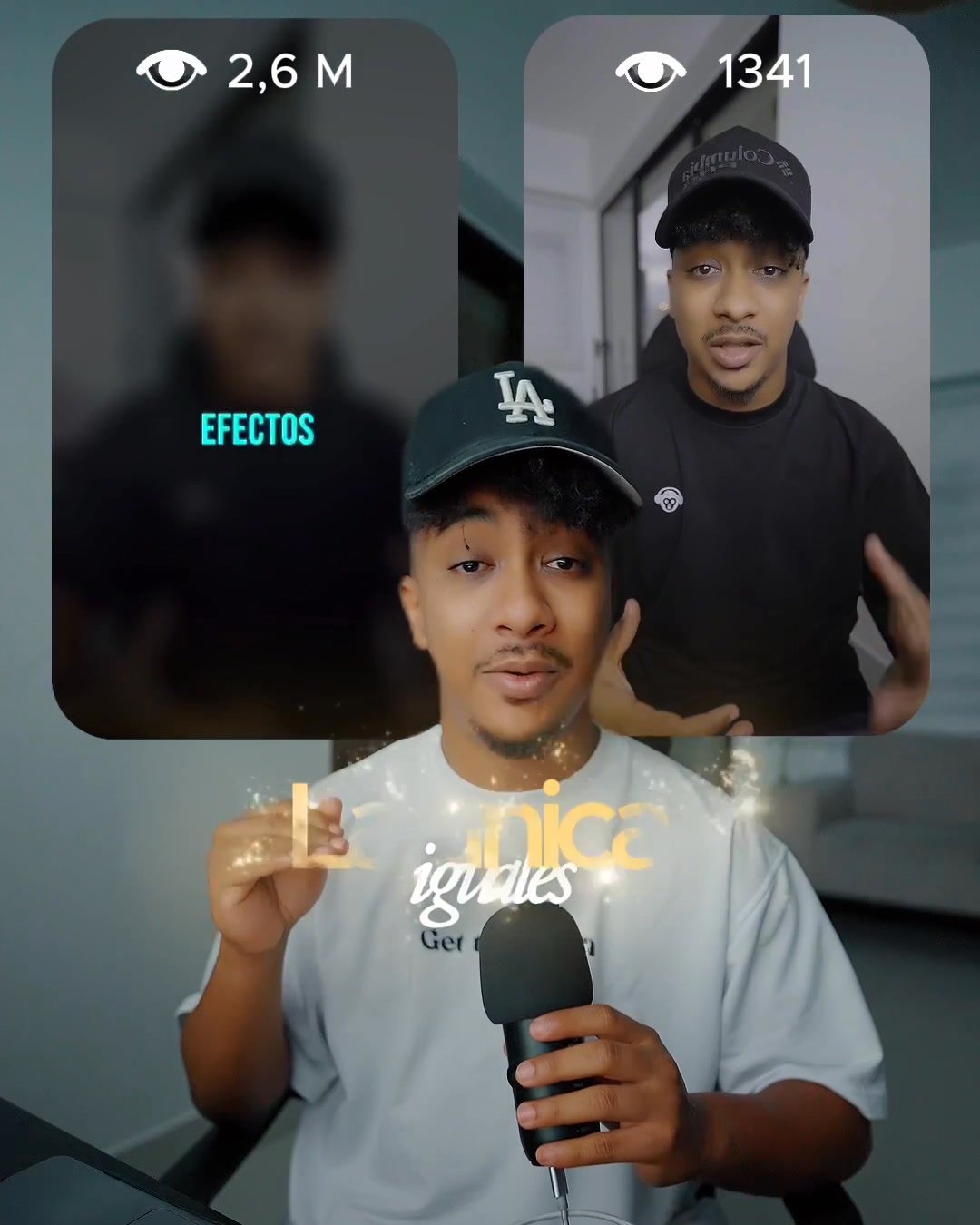
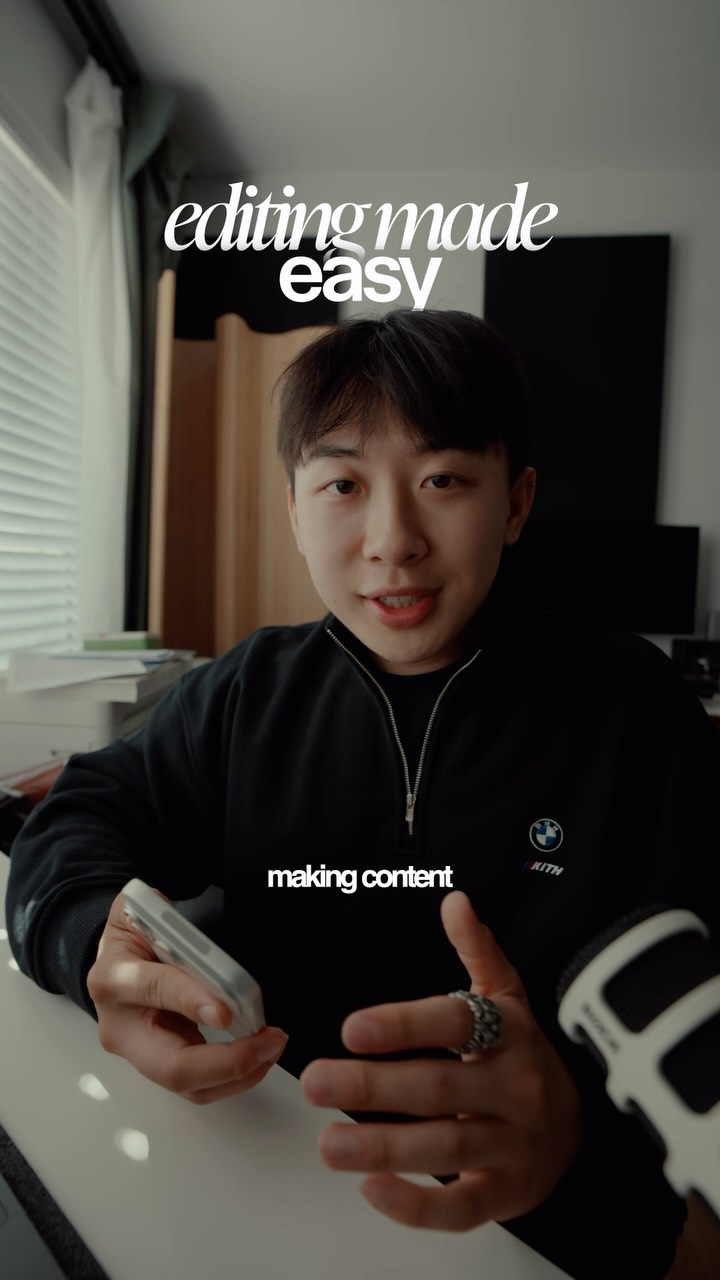
A man in a denim jacket speaks to the camera, explaining how he improved his video editing process. The video features a split-screen comparison of his old and new editing styles, followed by a screen recording of the Captions app interface showing its various AI-powered features. The ad concludes with the man recommending the app for its speed and ease of use.
Live82 days
Captions
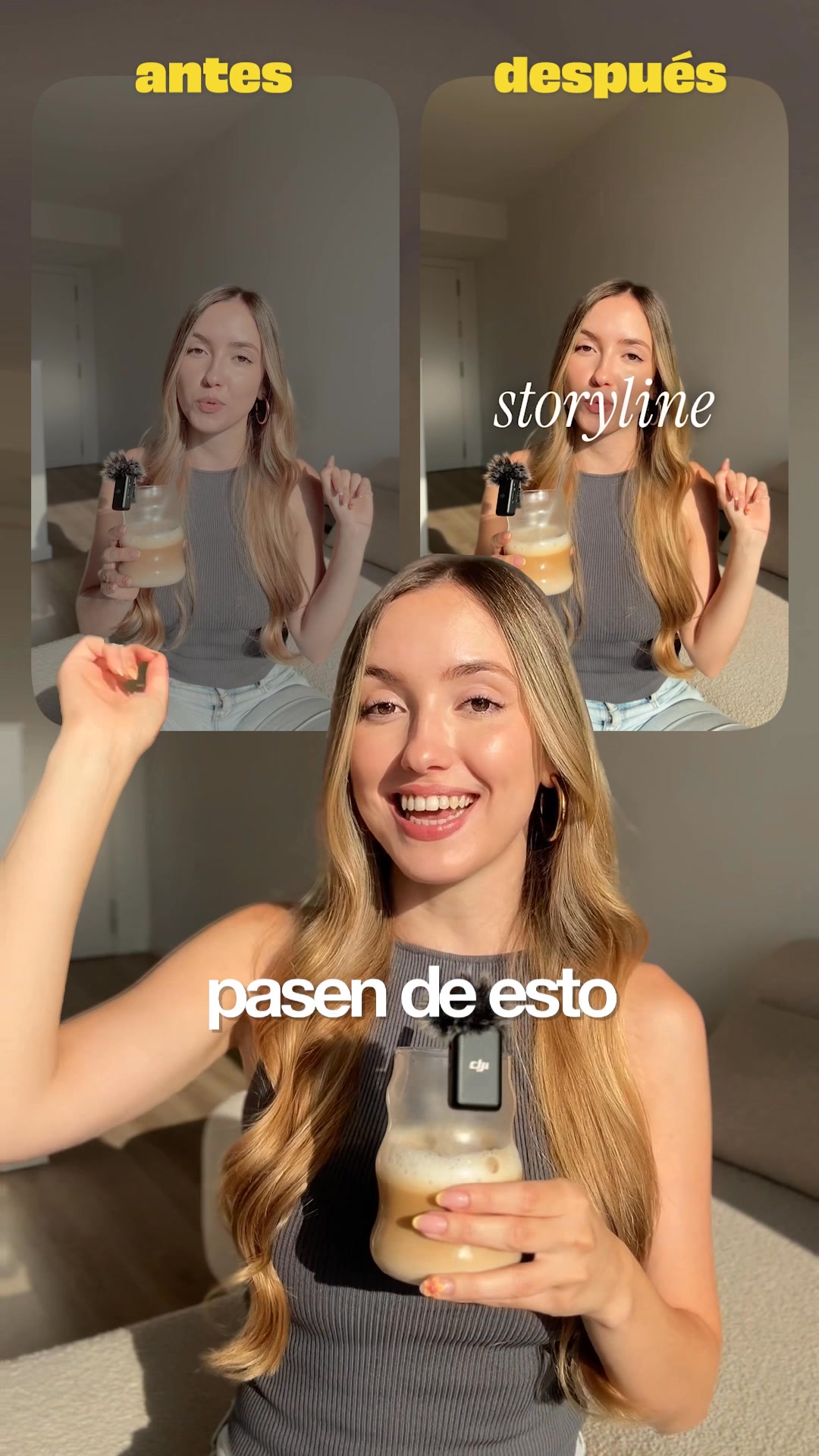
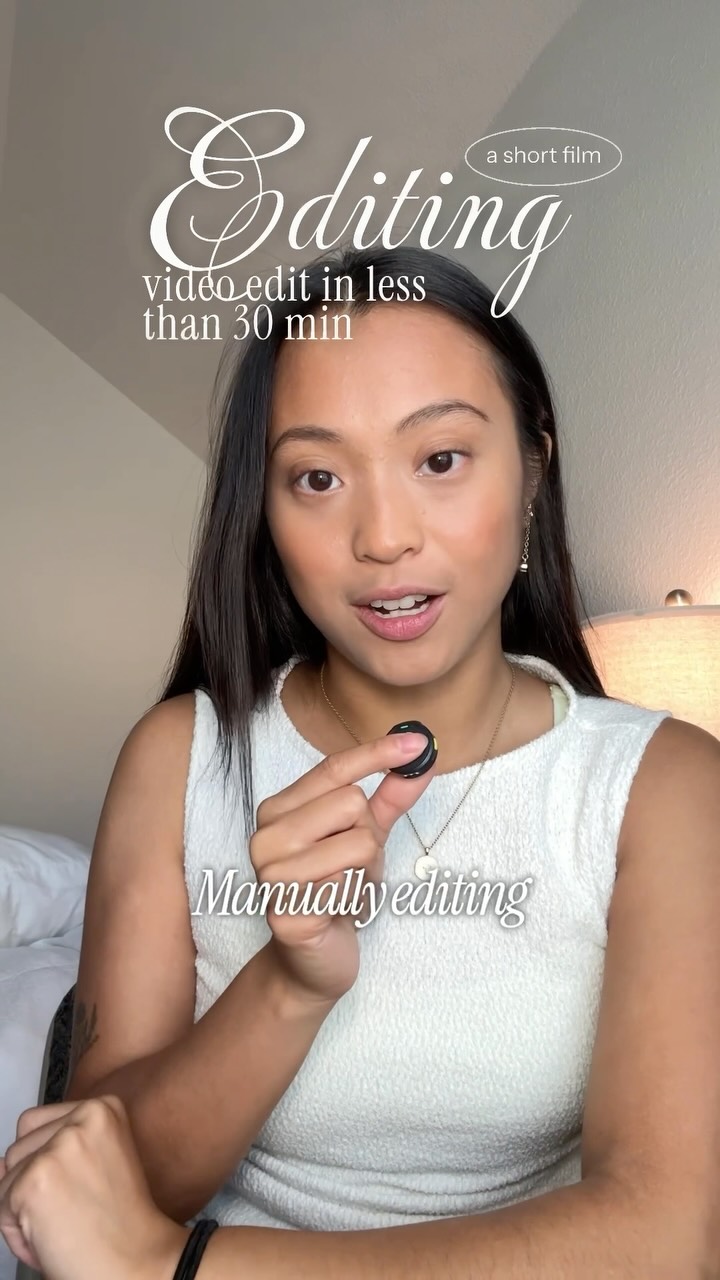
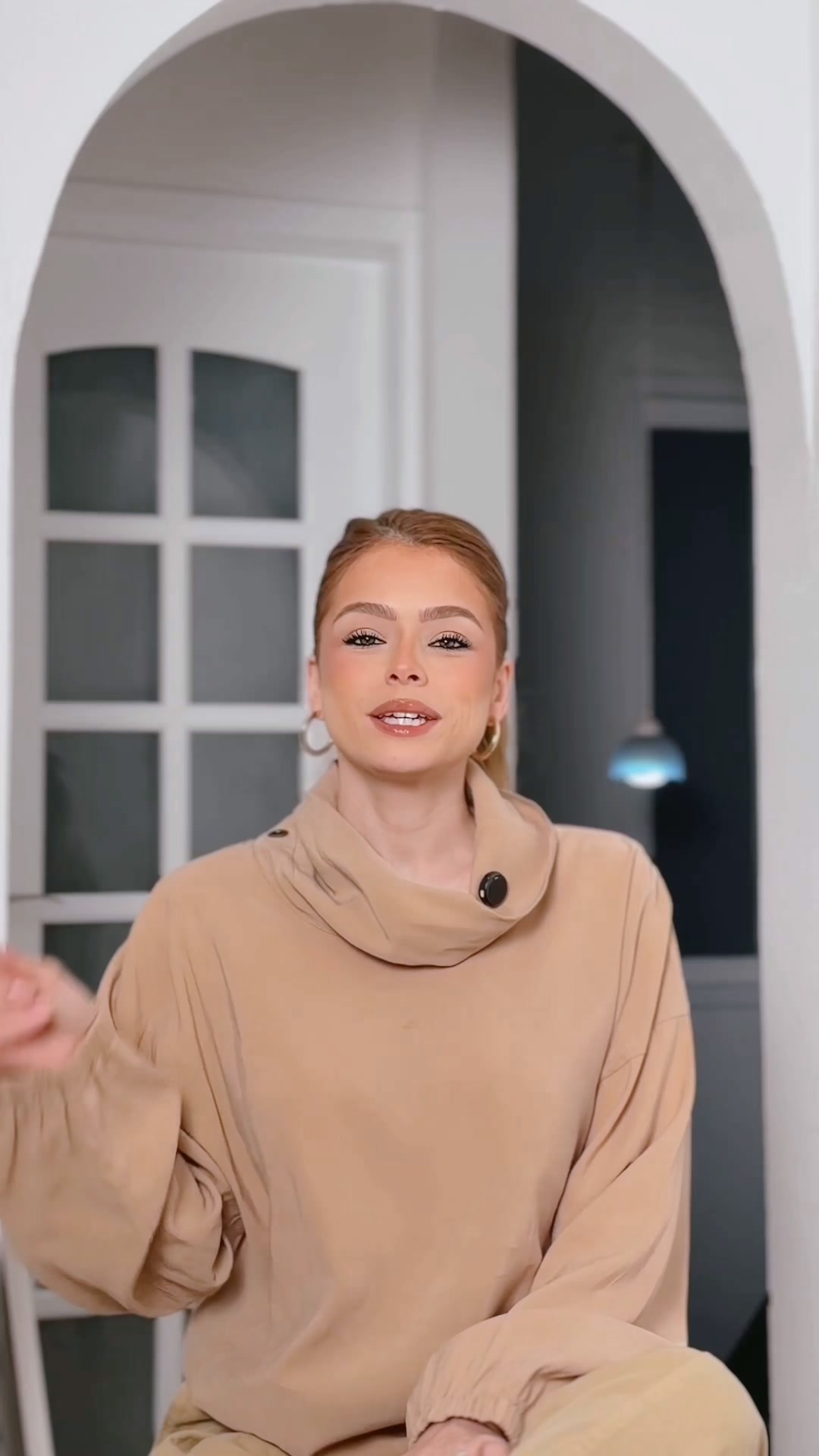
A creator speaks directly to the camera while holding a glass of iced coffee, explaining how she improves her video editing process. The video features a split-screen comparison of her videos before and after using the app, followed by screen recordings of the app's interface showing various editing styles and features. The creator remains in the frame throughout, demonstrating the app's capabilities.
Live82 days
Captions
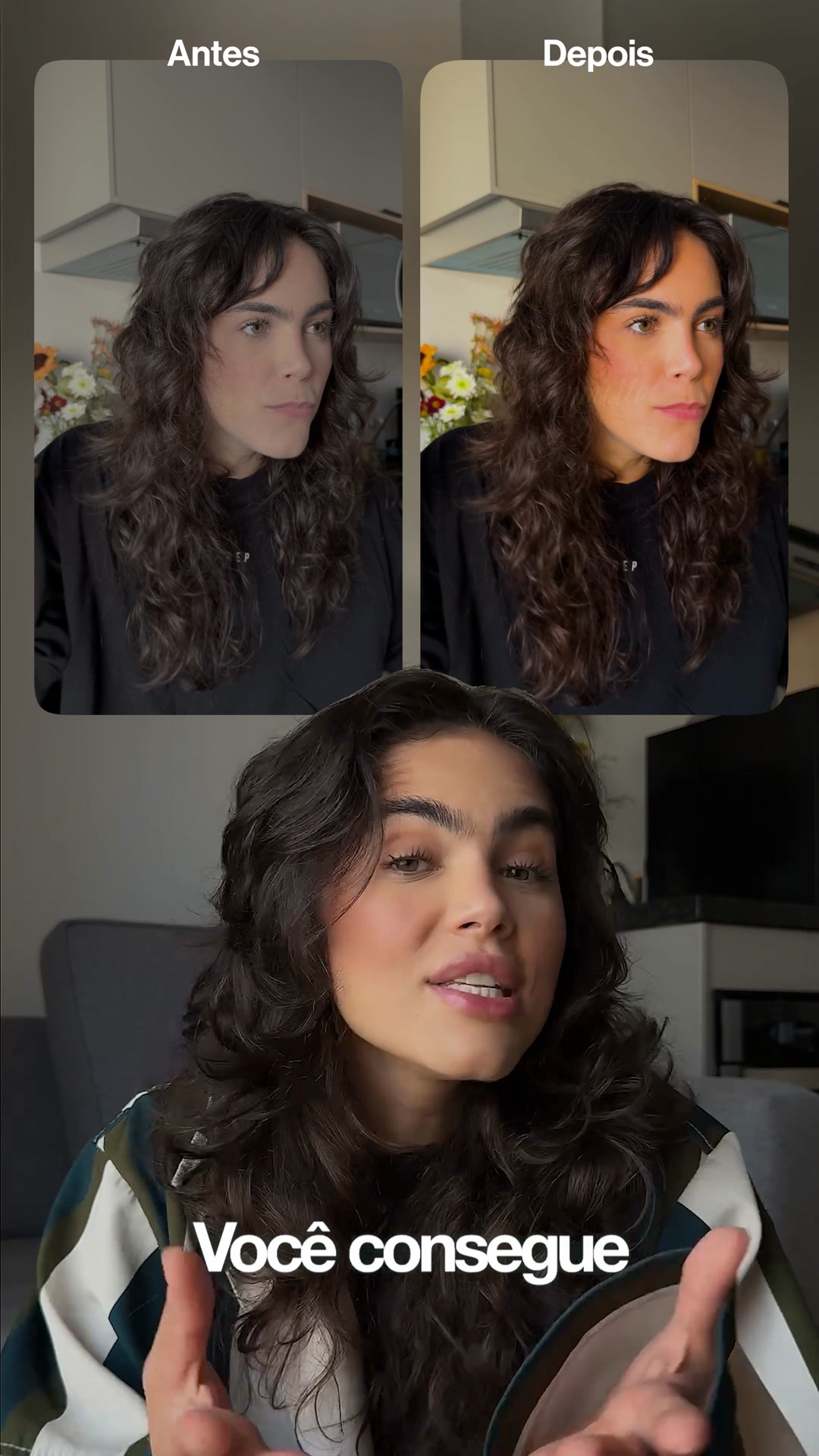
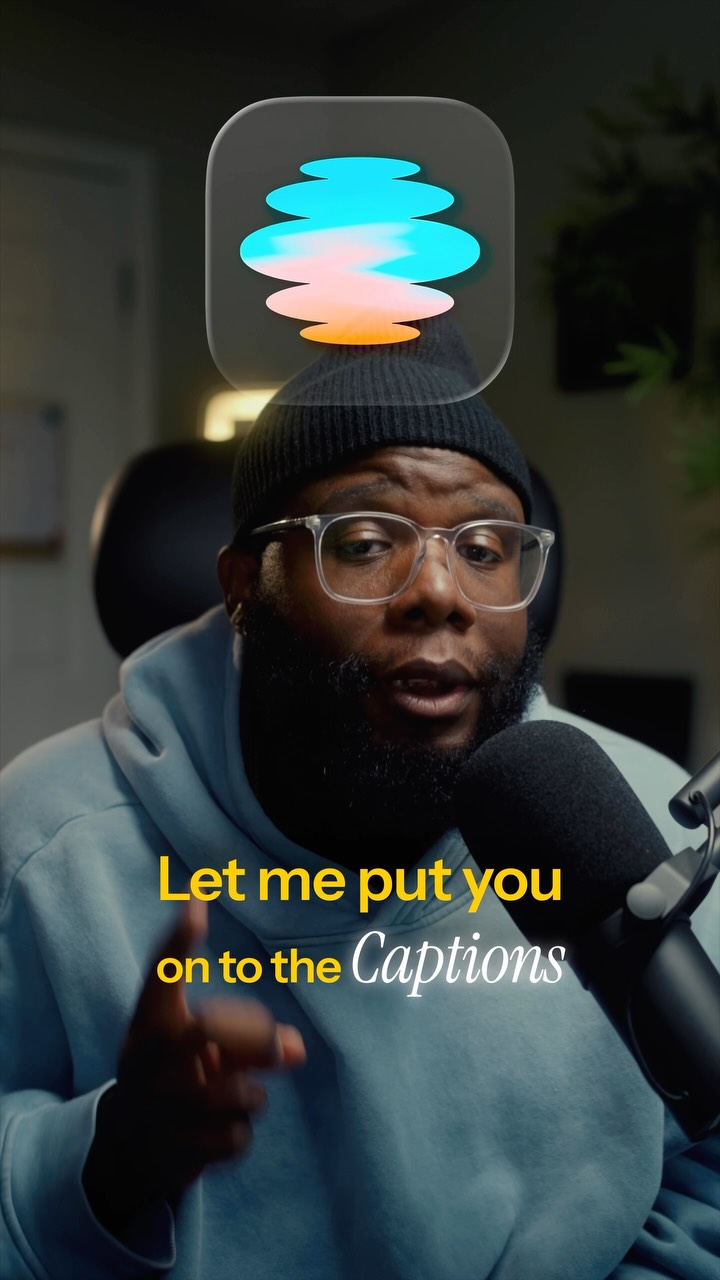
A creator speaks directly to the camera, explaining how he uses an app to transform his content. The video alternates between his talking head and screen recordings of the app's interface, showing how it automatically applies editing styles to his videos. The creative ends with a call to download the app.
Live82 days
Captions
A creator speaks to the camera about the problem of boring videos, then demonstrates an AI editing app. The video shows the creator in a studio setting, interspersed with screen recordings of the app's interface and examples of edited content. The hook addresses the viewer directly about their video content.
Live81 days
Captions
A creator speaks to the camera while holding a microphone, explaining how AI editing improves video performance. He uses a split-screen effect to compare two videos, one edited with AI and one without, to demonstrate the difference. The video then transitions to a screen recording of the Captions app interface, showing the AI editing process and various style options. The creator returns to the screen to conclude the pitch, encouraging viewers to download the app.
Live79 days
Captions
A creator speaks directly to the camera while holding a small microphone, explaining how she uses an AI app to edit her videos. The video features a split-screen effect where the creator demonstrates the app's interface, showing how it automatically applies styles and edits to her content. Large, bold text appears on screen throughout the video to emphasize her points about the app's capabilities.
Live77 days
Captions
A young man speaks to the camera, explaining how he uses an app to edit his videos. The video features a split-screen comparison of his footage before and after using the app, followed by a screen recording of the app's interface. The man demonstrates how to import a clip and select a style, with text overlays highlighting the app's features.
Live62 days
Captions
A creator speaks directly to the camera, explaining how an AI app simplifies video editing. He demonstrates the app's interface on his phone, showing how it automatically adds captions, motion graphics, and sound effects to his clips. The video includes a split-screen comparison of his raw footage versus the edited version, highlighting the professional results.
Live61 days
Captions
A creator speaks to the camera about the time-consuming nature of manual video editing. She demonstrates how she uses an app to automate the process, showing screen recordings of the app's interface and a before-and-after comparison of her video quality. The ad concludes with a recommendation to download the app for more efficient content creation.
Live49 days
Captions
A creator speaks to the camera, explaining how to improve video editing without a large budget. The video uses a split-screen effect to show a before-and-after comparison of video quality, followed by a screen recording of the app's interface. The creator demonstrates how the app uses artificial intelligence to automatically edit and synchronize video content.
Live35 days
Captions
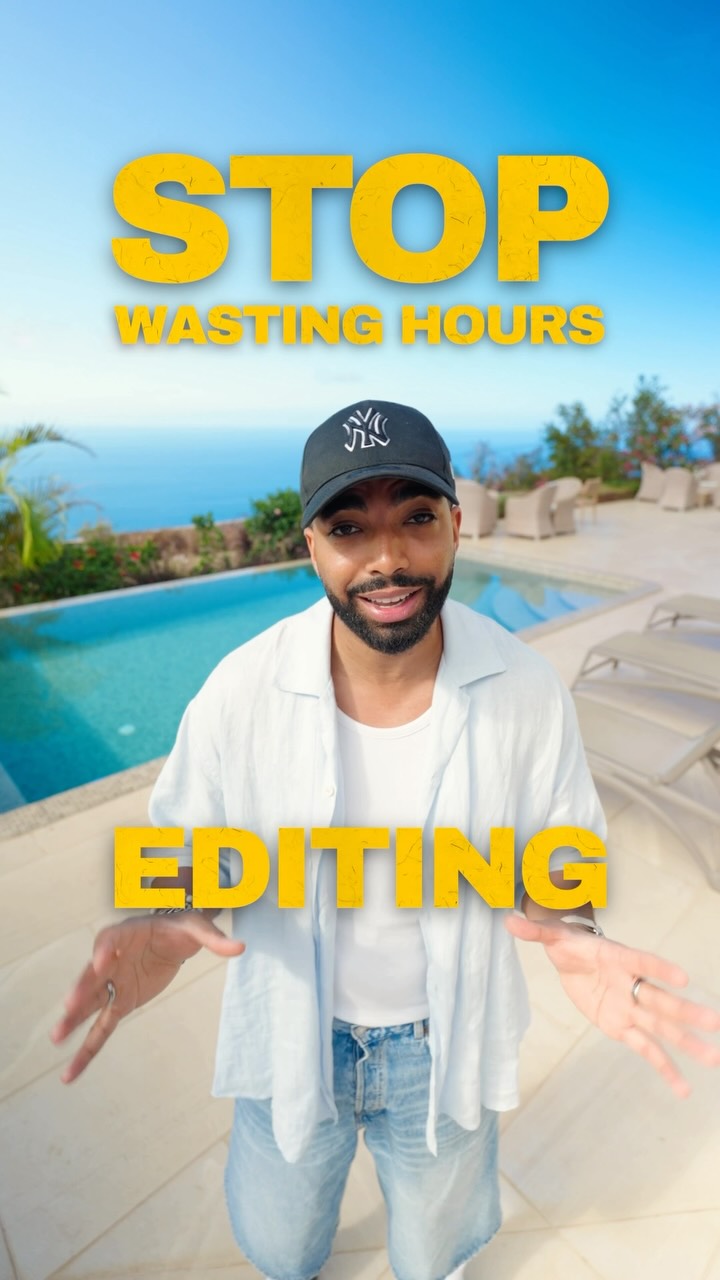
A creator stands by a pool and explains how to save time editing videos using an AI app. He demonstrates the app's interface on his phone, showing how it automatically adds cuts, b-roll, text effects, and sound design to raw footage. The video features the creator speaking to the camera and showing the app's workflow.
Live33 days
Captions
A content creator sits in his studio and talks to the camera about the time-consuming nature of video editing. He demonstrates how the Captions app uses AI to automatically add captions, B-roll, graphics, and sound effects to his videos. The video features a mix of the creator speaking and screen recordings of the app interface.
Live26 days
Captions
A woman speaks directly to the camera, explaining how she saves time editing videos using an app. The video alternates between her talking and screen recordings of the app's interface, showing how it automatically edits, cuts, and adds effects to her footage. The ad highlights the efficiency of the tool compared to manual editing.
Live26 days
Captions
A woman speaks directly to the camera about the time-consuming nature of video editing. She then demonstrates how an app automates the process, showing screen recordings of the app's interface and a side-by-side comparison of an original video versus an edited version. The ad concludes with her recommending the app for content creators.
Live26 days
Captions
A man speaks directly to the camera about the difficulty of maintaining a consistent posting schedule while balancing a full-time job and family life. He demonstrates how the Captions app uses AI to automatically edit his videos, adding B-roll, graphics, sound effects, and captions. The video includes screen recordings of the app interface and a before-and-after comparison of his content.
Live19 days
Captions
A creator speaks to the camera about the difficulty of editing videos, contrasting her past manual process with the speed of using an AI app. The video features a split-screen demonstration showing a raw video file being transformed into a polished version with captions and effects. The creator highlights the time saved and the ease of use, ending with a call to download the app.
Live19 days
Captions
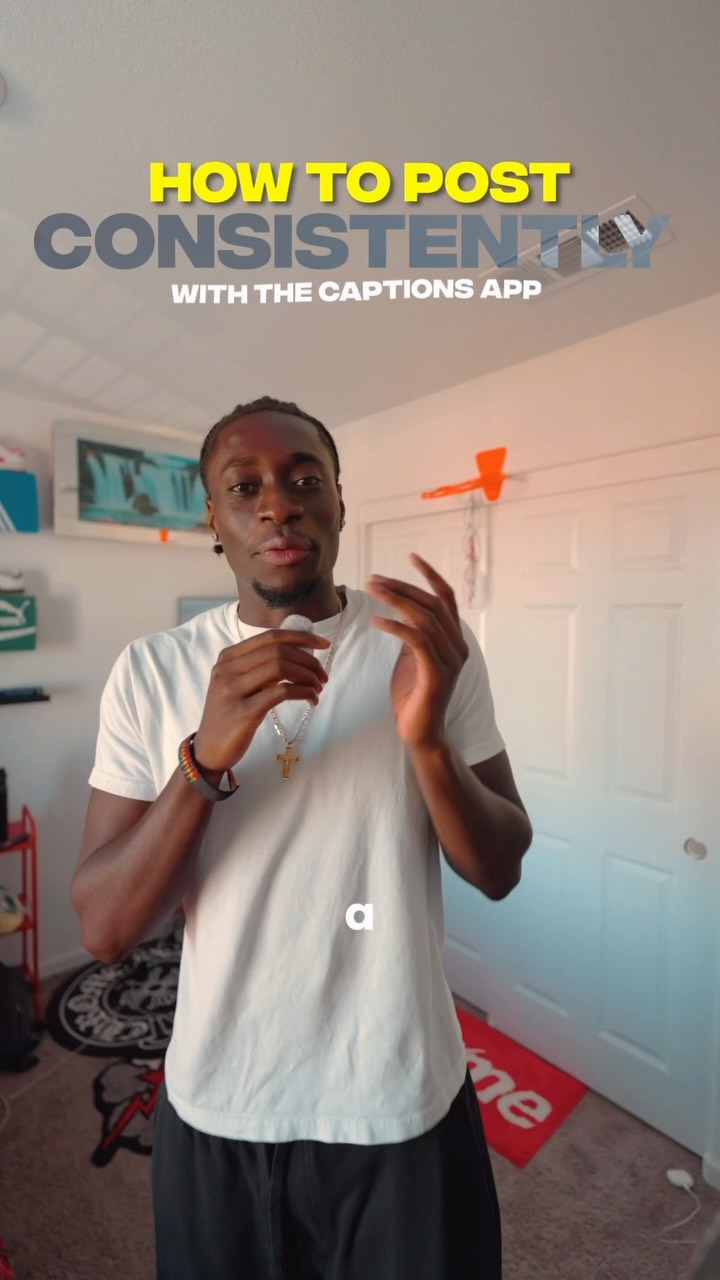
A creator stands in his bedroom and explains how he uses an app to edit his videos quickly. He demonstrates the app's interface on his phone, showing how it automatically adds captions and effects to his footage. The video includes a before-and-after comparison of his editing process and ends with a call to action to try the app.
Live19 days
Captions
A creator speaks to the camera about the time-consuming process of editing videos, contrasting her past manual workflow with the efficiency of using the Captions app. The video features a split-screen demonstration showing raw footage alongside the edited version, followed by a screen recording of the app's interface. The ad concludes with a direct call to action to download the app.
Live18 days
Captions
A creator speaks directly to the camera about the time-consuming nature of video editing. He introduces an app that automates the process, showing screen recordings of the interface and a before-and-after comparison of a video. The creative concludes with a call to action to download the app.
Live16 days
Captions

UGC Selfie, on 33 of its 42 ads

Counted over its 42 filed ads

How Captions makes its ads

What its ads are built from, by type, counted over the ads we have read.

What Captions's ads are built from: who is in frame, the words, the structure, the top format and hook.

Then try everything free for 7 days.

How Captions advertises on Facebook and Instagram

The library holds 42 ads from Captions in App / Software, and 140 running on its Meta pages now. Its most common visual formats are UGC Selfie (33 ads), Screen Recording (32) and Split Screen (17). Its ads most often open on Relatability (15 ads), Direct address (4) and Question (4) hooks. Its ads stay up a median 13 days, 0.7× the App / Software median of 18 days.

Ask Claude about Captions

Claude or ChatGPT searches its 42 ads here, reads them and answers with real creatives, each with how long it ran.

Works in Claude, ChatGPT and Cursor

Start your next brief from real ads

Every ad, filter and board for 7 days, with Claude or ChatGPT connected.

See pricing

Nothing charged before day 8