68 Website Mockup Ad Examples

Website mockup ads show a website or landing page as it appears in a browser. Browse real examples below, then see how brands use the preview to set expectations before the click.

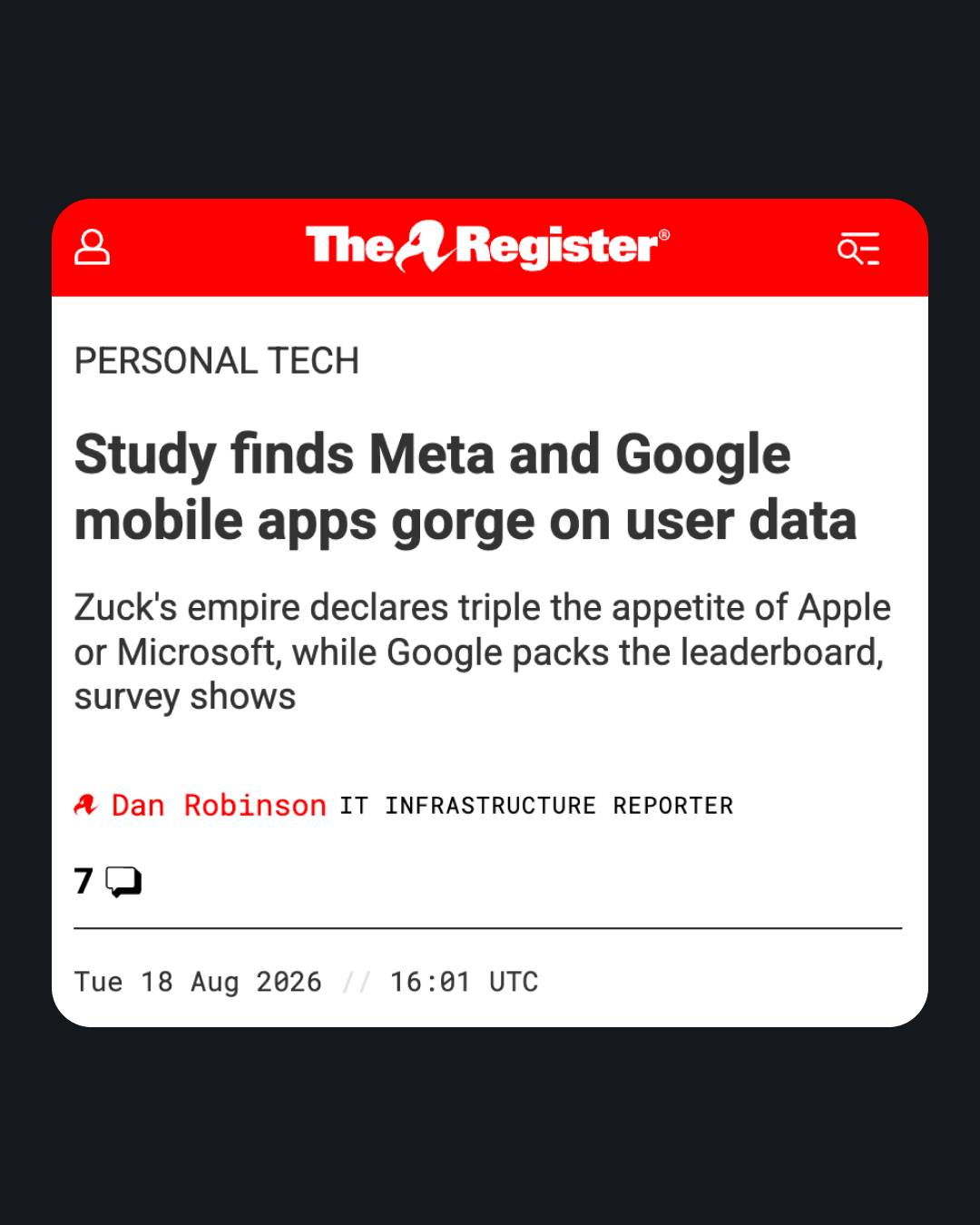
The creative is a screenshot of a news article from The Register website. The headline is in bold black text, followed by a sub-headline detailing the findings of a study on data collection by major tech companies. The layout is clean and minimalist, resembling a standard digital news publication.
Live · 2 days
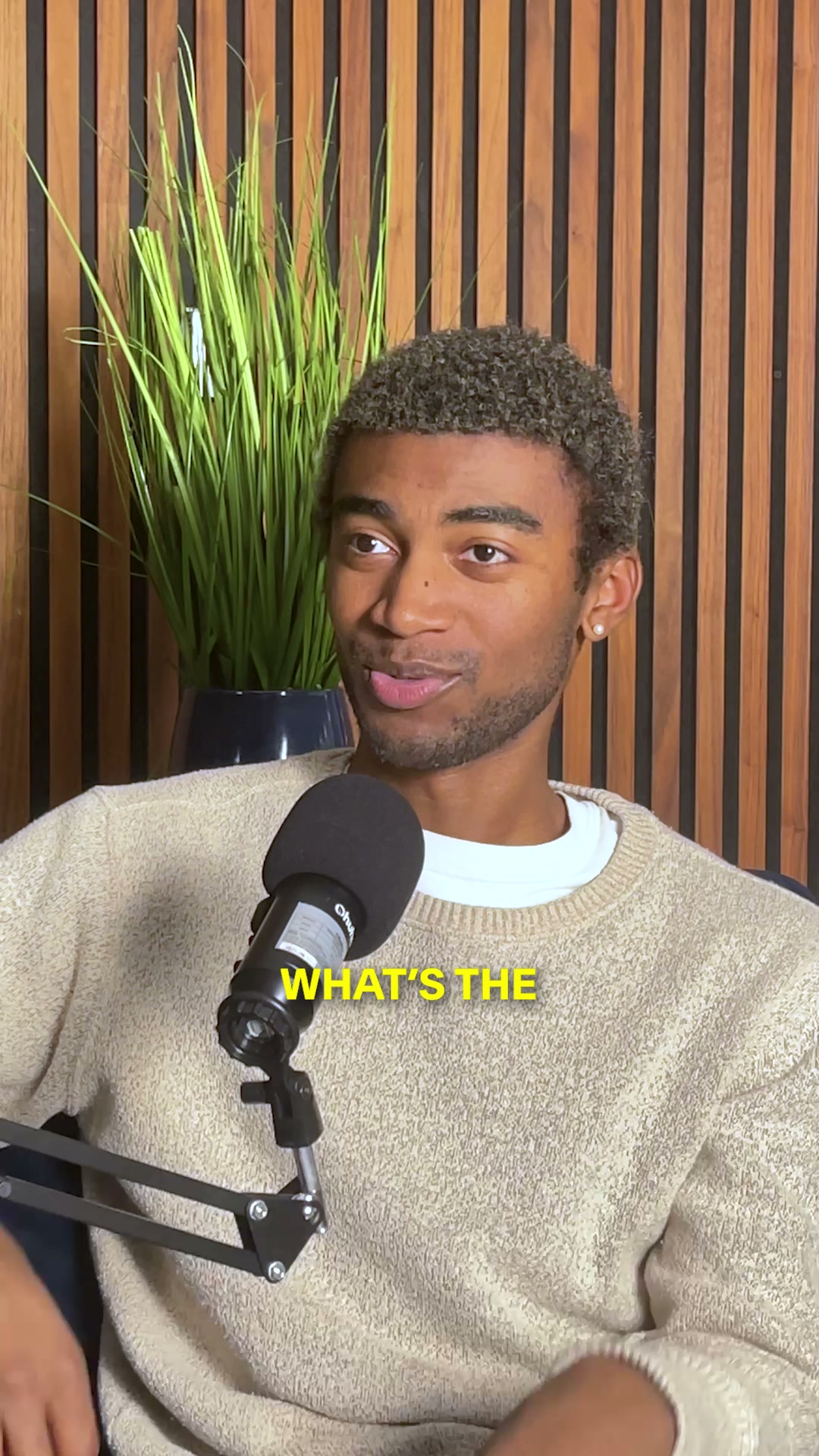
Two men are sitting in a studio with microphones, having a conversation about starting a business. The video cuts between the two speakers and shows screen recordings of a website builder interface. Text overlays appear on screen to highlight key points of the discussion.
Live · 2 daysVideo
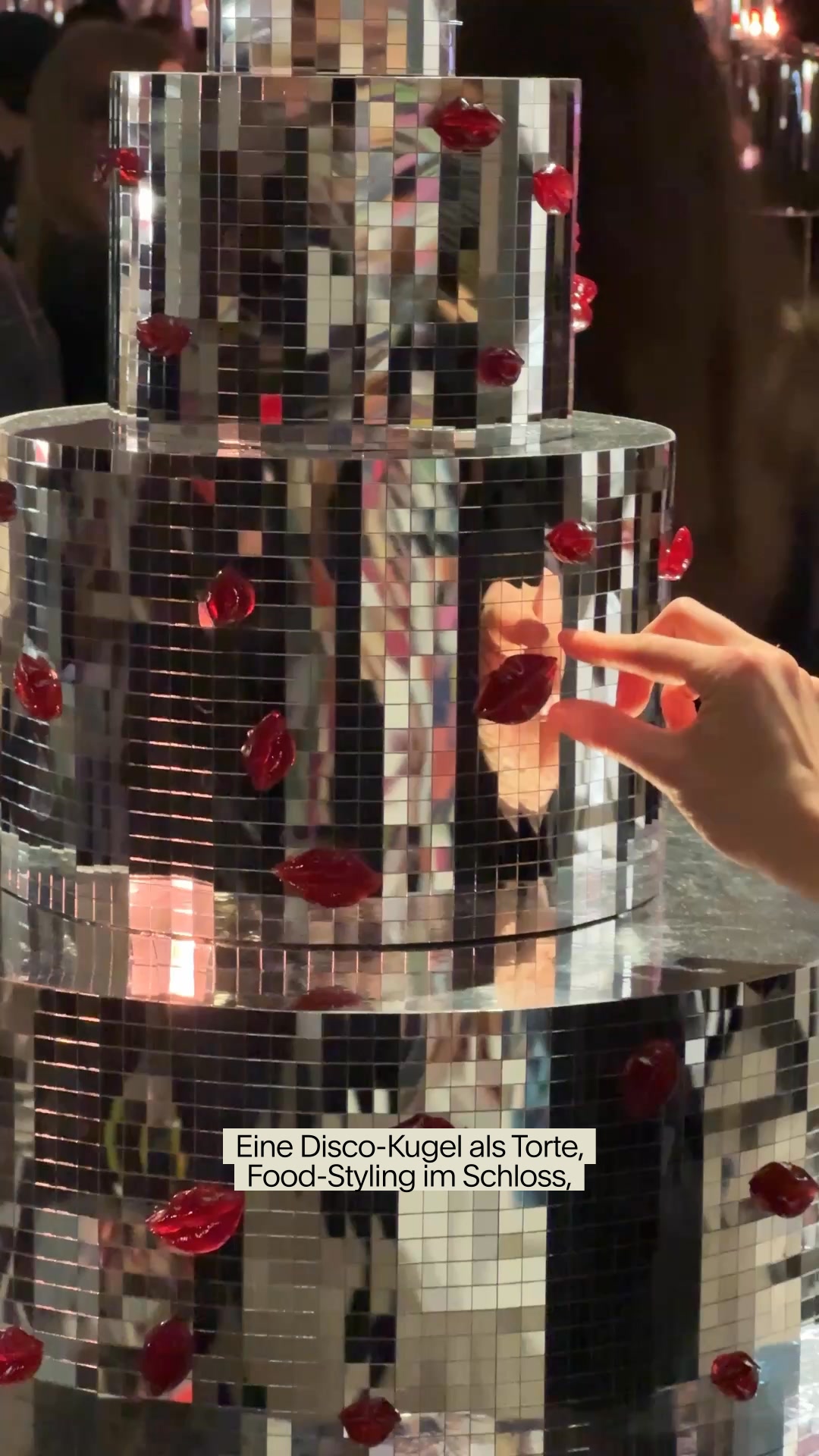
A founder showcases her creative food styling projects, including a disco ball cake and a mushroom-themed dinner. She then demonstrates how she uses Squarespace to build a website to display these projects, showing the drag-and-drop editor and mobile preview features. The video ends with her walking away to start her next project.
Ended · 64 days
The video shows a phone screen displaying a website builder interface with a model's photo. The background is a blurred, warm-toned canyon landscape. Text appears on screen to promise a fast website launch, followed by a call to action to start a side hustle.
Live · 116 daysVideo
The video shows a mobile phone screen displaying a website builder interface against a background of flowing sand. The screen cycles through different design elements and a photo of a model. Text overlays appear at the top and bottom of the screen to guide the viewer through the process.
Live · 123 days
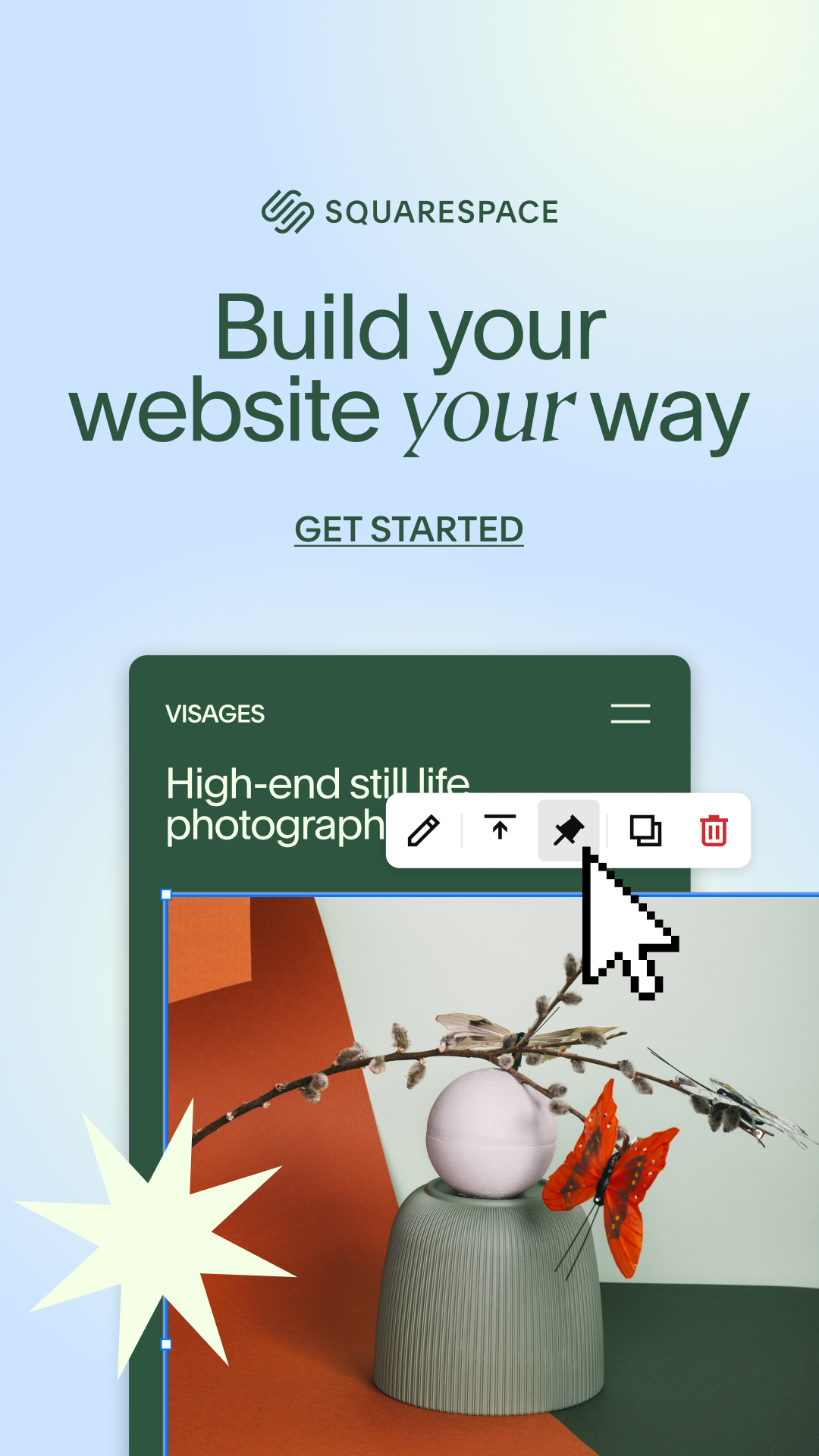
A digital graphic shows a website builder interface on a screen. The headline sits at the top, followed by a call-to-action button. Below, a cursor interacts with a design element, showing a still life photograph of a plant and a butterfly on a desk-like surface.
Ended · 139 days
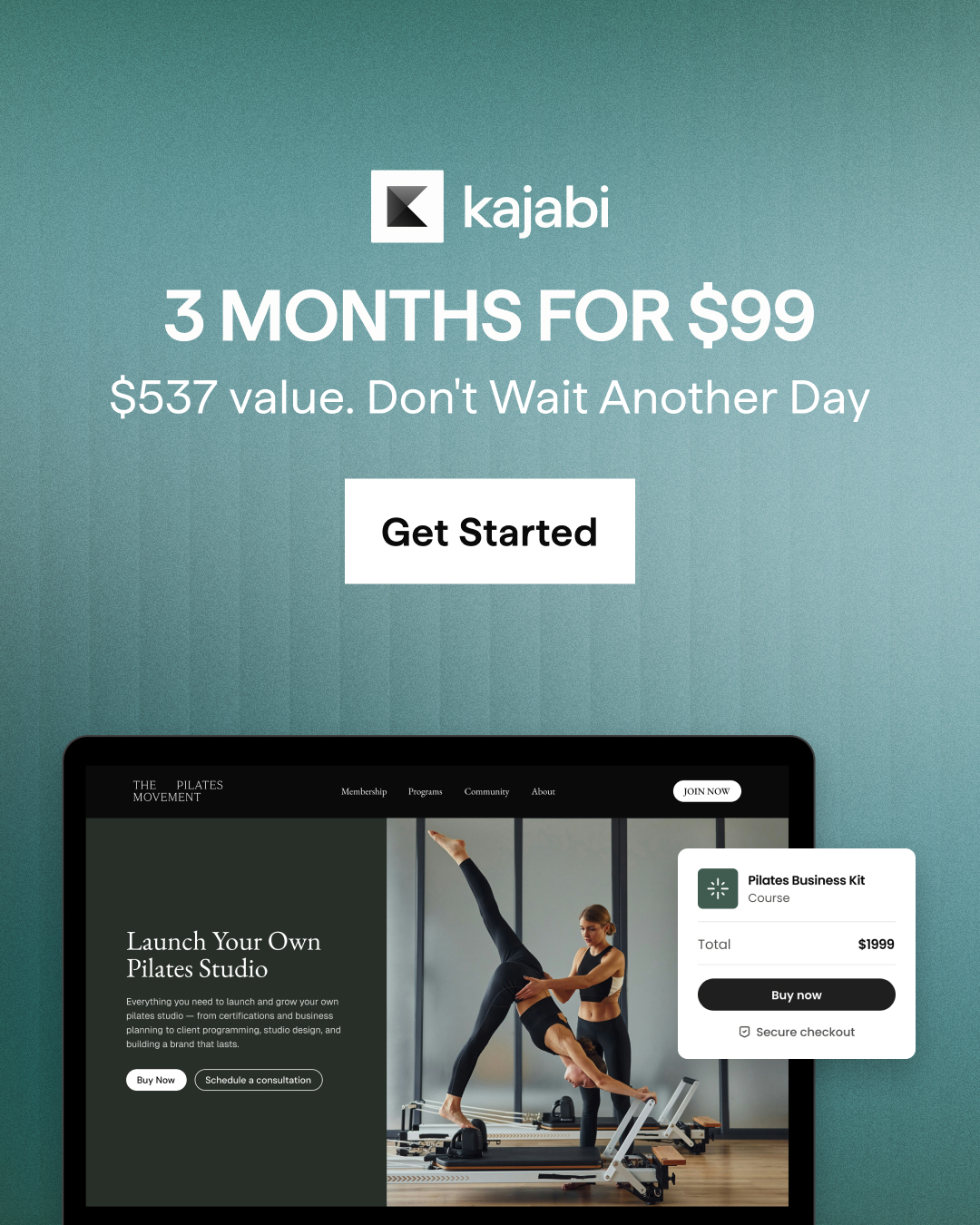
A digital advertisement featuring a large headline offering three months of a service for ninety-nine dollars. Below the headline, a secondary line mentions a five hundred thirty-seven dollar value and urges the viewer not to wait. A large button labeled Get Started is centered in the middle. At the bottom, a laptop screen displays a website interface for a Pilates business course, including a checkout box with a buy button.
Live · 44 days
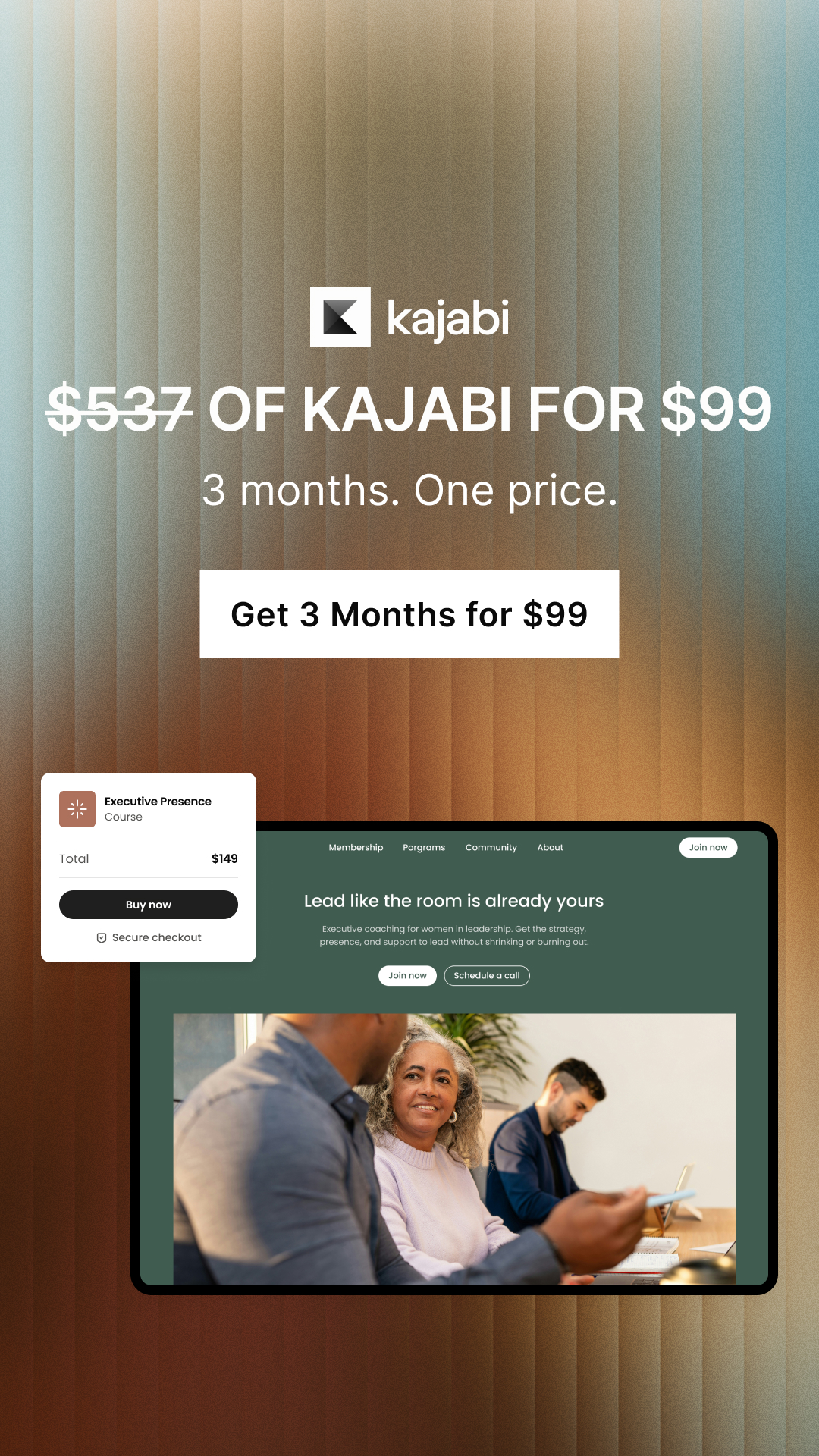
The creative features a digital mockup of a checkout screen and a landing page interface against a blurred, gradient background. Large, bold text at the top presents a price comparison, followed by a call-to-action button. The visual highlights the platform's interface and pricing structure to communicate a promotional offer.
Live · 44 days
A creator shares her experience as an entrepreneur while attending a GoDaddy event. The video features her walking through a city, interacting with people at the event, getting a temporary tattoo, and using a tablet to build a website. Text overlays highlight the event name and contest details.
Live · 2 daysVideo
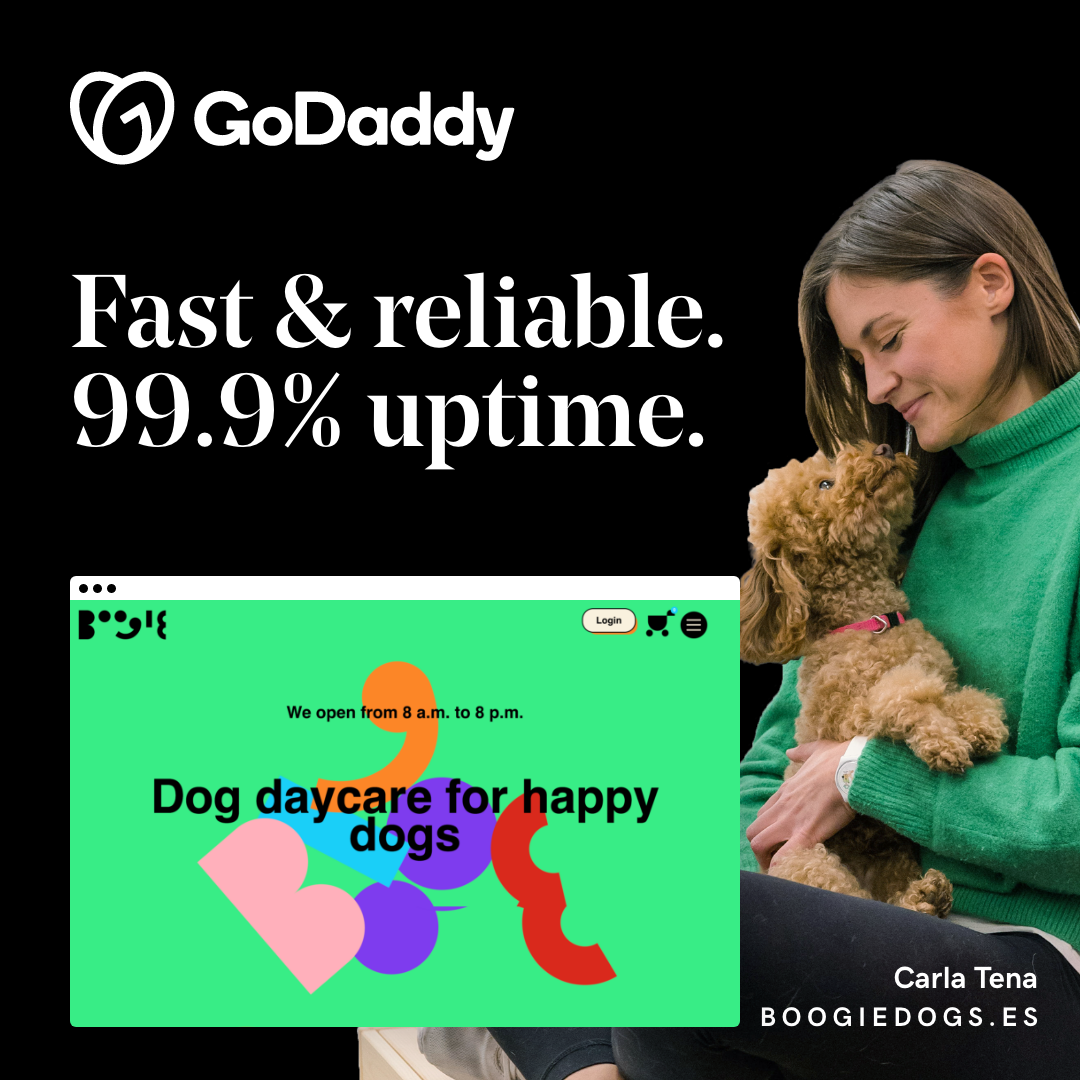
A split-composition image featuring a woman holding a small dog on the right side against a black background. On the left, a bright green website interface for a dog daycare business is displayed, showing the text 'We open from 8 a.m. to 8 p.m.' and 'Dog daycare for happy dogs'. The top left corner displays the GoDaddy logo above the headline 'Fast & reliable. 99.9% uptime.'
Ended · 123 days
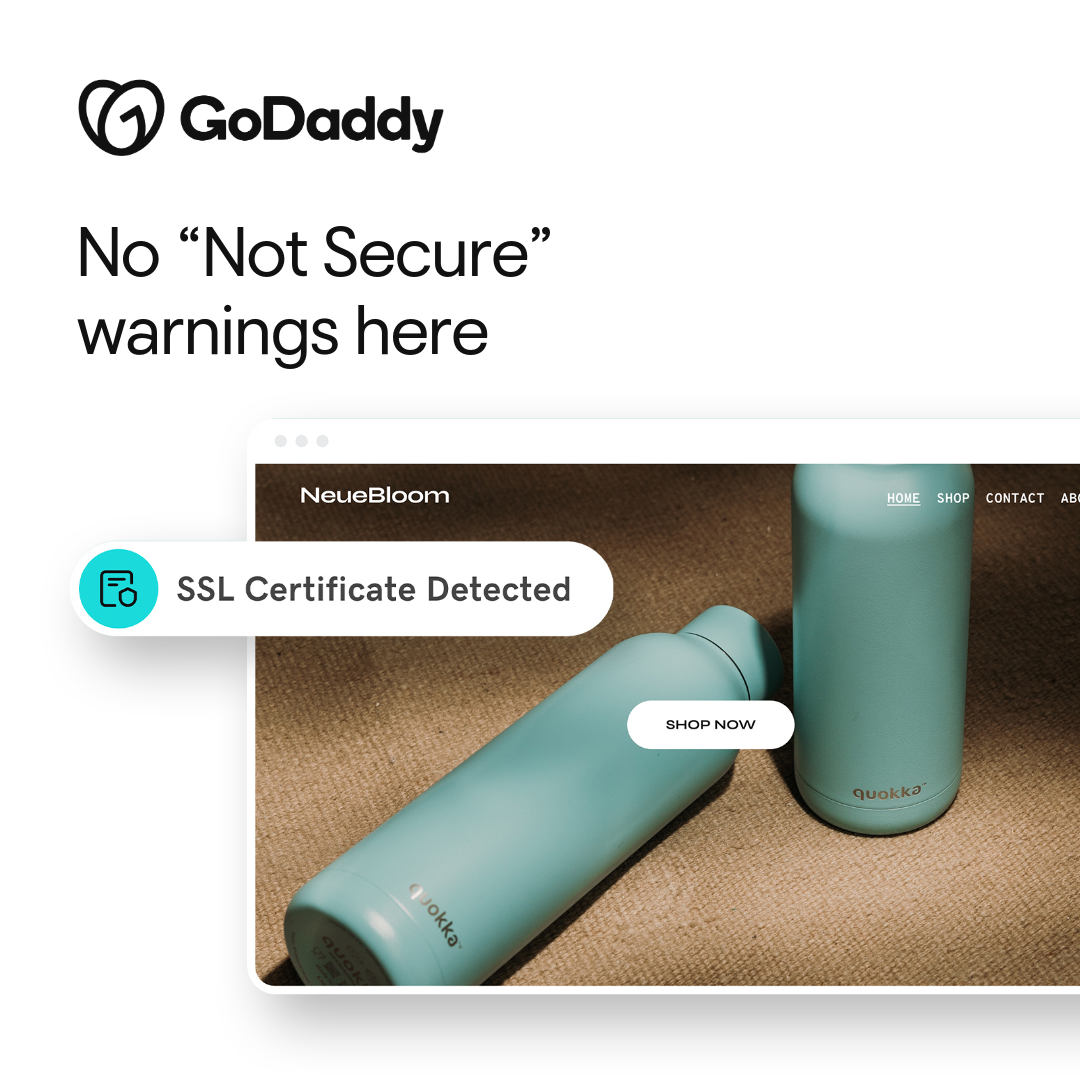
A digital graphic shows a browser window displaying a website for a water bottle brand. A prominent GoDaddy logo sits in the top left corner above the main headline. A floating notification box on the left side of the screen displays a green icon and the text SSL Certificate Detected.
Ended · 123 days
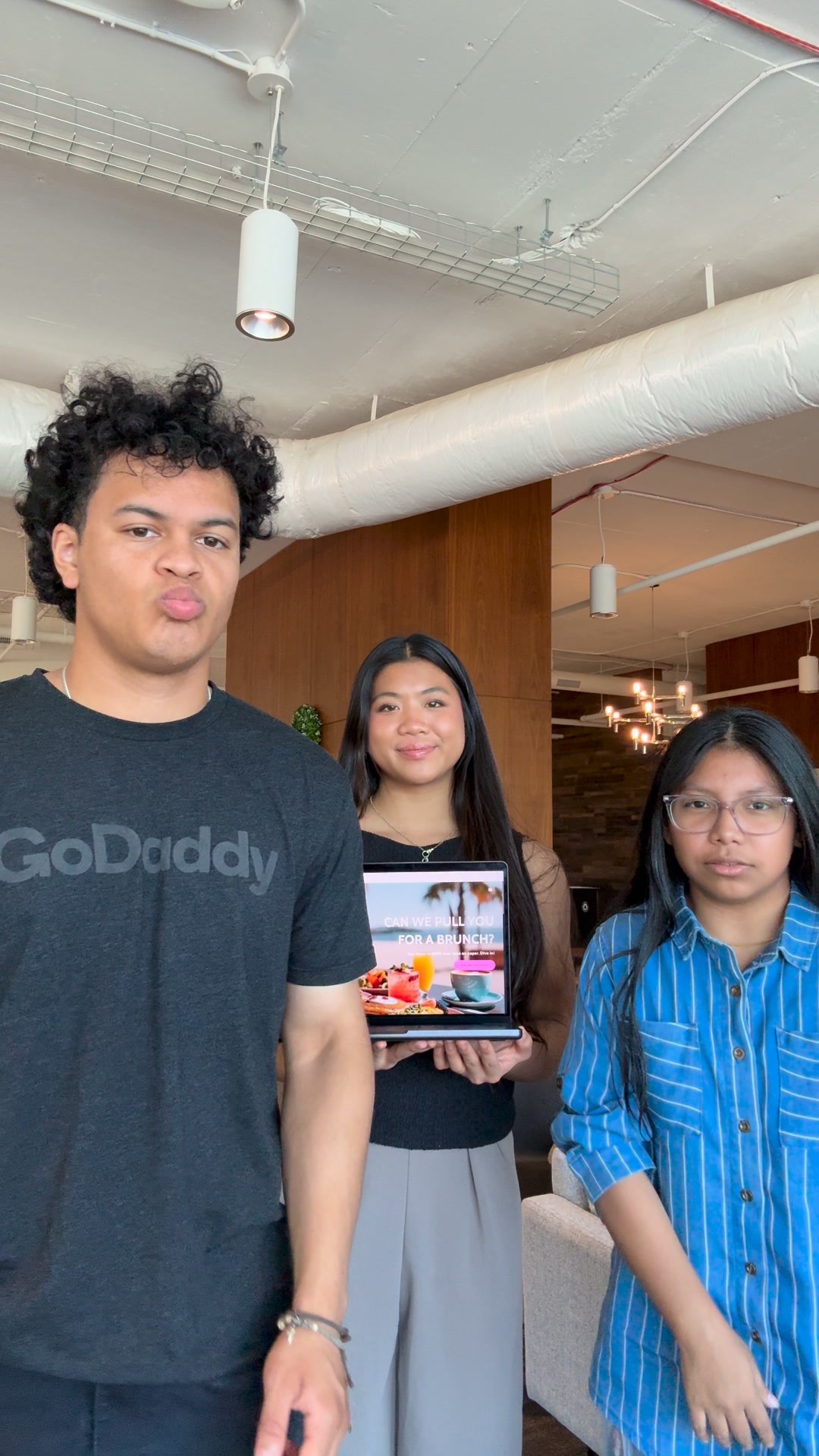
Three young adults stand in an office setting, with two of them introducing their friend who created a website. The friend holds a laptop showing her new website, and the group gestures to the screen as she scrolls through it. The video highlights the website's design and the ease of using the tool to create it.
Live · 180 daysVideo
This video features a woman working on creative projects, transitioning to a screen recording of a website builder. The text on screen highlights the ease of starting a business online. The video ends with a brand logo and a call to action.
Live · 209 daysVideo
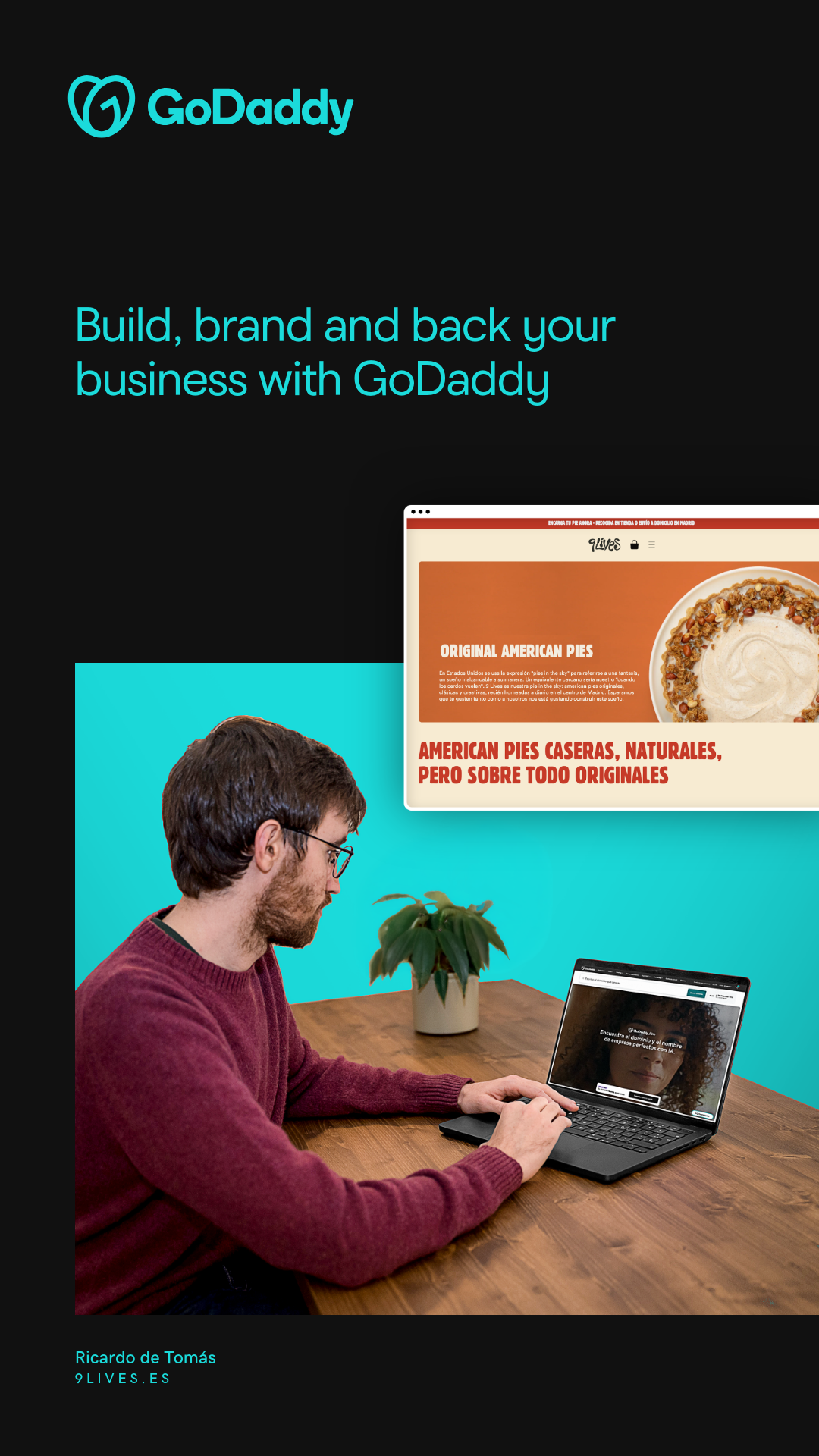
A man sits at a wooden desk working on a laptop, with a teal background behind him. A floating website mockup shows a pie shop's landing page, while the laptop screen displays a GoDaddy interface. The headline at the top of the image encourages the viewer to build and brand their business.
Live · 209 days
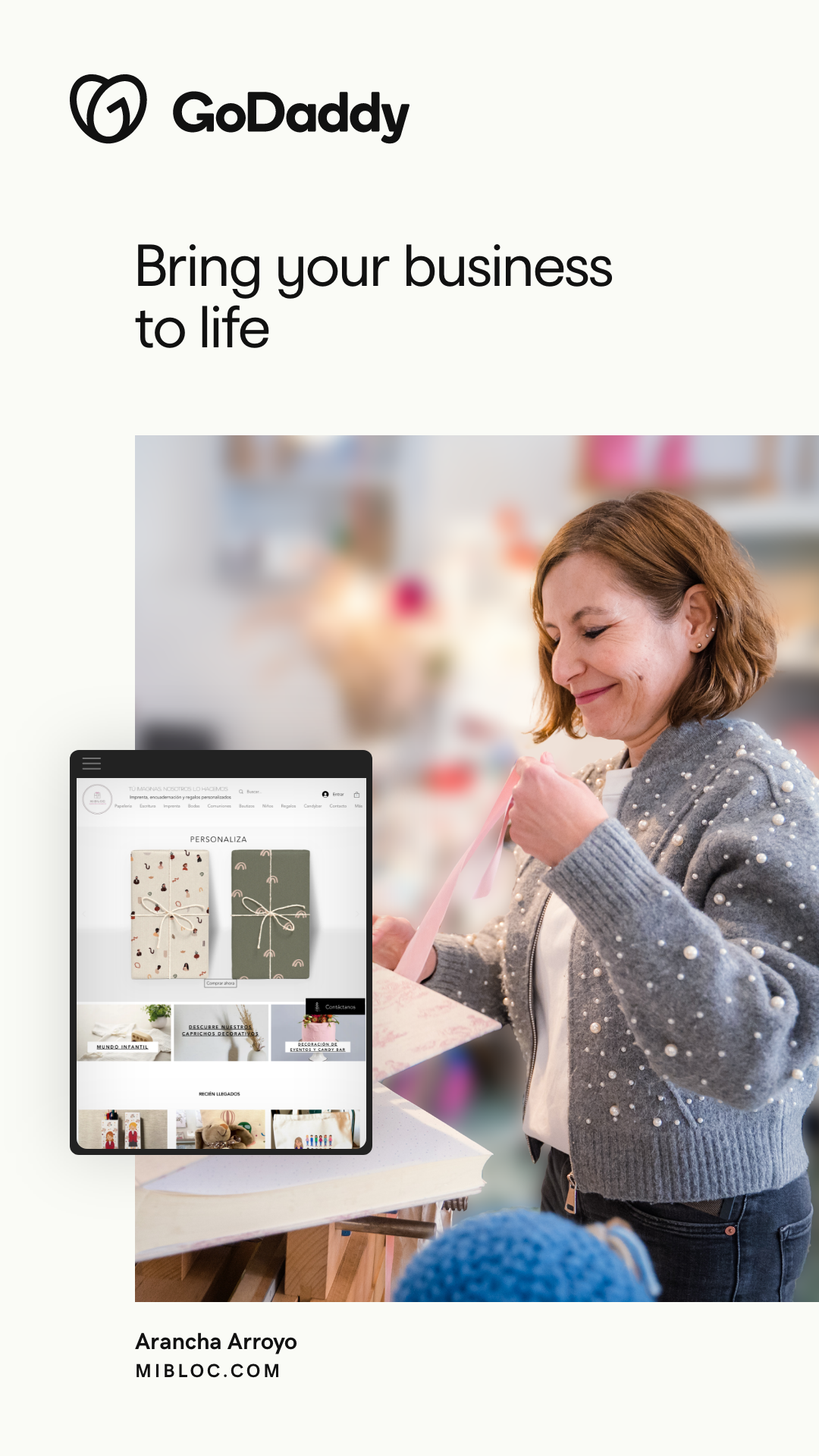
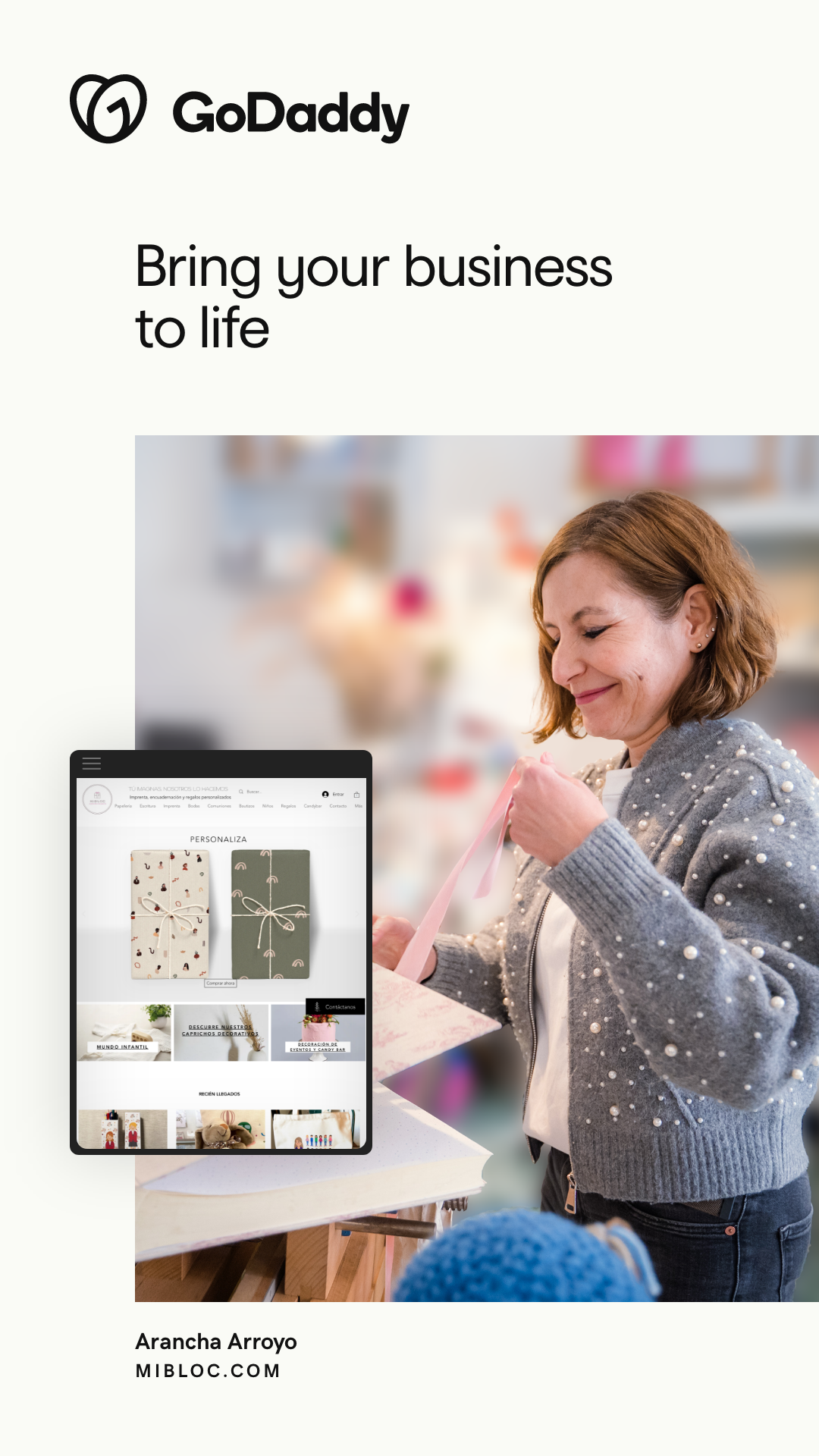
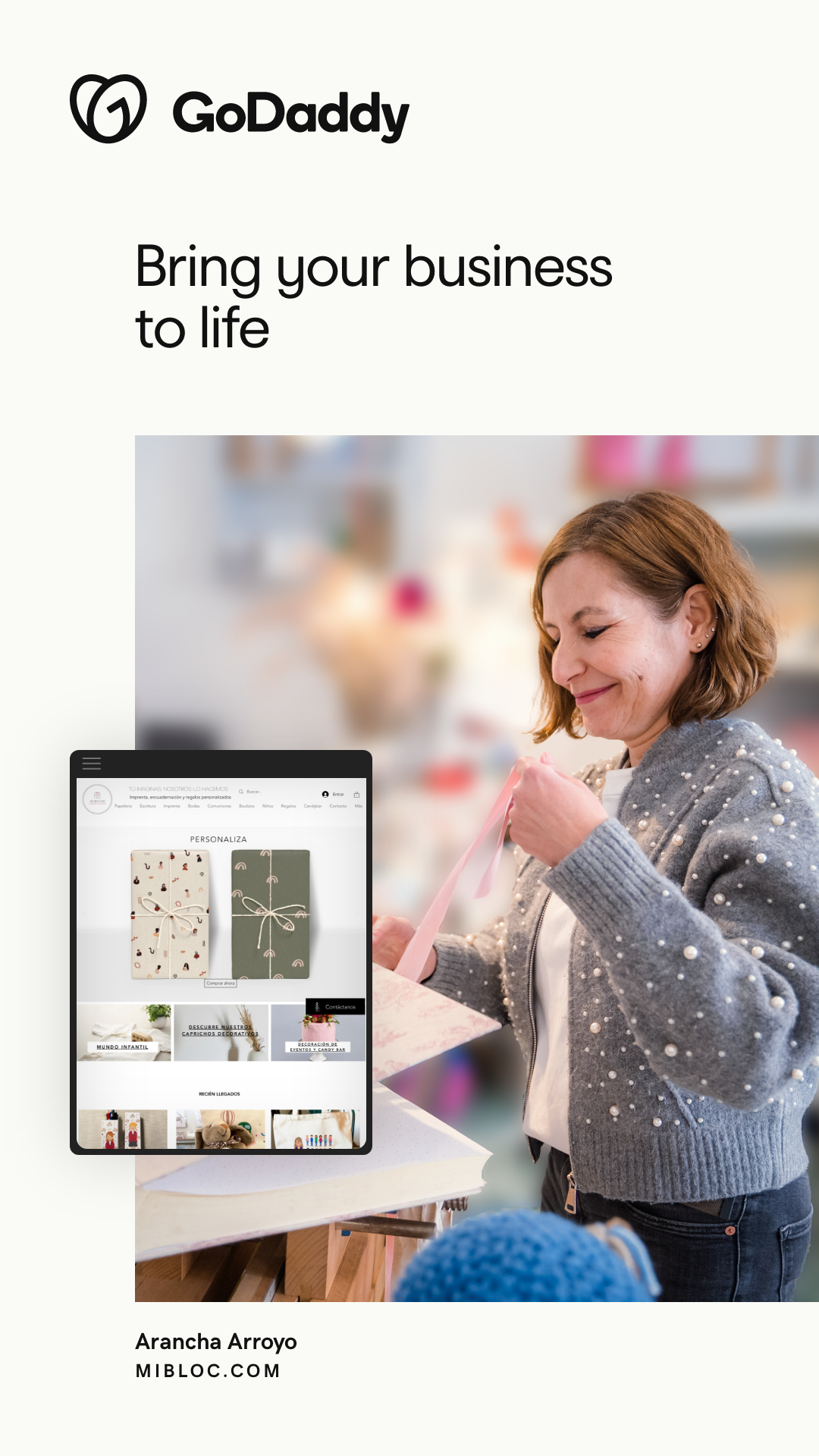
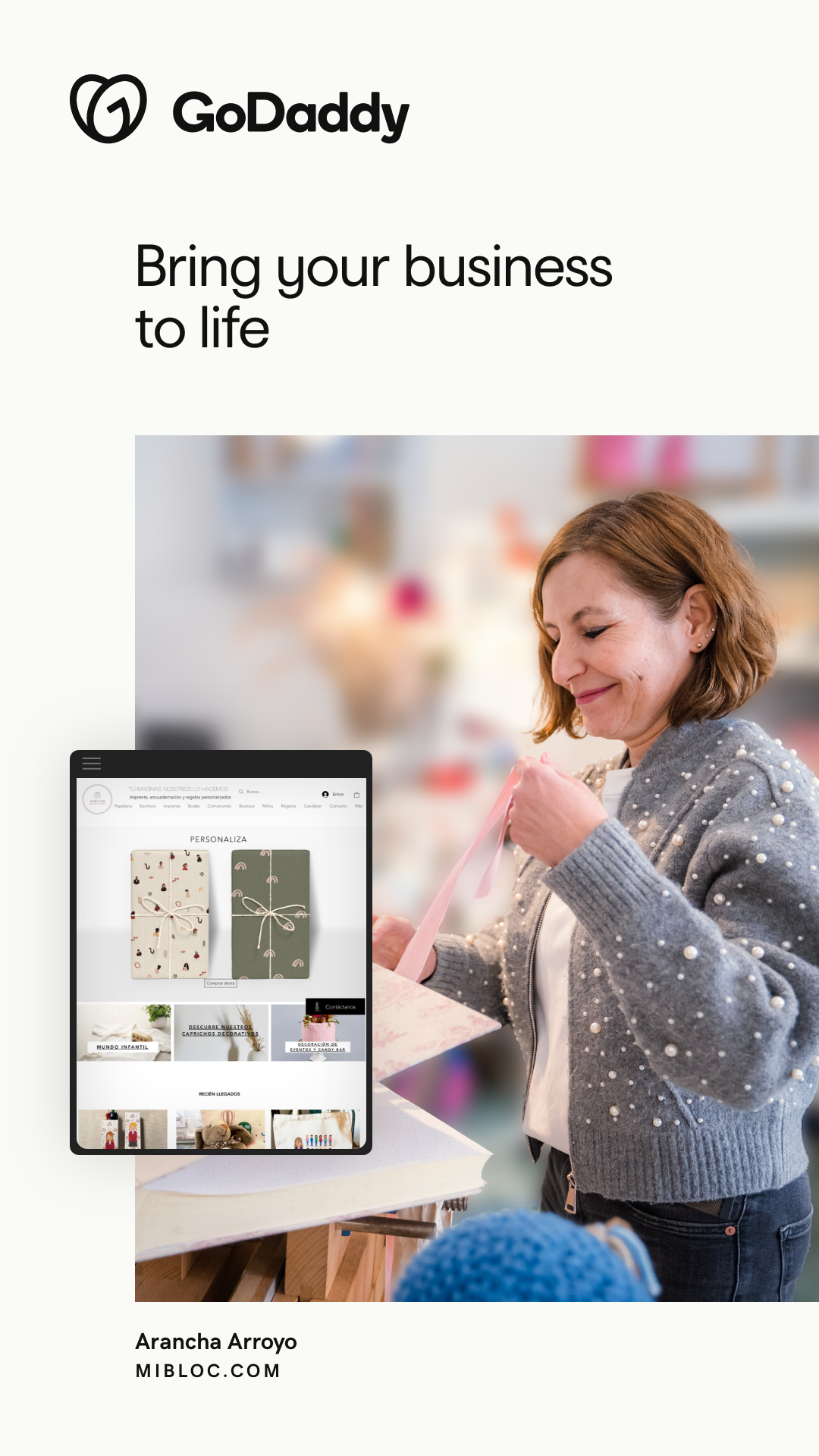
A woman stands in a store, smiling as she works with pink ribbon and paper. A tablet screen is layered over the image, showing a website interface with product listings for custom stationery. The brand logo is at the top, and the business owner's name and website URL are at the bottom.
Live · 221 days
A woman stands in a store, smiling while working with craft materials. A tablet screen is overlaid in the foreground, showing a website interface for a business called Mibloc. The brand logo and the headline are at the top, and the person's name and website are at the bottom.
Live · 221 days
A woman stands in a store, smiling as she works with ribbons and paper, representing a small business owner. A digital tablet is superimposed in the foreground, displaying a website interface for a shop called Mibloc. The brand logo is at the top left, and the business owner's name and website URL are at the bottom.
Live · 221 days
A woman stands in a shop, smiling as she carefully ties a ribbon on a package. To her left, a tablet screen displays a website interface for a business called Mibloc, showing various product categories and custom items. The overall composition is clean and professional, highlighting the connection between a physical business and its online presence.
Live · 221 days
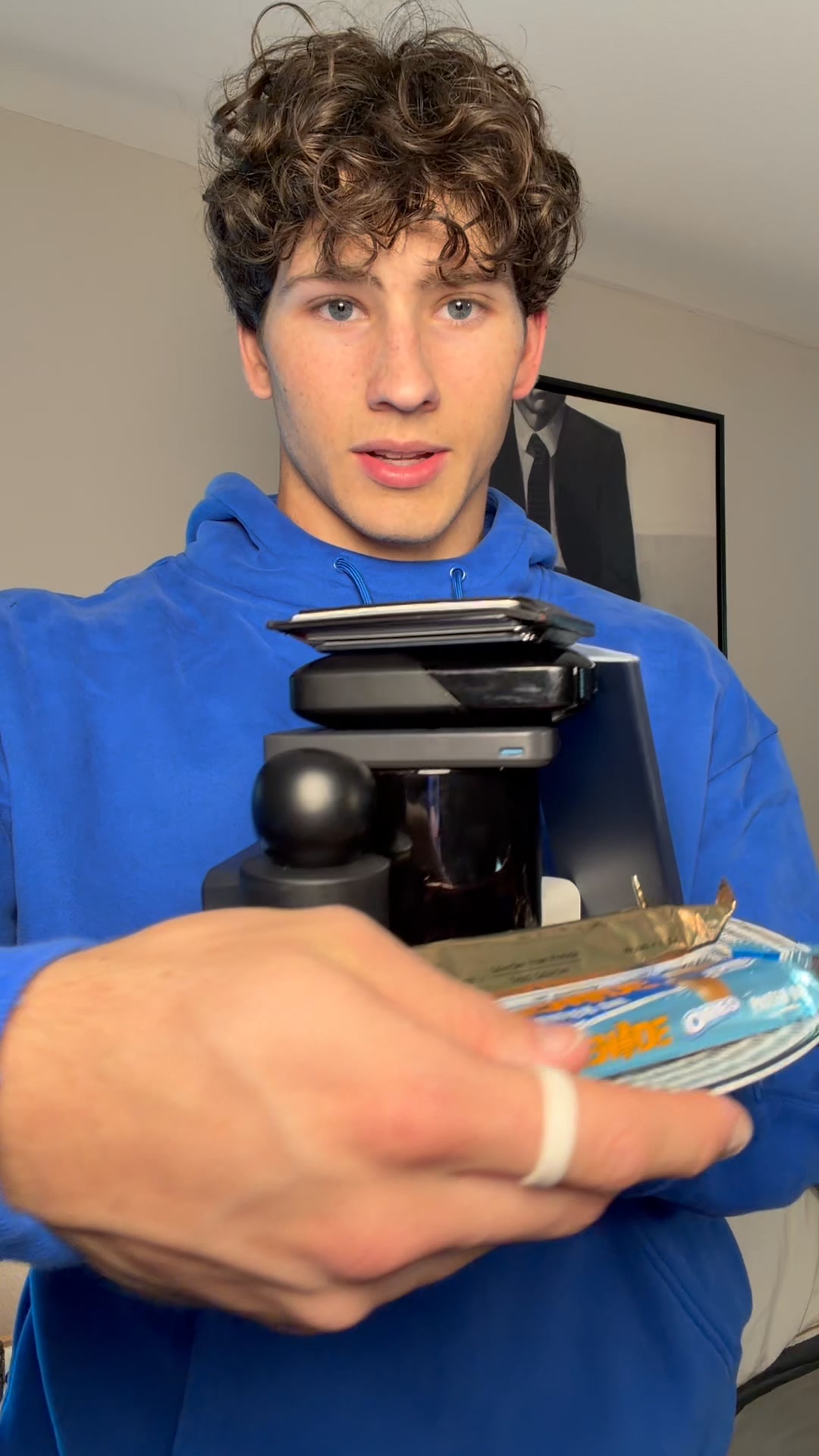
A creator demonstrates the storage capacity of a hoodie by packing various travel items into its hidden pockets. He then showcases the built-in eye mask feature and displays the product's website on screen to highlight a bundle deal. The video concludes with the creator providing his size and weight for reference.
Live · 1 dayVideo
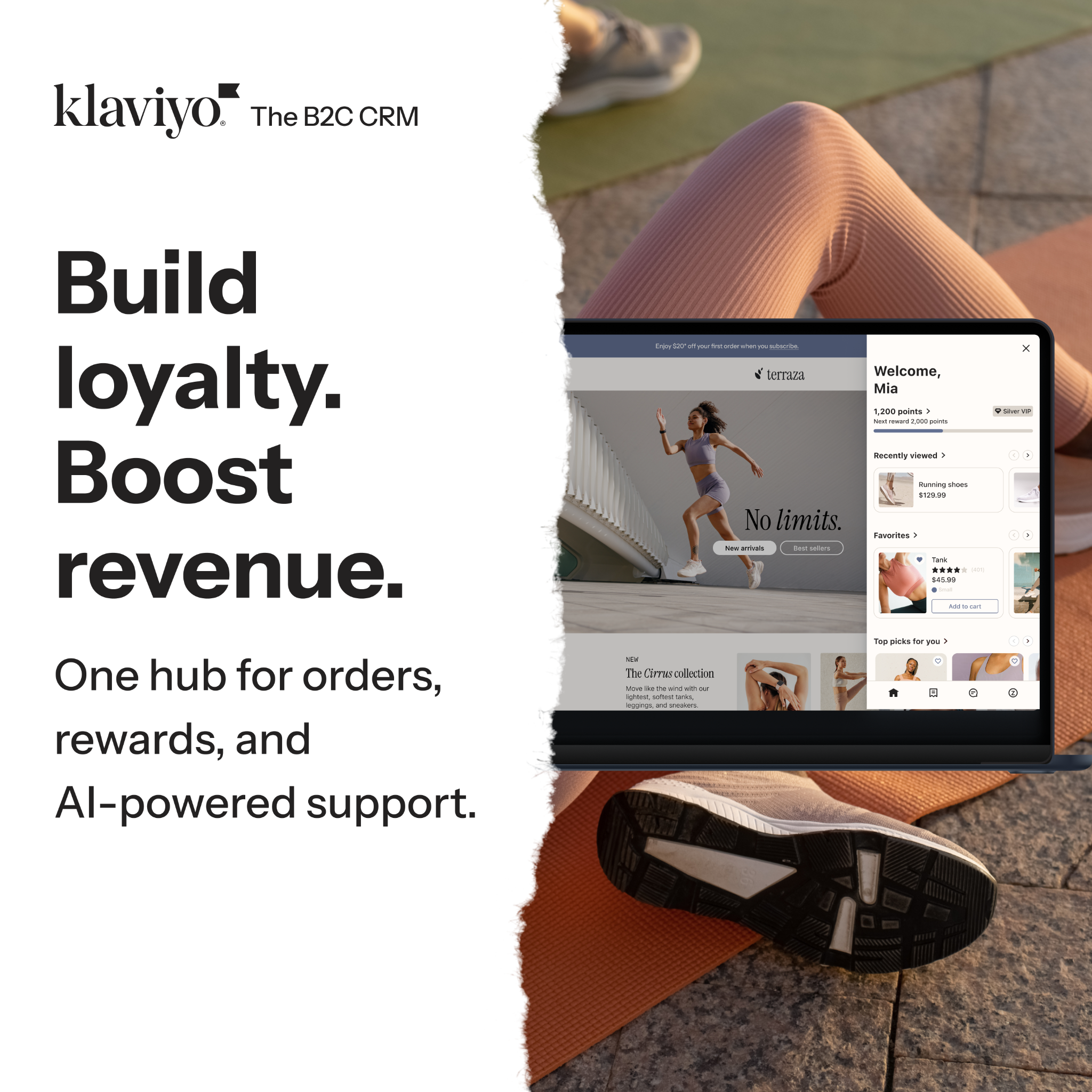
The ad features a split-screen layout with a white background on the left containing bold black text and a laptop screen on the right. The laptop displays a branded customer dashboard interface showing a user profile, points, and product recommendations. A person wearing athletic clothing is visible in the background of the screen, suggesting an active lifestyle context.
Ended · 41 days

What are Website Mockup ads?

A website mockup ad shows a website or landing page as it would look in a browser: an address bar, tabs, a page header and the page itself, sometimes on a laptop screen or floating on a plain background. The creative gives the viewer a look at where the click goes, which works well for products that live online, such as software, stores, courses, marketplaces and services. It also borrows the look of a page the viewer might already have open, which helps the ad feel like content. The page shown is part of the pitch, so its headline, layout and offer have to be as sharp as the ad itself.

When to use Website Mockup ads

  • Your product is a website, a web app, a store or an online service, and showing the interface is the clearest way to explain it.
  • You want the viewer to know what they will land on, so the click comes from someone who has seen the page and still wants it.
  • You are promoting a landing page with a strong headline or offer that deserves to be seen in the ad itself.
  • Your product is a template, a theme, a dashboard or a site builder, and the output is the thing buyers are buying.
  • You want a static creative that feels more concrete than a lifestyle picture but does not need a screen recording.

Website Mockup ad best practices

  1. Show the real page, not a vague wireframe

    A mockup with placeholder text says nothing. Use the actual landing page or product screen, cropped to the part that carries the value, so the click matches what was promised.

  2. Keep the browser details believable

    A clean address bar with your domain, a padlock and sensible tabs add credibility. Overly polished, fake-looking chrome or an odd URL make the ad look off.

  3. Crop in tight for mobile

    A whole desktop page shrunk to fit a phone feed is unreadable. Zoom into the hero, the product grid or the key panel, and let the headline remain legible.

  4. Match the ad to the page

    The headline and offer in the mockup should be the ones the visitor finds after the click. A mismatch breaks trust and wastes the traffic you have paid for.

  5. Add one clear callout

    A single arrow, highlight or label that points at the thing that matters, such as a price, a feature or a button, guides the eye and gives the creative a focal point.

Brands running Website Mockup ads

Niches with the most Website Mockup ads

Website Mockup ads: frequently asked questions

What is a website mockup ad?

A website mockup ad is a creative that shows a website or landing page as it looks in a browser. It previews the destination, so the viewer knows what the click leads to before they make it.

What kinds of products use website mockup ads?

Products that live online: software, stores, courses, marketplaces, templates and services. When the page is the product or the main experience, showing it is the most direct explanation.

Should the mockup be a screenshot of the real page?

Yes, or a faithful recreation of it. The ad should preview what the visitor will see. Showing a different page or an idealised version creates a mismatch that costs trust.

How is it different from an app mockup ad?

An app mockup shows a product's screens inside a phone. A website mockup shows a page inside a browser window. The choice depends on where your customers use the product.

Where can I find website mockup ads from real brands?

The gallery above shows website mockup ads from the library, newest first. Your AI agent can search them by niche and describe which part of the page each brand chooses to show.

Other formats