

29 Calendar App Mockup Ad Examples
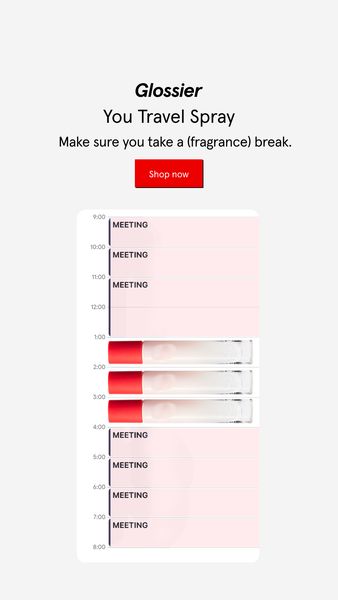
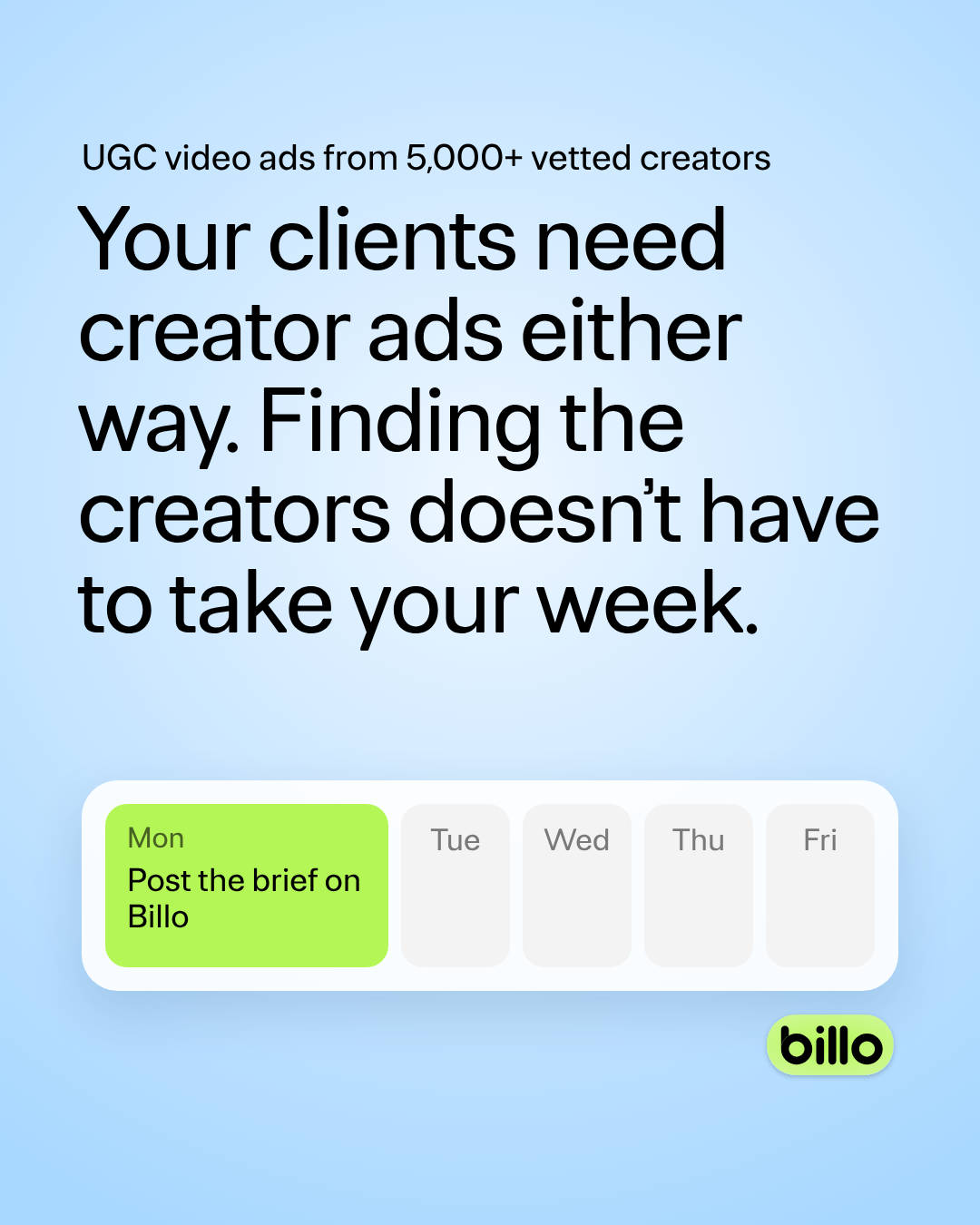
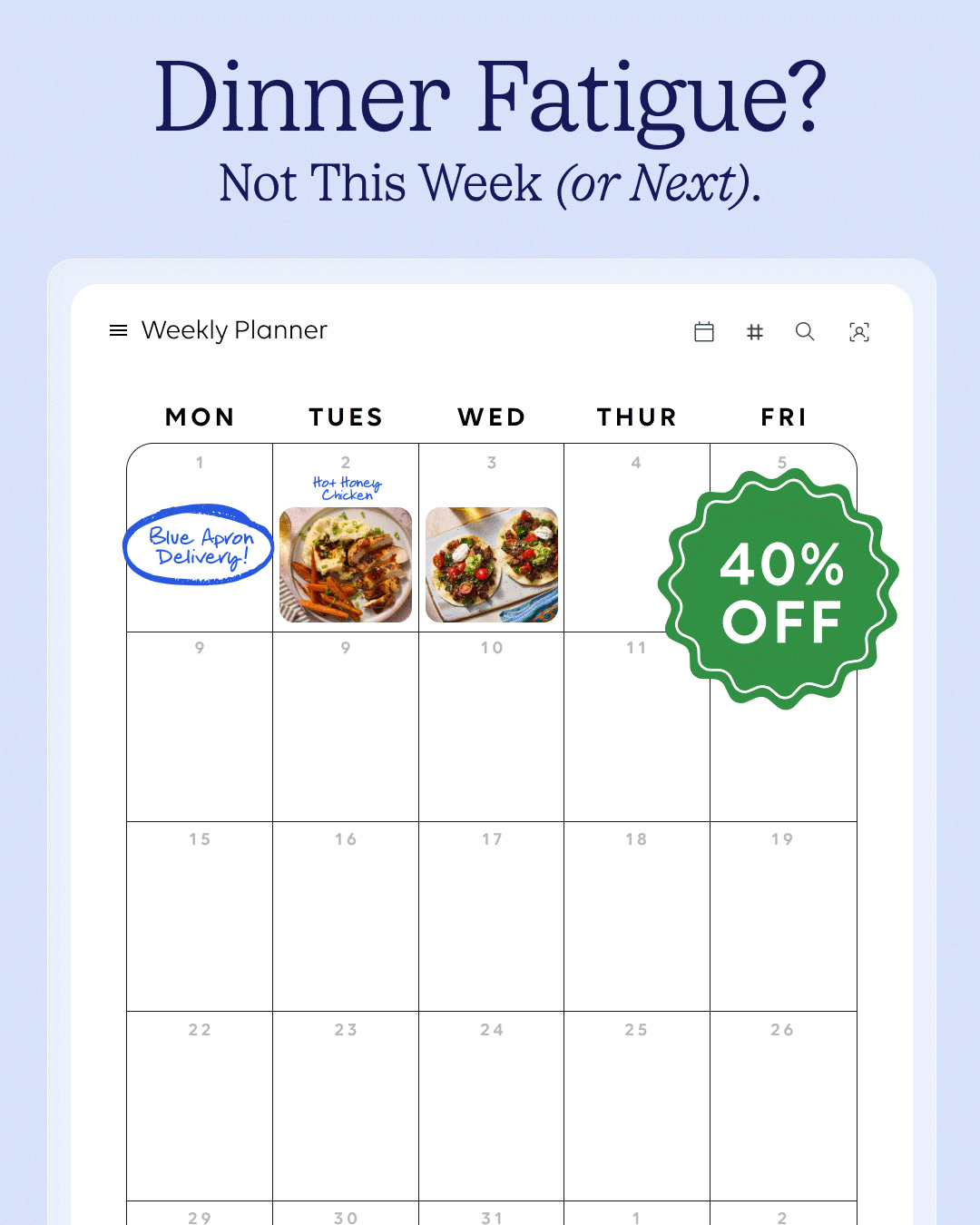
Calendar app mockup ads put the message inside a phone calendar, as an event, a reminder or a busy week. Browse the examples below, then see how brands make an appointment read like an offer.
Calendar App Mockup ads
29 ads · a new mix each day
Niche, asks you to sign in
Hook, asks you to sign in
Brand, asks you to sign in
Status, asks you to sign in
Type, asks you to sign in
SortDefault, asks you to sign in
Winning means kept running: brands rarely keep paying for ads that lose.
29 ads



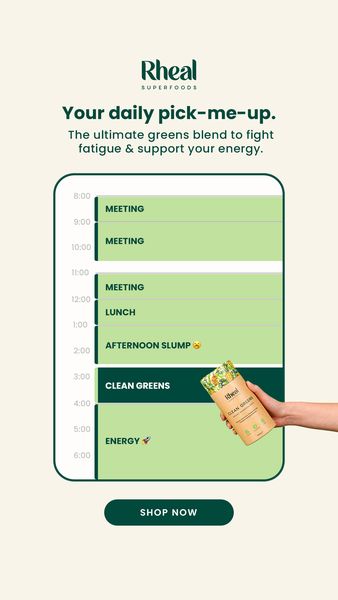
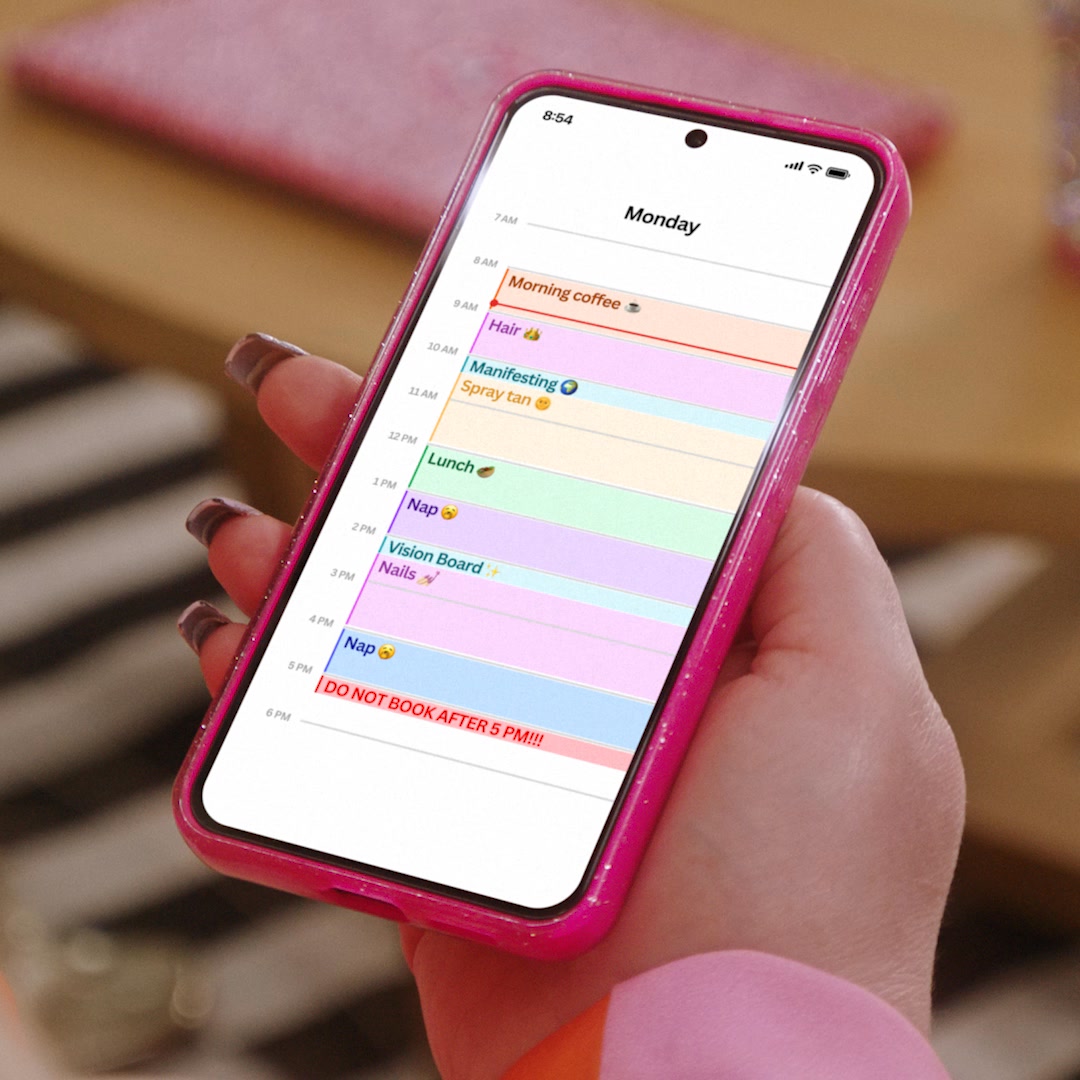
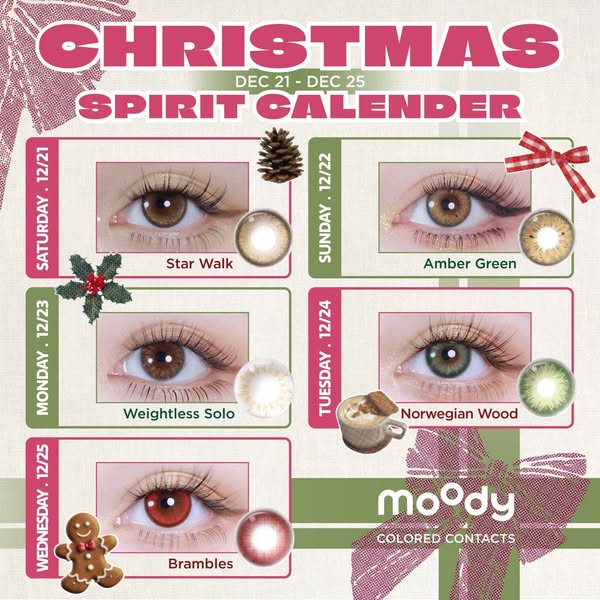

- Ads
- 29
- Top niche
- App and Software
- Top hook tactic
- Relatability
- Most ads from
- Granola
- Longest run
- 253 days
How this format is built
Anatomy of a Calendar App Mockup ad
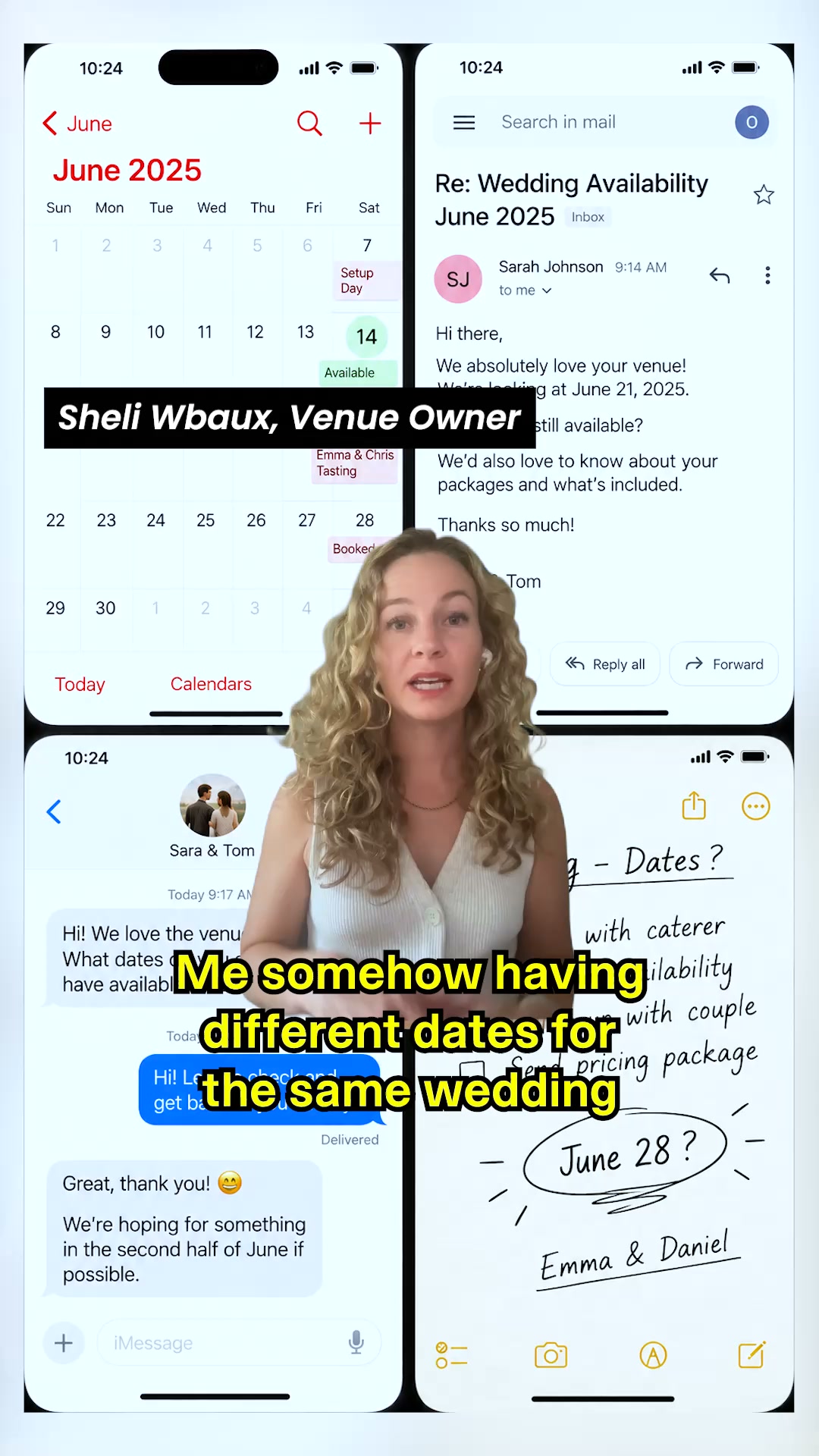
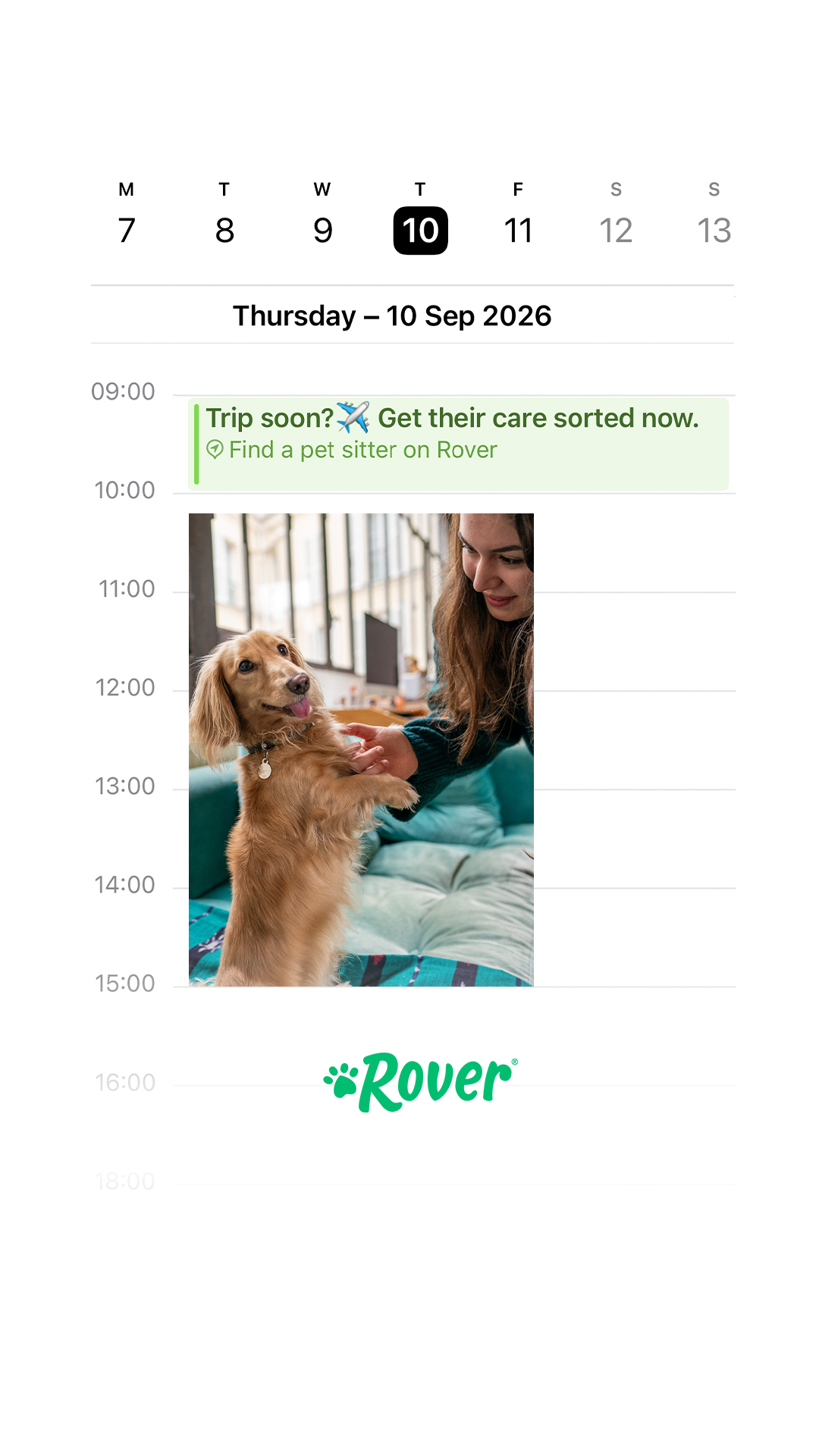
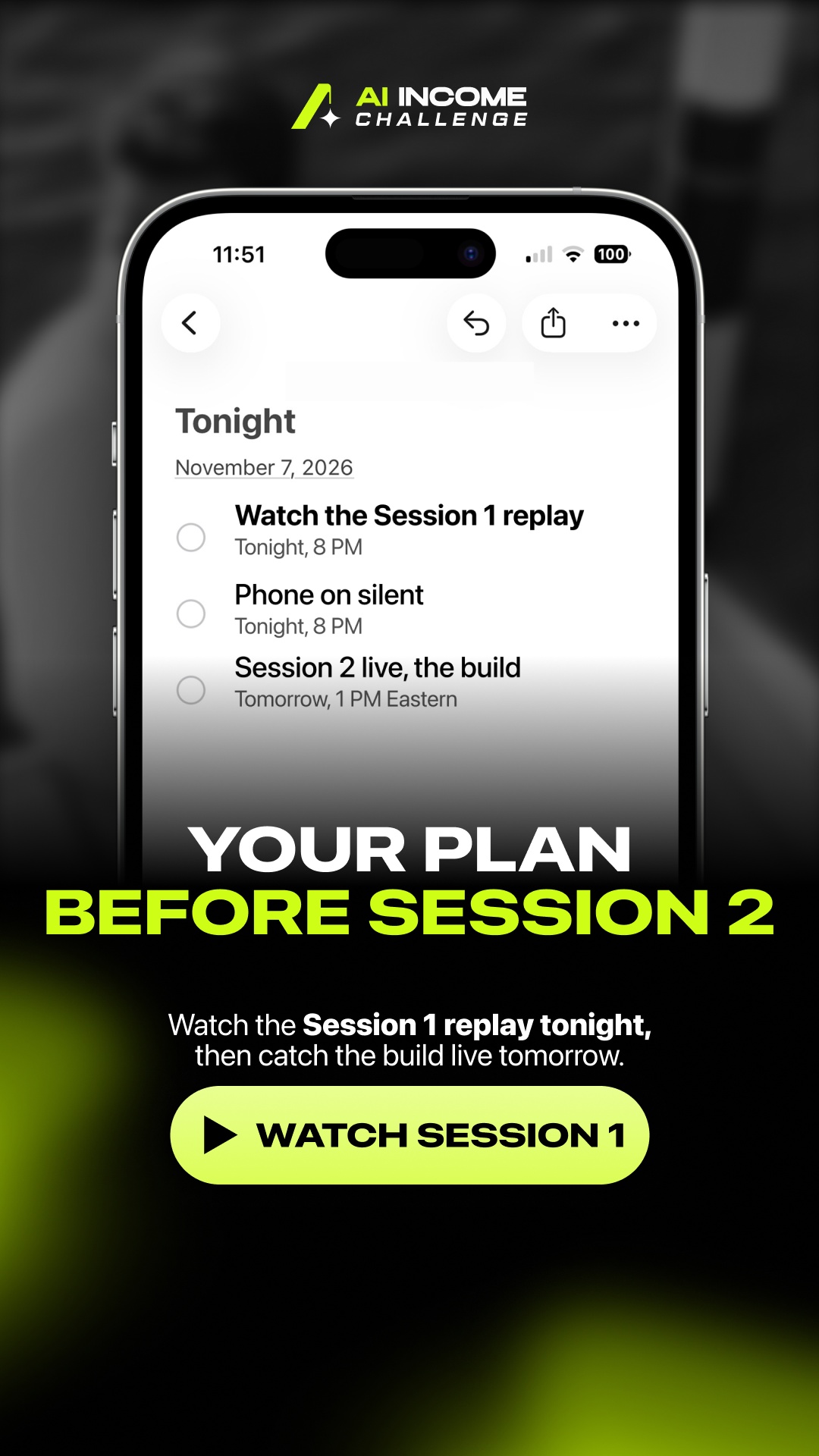
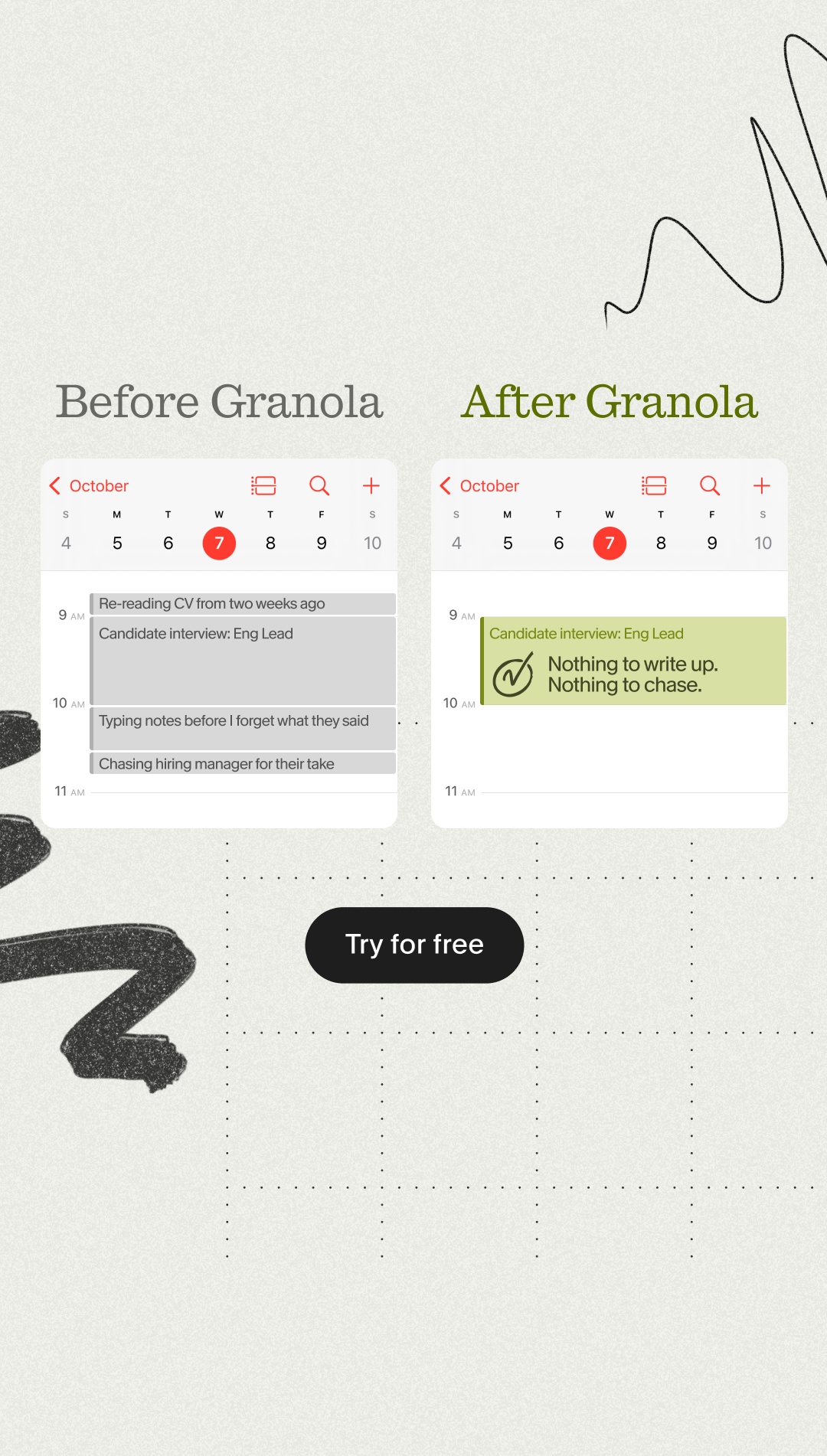
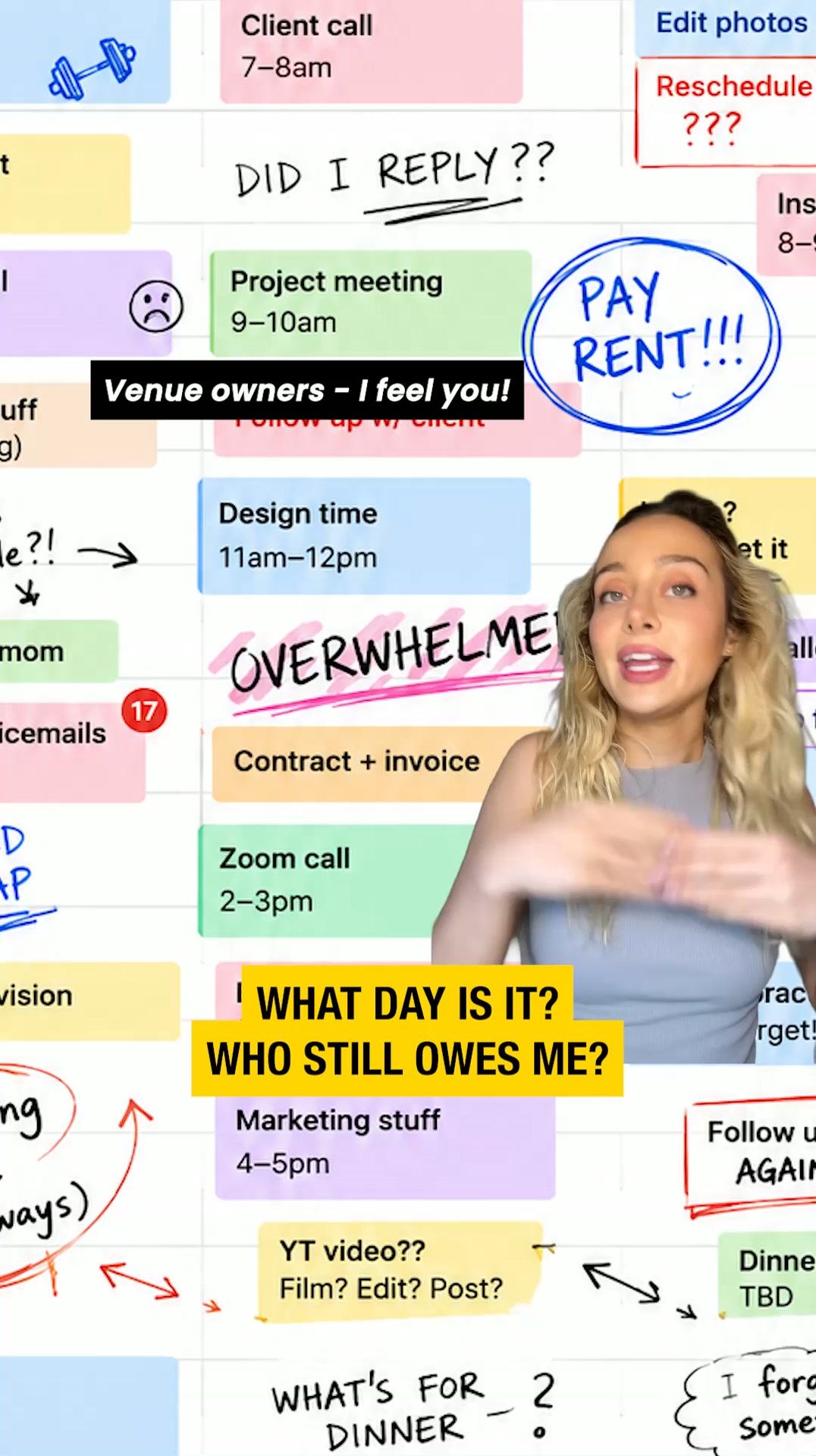
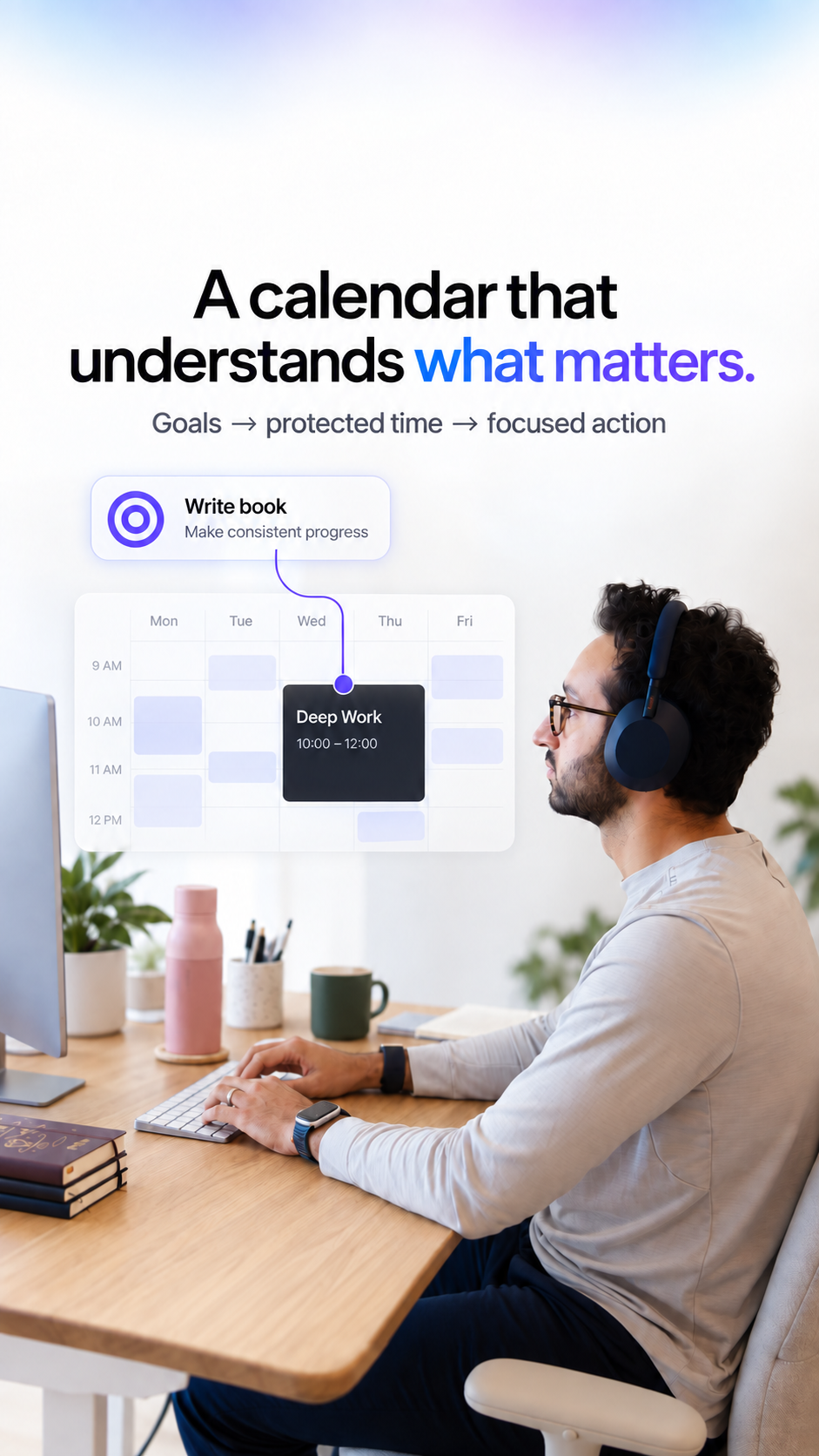
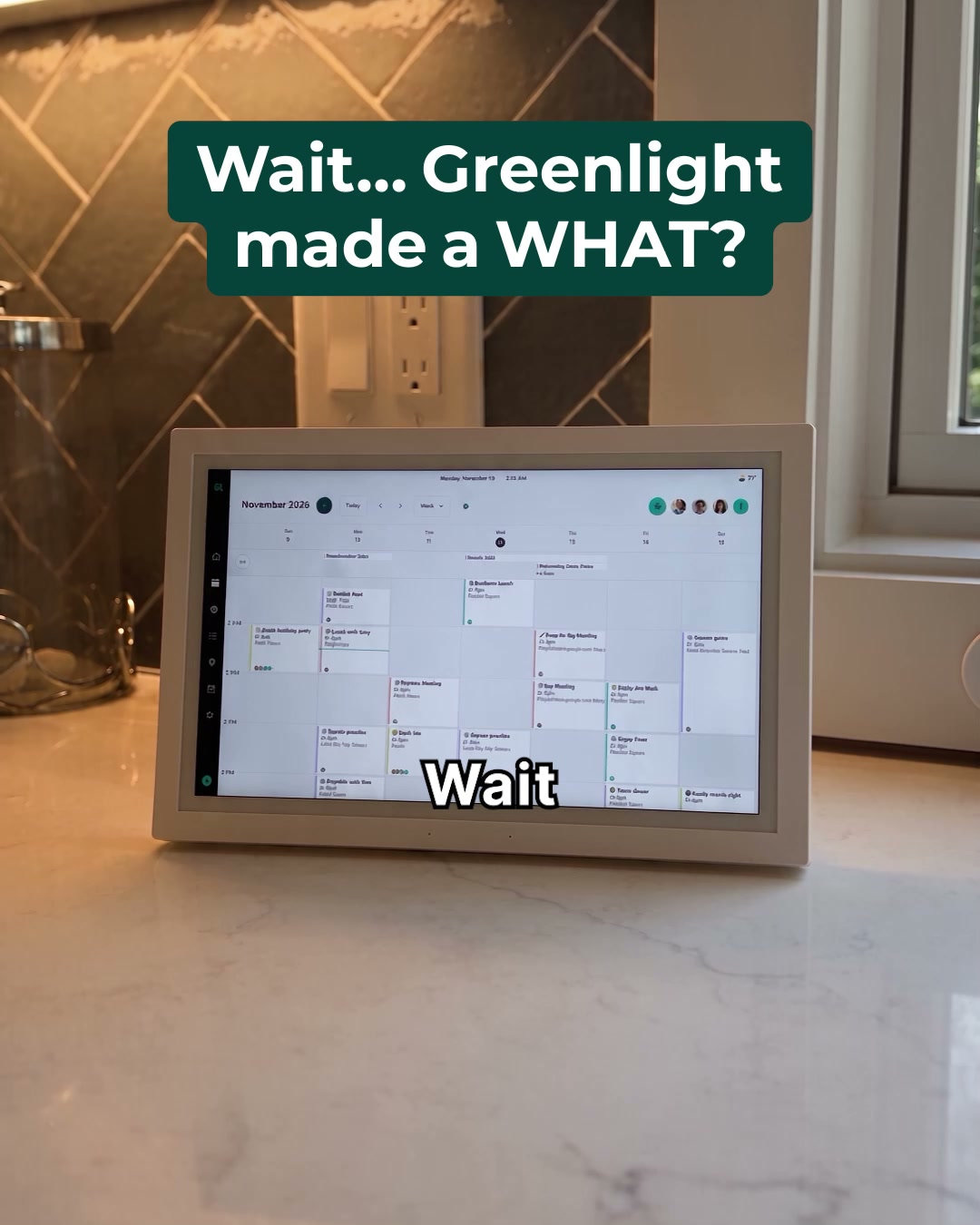
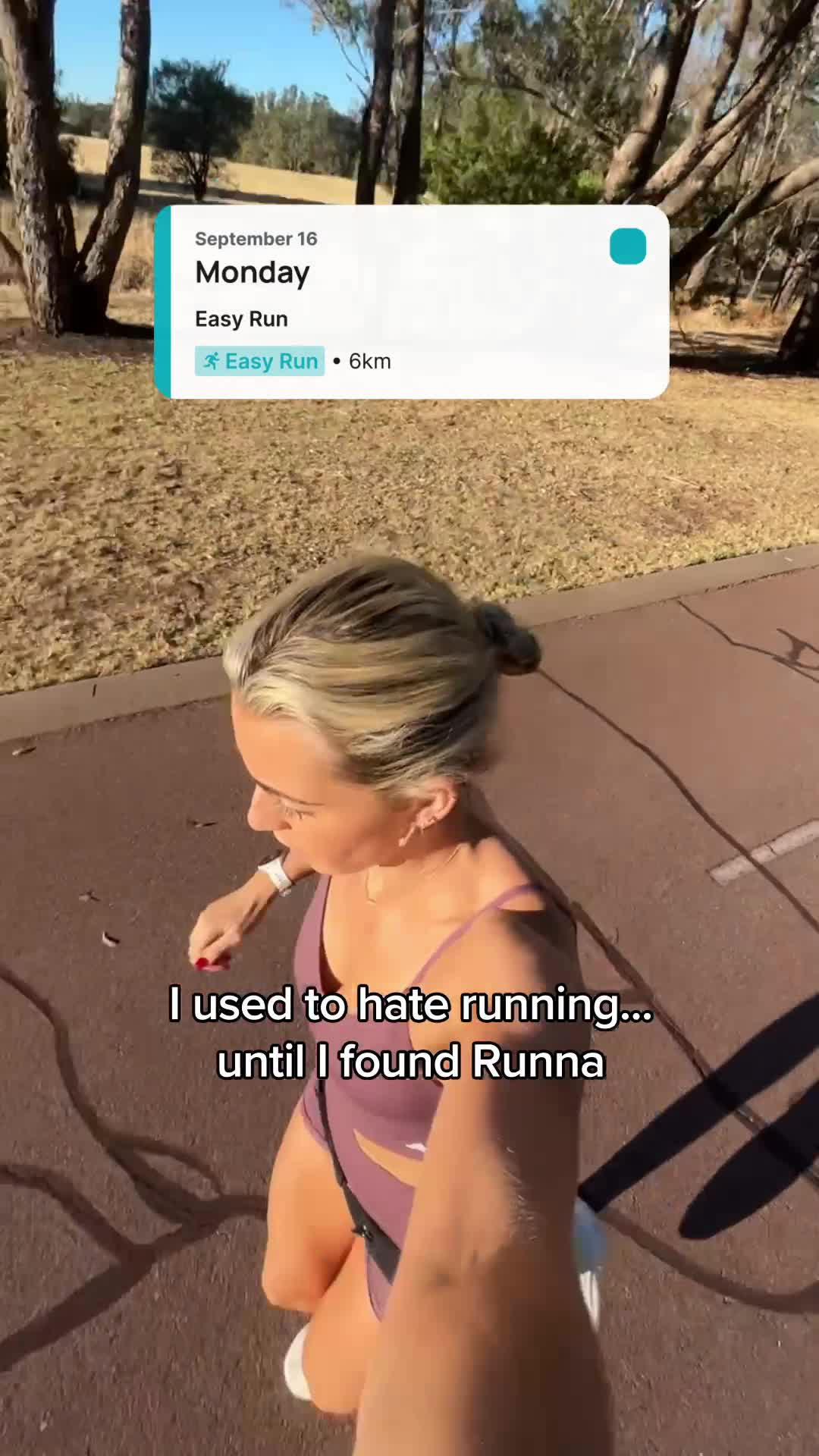
A calendar app mockup ad recreates a phone calendar screen, with the message written as an event, a reminder or a whole week of entries. The entry might be a sale that ends on a date, a reminder to reorder, a routine blocked out hour by hour or a free slot the product creates. Because the layout is one people check every day, the ad reads like a personal schedule rather than a designed banner. As a visual format it is about the interface: the date, the time and the event title carry the pitch. It often sits close to the countdown and event announcement formats when the entry is a deadline.
Write the event title as the hook
The event name is the first text the eye lands on, so make it the claim or the reminder itself. A title like Meeting gives the viewer nothing, while a specific task or deadline does.
Use a real date and time
If the ad says something ends on a day, it should end on that day. A date that quietly moves breaks trust with anyone who checks, and it makes the next deadline ad harder to believe.
Copy the interface closely
Use the right typeface, colours and spacing of the calendar you are imitating, light or dark. A close copy looks like a real phone screen, and a rough one looks like a template.
Keep the week readable
A full week of tiny entries is unreadable at feed size. Show a single day or a handful of large blocks, and make the product's entry stand out by colour or position.
Tie the reminder to the landing page
Whatever the entry promises, a price, a class or a launch, should be the first thing the viewer sees after the tap. A calendar ad that lands on a generic homepage wastes the specific promise.
It is a Calendar App Mockup ad when
- The creative recreates a phone calendar screen: a day or week view, an event card or a reminder.
- The pitch is written into the calendar itself, as an event title, a time, a date or a reminder note.
- The layout reads as the viewer's own schedule rather than a designed banner.
Near misses
- A calendar of doors to open, one reveal a day, is an advent calendar.
- A clock or a timer counting down to a deadline is a countdown.
- A phone alarm or clock screen going off at a set time is an alarm app mockup.
- A phone notes screen with a list or a written note is a notes app.
Quick test
Does it look like a screen from the calendar app on the viewer's phone?
Related formats and niches
Ask your AI agent about Calendar App Mockup ads
Claude or ChatGPT searches the 29 Calendar App Mockup ads here and answers with real ads: the hooks, the niches and the brands that kept them running.
Pull the longest-running Calendar App Mockup ads and their hooks
Ranked by how long the brand kept them running on Meta
Write five hooks for my product from these Calendar App Mockup ads
Each with the real ad it learned from
How does Granola build its Meta ads?
Formats, hooks and offers across its 3 ads here
Questions about Calendar App Mockup ads
- What is a calendar app mockup ad?
- A calendar app mockup ad is a creative styled as a phone calendar screen, with the message shown as an event, a reminder or a schedule. It uses a familiar interface so the offer reads like an entry in the viewer's own day.
- How is a calendar app mockup ad different from a countdown ad?
- A countdown ad is built around the time left, often as a timer or a number of days. A calendar mockup shows a date inside a calendar screen and can be about a routine or a saved hour, not only a deadline. A calendar entry for the last day of a sale can carry both tags.
- What can a calendar app mockup ad say?
- A sale end date, a launch day, a reminder to reorder, a class booking, a daily routine or a before and after of a busy week. The common thread is that the message fits naturally as an entry in someone's schedule.
- Do calendar app mockup ads have to copy a specific phone?
- They usually borrow the look of a familiar phone calendar so the screen reads instantly. Brands avoid showing another company's logo or implying that the calendar maker endorses the product.
- How do I find calendar app mockup ads to study?
- Browse the gallery above for calendar app mockup ads from real brands on Facebook and Instagram. Your AI agent can also search the library for them and list the event titles brands chose as the hook.
- What is the difference between Calendar App Mockup ads and Countdown ads?
- A countdown ad shows the time left, a timer or the days until an offer ends. A calendar app mockup puts the deadline or the routine inside a phone calendar screen, as an event or a reminder the viewer might have set.
- What is the difference between Calendar App Mockup ads and Advent Calendar ads?
- An advent calendar ad shows a grid of doors to open, one reveal a day. A calendar app mockup copies a phone's calendar screen and writes the pitch as an event or a reminder, with nothing to open.
- What is the difference between Calendar App Mockup ads and Alarm App Mockup ads?
- An alarm app mockup shows a phone alarm or clock going off at a set time. A calendar app mockup shows a calendar screen, where the message is an event with a date, a title and often a place.